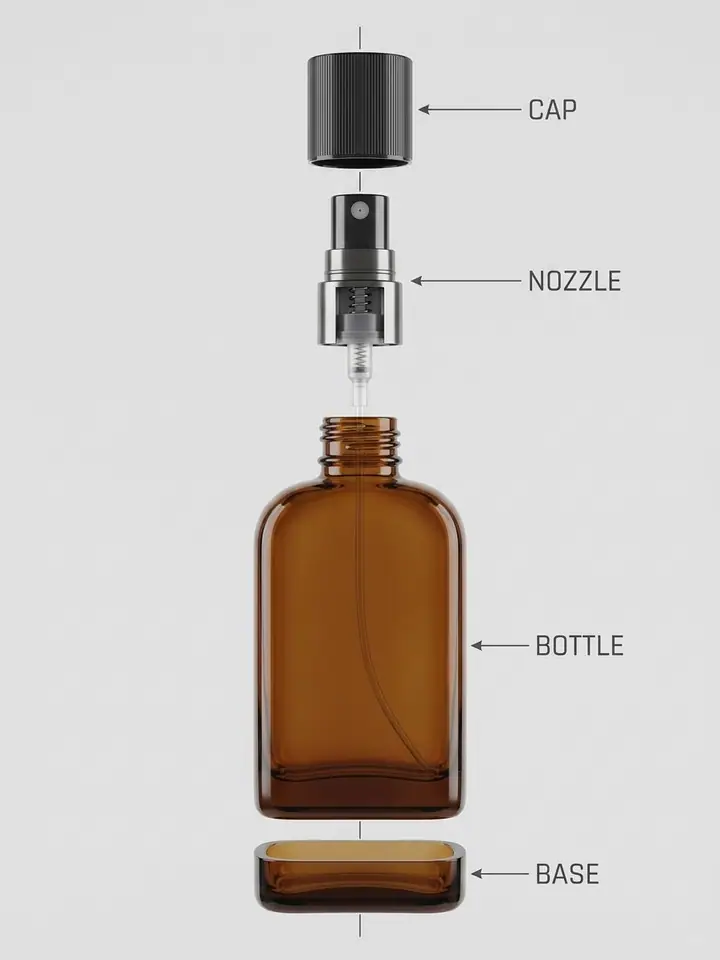
Exploded View Diagram Prompt
Shows your product taken apart in a clean, labelled exploded-view render.
- Nano Banana Pro
- 1 photo
- 3:4
- Products
Prompt
Create a clean exploded-view technical render of the product in the uploaded image: its parts separated along one vertical axis (cap, nozzle, bottle, base), with thin leader lines and short labels. Keep the design accurate. Light grey background, soft studio light, precise industrial-design look.
Upload one photo. A clean photo of your product
- #exploded view
- #diagram
- #product
- #technical
How to use this prompt
- 01
Upload a photo
Upload one photo. A clean photo of your product
- 02
Paste the prompt
Press Use this prompt to open it in Photo studio, or Copy prompt to paste it into Gemini. Replace any words in [square brackets] with your own details.
- 03
Generate and download
Run it on Nano Banana Pro at 3:4. If the first result is close but not right, change one detail at a time and run it again.
Related prompts
All products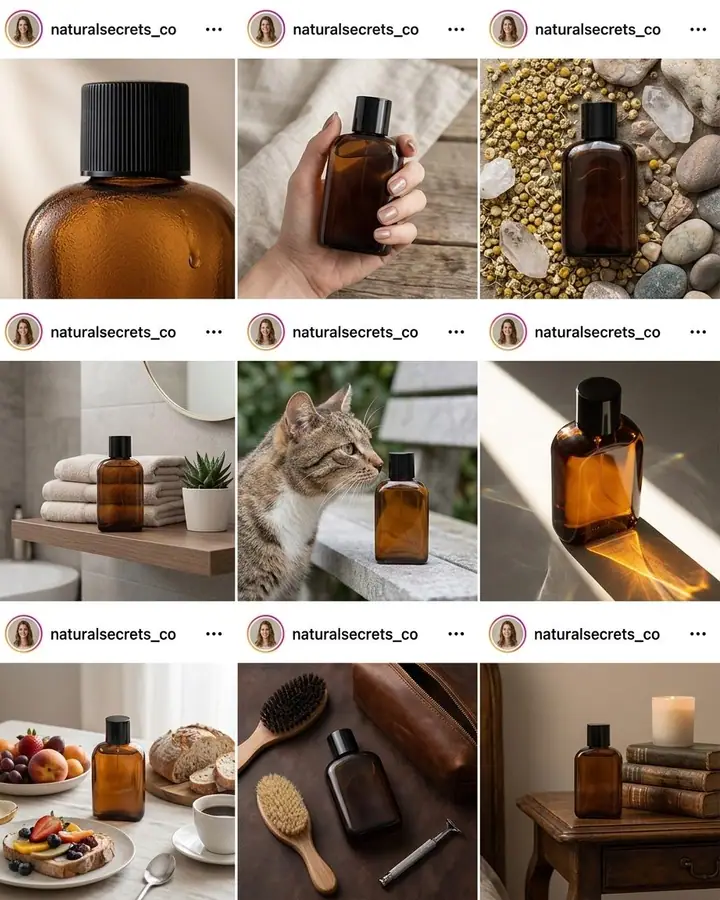
9-Post Instagram Feed for a Product
1 photo
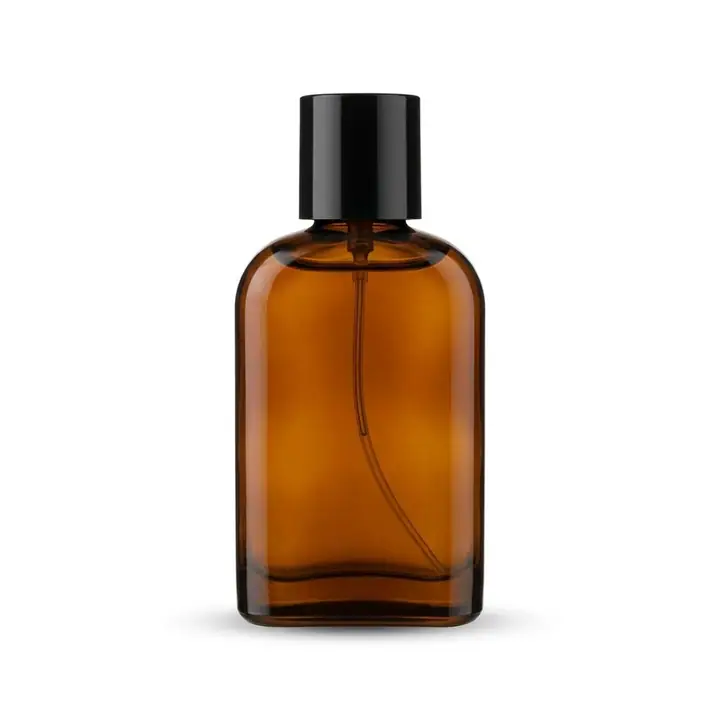
Clean White Background Packshot
1 photo

Conceptual Product Ad
Text only
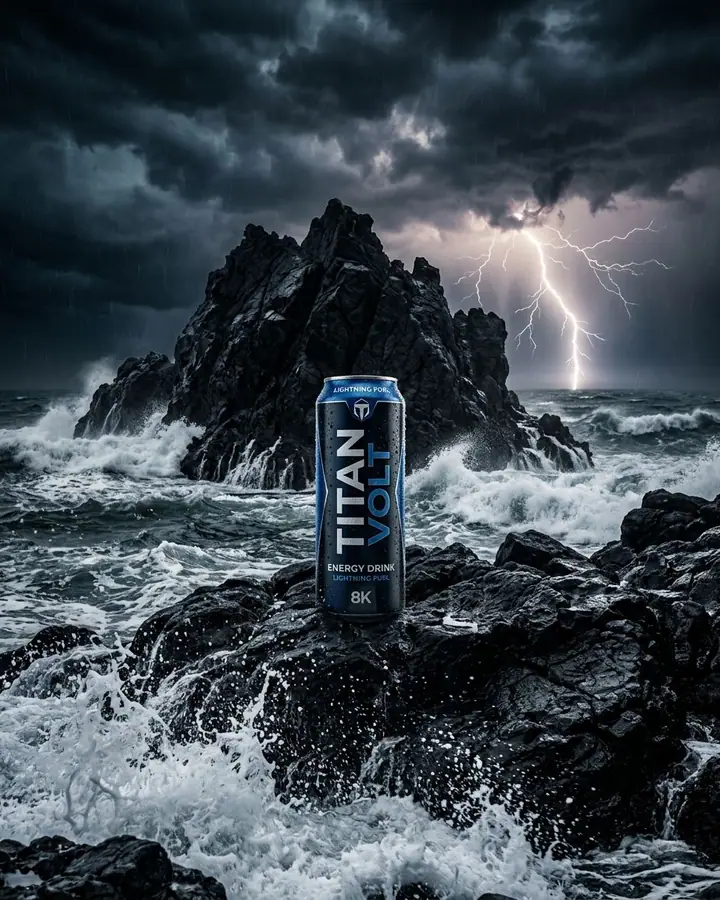
Drink Can on a Storm Island
Text only

Golden Hour Wave Splash
Text only
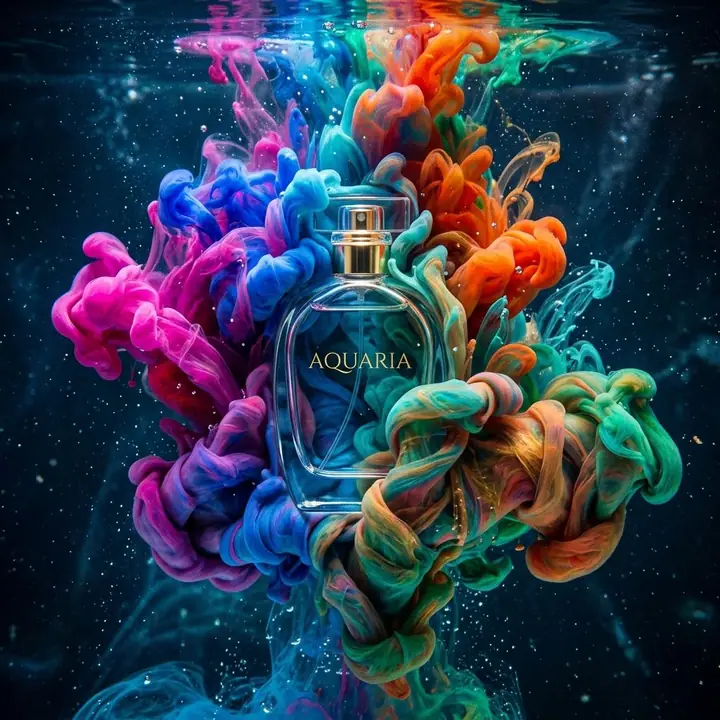
Ink Cloud Product Shot
Text only
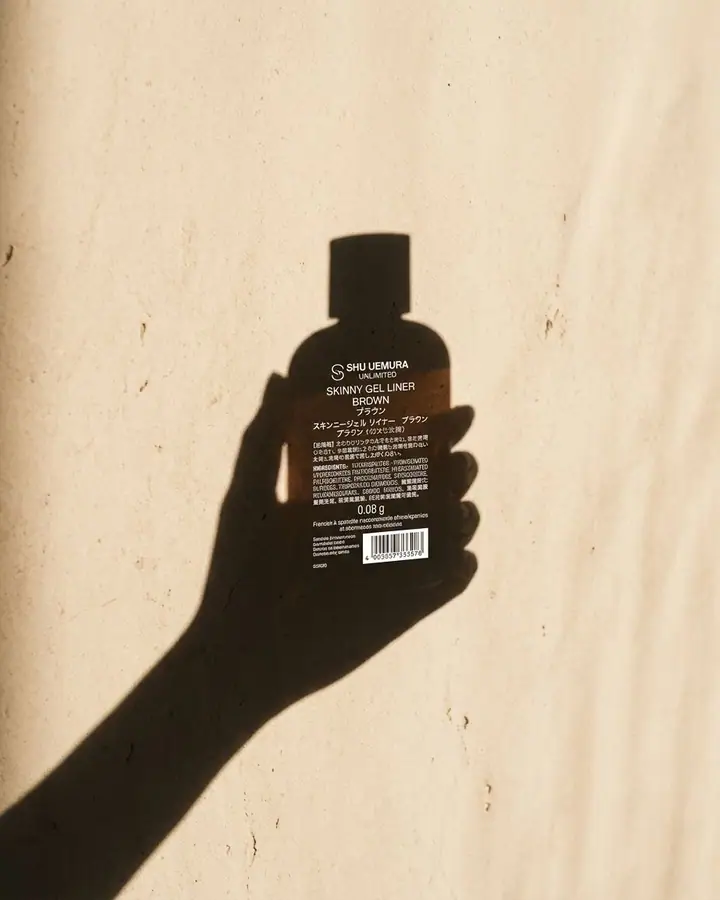
Product in a Hand Shadow
1 photo
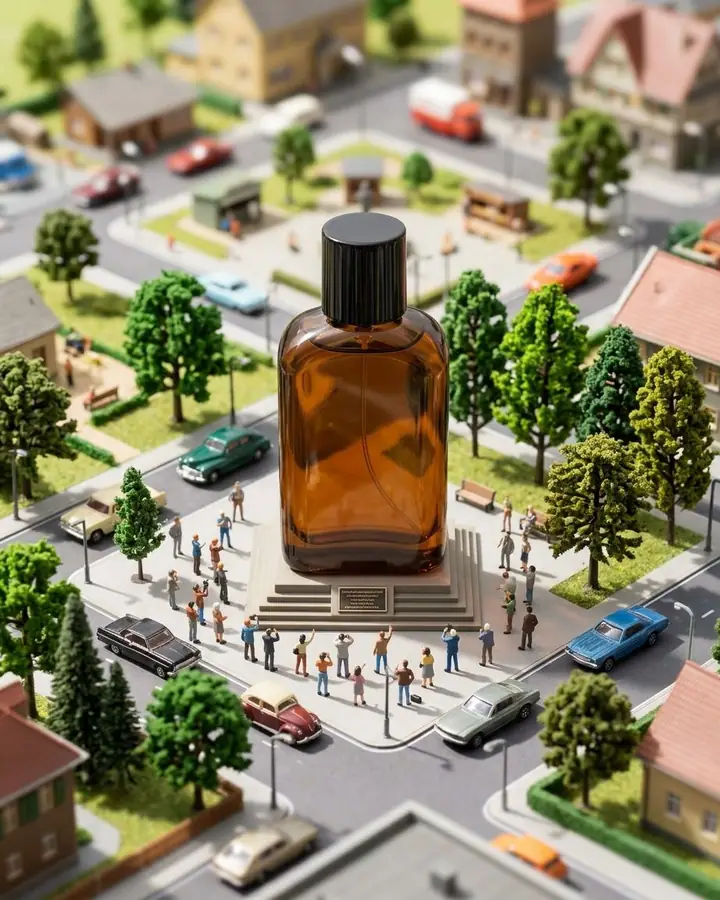
Product in a Miniature World
1 photo
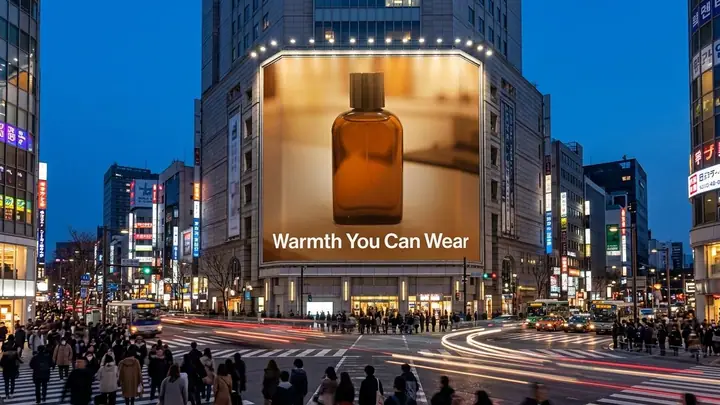
Product on a City Billboard
1 photo
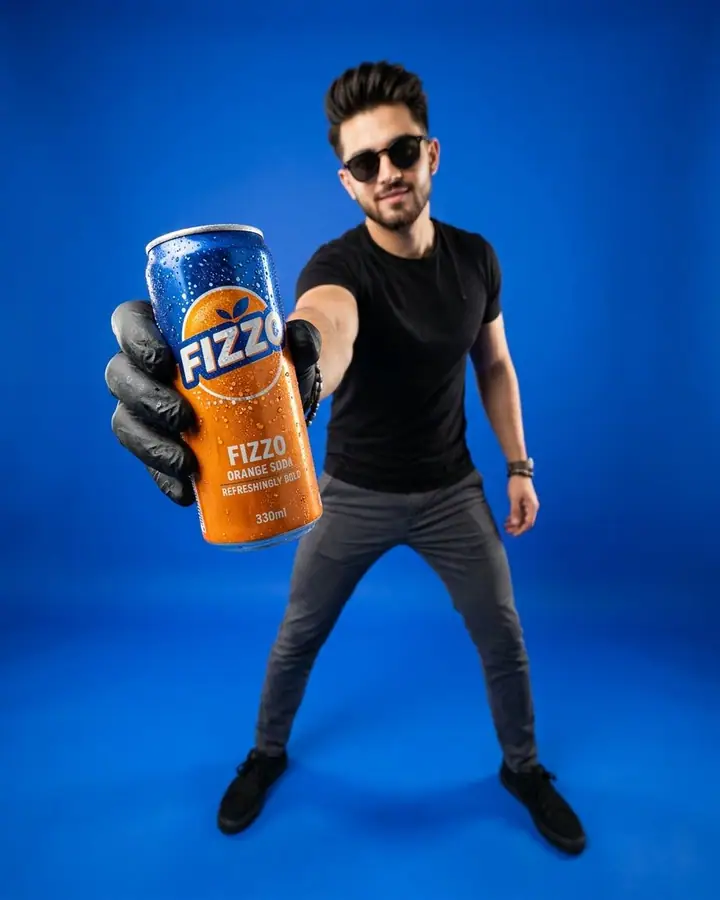
Product Reach Studio Poster
Text only
Matching one-tap effects


Browse more prompts
- 3D Figurine & Toy Prompts 24
- Retro & Vintage Photo Prompts 25
- Cinematic Portrait Prompts 33
- AI Headshot Prompts 15
- AI Couple Photo Prompts 20
- Nostalgia & Memory Photo Prompts 14
- Saree & Traditional Outfit Prompts 14
- AI Fashion & Editorial Prompts 23
- Aesthetic Selfie Prompts 15
- Anime, Ghibli & Cartoon Prompts 19
- AI Art Style Prompts 24
- Fantasy & Cinematic Scene Prompts 27
- AI Pet Photo Prompts 13
- AI Food Photography Prompts 16
- AI Travel Photo Prompts 23
- Holiday & Seasonal Photo Prompts 19
- Poster, Sticker & Infographic Prompts 23