AI Cartoon Photo Generator
Turn photos into cartoon characters in seconds. Powered by Nano Banana 2 and Pro models - fast, affordable, no subscription.
How to Create Cartoon Generator Art
1. Upload Photo
Upload any photo from your device. We support JPG, PNG, WebP, and HEIC formats.
2. AI Transforms
Our AI applies cartoon generator styling to your photo in 5-15 seconds.
3. Download
Download your transformed artwork in high resolution. Ready to share or print.
What is AI Cartoon Generator?
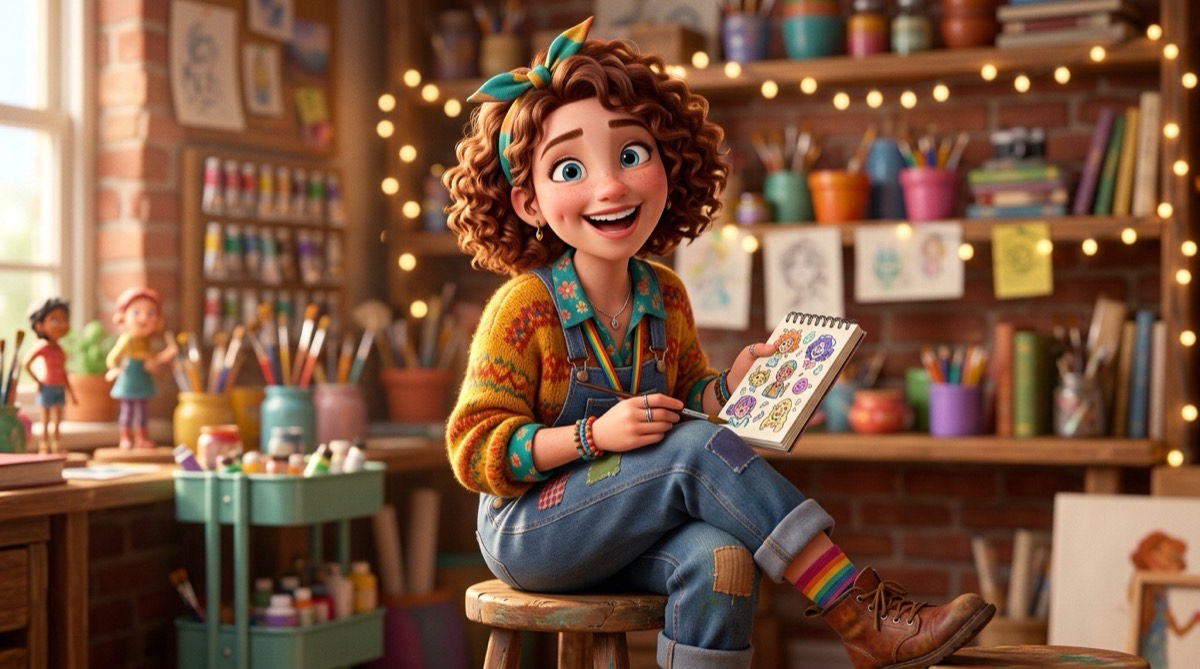
Our AI Cartoon Generator transforms ordinary photos into delightful cartoon illustrations. Using advanced AI, it can create Pixar-quality 3D cartoon renders, Disney-inspired character designs, or classic 2D cartoon styles from any photograph.
How Does It Work?
Upload your photo and the AI analyzes facial features, expressions, and composition. It then reimagines the image as a cartoon character, exaggerating features for that characteristic cartoon look while maintaining recognizability.
What Can You Create?
- Create cartoon profile pictures that stand out
- Turn family photos into fun cartoon illustrations
- Generate cartoon avatars for presentations
- Make cartoon gift portraits for friends
- Create cartoon versions for wedding invitations
Tips for Best Results
- Photos with expressive faces produce the funniest cartoons
- Group photos create fun cartoon ensemble scenes
- Try pet photos for adorable cartoon animals
- Clean backgrounds help the AI focus on the subject
Why Choose Soracai for Cartoon Generator Art?
Lightning Fast
Generate in 5-15 seconds with Nano Banana 2 or Pro models.
No Subscription
Pay per use starting at $0.99. No monthly fees.
2 AI Models
Choose Nano Banana 2 for speed or Pro for maximum quality.
Commercial Use
Full rights to use generated images anywhere.
Frequently Asked Questions
Related AI Art Styles
AI Anime Generator
Transform your photos into stunning anime-style artwork. Create anime versions of yourself, your friends, or any photo with our AI-powered anime generator.
Try itAI Caricature Generator
Create hilarious caricatures from any photo. Our AI exaggerates features and expressions for fun, shareable caricature artwork.
Try itAI Pixel Art Generator
Transform photos into retro pixel art. Create 8-bit, 16-bit, and modern pixel art from any photograph with our AI pixel art generator.
Try itReady to Create Cartoon Generator Art?
Transform your photos with AI Cartoon Generator in seconds. No subscription, pay only for what you use.
Get Started