


What is the AI Clay Filter?
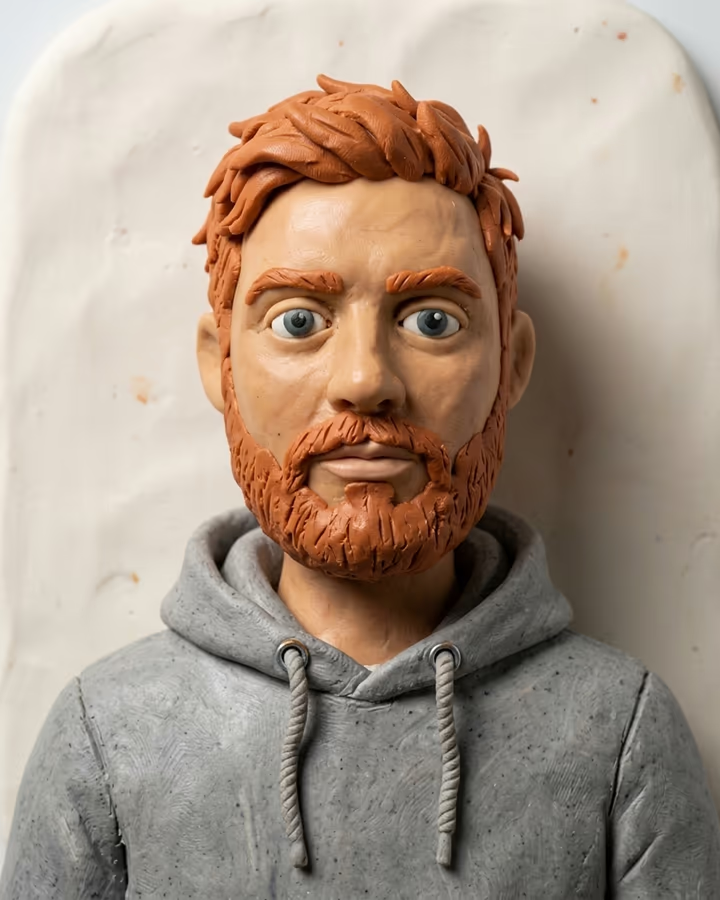
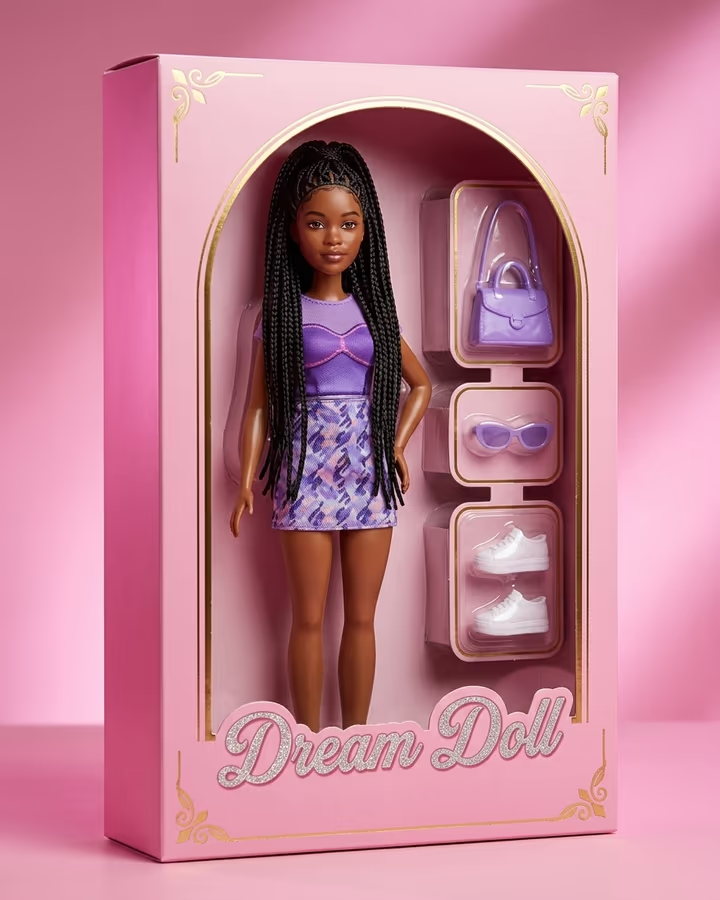
The AI clay filter rebuilds your photo as if an animator had sculpted you out of plasticine and set you up for a stop-motion shoot. Instead of a smooth 3D render, you get the look people love about claymation: chunky shapes, slightly uneven surfaces, little fingerprint dents and tool marks, flat matte colors and oversized expressive eyes. Your hairstyle, beard, glasses, outfit and colors carry over, and the background turns into a miniature clay version of wherever the photo was taken.
The plasticine look has been a recurring social media favorite for years, helped along by the long tradition of claymation films and TV shorts that many people grew up with. Once image models became good at editing a real photo instead of inventing a new one, "turn me into clay" became one of the most shared style swaps on TikTok and Instagram, often posted as a side-by-side with the original. It works because it is instantly readable and a little funny: you are still clearly you, just softer, lumpier and handmade.
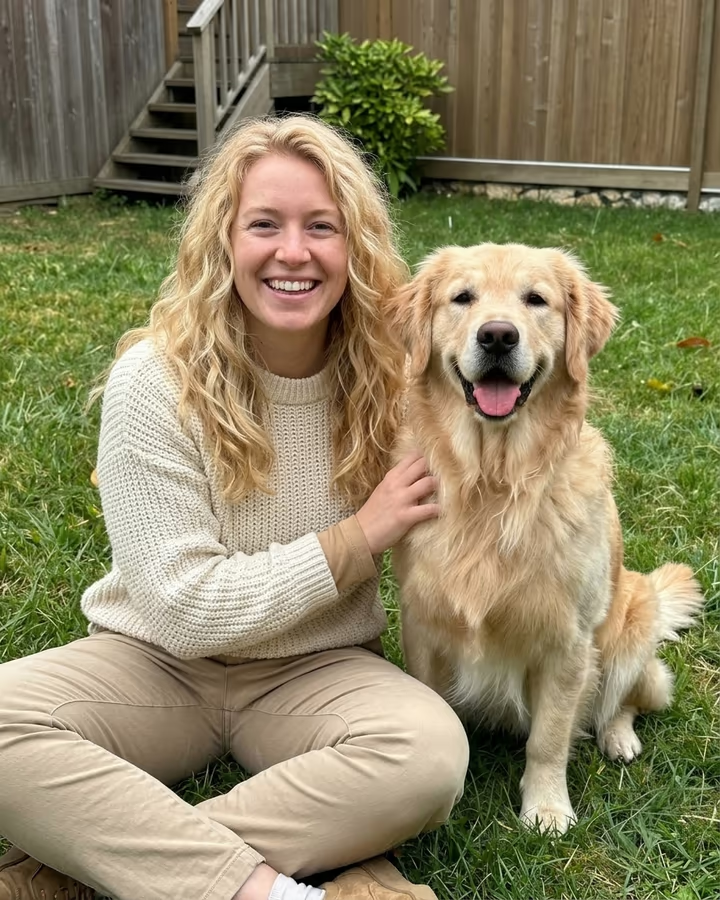
This page runs that edit with a single upload. You do not need to write a prompt or pick settings; the template already describes the materials, lighting and set. The result comes back as a 4:5 portrait image you can download and post. Example images on this page were made from AI-generated fictional people.
What makes it look like real plasticine
Real claymation has a few tells that separate it from glossy 3D animation, and the prompt behind this filter asks for each of them. Surfaces are matte rather than shiny, with soft light from a studio lamp instead of sharp reflections. Shapes are slightly lumpy, the way clay looks after it has been rolled and pressed by hand. There are faint fingerprints and tool marks, especially on larger flat areas like cheeks and clothing. Eyes are big and simple, which is what gives clay characters their expressive faces.
The set matters too. Rather than dropping a clay figure onto your original photo background, the model rebuilds the whole scene as a miniature, so a kitchen becomes a tiny clay kitchen and a park becomes clay grass and trees.
Clay filter vs other cartoon styles
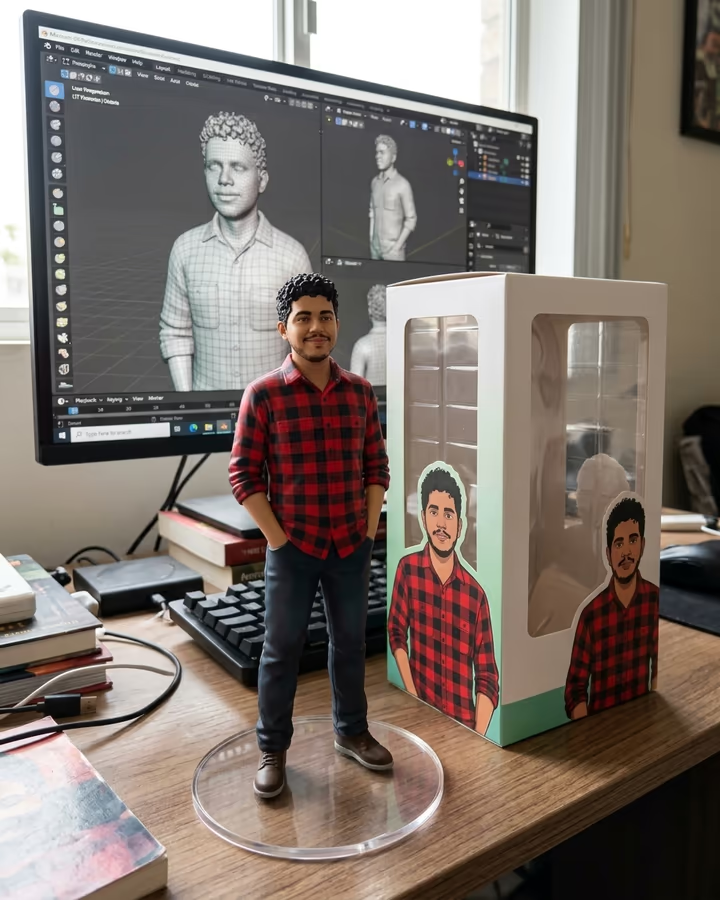
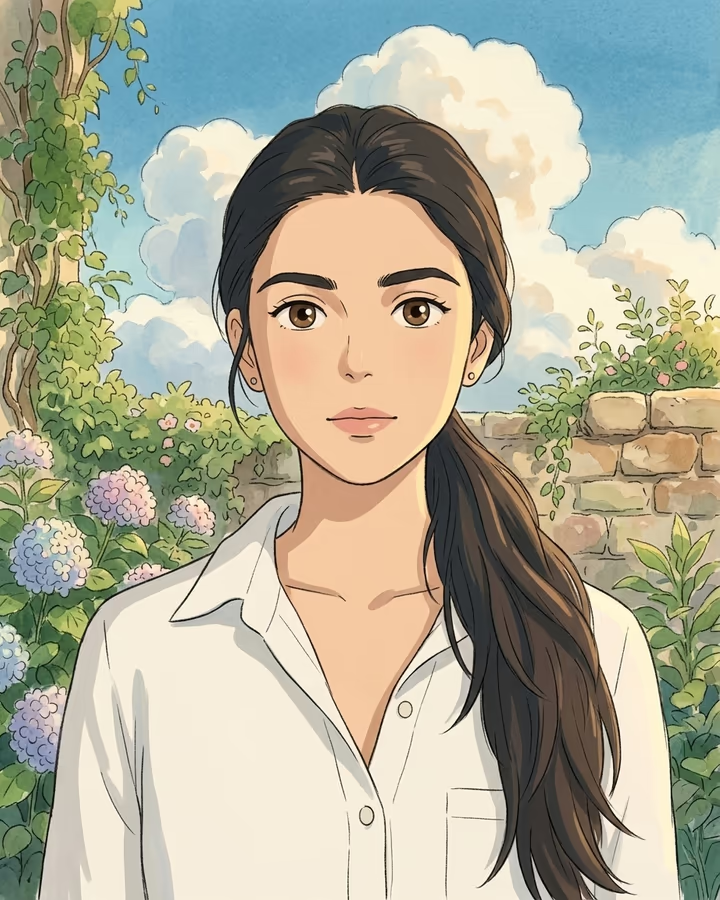
If you want something smoother and more cinematic, the 3D figurine generator turns you into a collectible figure on a desk, and the anime and hand-painted styles give you a drawn look instead of a sculpted one. The clay filter sits in between: it is three-dimensional, but deliberately imperfect and handmade.
That imperfection is the point. It makes the image feel warm and a bit silly, which is why clay versions of couples, families and pets tend to get shared more than very polished renders. If you plan to post a series, try the same photo through two or three styles and keep the one that reads best at phone size.