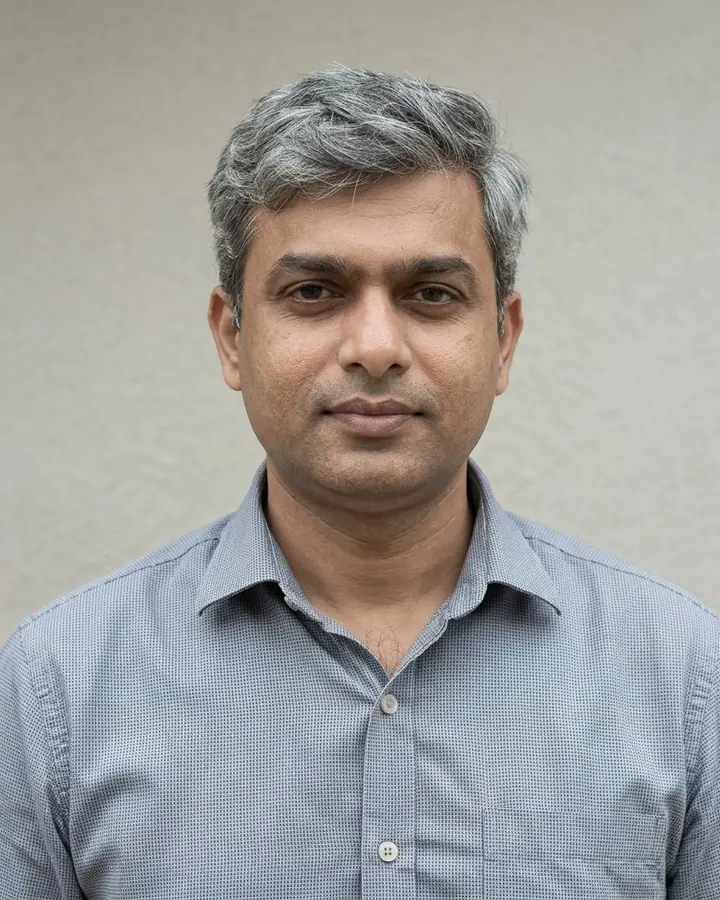
Restore an Old Photo Prompt
Repairs scratches, tears and fading on an old family photo while keeping faces authentic.
- Nano Banana 2
- 1 photo
- 4:5
- Family & memories
Prompt
Restore this old photograph. Remove scratches, dust, tears, creases and stains, rebuild missing corners, and recover detail in the faces, hair and clothing. Keep every person's face, expression and the original composition exactly; do not beautify or modernise anyone. Gently sharpen, balance contrast and keep a natural period look.
Upload one photo. A scan or photo of the old print
- #photo restoration
- #old photo
- #repair
- #family
How to use this prompt
- 01
Upload a photo
Upload one photo. A scan or photo of the old print
- 02
Paste the prompt
Press Use this prompt to open it in Photo studio, or Copy prompt to paste it into Gemini. Replace any words in [square brackets] with your own details.
- 03
Generate and download
Run it on Nano Banana 2 at 4:5. If the first result is close but not right, change one detail at a time and run it again.
Where this trend comes from
Photo restoration was one of the Nano Banana uses Google highlighted in its round-up of the biggest trends of 2025.
Related prompts
All family & memories
Colourise a Black and White Photo
1 photo
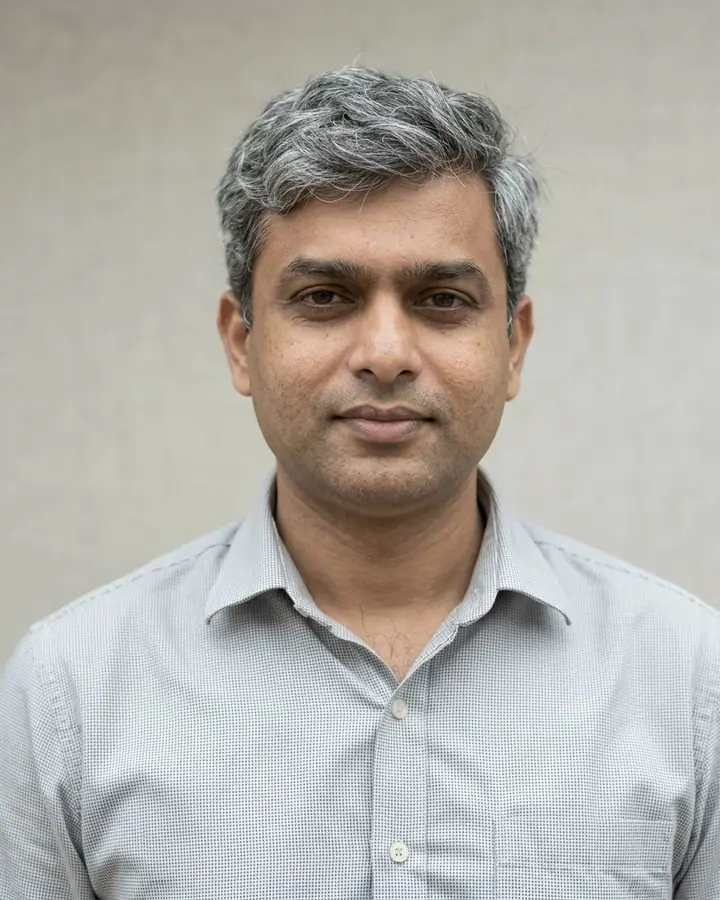
Grandparents Photo Brought to Life
1 photo
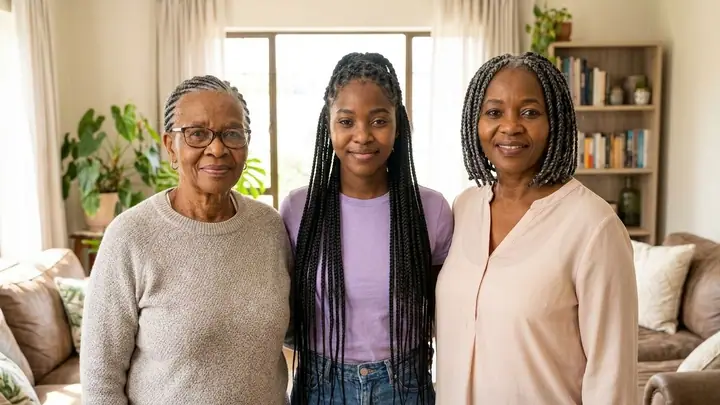
Three Generations Portrait
1 photo
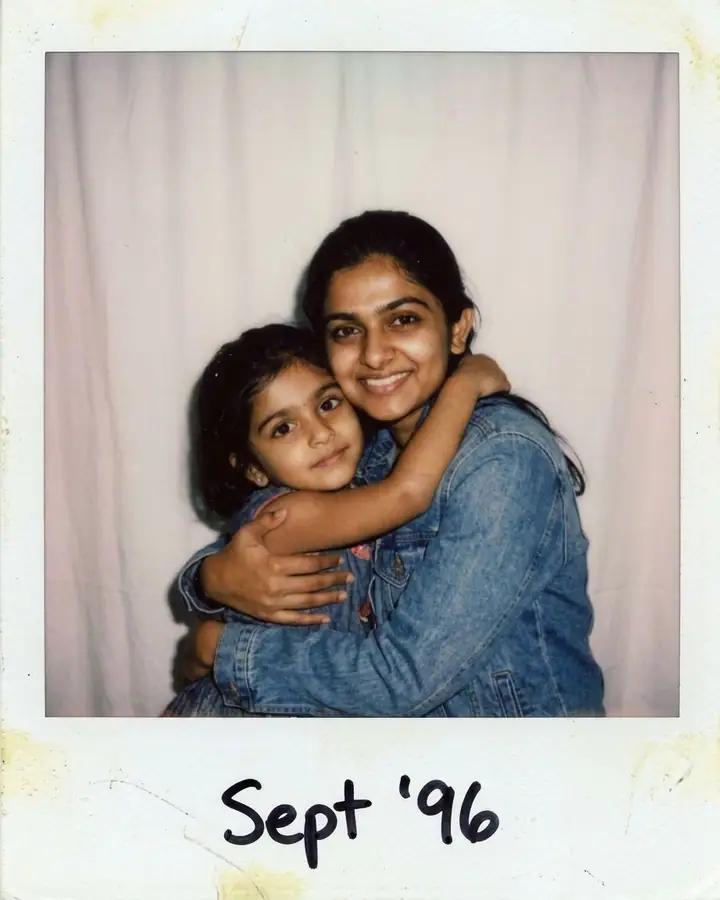 Viral
ViralHug Your Younger Self
1 photo
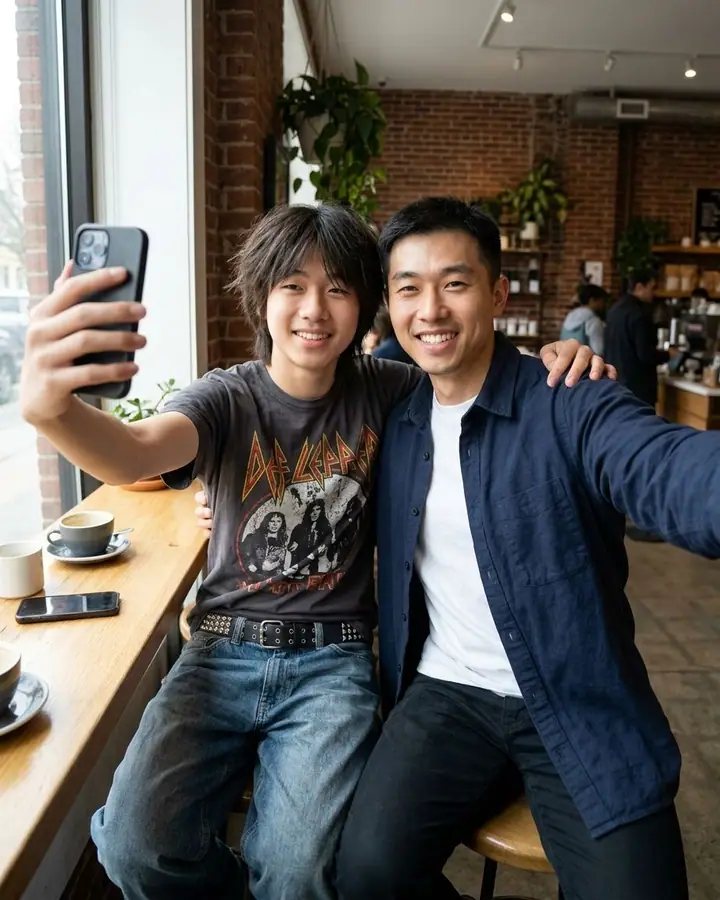 Viral
ViralSelfie with Your Past Self
1 photo
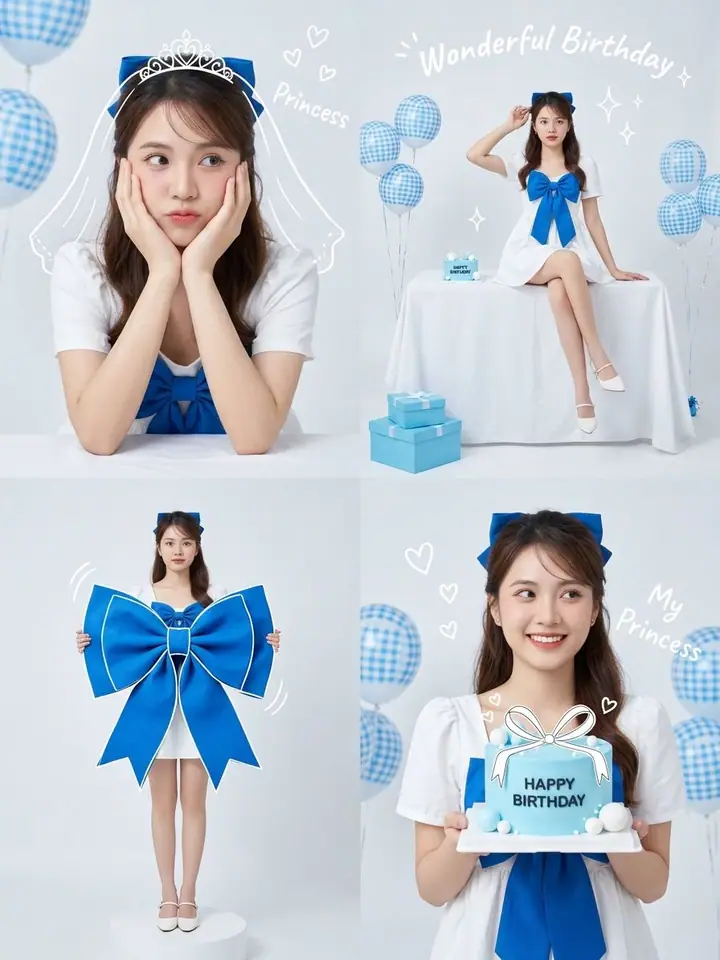
Birthday Princess Photo Booth
Text only
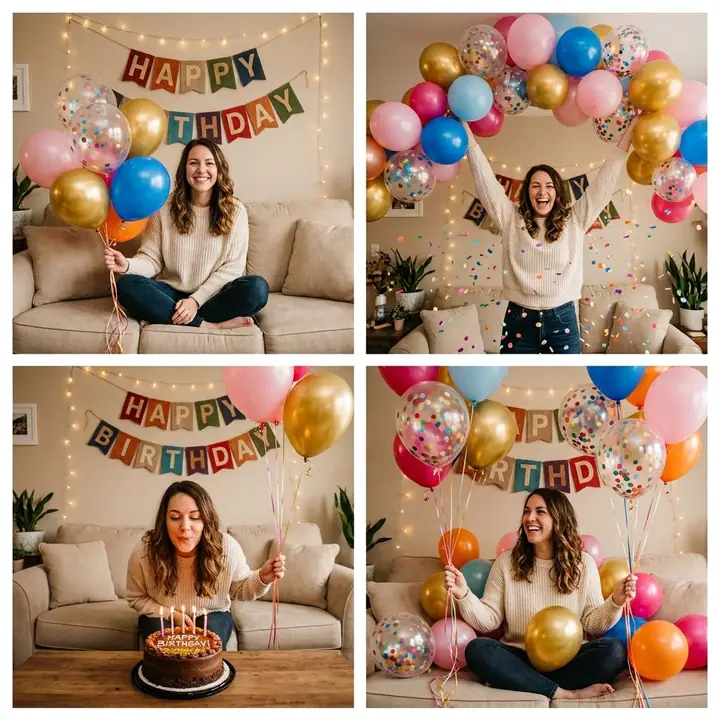
Cozy Home Birthday Collage
Text only
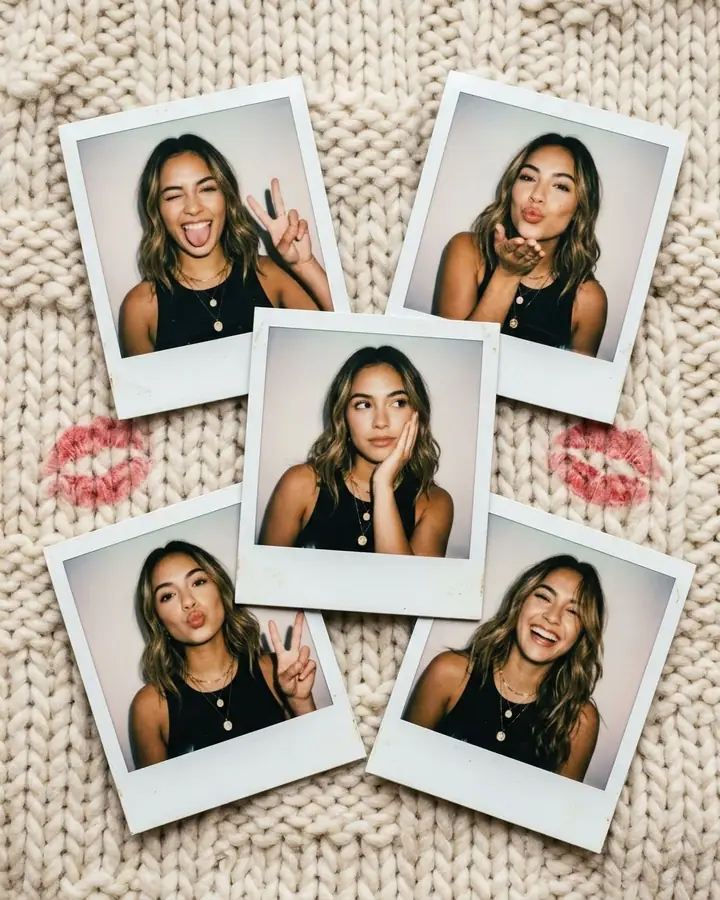
Five Polaroids on Knit Blanket
Text only
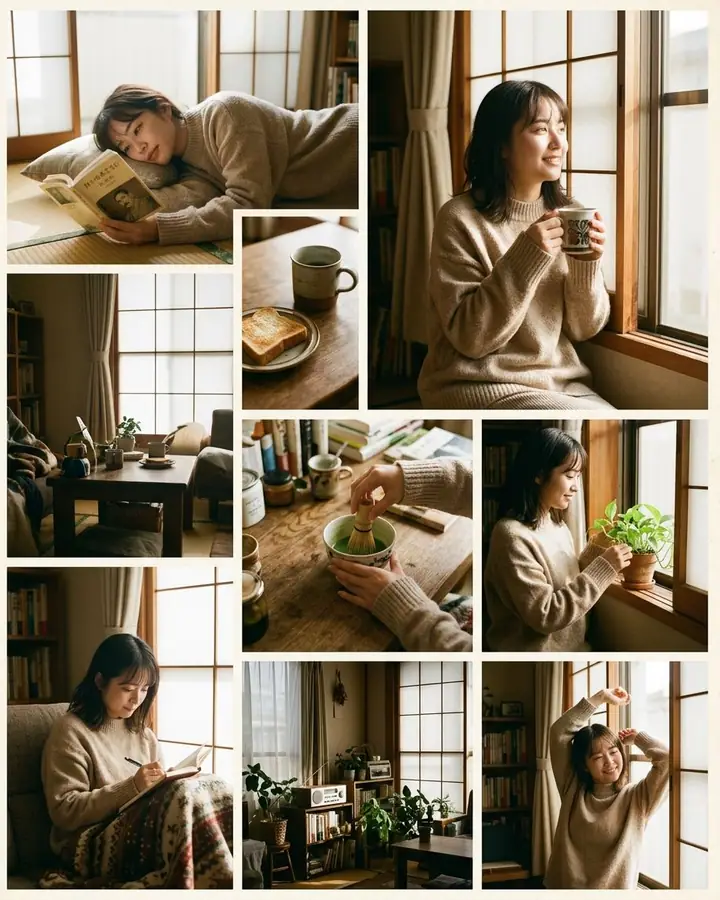
Japanese Morning Photo Collage
Text only
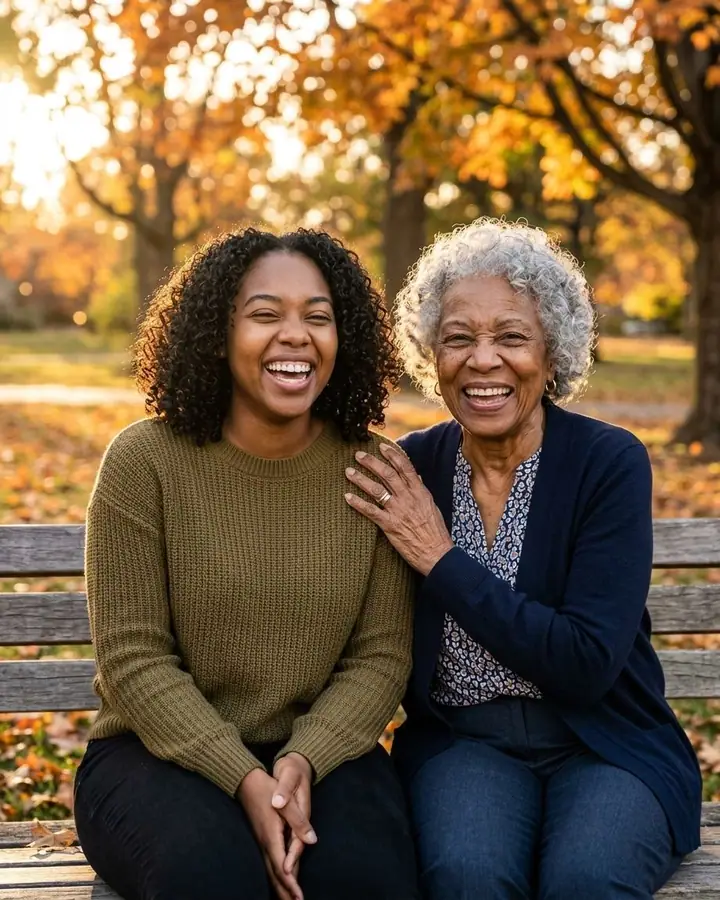
Meet Your Older Self
1 photo
Matching one-tap effects
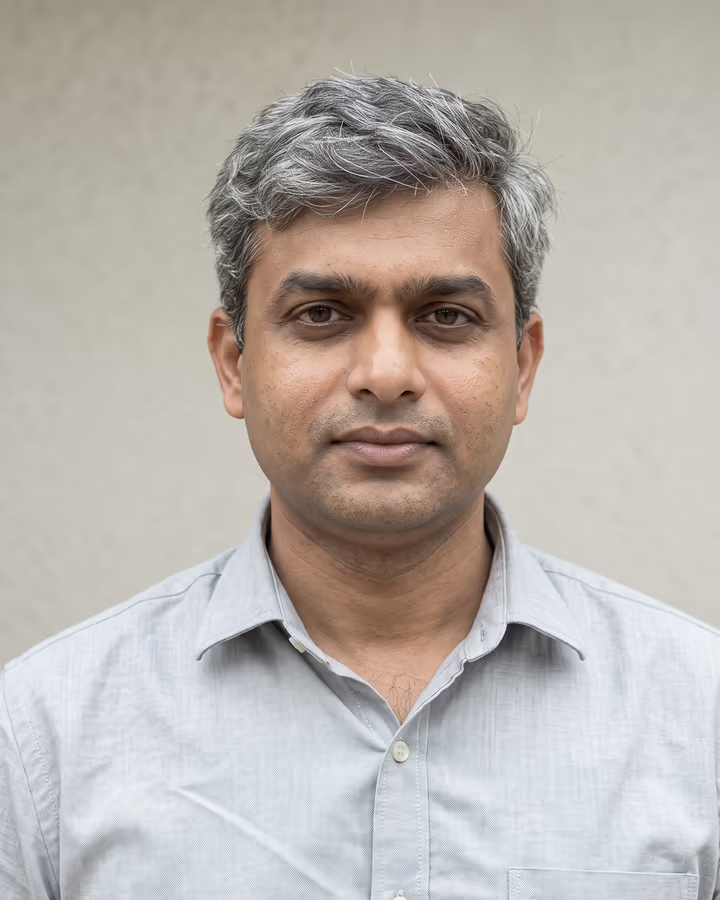
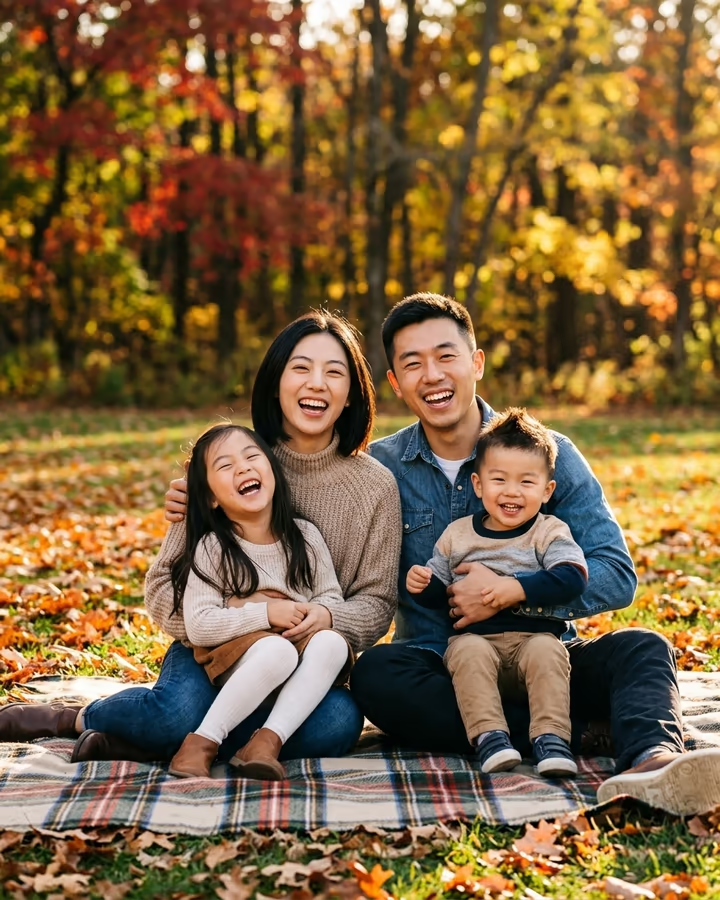
Browse more prompts
- 3D Figurine & Toy Prompts 24
- Retro & Vintage Photo Prompts 25
- Cinematic Portrait Prompts 33
- AI Headshot Prompts 15
- AI Couple Photo Prompts 20
- Saree & Traditional Outfit Prompts 14
- AI Fashion & Editorial Prompts 23
- Aesthetic Selfie Prompts 15
- Anime, Ghibli & Cartoon Prompts 19
- AI Art Style Prompts 24
- Fantasy & Cinematic Scene Prompts 27
- AI Pet Photo Prompts 13
- AI Product Photography Prompts 22
- AI Food Photography Prompts 16
- AI Travel Photo Prompts 23
- Holiday & Seasonal Photo Prompts 19
- Poster, Sticker & Infographic Prompts 23