
9 Things Seedance 2.0 Does Better Than Kling 2.6 for Dance Videos (And the 3 Where It Falls Short): A June 2026 Motion Control Showdown
ByteDance just revealed Seedance 2.0's 50-reference system and native 4K output. But does it actually beat Kling 2.6 for dance videos? Here's the unfiltered breakdown.
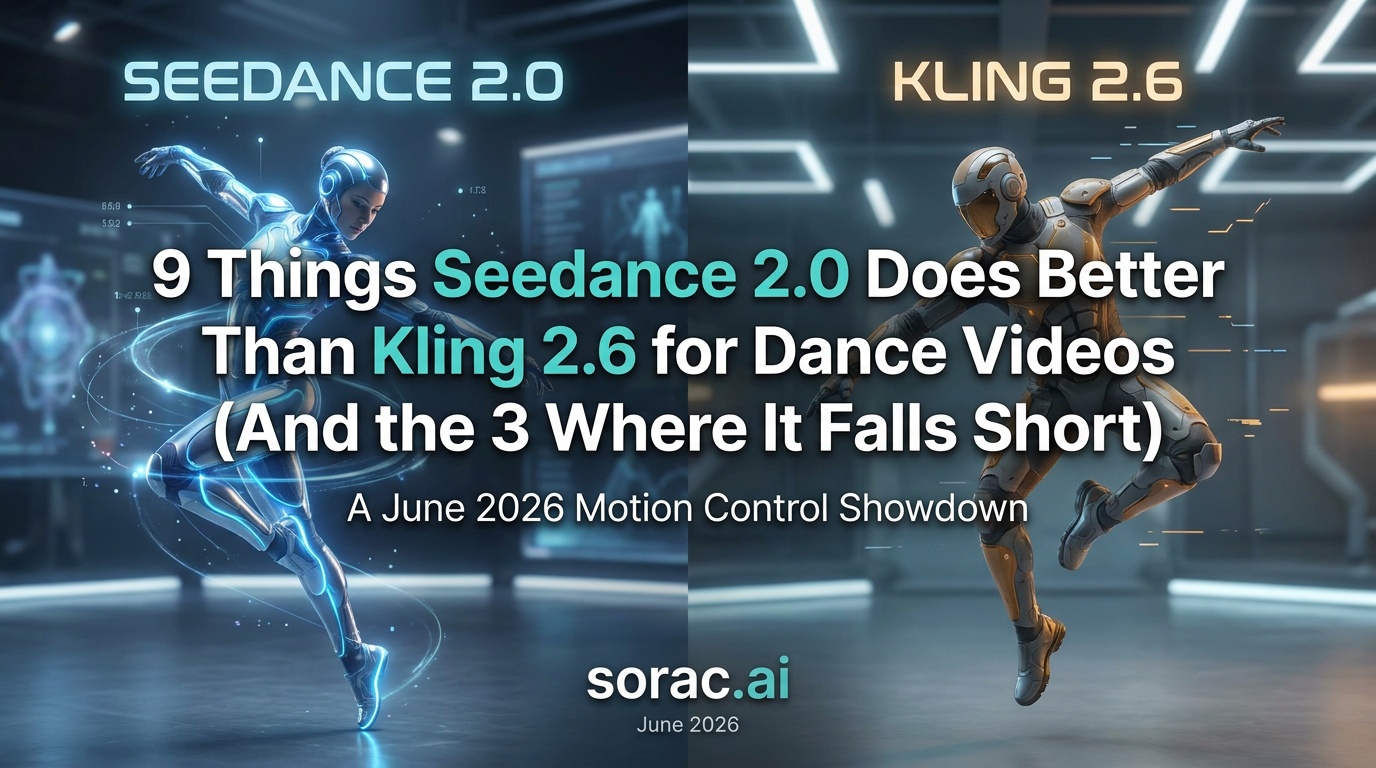
9 Things Seedance 2.0 Does Better Than Kling 2.6 for Dance Videos (And the 3 Where It Falls Short): A June 2026 Motion Control Showdown
Look, I'm not here to tell you that one AI dance tool is objectively "better" than the other. But after ByteDance dropped some serious bombshells at their Volcano Engine FORCE conference on June 23, we need to talk about what Seedance 2.0 is doing that Kling 2.6 isn't—and where Kling still holds the crown.
If you're creating dance videos with AI (whether you're using soracai.com/ai-dance powered by Kling 2.6 or experimenting with Seedance), you deserve to know which tool does what best. So let's break down this motion control showdown, feature by feature.
1. Seedance 2.0's Multi-Reference System Is Insane (Up to 50 References)
Here's where Seedance 2.0 just flexes. At the June 23 conference, ByteDance revealed that Seedance 2.0 supports up to 50 multimodal references. That's not a typo. You can feed it dozens of style images, motion references, and choreography samples to guide a single generation.
Kling 2.6, by comparison, works brilliantly with a single dance template and one input photo. It's streamlined, fast, and perfect for quick TikTok content—which is exactly why our AI Dance tool uses it. But if you're a professional choreographer trying to nail a specific aesthetic with multiple reference points, Seedance's approach is like bringing a Swiss Army knife to a knife fight.
For most creators making viral baby dance videos or pet memes, though? Kling's simplicity wins. You don't need 50 references to make your cat do the Robot dance.
2. Native 4K Output Makes Seedance a Post-Production Beast
Seedance 2.0 now renders natively at 3840×2160 with 10-bit color depth. ByteDance even confirmed a specialized "Seedance 4K" tier aimed at professional finishing work, not just previsualization. This is huge for anyone who needs broadcast-quality output or wants to project their AI dance videos on big screens.
Kling 2.6's output resolution is perfectly fine for social media—and let's be honest, when you're uploading to TikTok or Instagram Reels, 4K gets compressed to oblivion anyway. But if you're creating content for a client presentation, a music video, or anything that needs to look crisp on a 4K monitor, Seedance has the edge.
3. Physics-Aware Motion That Actually Respects Gravity
One of the most impressive reveals at the Volcano Engine conference was Seedance 2.0's physics-aware motion engine. Hair moves like hair. Clothes flow like clothes. When your AI dancer spins, their jacket doesn't clip through their torso like some cursed video game glitch.
Kling 2.6 is pretty solid on physics too—our users at soracai.com/ai-dance rarely complain about wonky motion—but Seedance's attention to fabric dynamics and secondary motion is noticeably more refined. If you're animating someone in a flowing dress doing a waltz, Seedance will make that dress swirl more convincingly.
4. Camera Trajectory Control for Cinematic Shots
Seedance 2.0 introduced camera-trajectory control, meaning you can specify camera movements: dolly in, pan left, orbit around the dancer, etc. This turns a simple dance video into a cinematic sequence.
Kling 2.6 keeps the camera relatively static, focused on the dancer. For most social media use cases—especially portrait 9:16 videos for TikTok—this is exactly what you want. Nobody's trying to watch a dramatic crane shot in a 15-second Reel. But for music videos or storytelling content, Seedance's camera tools are game-changing.
5. Seedance 2.5 Is Coming With 30-Second Native Videos
Here's the kicker: Seedance 2.5 was announced at the same conference, targeting an early July public launch via CapCut and Volcano Engine. It'll support 30-second native 4K videos with synchronized audio. That's triple the length of most current AI dance tools.
Kling 2.6 outputs are typically shorter (a few seconds of motion looped or extended). For quick viral content, that's fine. But if you're trying to choreograph an entire verse of a song, Seedance 2.5 will let you do it in one go instead of stitching multiple clips together.
6. 10-Bit Color for Professional Grading
Seedance 2.0's 10-bit color depth means you get more color information to work with in post-production. If you're a colorist or you plan to grade your footage, this extra headroom prevents banding and gives you smoother gradients.
Kling 2.6 outputs standard 8-bit color, which is totally adequate for social media and web content. Unless you're delivering to Netflix or doing serious color grading, you won't miss the extra bits. But for pros, it matters.
7. Synchronized Audio in Seedance 2.5
Seedance 2.5 will include synchronized audio generation—meaning the AI will generate or sync audio to match the motion. This is still rolling out, but early demos showed dancers moving perfectly in time with generated music.
Kling 2.6 doesn't generate audio; you add your own soundtrack after the fact. For most creators, this is actually easier—you already have a song in mind, you just want your photo to dance to it. But if you're experimenting with generative music or need perfectly synced motion-to-audio, Seedance 2.5 will be a revelation.
8. Enterprise Beta Access and API Integrations
Seedance 2.0's enterprise beta is already live through ByteDance's Volcano Engine, with API access for developers. If you're building a platform that needs to integrate AI dance at scale, Seedance offers the infrastructure.
Kling 2.6 is available through platforms like soracai.com, which makes it accessible to everyday creators without needing to code or deal with APIs. For individual creators, this is actually the better deal—8 coins per video, no dev work required.
9. Production-First Design Philosophy
Seedance 2.0 is explicitly designed for professional production workflows, not just viral content. ByteDance positioned it as a tool for finishing work, not just previs. The interface (in CapCut and Volcano Engine) includes timeline editing, layering, and export options that mirror professional video software.
Kling 2.6, as implemented in tools like our AI Dance generator, is designed for speed and simplicity. Upload photo, pick dance, get video. No learning curve, no timeline, no fuss. For 99% of creators making content for TikTok, Instagram, or YouTube Shorts, this is exactly what you want.
Where Kling 2.6 Still Wins: The 3 Things It Does Better
Okay, enough Seedance hype. Let's talk about where Kling 2.6 still dominates.
1. Speed and Accessibility
Kling 2.6 generates dance videos in 2-5 minutes on platforms like soracai.com/ai-dance. You don't need an enterprise account, an API key, or a professional editing suite. Upload, click, done.
Seedance 2.0's multi-reference system and 4K rendering take significantly longer, and the enterprise beta isn't exactly plug-and-play for casual creators.
2. Template Library and Ease of Use
Kling 2.6 comes with 23+ pre-built dance styles: hip-hop, salsa, ballet, breakdancing, Robot, Rockstar, Milkshake, Shake It To Max, and more. You don't need to understand motion control or choreography—just pick a vibe and go.
Seedance 2.0's flexibility is powerful, but it assumes you know what you're doing. If you're not a motion designer, all those reference slots and camera controls can feel overwhelming.
3. Cost and Availability
Kling 2.6 is available right now on accessible platforms with transparent, affordable pricing (8 coins per video on soracai.com). Seedance 2.0's enterprise beta is live, but pricing for individual creators isn't clear yet, and Seedance 2.5 won't launch publicly until early July.
For creators who need results today without breaking the bank, Kling 2.6 is the obvious choice.
So Which One Should You Actually Use?
Here's the honest answer: it depends on what you're making.
And hey, if you're also creating AI images or other video content, check out Nano Banana 2 Pro for stunning AI photos or Sora 2 video generation for text-to-video. The AI creative toolkit is getting wild in 2026, and there's never been a better time to experiment.
Which tool are you leaning toward? Try Kling 2.6 at soracai.com/ai-dance and see what you can create in the next five minutes.
Related Articles
Beginner's Guide to Adobe Firefly's New AI Assistant (June 2026): How Agentic Workflows Stack Up Against Soracai's Nano Banana 2 Pro for Small Creators
10 min read
Apple's WWDC26 Just Handed Soracai a Roadmap: Why 'Private Cloud' Photo AI Isn't the Threat—It's the Blueprint for 2027
8 min read
Nano Banana 2 Pro vs ChatGPT Images: Which Aspect Ratio System Actually Wins for TikTok, YouTube & Instagram in June 2026?
7 min read