Skip to content

AI Pet Portrait Generator

Turn your furry friend into a work of art. A commissioned pet portrait from an artist can cost hundreds of dollars and take weeks. This generator turns a phone photo into a portrait in a chosen art style, usually in under a minute. It works best with dogs and cats, and can handle other animals with a more detailed prompt.

Recommended settings

Model
Nano Banana Pro
Aspect ratio
3:4
Resolution
4K

Why: Pet portraits are often printed. 4K gives the most room for large prints. The Pro model generally renders fur texture, whiskers and eye reflections more convincingly than the standard model. 3:4 matches common frame sizes.

How to use the AI Pet Portrait Generator

  1. 01

    Open Photo studio

    The suggested prompt is filled in. Edit the details (outfit, background, mood) to match what you need.

  2. 02

    Add your photo

    Upload a clear, front-lit photo so the result keeps your face and features. Pick the ratio and resolution below.

  3. 03

    Generate and download

    A photo usually takes under a minute. If it is close but not right, change one detail in the prompt and run it again.

Ready-made effects for this

All effects

What is the AI Pet Portrait Generator?

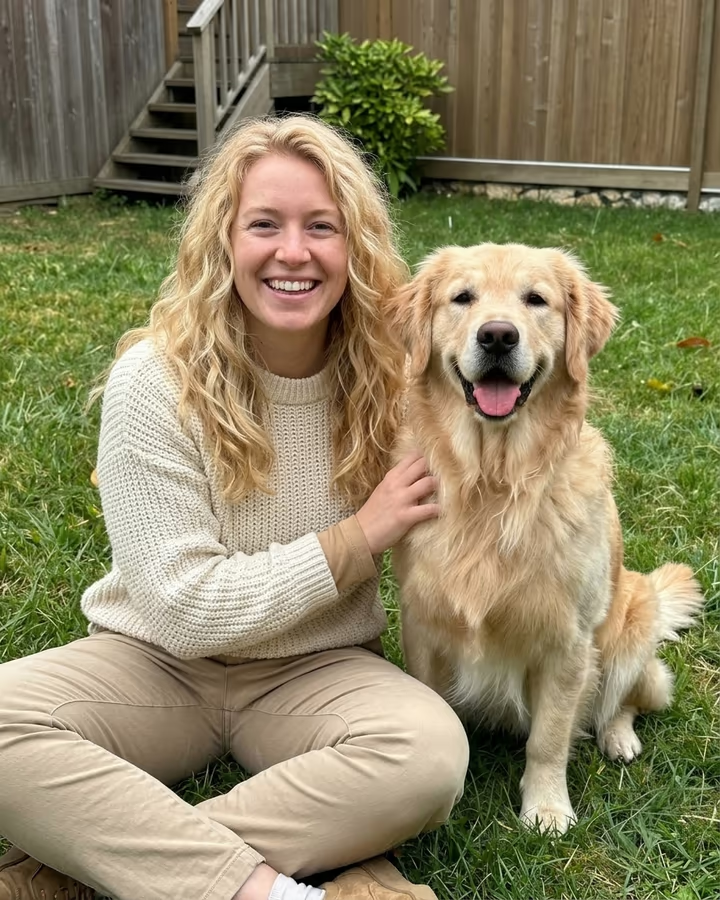
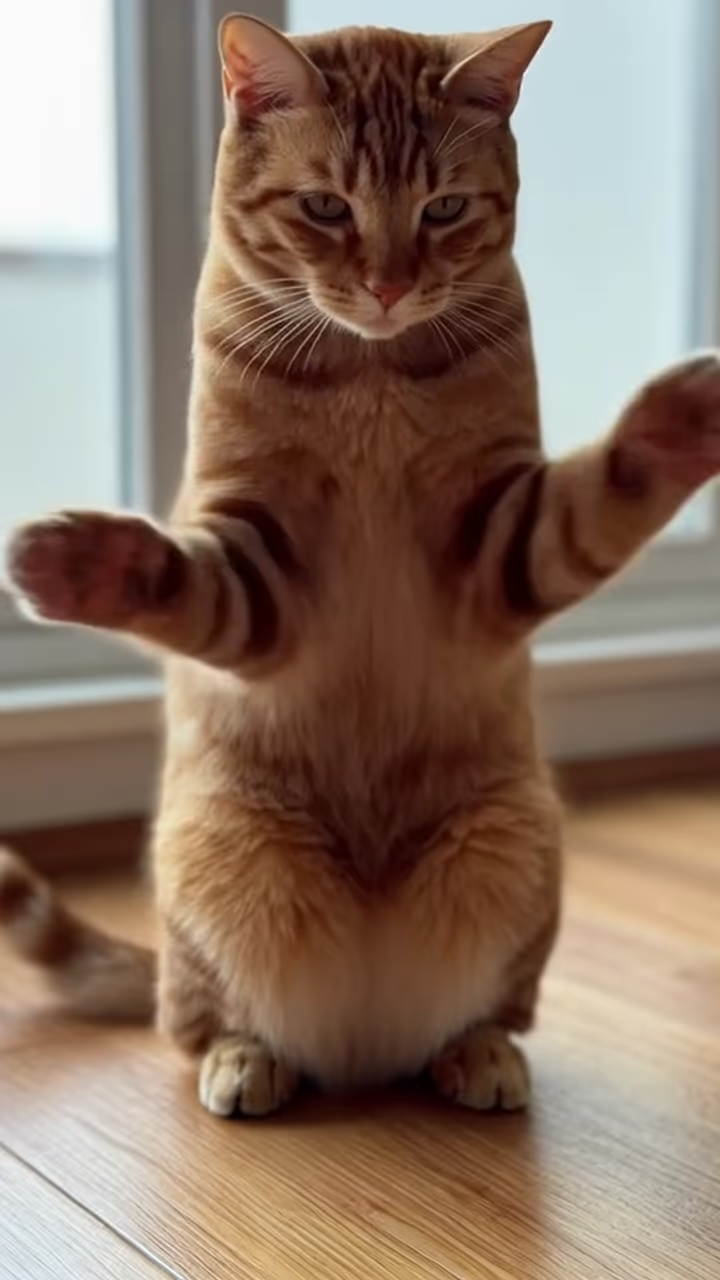
The AI Pet Portrait Generator is a set of prompts and settings for animal portraits. Whether you want a Renaissance-style oil painting of your dog or a pop art version of your cat, the model applies the style while trying to keep the markings, coloring and expression that make your pet recognizable.

How it works

Upload a clear photo of your pet in Photo studio and start from the suggested prompt. Choose a style such as oil painting, watercolor, royal portrait or cartoon, and mention distinctive markings so the model keeps them. Run a few versions and keep the one that looks most like your pet.

Why use it

Pets are family, and a portrait captures their personality in a way a quick snapshot often cannot. It also makes a thoughtful personalized gift, without the cost and wait of commissioning an artist.

Popular uses

  • Canvas prints for home decor and living room walls
  • Memorial portraits for pets who have passed away
  • Personalized gifts for pet-loving friends and family
  • Social media content for pet influencer accounts
  • Custom pet merchandise like mugs, phone cases, and pillows

AI Pet Portrait Generator FAQ

Does it work with all types of pets?

It works best with dogs and cats. Rabbits, birds, horses and reptiles can work too, but may need a more specific prompt to get details right. Results vary, so expect to try more than one version.

Can I create a portrait of a pet that passed away?

Yes, and it is a common use. Upload the clearest photo you have. Older or low-quality photos can still work, but the less detail the model can see, the more it has to guess.

Will the portrait actually look like my specific pet?

The model tries to keep coloring, markings and facial structure from your photo, and mentioning distinctive features in the prompt (a bent ear, one blue eye, a unique spot) helps. Likeness is not guaranteed on every run, so generate a few and pick the closest.

What style looks best for printing on canvas?

Oil painting and Renaissance styles print beautifully because they have rich color depth and texture that suits canvas material. Watercolor works better on paper prints. Pop art looks great on metal prints.

Can I put multiple pets in one portrait?

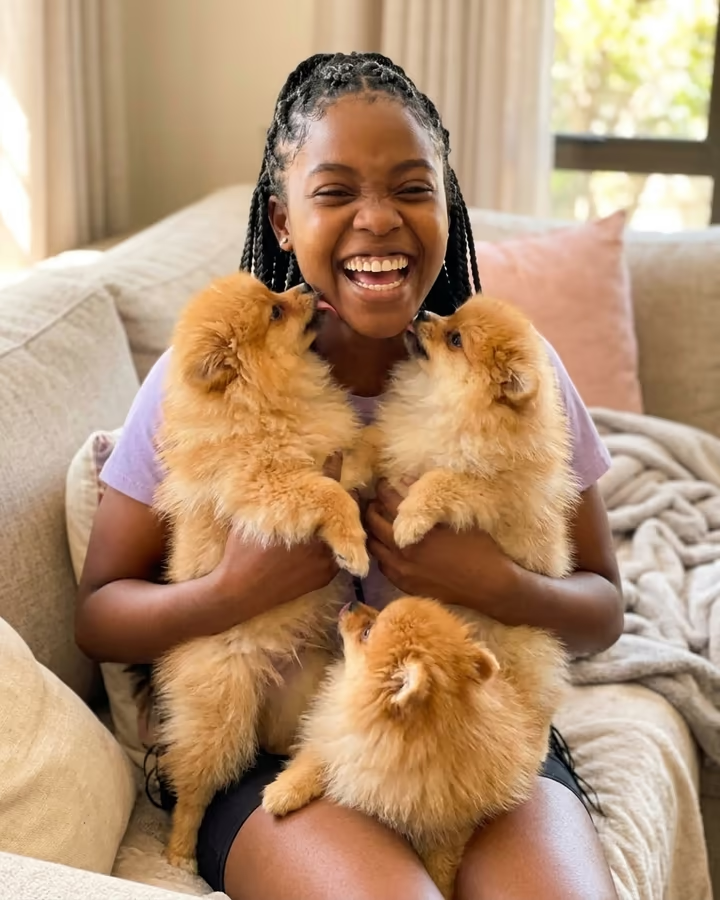
Upload a photo with both pets together for best results. The AI handles two pets in one frame well. For three or more, results can get crowded. For pets that were never photographed together, generate individual portraits with matching backgrounds.

Try the AI Pet Portrait Generator

Open Photo studio with the prompt filled in, add your photo and generate.

Explore Soracai