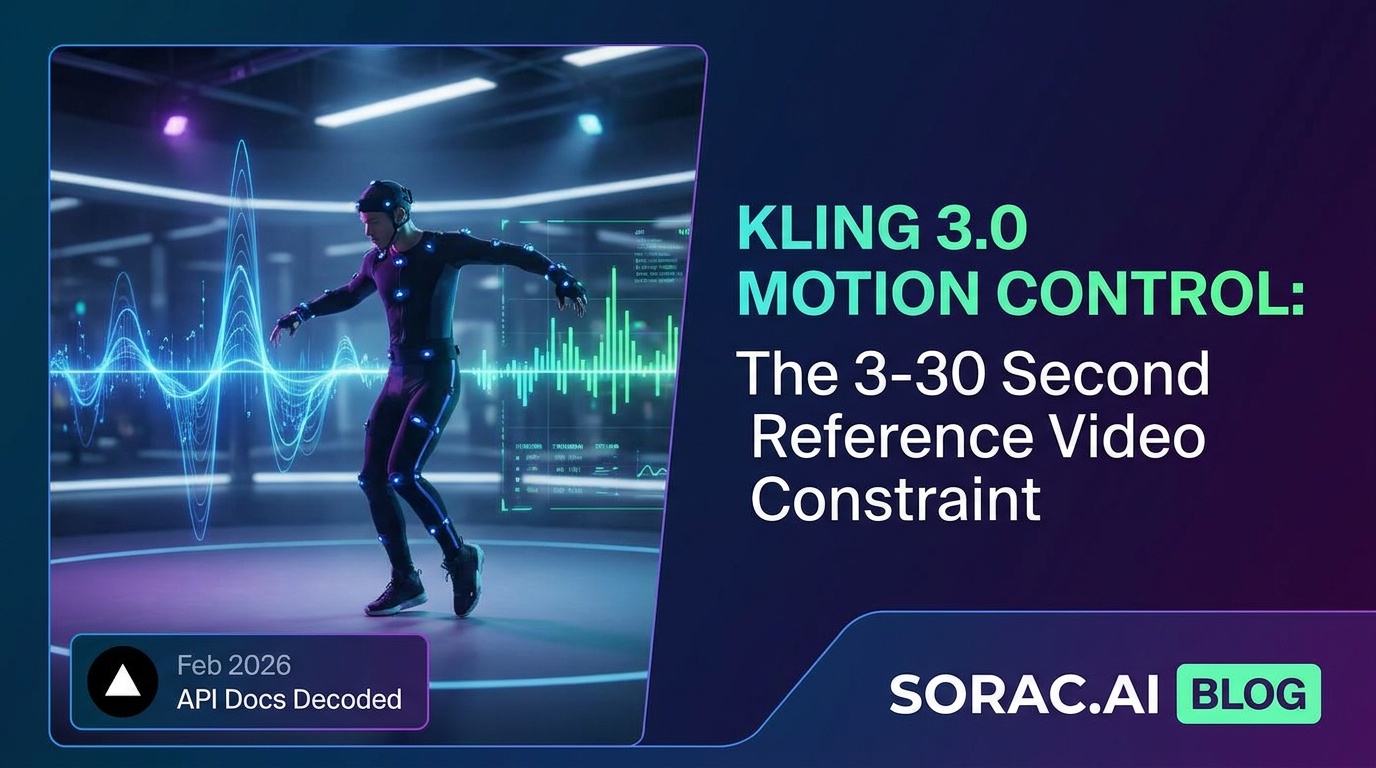
Kling 3.0 Motion Control: The 3-30 Second Reference Video Constraint That Makes or Breaks Your AI Dance Creator Workflow (Vercel's Feb 2026 API Docs Decoded)
Vercel's Feb 2026 API docs reveal the 3-30 second constraint that explains why your AI dance videos fail—and how to fix it with Kling motion control.
What Vercel's Feb 2026 API Docs Tell Us About Kling 3.0 Motion Control (And Why Your Dance Videos Keep Failing)
On February 27, 2026, Vercel quietly published updated documentation for KlingAI's motion-control API that should be required reading for anyone building AI dance videos. Buried in the technical specs is a constraint that explains why half your TikTok-ready dance clips come out looking like possessed mannequins: your reference video needs to be between 3 and 30 seconds long.
That's it. That's the constraint that's been breaking workflows across every AI dance platform—including the tools we've built at Soracai.
Let me explain why this matters, what Vercel's docs actually reveal about how Kling 3.0 motion control works under the hood, and how to use these insights to create dance videos that don't look like fever dreams.
The 3-30 Second Rule: Why It Exists and What It Really Means
Vercel's documentation for klingai/kling-v3.0-motion-control is refreshingly honest about limitations. The model transfers motion from a reference dance video to your character image, but it needs enough frames to understand the movement pattern (hence the 3-second minimum) and can't handle complexity beyond 30 seconds without falling apart.
Think about what happens in a 2-second clip: maybe one hip pop, half a spin. The AI doesn't have enough data to distinguish intentional choreography from random movement. It'll animate your baby photo doing... something, but it won't look like dancing.
Conversely, a 45-second reference video contains too many transitions, camera angle changes, and movement variations. Kling 3.0 starts averaging motions together and you get the uncanny valley shuffle—technically moving, but wrong in ways your brain immediately flags as "off."
The sweet spot? 8-15 seconds of clean, continuous choreography. That's exactly why our AI Dance tool at soracai.com/ai-dance pre-curates 23+ dance templates in that range—hip-hop, salsa, ballet, breakdancing, the viral Robot move—all optimized for Kling 2.6 motion control (the production-ready version we're running).
Standard vs. Pro Mode: The Cost-Quality Tradeoff Nobody Talks About
Vercel's docs mention std and pro modes without much fanfare, but this choice fundamentally changes your output quality.
Standard mode processes faster and costs less (our AI Dance uses 8 coins per video, roughly $0.80-1.20 depending on your package). You'll get decent motion transfer for meme content, pet videos, or quick social posts. The motion is recognizable, the timing mostly works, but fine details—finger articulation, subtle weight shifts, facial micro-expressions—get smoothed out.
Pro mode takes 2-3x longer and costs more, but it preserves those details. If you're creating content for a brand, a paid campaign, or anything where "almost right" isn't good enough, pro mode is non-negotiable. The difference shows up in:
For reference, the viral "goddess fan" baseball clips circulating on Instagram in mid-May 2026 were almost certainly pro-mode renders—they needed that broadcast-quality realism to fool viewers into thinking they were real game footage.
The keepOriginalSound Option: When Audio Makes or Breaks Virality
Here's a feature most platforms don't expose: keepOriginalSound. Vercel's API lets you preserve the audio from your reference video or strip it entirely.
Why does this matter? Because audio-visual sync is how humans judge whether motion looks "real."
If you're using a trending TikTok audio track with specific beat hits, you want the dance moves to land on those beats. Keeping the original sound from a reference video choreographed to that exact track preserves that sync. Strip the audio and add it back manually, and even frame-perfect editing feels slightly off—our brains are that sensitive to audio-visual timing.
Our AI Dance tool keeps this simple: the 23+ templates we offer (Chanel, Dance Baby, Shake It To Max, Jennie, Milkshake, Robot, and more) are already synced to popular audio clips. Upload your photo, pick a style, and the output is ready to post with audio intact. No manual re-timing required.
Real Use Cases: What Actually Works in May 2026
Let's get practical. Based on what's trending right now and what Vercel's constraints allow:
1. Baby Photo Dance Videos (Still Undefeated)
Upload a photo of your kid, apply the "Dance Baby" template, get a 5-second clip of them doing a full routine. These consistently hit 100K+ views because they're wholesome, shareable, and just uncanny enough to be funny without being creepy. Cost: 8 coins, time: 2-5 minutes.
2. Pet Content (Especially Cats in Hip-Hop)
A cat doing the Robot dance is objectively hilarious. Dogs doing breakdancing moves. Parrots doing salsa. The AI motion control doesn't care if your subject has two legs or four—it'll map the motion. These are meme gold.
3. Character Remixes (Instagram's Current Obsession)
Those Kling character-swap edits blowing up Instagram? Same tech. Take a recognizable character (cartoon, game, movie), put them in a dance template, share as "[Character] dancing to [Trending Audio]." Easy engagement farming.
4. Product Marketing (The Underrated Use Case)
Got a product with a mascot or brand character? Animate it dancing to launch a campaign. It's weird enough to stop the scroll, professional enough (in pro mode) to not look cheap, and memorable. Cost per video is under $2—cheaper than stock footage.
How Soracai's Implementation Compares to Raw API Access
You could build directly on Vercel's API and wrangle klingai/kling-v3.0-motion-control yourself. You'd get maximum flexibility, full control over parameters, and... a lot of trial-and-error finding reference videos that work.
Or you could use soracai.com/ai-dance, where we've already:
The tech underneath is Kling 2.6 motion control (production-stable, not bleeding-edge 3.0/3.5), which means fewer weird artifacts and more consistent results. When Kling 3.5 launched in May 2026 with browser-based access and 720p/1080p output at $9.99/month, we evaluated it—but the 2.6 motion control model still delivers better motion fidelity for the dance-specific use case. Sometimes newer isn't better.
The Deepfake Elephant in the Room
We need to talk about the Italy and Spain situations.
In May 2026, Reuters reported that Italian PM Giorgia Meloni warned about AI deepfakes after false photos circulated. Spain moved to curb AI deepfakes and tighten consent rules for images and AI-generated voices. The regulatory pressure is real and accelerating.
Here's our take: AI dance videos are transformative content—you're not impersonating someone or creating misleading "real" footage, you're making obviously synthetic, creative content. But the line gets blurry fast. If you're animating a photo of a public figure, a coworker without permission, or anyone in a context that could be misinterpreted as real, don't.
Use AI dance for:
Don't use it for:
The tech is fun. Keep it that way.
Tips for Getting the Most Out of Motion Control AI
Start with High-Quality Source Images
Garbage in, garbage out. Use a clear, well-lit photo where your subject is facing forward or at a slight angle. If you need to generate the perfect base image first, try our Nano Banana 2 Pro AI image generator—it's free for standard quality, 4 coins for PRO mode with better detail and color accuracy.
Match Your Dance Style to Your Subject
A baby doing ballet? Cute. A baby doing aggressive breakdancing? Hilarious. A business executive doing the Robot? Meme-worthy. Think about the tone you want before picking a template.
Keep Backgrounds Simple
Busy backgrounds confuse the motion model. If your photo has a cluttered background, the AI spends processing power separating foreground from background instead of perfecting the motion. Solid colors or simple gradients work best.
Test Before You Commit to Pro Mode
Our standard 8-coin dance videos are high enough quality for 90% of social media use. Try standard first, and only upgrade to pro-equivalent settings if you need that extra polish for client work.
The Bigger Picture: Where Motion Control AI Is Heading
Kling 3.5 launched in May 2026 with text-to-video and image-to-video capabilities, 800-character prompt assistance, and pricing starting at $9.99/month. Seedance 2.0 is positioning itself as the "dance specialist" alternative. The competition is heating up.
But here's what Vercel's technical documentation reveals: the fundamental constraints—3-30 seconds, std/pro quality tradeoffs, audio sync challenges—aren't going away soon. These aren't artificial limitations; they're physics. Motion is complex, human perception is unforgiving, and training AI to transfer movement convincingly is hard.
The platforms that win won't necessarily have the newest model version. They'll have the best-curated templates, the smoothest UX, and pricing that doesn't require a subscription for casual users.
That's the bet we're making at Soracai: coin-based, pay-per-use, pre-optimized templates, and honest documentation about what works and what doesn't.
Try It Yourself (Seriously, It's Fun)
Head to soracai.com/ai-dance, upload a photo, pick one of our 23+ dance styles, and wait 2-5 minutes. Eight coins per video, no subscription, no commitment.
If you want to go deeper, explore our other tools:
The 3-30 second constraint isn't a bug. It's a feature that forces focus, creativity, and intentionality. Work within it, and you'll make better content than 90% of people fighting against it.
Now go make your cat do the Robot dance. You know you want to.
Related Articles
5 Things Kling 3.0 Does Better Than Kling 2.6 Motion Control (And 3 Reasons to Stay on 2.6 for AI Dance Videos in June 2026)
8 min read
Inside Kling 2.6 Motion Control: The 7 Technical Breakthroughs That Make Soracai's AI Dance Videos Track Movement Better Than Traditional Keyframe Animation (And Why Studios Are Switching)
8 min read
Seedance 2.0 vs Kling 2.6 Motion Control: Which AI Dance Platform Actually Delivers Studio-Quality Choreography in 2026? (8-Coin Cost Breakdown & 5 Real Creator Tests)
9 min read