
Nano Banana 2 Lite vs Nano Banana 2 Pro: Why Google's 'Ultra-Cheap' 1,000-Images-in-4-Seconds Model Won't Replace Your PRO Workflow (June 2026 Product Spotlight)
Google's new Nano Banana 2 Lite generates 1,000 images in 4 seconds for $0.034. Sounds amazing—until you see the quality. Here's when to use Lite vs PRO (with real tests).
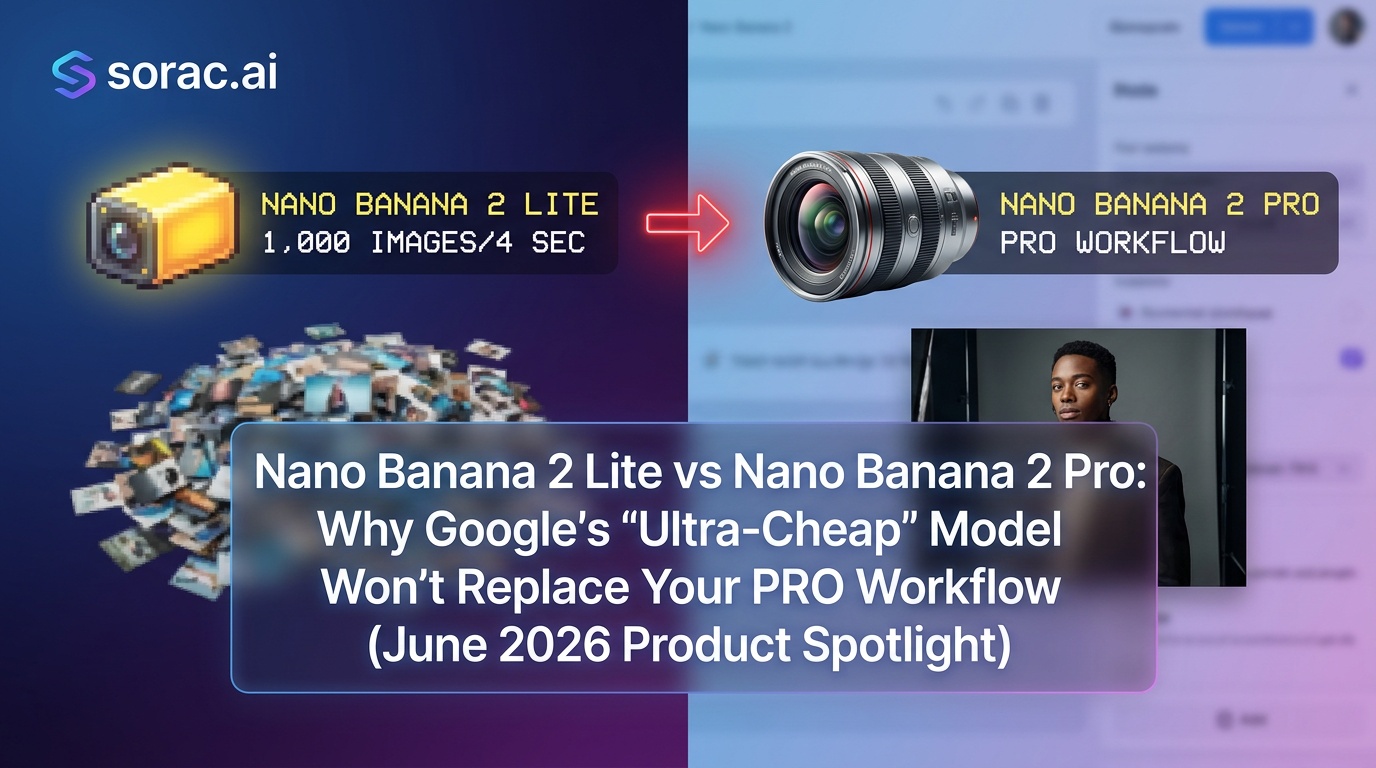
Nano Banana 2 Lite vs Nano Banana 2 Pro: Why Google's 'Ultra-Cheap' 1,000-Images-in-4-Seconds Model Won't Replace Your PRO Workflow (June 2026 Product Spotlight)
Google just dropped Nano Banana 2 Lite on June 30th, and the AI internet collectively lost its mind. "1,000 images in four seconds!" "$0.034 per thousand images!" "The future of bulk generation!"
Sure, it's impressive. But after spending the week testing both Lite and PRO models side-by-side at soracai.com/create, I need to have an honest conversation with you: Lite is not coming for PRO's throne. Not even close.
Here's why the "ultra-cheap, ultra-fast" model is perfect for some workflows and absolutely terrible for others—and how to know which Nano Banana 2 variant you actually need.
What Is Nano Banana 2 Lite, Actually?
Nano Banana 2 Lite is Google's distilled image generation model, part of the Gemini 3.1 family. According to Google Cloud's announcement, it's engineered for one thing: volume. We're talking ads teams generating thousands of product variations, e-commerce platforms creating bulk catalog images, and rapid prototyping where "good enough" beats "pixel-perfect."
The stats are genuinely wild:
For context, that pricing makes it roughly 117x cheaper than running Nano Banana 2 PRO at scale. If you're an agency churning out 10,000 ad variants for A/B testing, Lite just became your best friend.
Nano Banana 2 PRO: The Model You Use When Quality Matters
Meanwhile, Nano Banana 2 PRO—the model we use at Soracai for our enhanced mode—is the exact opposite philosophy. It costs 4 coins per image (versus 1 coin for standard), takes longer to generate, and is absolutely worth it when you need:
When you toggle PRO mode at soracai.com/create, you're not just getting "a little better." You're getting a fundamentally different quality tier.
The Real-World Test: Where Lite Falls Apart
I ran the same 20 prompts through both models. Here's what happened:
Test 1: Product Photography
Prompt: "Luxury watch on marble surface, studio lighting, gold accents, commercial photography style"
Test 2: Character Consistency
Prompt: "Portrait of a red-haired woman in her 30s, freckles, green eyes, soft natural lighting"
This consistency gap is critical if you're using image-to-image workflows (which Soracai supports—upload up to 5 reference images to guide generation). Lite struggles to maintain coherence when you're building on previous outputs.
Test 3: Complex Scenes
Prompt: "Cyberpunk street market at night, neon signs in Japanese and English, rain-slicked pavement, crowded with diverse people"
When Lite Is Actually the Right Choice
Look, I'm not here to trash Lite. It has legitimate use cases:
1. Bulk Variations for Testing
Running 500 headline/image combos for Facebook ads? Lite's speed and cost make PRO absurd overkill. Generate fast, test fast, iterate.
2. Placeholder Content
Building a prototype app and need 200 user avatars? Lite generates them before you finish your coffee.
3. High-Volume Catalogs
E-commerce platforms showing products in different room settings or color variations can use Lite for "good enough" context shots.
4. Ideation and Sketching
Brainstorming visual concepts? Lite lets you explore 50 directions in the time PRO does 5.
But here's the key: None of these are final deliverables. Lite is a workhorse for the messy middle of creative workflows, not the polished end.
The Soracai Workflow: When to Upgrade to PRO
At soracai.com/create, we offer both standard (1 coin) and Nano Banana 2 PRO (4 coins) modes for exactly this reason. Here's my recommended workflow:
Start Standard, Finish PRO
This approach gives you Lite-style speed for exploration with PRO-quality finals, without burning coins on dead-end concepts.
The Elephant in the Room: Google's Ecosystem Lock-In
Nano Banana 2 Lite's aggressive pricing isn't charity—it's strategy. Google is embedding Lite across its ecosystem (Ads, Photos, AI Studio) to make its Gemini API the default choice for high-volume workflows.
If you're already in Google Cloud, the integration is seamless. But if you're using standalone platforms like Soracai, you get model flexibility. We're not locked to one vendor's distilled model. When you need PRO quality, you get it. When Seedance 2.5 drops its promised 30-second native video generation (rumored early July 2026), we can integrate that too.
Platform independence matters when the AI landscape shifts every 48 hours.
Pricing Reality Check: Lite vs PRO at Scale
Let's do the math for a typical creator workflow:
Scenario: You're creating 10 hero images for an Instagram campaign.
Lite saves money on paper. PRO saves time and sanity. For professional work, time is the expensive resource.
The Gemini Omni Flash Wild Card
Here's a plot twist: Google also announced Gemini Omni Flash on June 30th—a multimodal video model that edits 720p clips using text, image, and video references at $0.10/second.
Envato is already using it for conversational video editing ("swap this character," "change the lighting to sunset"). This is the workflow evolution that makes Lite + Omni Flash a bulk content pipeline: generate 1,000 image variations with Lite, feed the best into Omni Flash for video, iterate with chat-style prompts.
Meanwhile, PRO + Sora 2 (what we use at soracai.com/ai-video-generator) is the quality-first pipeline: one perfect image, one perfect 10-15 frame video, ready to publish.
Different tools, different jobs.
Tips for Maximizing Nano Banana 2 PRO Results
Since you're reading this, you probably care about quality. Here's how to squeeze every drop of value from PRO mode:
1. Front-Load Your Prompt Detail
PRO actually understands complex instructions. Instead of "portrait of a woman," try "close-up portrait of a woman in her late 20s, auburn hair in loose waves, subtle smile, wearing a cream turtleneck, soft window light from left, shallow depth of field, shot on 85mm lens."
2. Use Reference Images Strategically
Soracai lets you upload up to 5 references. Use them for:
3. Match Aspect Ratio to Platform
We support 11 ratios for a reason:
4. Iterate in PRO, Don't Spray-and-Pray
With Lite, you can afford to generate 100 throwaway images. With PRO, treat each generation like a $0.50 bet. Refine your prompt, adjust one variable, regenerate. You'll learn faster and waste fewer coins.
The Verdict: Lite and PRO Aren't Competitors
Nano Banana 2 Lite is a volume tool. Nano Banana 2 PRO is a quality tool. Trying to replace one with the other is like asking if a cargo van can replace a sports car.
Google's Lite launch is genuinely impressive for what it is: a democratization of bulk AI generation. Agencies, e-commerce platforms, and rapid prototypers just got a massive productivity unlock.
But if you're a creator, marketer, or business owner who needs images that actually convert—hero images that stop the scroll, product shots that sell, character art that builds a brand—PRO mode at soracai.com/create is still your best bet.
And when you're ready to bring those images to life? Our AI Dance tool (soracai.com/ai-dance) uses Kling 2.6 motion control to turn your PRO-quality portraits into viral dance videos. Because a 1,000-images-in-4-seconds workflow doesn't help if none of them are worth animating.
The smart move: Use Lite-style thinking (fast iteration, volume testing) with PRO-quality execution (refined prompts, reference images, final polish). That's how you win in 2026.
Now go create something that doesn't look like it was generated by a distilled model.
Related Articles

Google Just Killed Its Own Nano Banana Model: Why 'Faster & Cheaper' Nano Banana 2 Lite Means Higher Costs for Creators in July 2026 (And the 3 Prompts You Must Rewrite Now)
11 min read
Beginner's Guide to Instagram-Perfect AI Photos: How to Set Up Nano Banana 2 Pro for 9:16 Portrait Posts in 2026 (Aspect Ratios, PRO Mode & Upload Timing Explained)
9 min read
Google's Nano Banana 2 Speed Myth: Why '4K in Seconds' Doesn't Mean Better Prompts—And the 5 Pro Tips That Actually Matter After the June 2026 Update
8 min read