
Skip to content

Corpse Bride AI Transformation Video

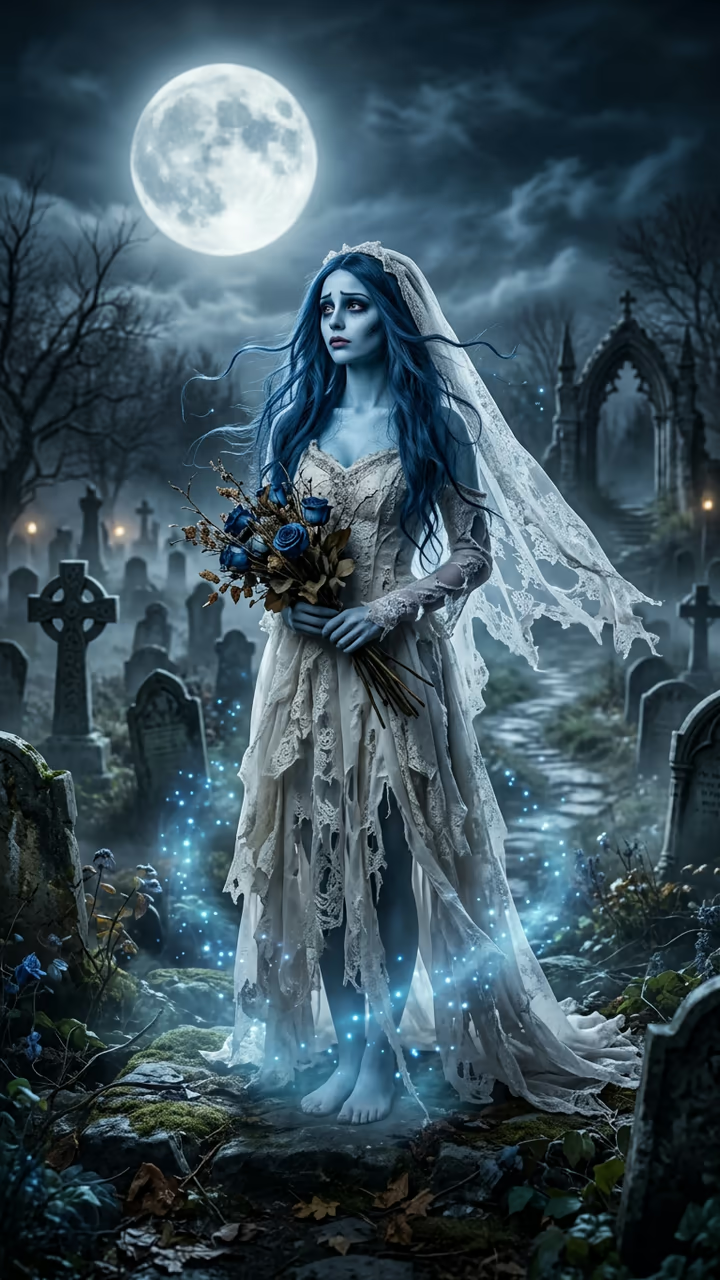
Blue magic climbs from your shoes to your face and turns you into a pale-blue ghost bride in a torn veil, under a full moon in a misty graveyard: the Novia Cadáver Halloween transformation from one photo.

Corpse Bride · switch effect

Your photo

One adult, full body if possible, face clear and in good light.

Cost shown before you run · failed runs are refunded

  • Ready in 1–3 min
  • No watermark
  • Failed runs refunded
  • Uploads never published

This trend on Instagram & TikTok

The most-watched videos of this trend, shown with credit and a link to each original post. Videos belong to their creators; they were not made with Soracai.

  1. 1

    @glow12700

    Trend video

    TikTok

    1.56M views · 237K likes · September 27

    The real corpse bride makeup look

    Watch on TikTok ↗
  2. 2

    @dawn88968

    Trend video

    TikTok

    1.07M views · 20K likes · September 26

    The Novia Cadáver transformation and how to make it

    Watch on TikTok ↗

How to use the Corpse Bride AI Transformation Video

  1. 01

    Upload a photo

    Your photo: One adult, full body if possible, face clear and in good light..

  2. 02

    Press Generate

    The Corpse Bride effect runs on its own tuned settings. It costs 140 credits, shown on the button before you run it.

  3. 03

    Download

    Your video is ready in one to three minutes. Download the MP4 without a watermark.

What is the Corpse Bride AI Transformation Video?

The corpse bride is the Halloween look that comes back every October, and in 2026 it got an AI transformation. Blue magic climbs from the shoes up, and everything it touches turns into a ghost bride: tattered white gown, torn veil, pale-blue skin, dark-blue hair, a full moon over a misty graveyard. Upload one photo and this template plays that transformation with you.

The look comes from Tim Burton's 2005 stop-motion film, and real corpse bride makeup reels pass a million views every autumn (one from 27 September 2026 reached 1.5 million). The AI version started in Mexico as a CapCut template called Novia Cadáver, the film's Spanish name, posted on 21 September 2026. Tutorials made it big: a Spanish how-to from 26 September passed 1 million views and 14,000 shares, and AI template sites added it in mid-October, right in time for Halloween.

The template runs in two steps: an image model builds the first shot from your photo, then a video model plays the feet-to-face transformation with sound. You get an 8-second vertical clip with no watermark. The ghost bride is an original look, not the film's character. The trend videos on this page are credited to their creators; the poster image is AI-generated.

Why the feet-up reveal works

The trend never shows the whole change at once: the blue magic starts at the shoes and climbs, so the face is the last thing you see. The template keeps that slow upward tilt and the moonlit graveyard, so the reveal lands the way the viral Novia Cadáver clips do.

An original ghost bride

The template makes a generic ghost bride, pale-blue skin, torn veil, tattered gown and blue roses, with your own face. It does not copy the film's character design, and the music is original.

Corpse Bride AI Transformation Video FAQ

How do I make the corpse bride AI transformation?

Upload one clear full-body photo and press Generate. You get an 8-second clip where blue magic climbs from your feet and turns you into a ghost bride under a full moon. No CapCut steps.

Is it free?

Video templates use paid credits. New accounts get free credits for photo templates only. The exact cost is shown on the Generate button before you confirm.

Is this affiliated with Tim Burton, Warner Bros. or the film?

No. Soracai is not affiliated with, sponsored or endorsed by Tim Burton, Warner Bros. or the makers of Corpse Bride. "Corpse bride" and "Novia Cadáver" are named only because that is what people search for. The template makes an original ghost bride look, not the film's character.

Can men use it?

Yes. The same magic works on anyone; with a man's photo you get a ghost groom-style gothic look in the same graveyard.

Does the video have sound?

Yes: an eerie music box melody, wind and a magic shimmer. Mute it if you want to add the trend's song in your editor.

Is there a watermark?

No watermark is added to the video.

Where is my photo stored?

Uploads are stored in Firebase Storage (Google Cloud) under your account so the run can happen and the result appears in Creations. They are not public, and you can email support to request deletion. To run the effect, a copy is sent to our AI model provider (kie.ai); result files are kept for 14 days, so download what you want to keep.

More AI effects

Try the Corpse Bride AI Transformation Video

Upload a photo and get your video in a couple of minutes.

Upload photo