
What is the Pet to Human AI?
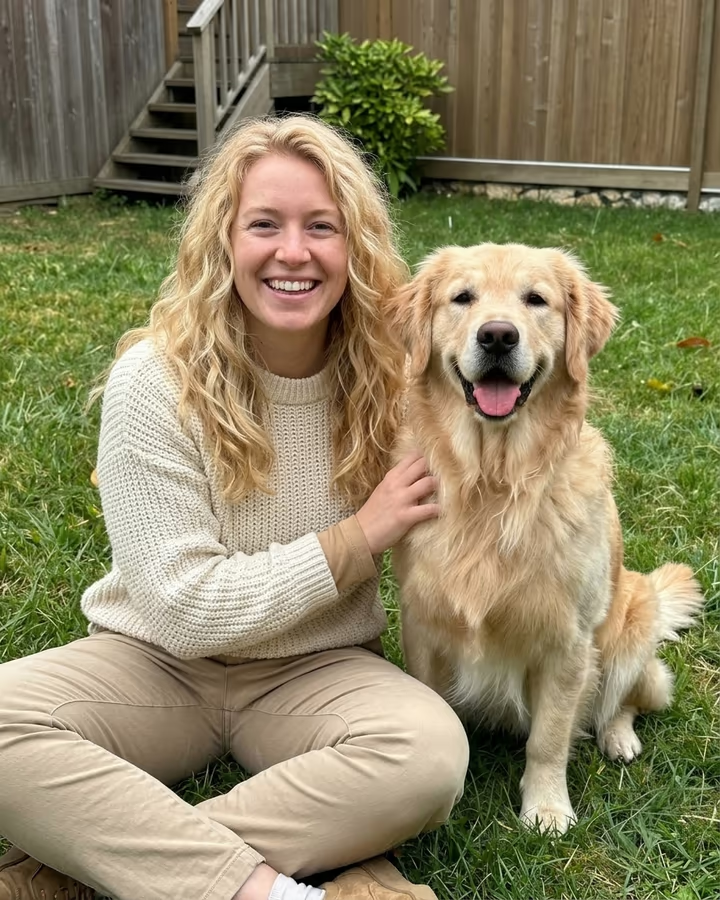
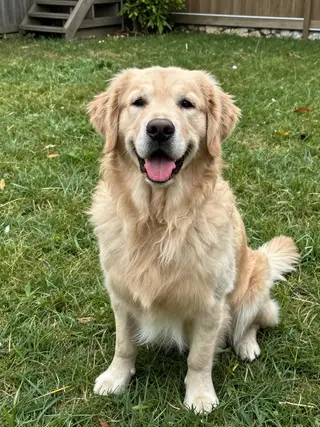
Pet to human AI answers a question most pet owners have asked at least once: if my dog were a person, who would they be? Upload a photo of your pet and the template imagines them as a human adult, then photographs that person sitting beside the real animal in the same spot. The human's hair picks up the color and texture of the fur, their outfit hints at the pet's coloring, and their expression is matched to the pet's personality. A golden retriever tends to become someone cheerful in warm tones; a sleek black cat, someone a little more aloof.
The trend picked up in 2025 as image models learned to reason about a picture instead of only restyling it. Pet owners on TikTok and Instagram started sharing their dogs and cats reimagined as people, often side by side so viewers could compare. Part of the fun is arguing about whether the AI got it right.
This template keeps the real pet in the shot, unchanged, which makes the comparison obvious at a glance. Add a line in the text box if you want to steer it, such as how your pet behaves or what job they would have. The person in the result is a fictional adult created by the model, not anyone real. Photo templates take about 20 to 40 seconds, and new accounts can try this one with their free credits.
How the AI decides who your pet would be
The prompt asks the model to translate visible traits into human ones. Fur color and texture become hair color and texture. The pet's coloring shows up in the clothing. Expression and posture are read as personality: a relaxed, open-mouthed dog suggests someone friendly and easygoing, while a cat staring down the camera suggests someone more reserved.
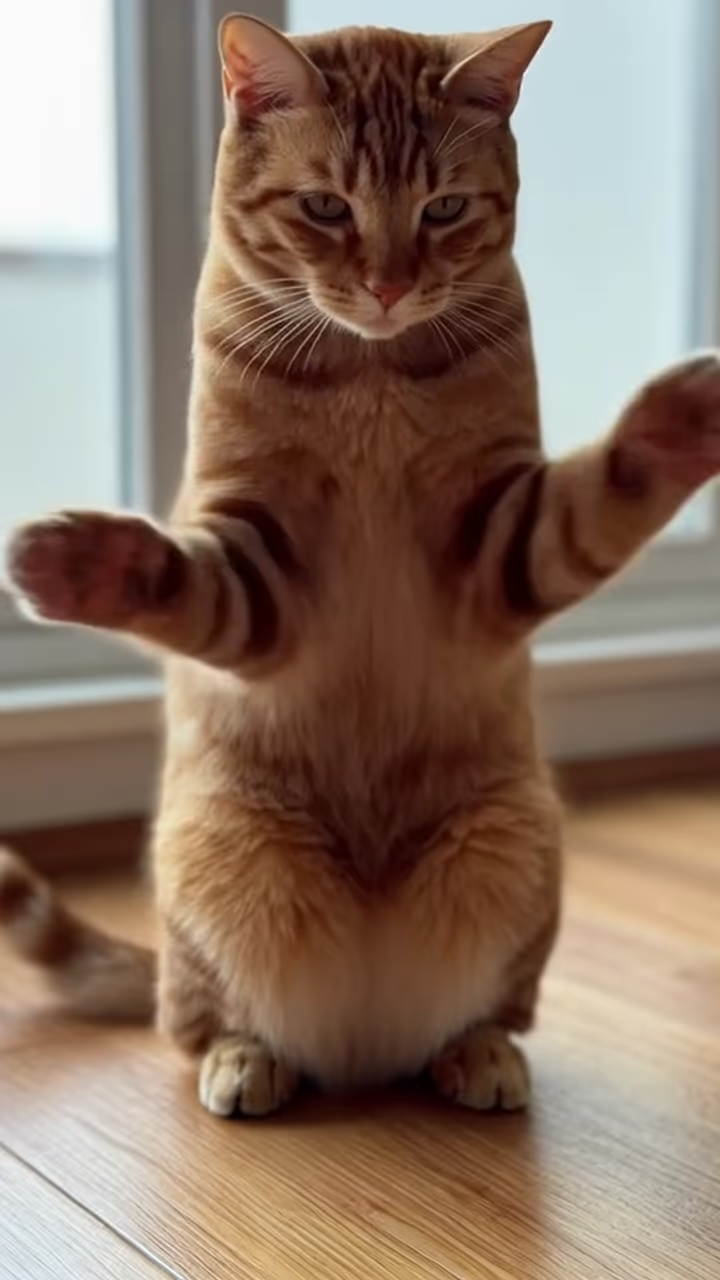
That is why your text input matters. The model cannot know that your quiet-looking cat is actually chaos at 3 a.m. One short line about behavior changes the result more than anything else you can do.
The pet stays the pet
Many pet-to-human edits replace the animal entirely. This one keeps your pet in the photo, unchanged, sitting next to its human version. It makes the comparison instant and keeps the result feeling like a portrait of your pet rather than of a stranger.
If the pet itself looks altered in the result, the source photo is usually the cause: very small, blurry or partly hidden pets are harder to preserve. A clearer photo with your pet filling more of the frame helps, and so does a photo where the pet faces the camera.