

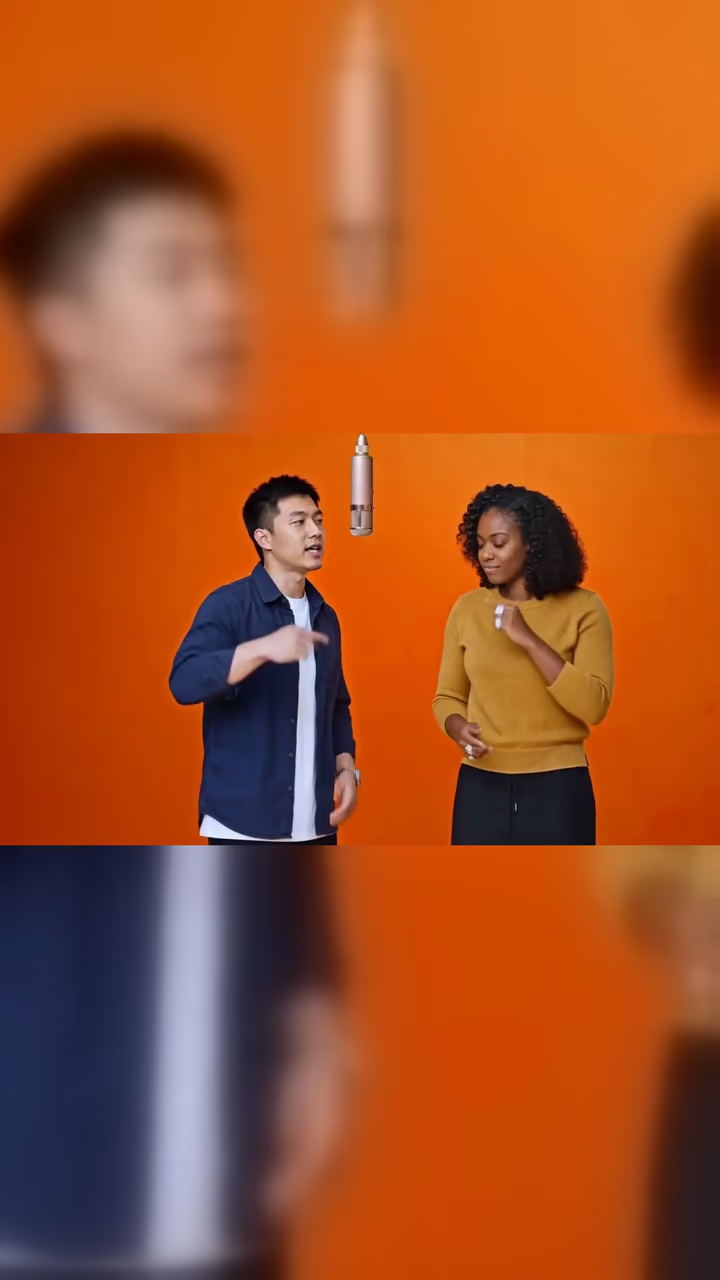
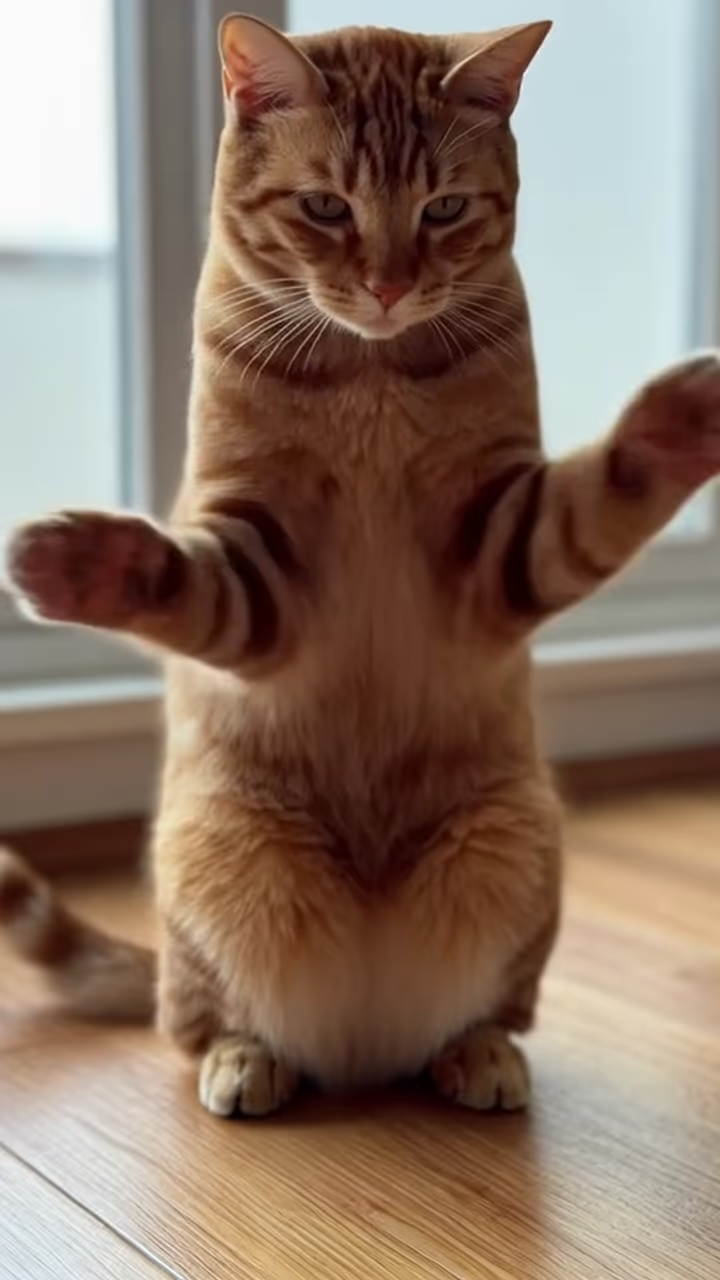
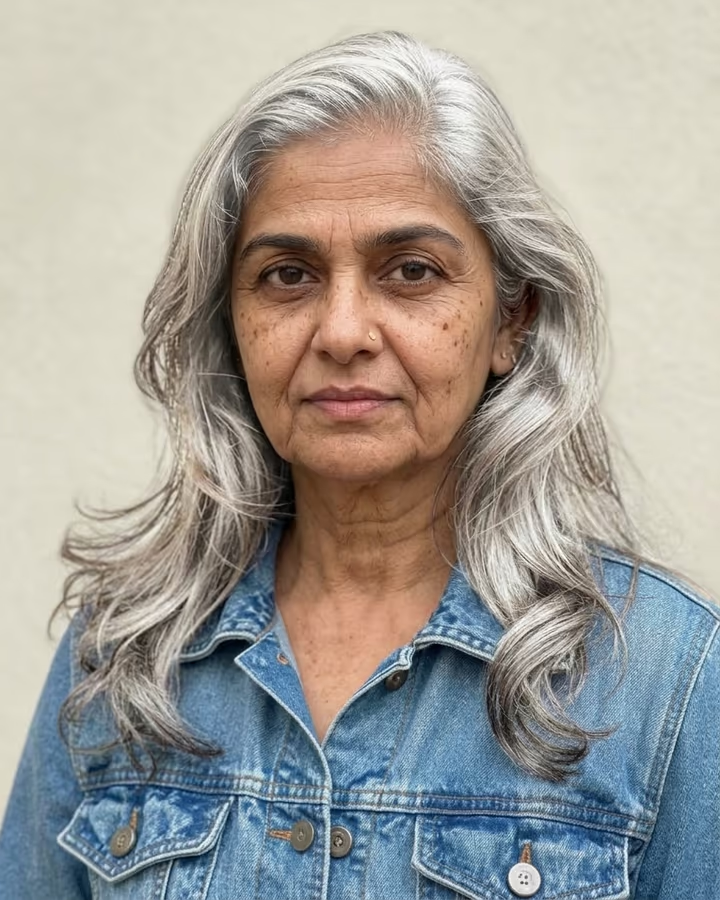
What is the AI Baby Podcast?
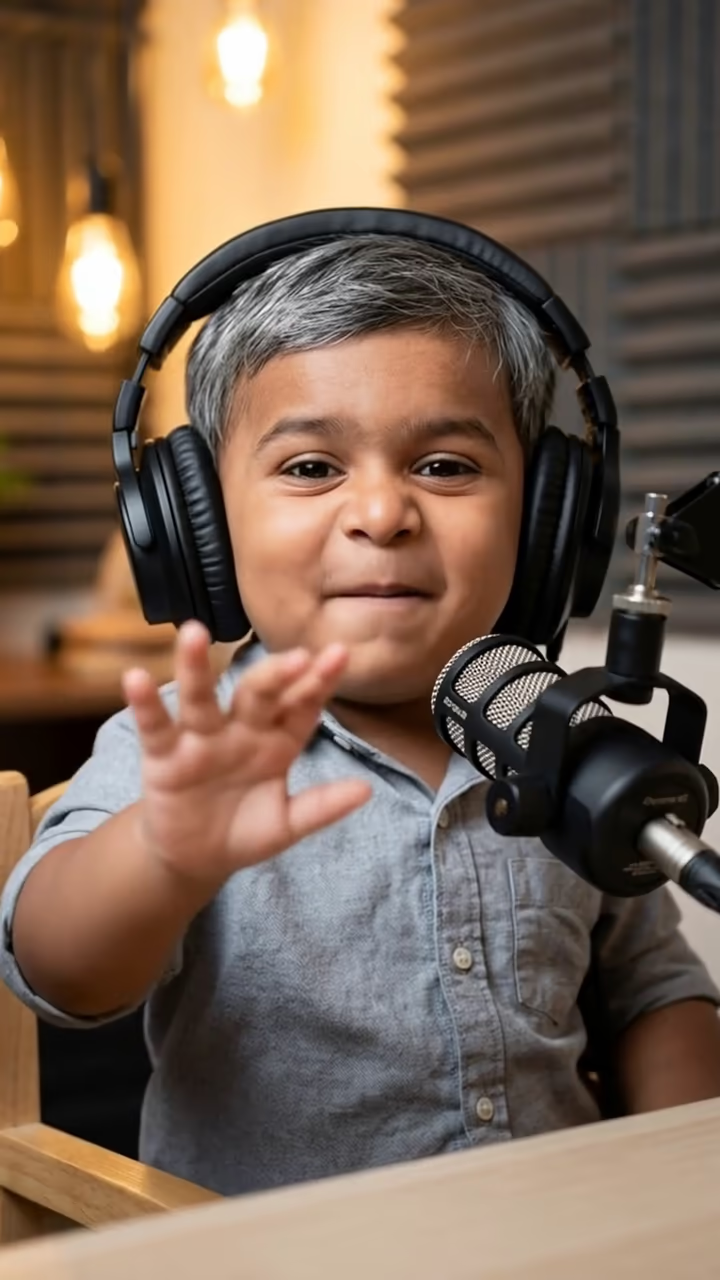
AI Baby Podcast puts a one-year-old version of you behind a studio microphone. Upload one adult photo and the tool first creates a chubby baby who keeps your face shape, eyes, skin tone and hair color, sitting at a podcast desk in big over-ear headphones, a mic on a boom arm and an acoustic foam wall behind. A video model then animates the baby leaning into the mic like a seasoned host: eyebrows up, one tiny hand gesturing, a serious nod, then a laugh.
The babies-podcast format spread across TikTok, Instagram Reels and YouTube Shorts in 2025. Creators used AI to turn adults into toddlers who "discuss" grown-up topics such as rent, dating, office politics or a friend's questionable ex, and the contrast between baby faces and adult opinions is the whole joke. Many of those clips are voiced by the creator, with the baby dubbed over their own audio.
Our run returns a six-second video of the baby talking with natural mouth movement. The example on this page is silent, and the template doesn't promise lip-synced speech, so the usual workflow is to record your own line or pick a sound, then line it up in CapCut, TikTok or Instagram. Short, punchy lines work best because the clip is short.
What you get from one run
Each run returns one vertical video of about six seconds at 768p. The first step, Nano Banana 2, draws the podcast still: a baby version of you in a small chair, headphones on, microphone in front, warm studio light. The second step, Hailuo 2.3, animates that still with a slow push-in while the baby talks, gestures and laughs.
The mouth moves as if speaking, but it is not synced to any script, and the example on this page has no audio. That keeps it flexible: you can dub any line over it. Generation usually takes one to three minutes, and the finished video is saved to your Creations without a watermark.
Writing lines that land
The format works because of the contrast between a baby and a very adult opinion, delivered with total confidence. Think of a line a tired grown-up would say on a podcast: "I'm not saying he's wrong, I'm saying he should never be allowed to plan a group trip again." Then cut it to fit the clip.
Timing matters more than length. Put the punchline on the laugh near the end of the video, and start speaking a beat after the clip begins so the lean toward the mic reads as the setup. If you want a longer episode, generate several clips with different photos and cut between them like a multi-host show.