

Skip to content

Mom and Baby Knight AI Video

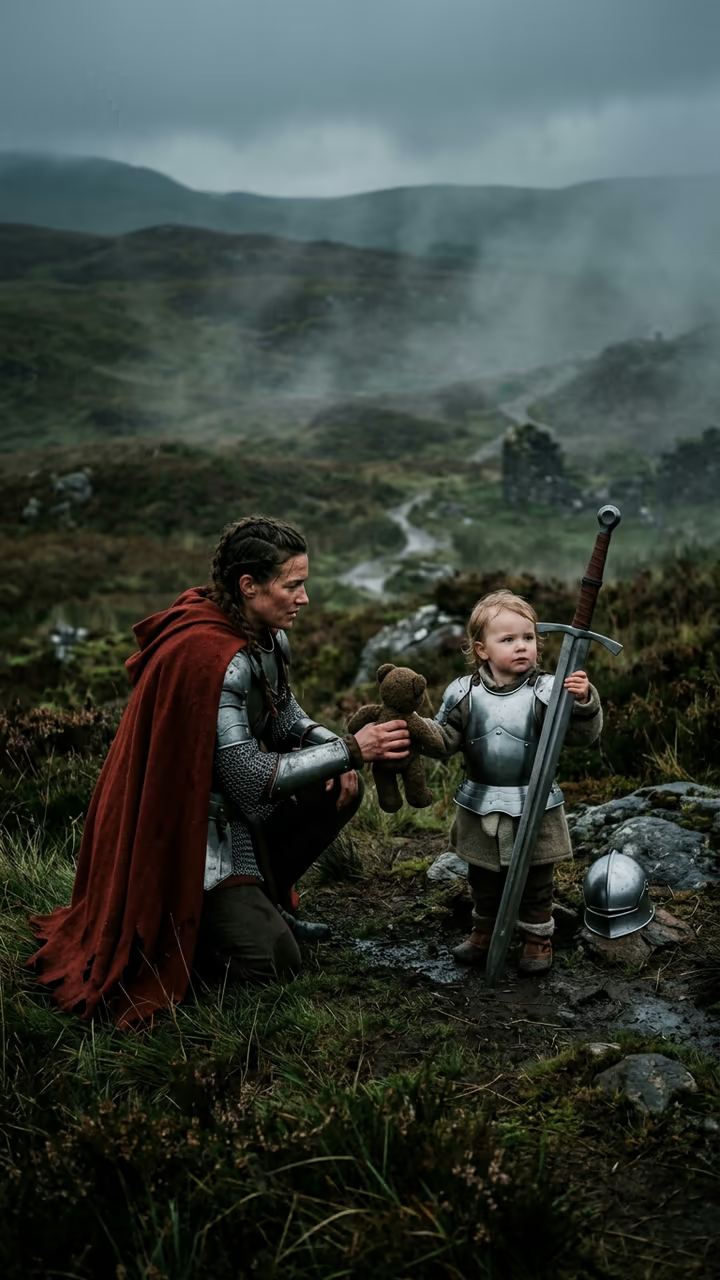
A little knight struggles with a giant sword in the wind, then you kneel, take the sword and hand them a teddy bear.

Parent and Baby Knight · switch effect

Your photo (the parent)

One adult, half or full body, face clear

Cost shown before you run · failed runs are refunded

  • Ready in 1–3 min
  • No watermark
  • Failed runs refunded
  • Uploads never published

This trend on Instagram & TikTok

The most-watched videos of this trend, shown with credit and a link to each original post. Videos belong to their creators; they were not made with Soracai.

  1. 1

    @ray_chieee

    Trend video

    Instagram

    250K likes · October 5

    The sword-swap version

    Watch on Instagram ↗
  2. 2

    @gazizaaz

    Trend video

    Instagram

    6,021 likes · October 7

    A mom and daughter knight

    Watch on Instagram ↗

How to use the Mom and Baby Knight AI Video

  1. 01

    Upload a photo

    Your photo (the parent): One adult, half or full body, face clear. The little knight (optional): e.g. a girl of about 4 with curly red hair.

  2. 02

    Press Generate

    The Parent and Baby Knight effect runs on its own tuned settings. It costs 140 credits, shown on the button before you run it.

  3. 03

    Download

    Your video is ready in one to three minutes. Download the MP4 without a watermark.

AI Baby Effects

What is the Mom and Baby Knight AI Video?

The parent and baby knight template is the family version of the knight trend. Upload a photo of yourself and the template paints a cinematic film still on a misty, windswept moor: in front, a small imagined child of about four who looks like a mini version of you, in fitted steel armour with a short cream cape, gripping a longsword taller than themselves and frowning bravely. A few steps behind stands you, in full plate armour with a long dark red cape, holding a small brown teddy bear. Then the clip plays in one low, continuous shot. The little knight struggles to keep the heavy sword upright in the wind. You walk forward, kneel, gently take the sword and hand over the teddy bear. The child hugs it tight with a small, relieved smile, and you stand, plant the sword in the grass and rest a hand on their shoulder as you both look out into the mist.

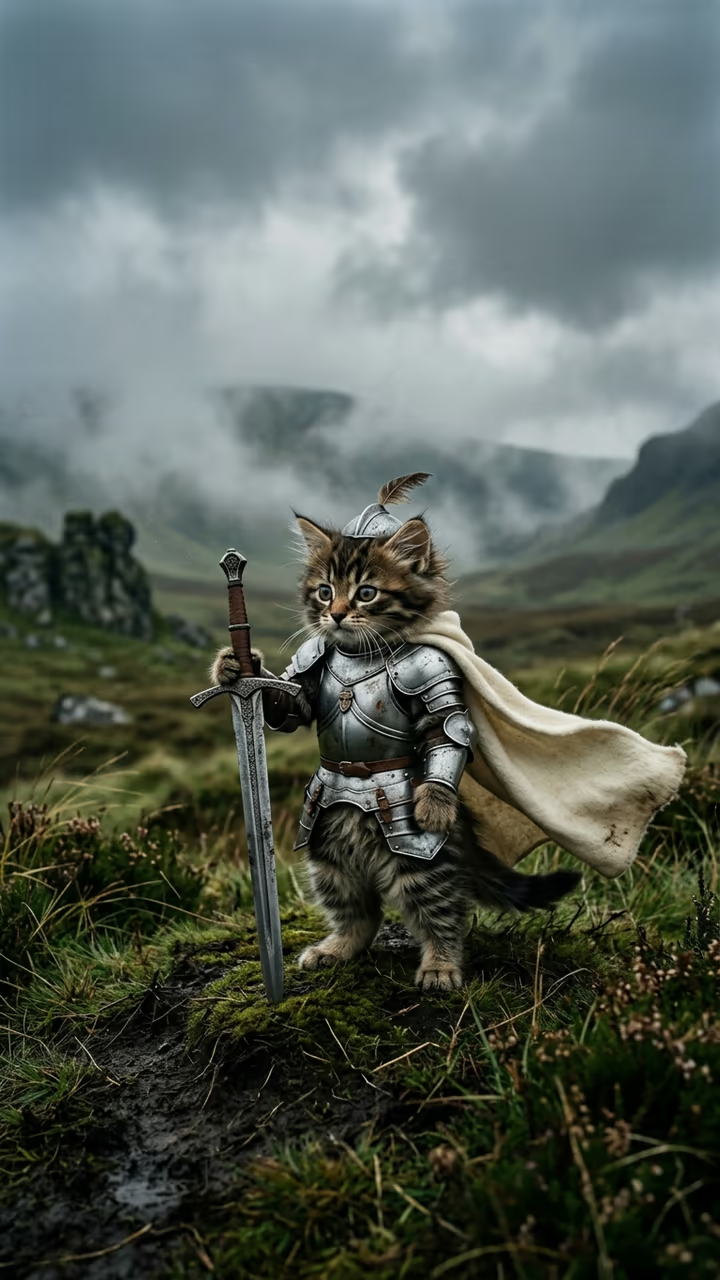
The knight format began with pet clips in September 2026 and moved to parents and kids in early October, with sword-swap versions passing 200,000 likes and mom and dad versions posted the same week. It is still young enough that few sites cover it.

The clip is 8 seconds with wind, armour and an emotional orchestral score, vertical and watermark-free. You can describe the little knight in the optional box, for example their age or hair.

Why you only upload your own photo

Soracai never takes photos of real children. The little knight in this video is imagined by the model, based on your look and anything you type in the optional box, the same way our baby generator works. That keeps the clip safe to share and still lets the child look like they belong in your family.

The scene

The moor, the armour, the red cape and the teddy bear follow the version that went viral, down to the muted grey-green colours and film grain. The shot is written as one continuous take at the child's eye level, so the sword swap happens in a single unbroken moment.

Mom and Baby Knight AI Video FAQ

How do I make the mom and baby knight video?

Upload a clear photo of yourself and press Generate. Optionally describe the little knight. The template builds the moor scene and animates the sword swap.

Is it free?

Video templates use paid credits. New accounts get free credits for photo templates only. The exact cost is shown on the Generate button before you confirm.

Can I upload a photo of my child?

No. Only upload a photo of yourself. The child in the video is imagined by the model; you can describe their age, hair or look in the optional box.

Does it work for dads too?

Yes. The parent in the video is whoever is in your photo.

Does the video have sound?

Yes: wind, armour clinks and an orchestral score. There is no dialogue.

Is there a watermark?

No watermark is added to the video.

Where is my photo stored?

Uploads are stored in Firebase Storage (Google Cloud) under your account so the run can happen and the result appears in Creations. They are not public, and you can email support to request deletion. To run the effect, a copy is sent to our AI model provider (kie.ai); result files are kept for 14 days, so download what you want to keep.

More AI effects

Try the Mom and Baby Knight AI Video

Upload a photo and get your video in a couple of minutes.

Upload photo