

What is the AI Rain Effect?
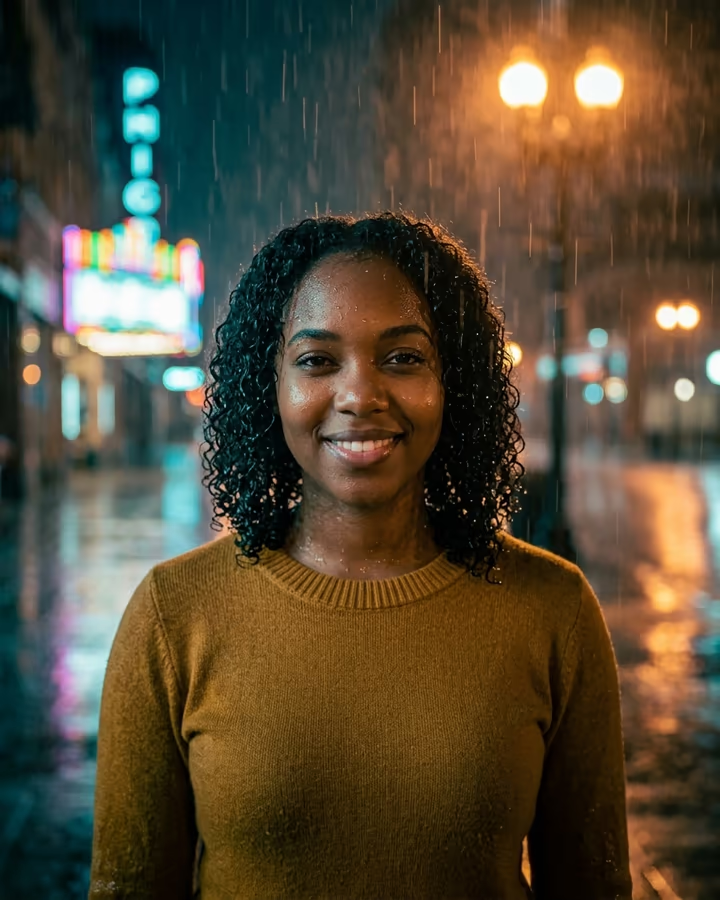
The AI rain effect puts you on a city street at night in heavy rain. Your hair and clothes look soaked, water beads on your skin, rain streaks catch the glow of warm street lamps, and the wet pavement reflects neon signs behind you. The image is graded in moody teal and amber with a shallow depth of field, so it reads like a still from a film.
Rain portraits have been a favorite of photographers for a long time, but they are hard to shoot for real. You need rain or a hose, backlight to make the drops visible, and a camera you don't mind getting wet. On TikTok and Instagram the look became a popular AI trend once image models could add believable water to skin and hair without making faces waxy. Soracai's rain page was one of the site's early trend templates, and this version keeps the same cinematic direction with tighter instructions to preserve your face.
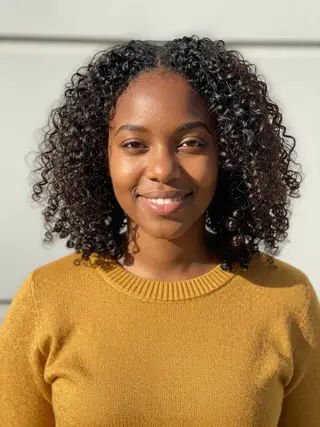
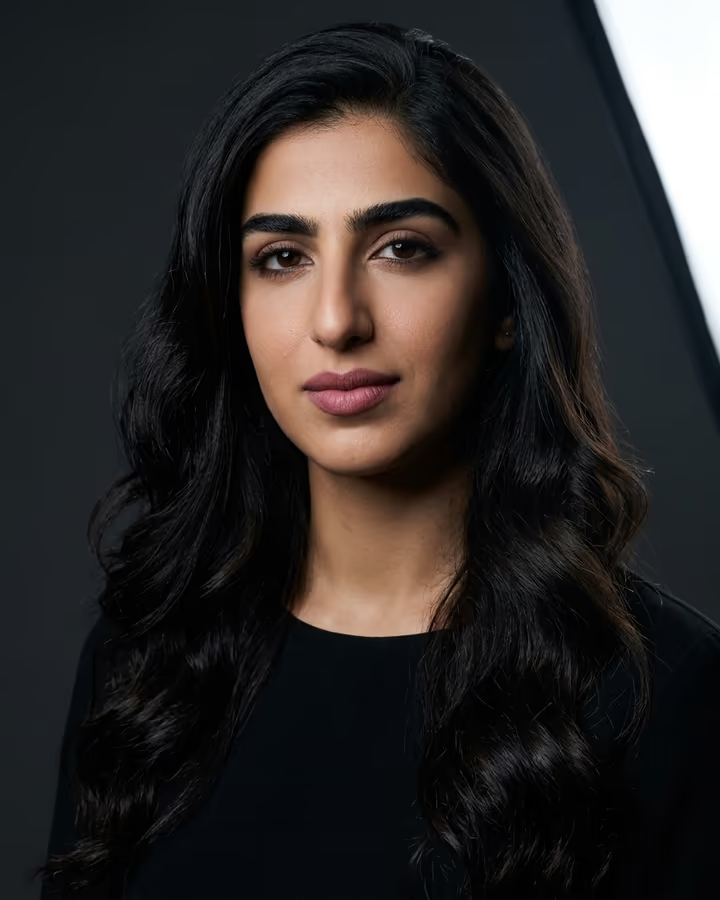
It works with almost any clear photo of you: a selfie, a daytime street shot or a picture from a dinner. The scene, light and weather are replaced. You stay the same.
What makes rain look real
Real rain is mostly invisible unless light hits it from behind or the side. That is why the template places warm street lamps and neon signs behind you: they turn the falling drops into bright streaks and give the wet pavement reflections to work with. On the subject, believable rain shows up as darker, clumped hair, fabric that clings and turns a shade deeper, and small round droplets on skin rather than an even shine.
The teal-and-amber grade is a common film look. Cool shadows and warm highlights separate a lit face from a dark background. Together these details get the image closer to a night shoot and away from an overlay filter.
Ways to vary the scene
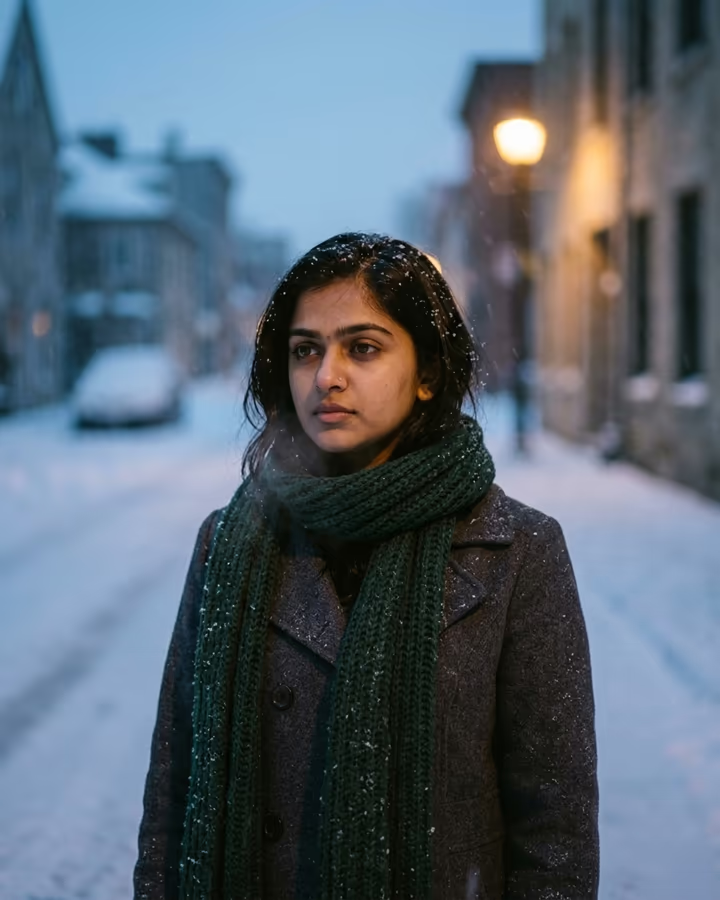
The default is a city street at night, but the details field lets you push it somewhere else. Try "rooftop in the rain with the skyline behind", "standing under a bus stop light", "red neon sign, cyberpunk feel" or "daytime rain, grey sky, softer light". Wardrobe changes work too, like a trench coat, a hoodie or a formal dress soaked through.
For a set of images that look like they belong together, keep the same details text and change only your source photo. For a different mood with the same subject, keep the photo and vary the light: warm lamps feel romantic, while blue neon feels colder and lonelier.