
Skip to content

AI Headbop Video

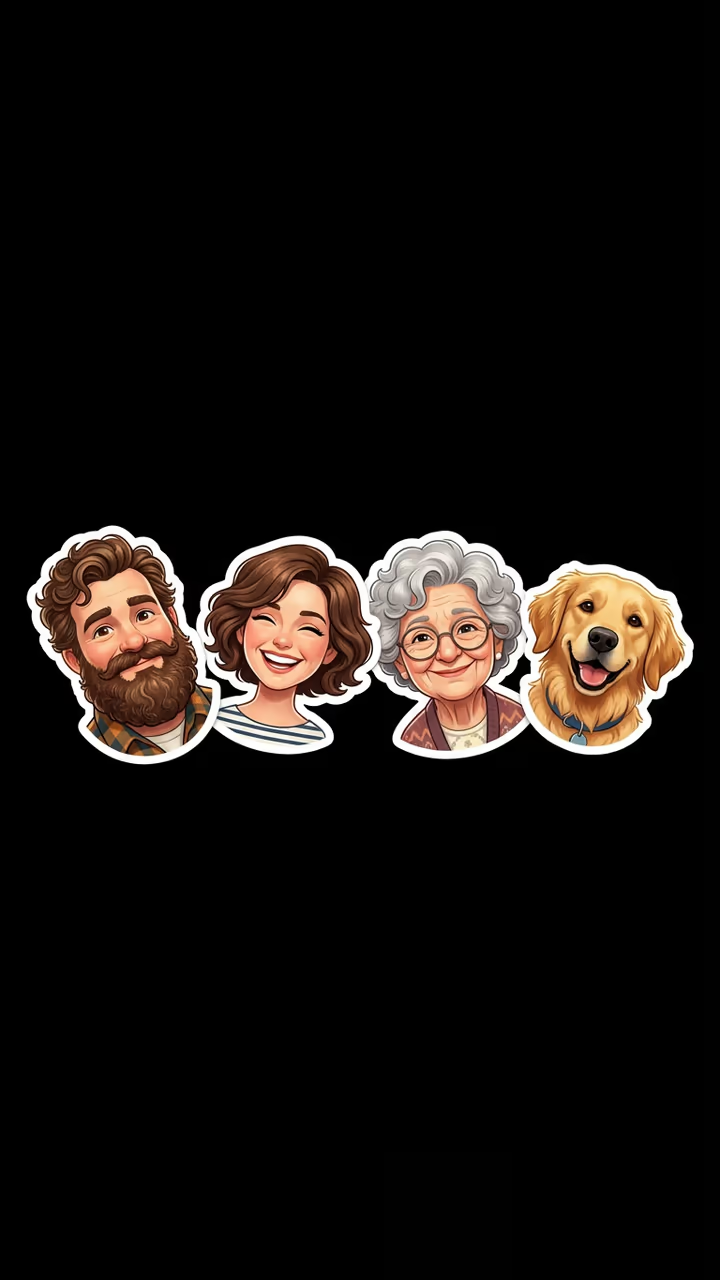
Your family, friends or pets as a row of cut-out heads on black, bopping in time to the beat, big to small.

Family Headbop · switch effect

Photo 1 (biggest head)

Head and shoulders, face to camera

Photo 2 (optional) (optional)

An adult or a pet, face to camera

Photo 3 (optional) (optional)

An adult or a pet, face to camera

Cost shown before you run · failed runs are refunded

  • Ready in 1–3 min
  • No watermark
  • Failed runs refunded
  • Uploads never published

This trend on Instagram & TikTok

The most-watched videos of this trend, shown with credit and a link to each original post. Videos belong to their creators; they were not made with Soracai.

  1. 1

    @.carvaa

    Trend video

    TikTok

    2.03M views · 311K likes · September 28

    The fighter-jet “family” headbop

    Watch on TikTok ↗
  2. 2

    @popo_hrtz

    Trend video

    TikTok

    1.08M views · 208K likes · October 10

    Four meme cats bopping

    Watch on TikTok ↗
  3. 3

    @dshaun.abilene

    Trend video

    TikTok

    524K views · 25K likes · October 4

    Family headbop with your own photos

    Watch on TikTok ↗

How to use the AI Headbop Video

  1. 01

    Upload your photos

    Photo 1 (biggest head): Head and shoulders, face to camera. Photo 2 (optional): An adult or a pet, face to camera. Photo 3 (optional): An adult or a pet, face to camera.

  2. 02

    Press Generate

    The Family Headbop effect runs on its own tuned settings. It costs 140 credits, shown on the button before you run it.

  3. 03

    Download

    Your video is ready in one to three minutes. Download the MP4 without a watermark.

AI Portrait Effects

What is the AI Headbop Video?

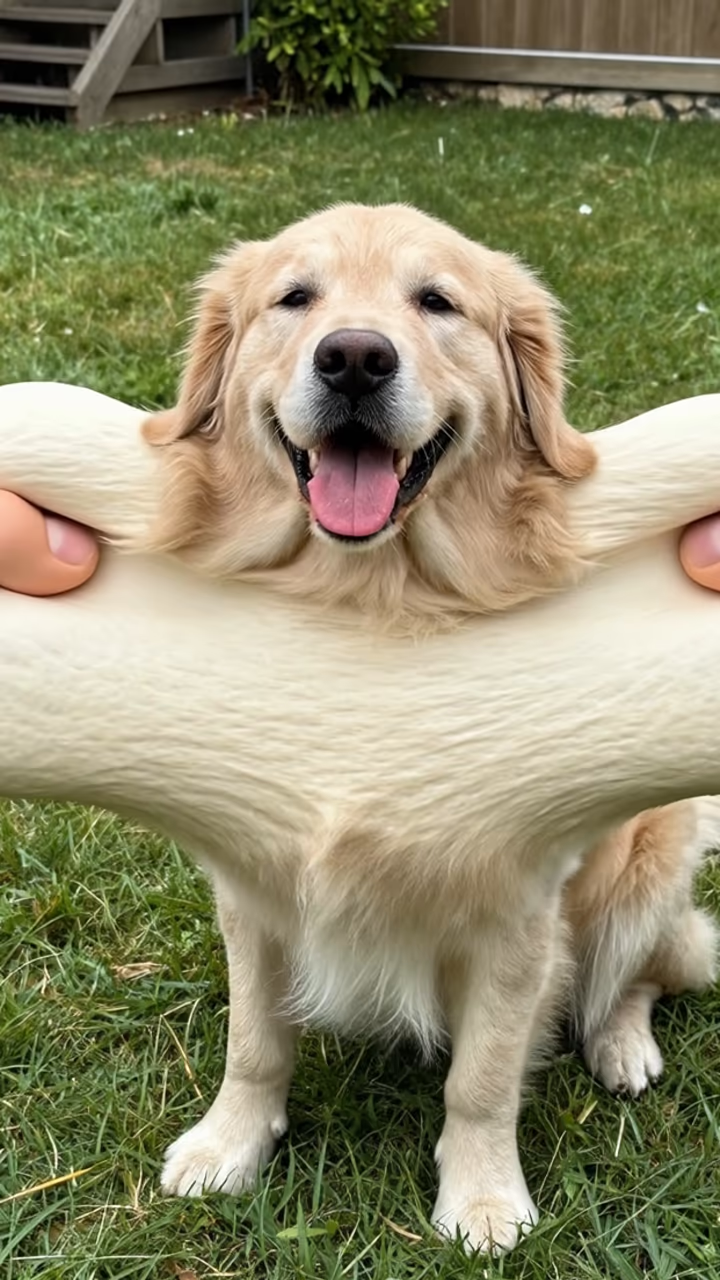
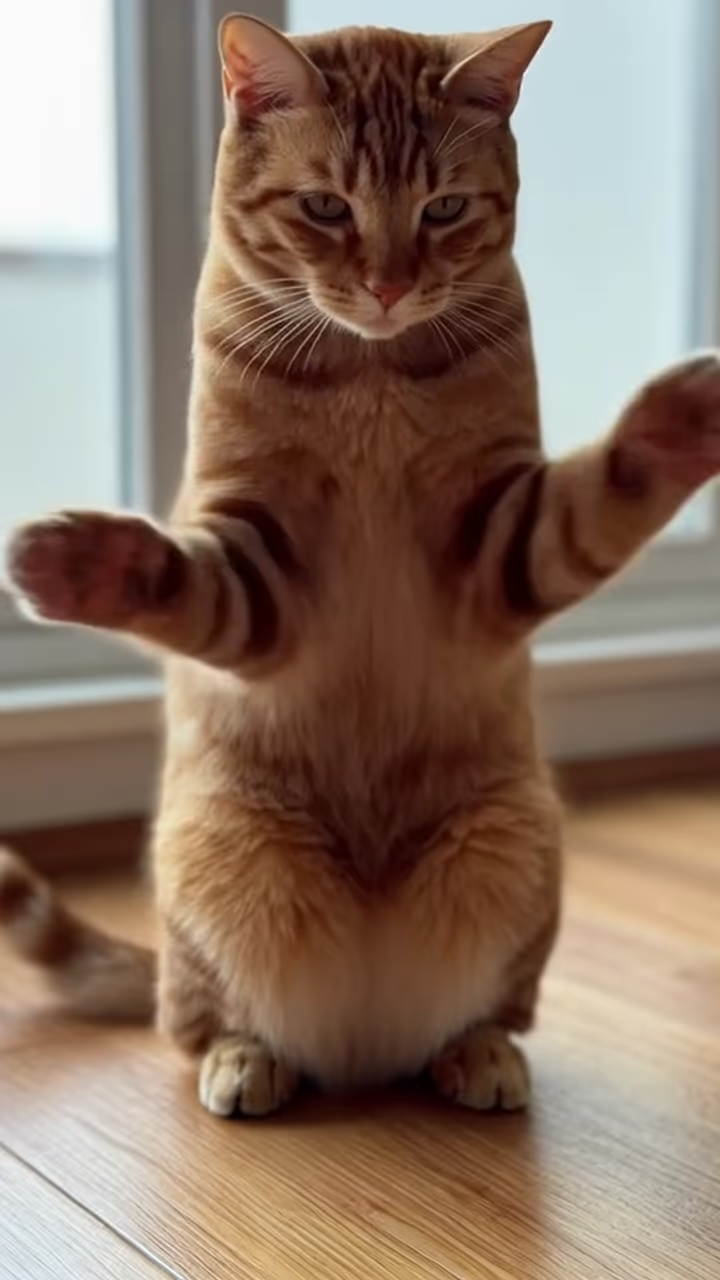
The AI headbop template makes the cut-out-heads animation everyone is posting, without cutting anything out by hand. Upload one to three photos of people or pets. The template cuts out each head at the neck, gives it a thin white sticker outline and lines them up in one row on a pure black background, biggest on the left and smallest on the right. Then the beat drops. The heads tilt and bounce left and right one beat apart, like a wave from big to small, then all together on the drop, with a little squash and stretch on every hit.

The format took off at the end of September 2026, when a headbop of a "family" of fighter jets passed 2 million views. A CapCut headbop template with four meme cats passed a million, how-tos for making it with your own family passed half a million, and #headbop has hundreds of millions of views. Until now you had to cut every head out yourself in an editor.

The template runs in two steps: an image model makes the sticker row from your photos, then a video model animates the bop to an original phonk beat. The clip is 5 seconds, vertical and watermark-free.

One to three heads

Photo 1 is required and becomes the biggest head. Photos 2 and 3 are optional; with one photo you get a single bopping head, with three you get the classic row. The image step keeps each face, hairstyle and fur exactly as in its photo, so the sticker heads look like the real people and pets.

Why the background is black

The trend's look is flat sticker heads on pure black, so the heads pop and the bop reads instantly. The template keeps that look and leaves out bodies and text, so you can add your own caption on top.

AI Headbop Video FAQ

How do I make a headbop video?

Upload one to three photos and press Generate. The template cuts out the heads, lines them up on black and animates the bop to a beat.

Is it free?

Video templates use paid credits. New accounts get free credits for photo templates only. The exact cost is shown on the Generate button before you confirm.

Can I use pet photos?

Yes. Dogs, cats and other pets work, on their own or next to people.

Can I add more than three heads?

Not in this version. Three heads keep each face big enough to recognise.

Does the video have sound?

Yes, an original phonk beat. You can mute it and add the trending sound.

Is there a watermark?

No watermark is added to the video.

Where is my photo stored?

Uploads are stored in Firebase Storage (Google Cloud) under your account so the run can happen and the result appears in Creations. They are not public, and you can email support to request deletion. To run the effect, a copy is sent to our AI model provider (kie.ai); result files are kept for 14 days, so download what you want to keep.

More AI effects

Try the AI Headbop Video

Upload two photos and get your video in a couple of minutes.

Upload photos