



Skip to content

AI Perdon Trend Photo

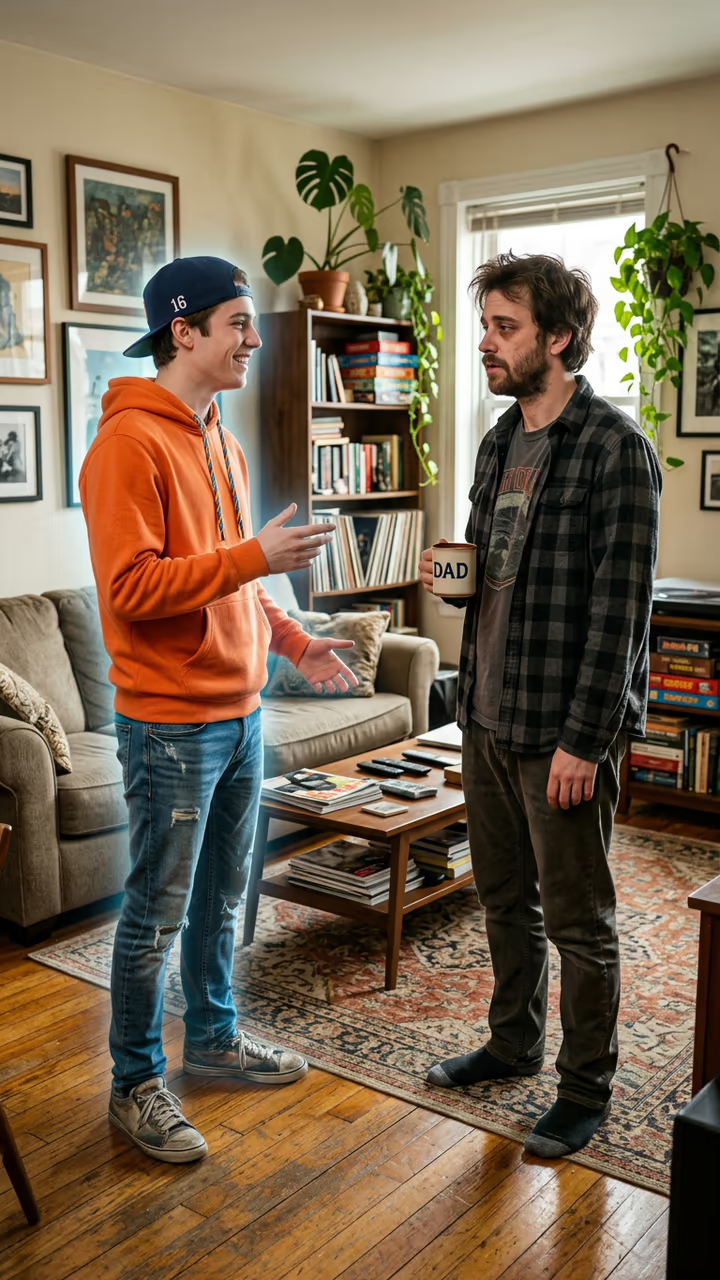
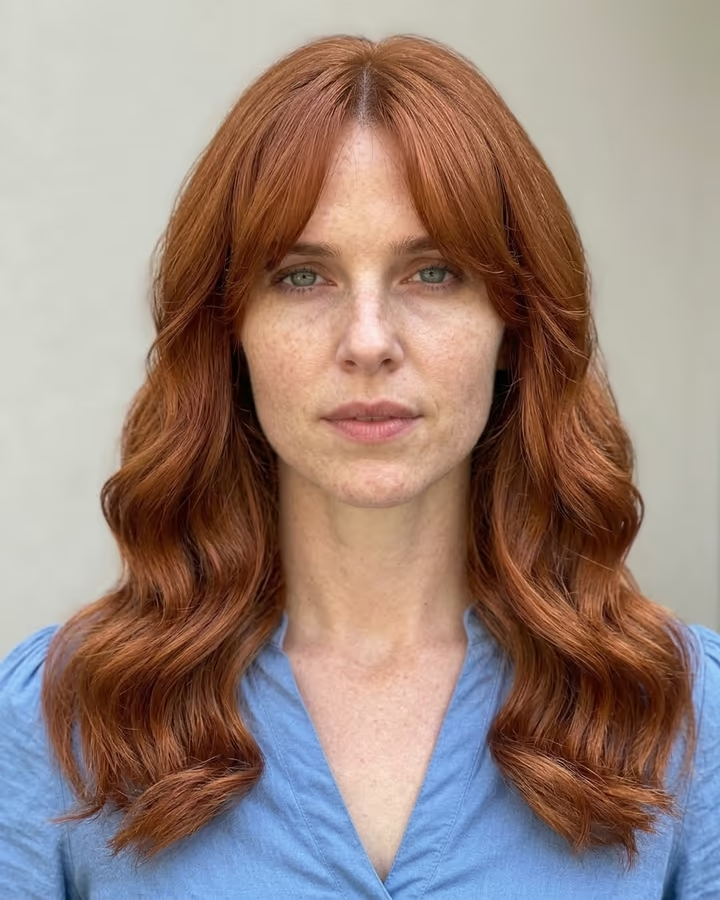
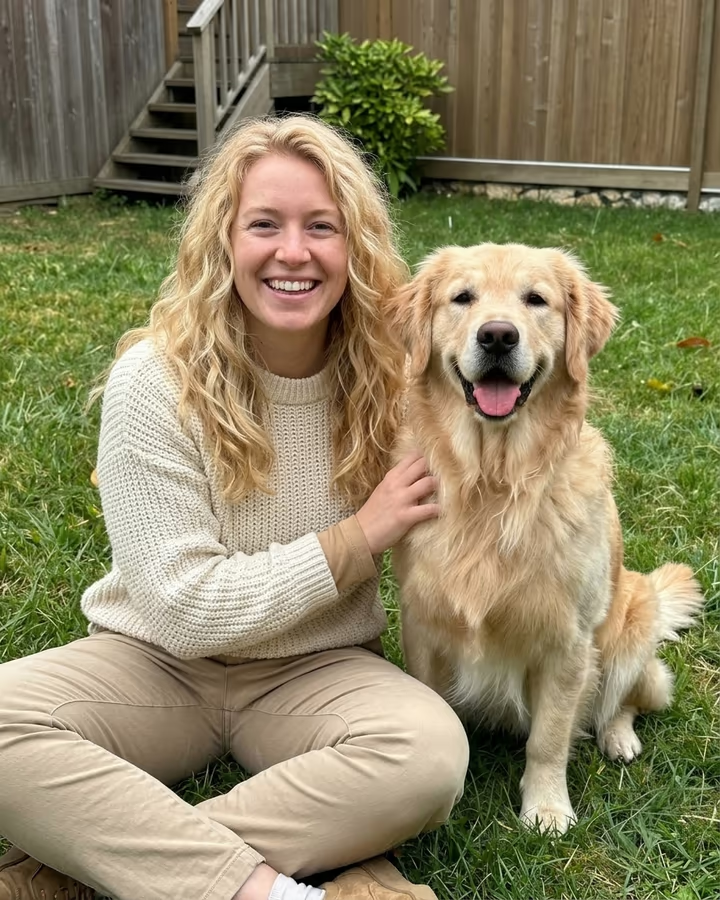
Your everyday photo turned into the too-perfect AI version for the first slide of the perdon trend: same pose, dream place, salon hair, so the real photo at the end gets the laugh.

Perdon Trend · switch effect

Your everyday photo

You alone (adult) or your own pet, face clear. The ordinary photo you will post last.

Cost shown before you run · failed runs are refunded

  • Ready in ~15 s
  • No watermark
  • Failed runs refunded
  • Uploads never published

This trend on Instagram & TikTok

The most-watched videos of this trend, shown with credit and a link to each original post. Videos belong to their creators; they were not made with Soracai.

  1. 1

    @jimherrp031727

    Trend video

    TikTok

    8.36M views · 2.46M likes · October 17

    “This is my chihuahua princess”… perdón

    Watch on TikTok ↗
  2. 2

    @xkmsew8vl1

    Trend video

    TikTok

    25K views · 69 likes · October 18

    Firefighter, cat lady and beach volley versions

    Watch on TikTok ↗

How to use the AI Perdon Trend Photo

  1. 01

    Upload a photo

    Your everyday photo: You alone (adult) or your own pet, face clear. The ordinary photo you will post last.. Dream version (optional): e.g. playing in a full stadium, on a yacht, at a gala.

  2. 02

    Press Generate

    The Perdon Trend effect runs on its own tuned settings. It costs 10 credits, shown on the button before you run it.

  3. 03

    Download

    Your photo is ready in about 15 seconds. Download it without a watermark.

AI Portrait Effects

What is the AI Perdon Trend Photo?

The perdon trend is the AI photo joke that took over Spanish-speaking TikTok in October 2026. You post a carousel. The first slide is a photo of you that is just a little too good, captioned "esta soy yo" (this is me): you in a packed stadium, on a marble sofa in a luxury home, with glossy salon hair. Each next slide takes one lie back ("mentira, no soy rubia", "tampoco estaba en un estadio"), and the last slide is the real, ordinary photo with a single word: "perdón".

This template makes that first slide. Upload the everyday photo you will post last, and the AI keeps your pose, your face, your age and your body exactly as they are, but turns the place into its dream version, adds flattering light and gives you the salon-hair, freshly ironed look. Type a wish in the box, like "playing in a full stadium", to steer the scene. It works for pets too: the biggest post of the trend so far, "this is my chihuahua princess" followed by the real and very ordinary dog, passed 8 million views and 2.4 million likes in two days.

The trend started in Argentina on 13 October with a field hockey version, spread to Mexico and Chile with beach volley, jiu-jitsu and firefighter posts, and how-to videos for the "perdon trend de fotos ia" followed from 18 October. The result is a 3:4 photo, the shape of a TikTok carousel, made with Nano Banana 2 and downloaded without a watermark. The trend posts on this page are credited to their creators; the poster image is AI-generated.

How to build the carousel

Slide 1: the AI photo with "esta soy yo" (or "this is me"). Slides 2 to 4: the same AI photo again, each with one confession, for example "lie, I am not blonde" or "I was not in a stadium either". Last slide: your real photo and the word "perdón". Add the trend's sound and post it as a photo carousel.

The joke only works if both photos clearly show the same moment, so the template keeps your pose and camera angle and only upgrades the place, the light and the styling.

Why it keeps your body and face

The trend makes fun of AI photo edits, not of the person in them. That is why the template never makes you slimmer, taller or younger: your friends should recognise you at once, and the laugh comes from the stadium, the marble and the salon hair, not from a different body.

AI Perdon Trend Photo FAQ

What is the perdon trend?

A TikTok photo carousel: first a too-perfect AI version of your photo captioned "esta soy yo", then one slide per lie, and last the real photo with "perdón". It went viral in Argentina, Mexico and Chile in October 2026.

How do I make the perdon trend photo with AI?

Upload the everyday photo you will post last, optionally type a dream scene, and press Generate. You get the perfect AI version in the same pose for the first slide.

Is it free?

New accounts get free credits for photo templates, so you can try it at no cost. More runs use credits from a pack or plan, and the cost is shown before you generate.

Can I use it with my dog or cat?

Yes. Upload a photo of your own pet and you get a groomed, show-champion version in a dream setting, like the viral chihuahua post.

Will it change my face or body?

No. The template keeps your face, age and body shape; it only upgrades the place, the light, the hair styling and how neat the outfit looks.

Is there a watermark?

No. Images download without a watermark.

Where is my photo stored?

Uploads are stored in Firebase Storage (Google Cloud) under your account so the run can happen and the result appears in Creations. They are not public, and you can email support to request deletion. To run the effect, a copy is sent to our AI model provider (kie.ai); result files are kept for 14 days, so download what you want to keep.

More AI effects

Try the AI Perdon Trend Photo

Upload a photo and get your photo in seconds.

Upload photo