

What is the AI Split Face Generator?
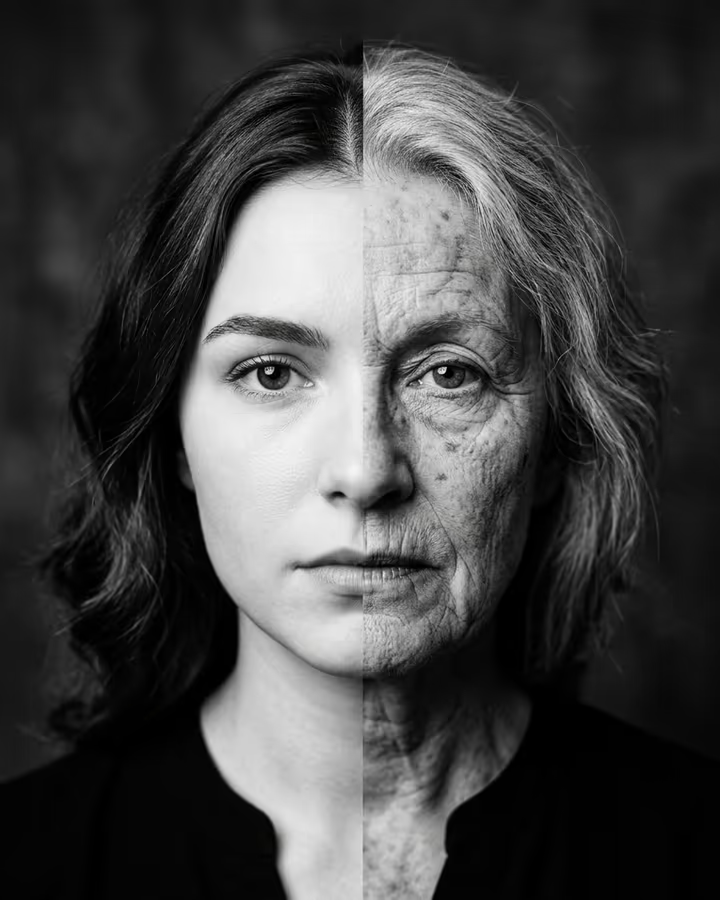
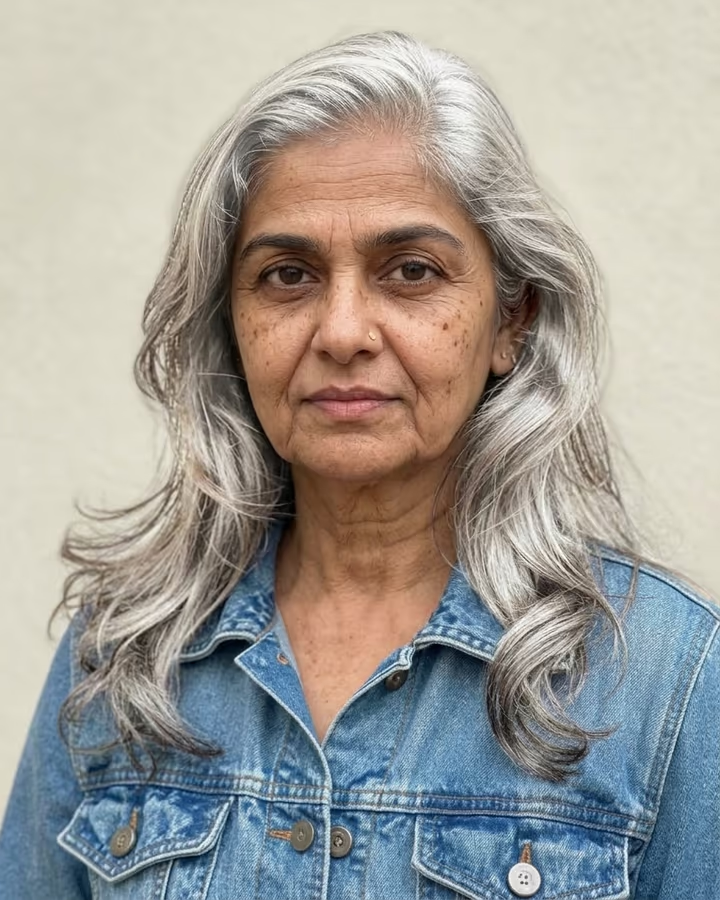
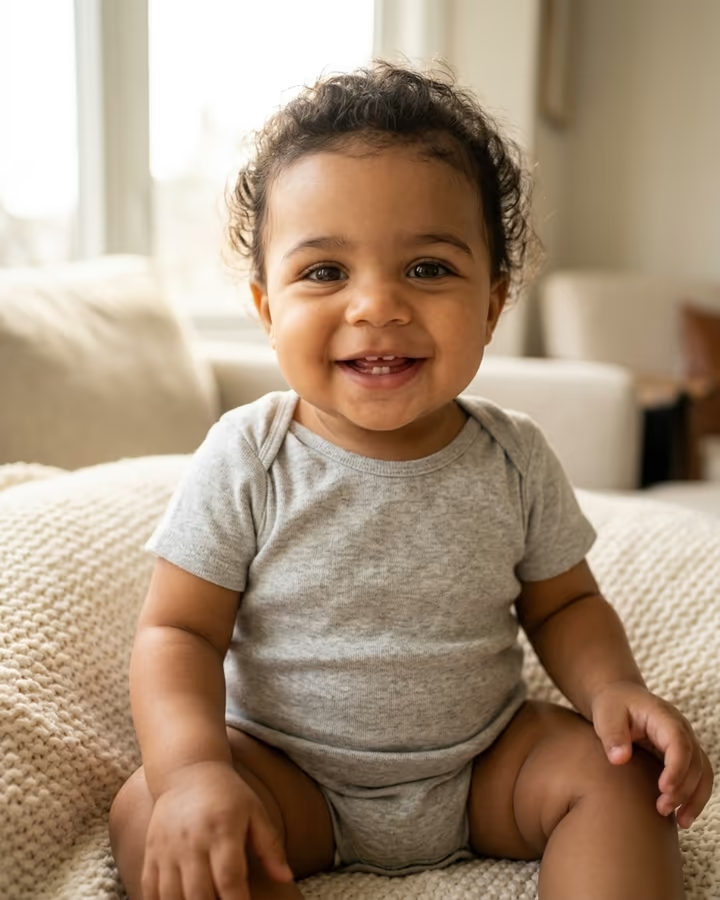
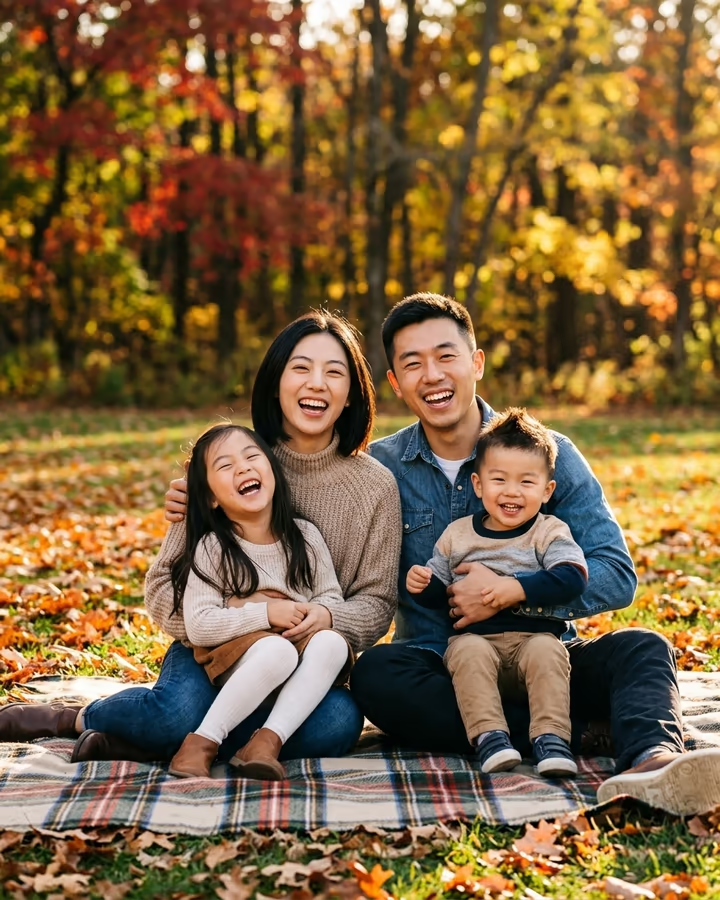
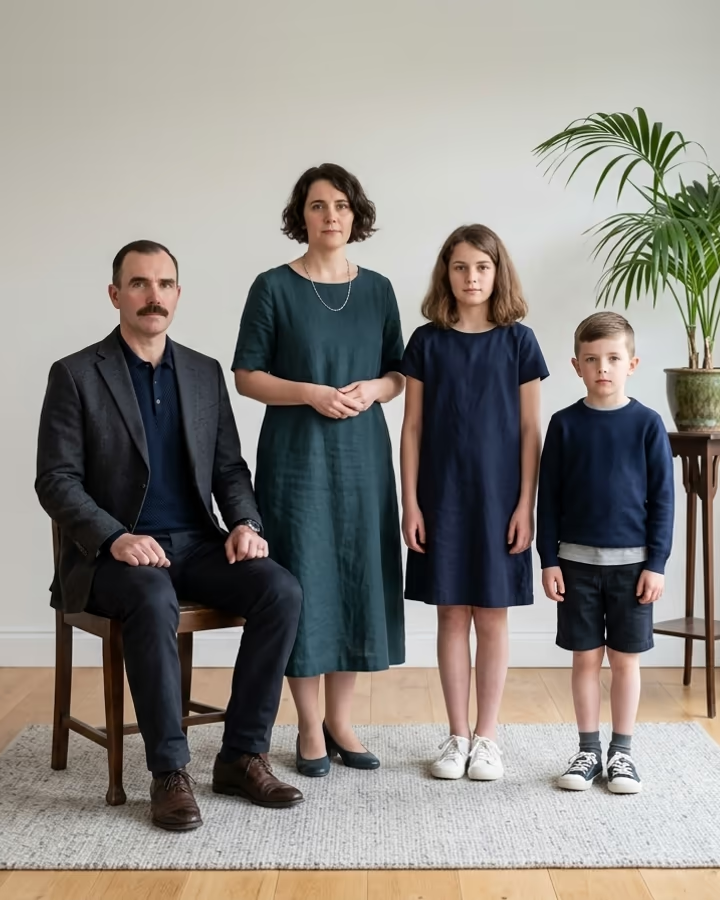
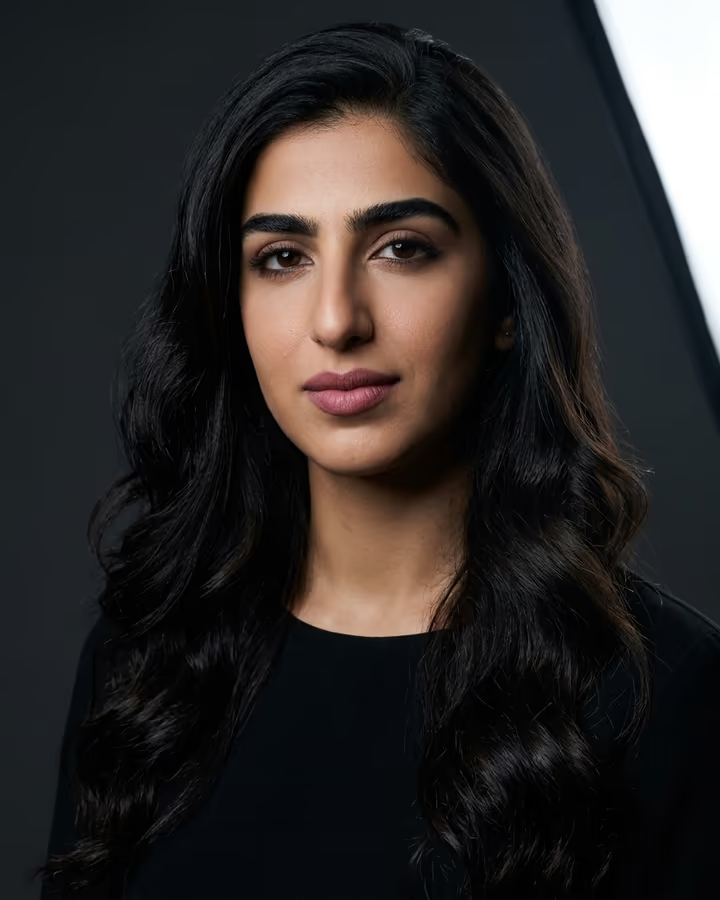
The AI split face generator answers the question every family argues about: who do you take after? Upload a photo of yourself and one of your mom, dad or another relative. The template builds a single black-and-white studio portrait of one face split down the middle. The left half is you, the right half is them, with the eyes, nose, lips and chin lined up so the two halves meet as if they were always one face. Each half keeps its real features, skin texture and age, and each person keeps their own hair on their side, against a plain dark grey background in a fine-art photography style.
The family resemblance trend took off in September 2026. A CapCut how-to video for the half-face look reached 4.8 million views, "you look like your mom" reveals passed three-quarters of a million, and several AI tools added their own versions. The black-and-white treatment matters: without colour differences in skin and lighting, your eye goes straight to the shapes you share.
The result is a 4:5 photo made with Nano Banana 2 in about 20 to 40 seconds, without a watermark. Use two front-facing photos with similar light for the cleanest match, and only upload a family member's photo if they agreed.
Getting a clean split
The model has to match two different photos at the centre line, so the closer the photos are to each other, the cleaner the result. Front-facing, eye-level shots with the head the same size in the frame work best. Soft, even light helps too: if one photo has hard shadows on one side, that side may look darker than the other even in black and white.
If you see a visible seam or a mismatched eye line, try again with photos taken in similar conditions.
Consent and privacy
This effect uses another person's face, so ask first. Only upload photos of adults who agreed. Your uploads are stored privately under your account and can be deleted on request.