
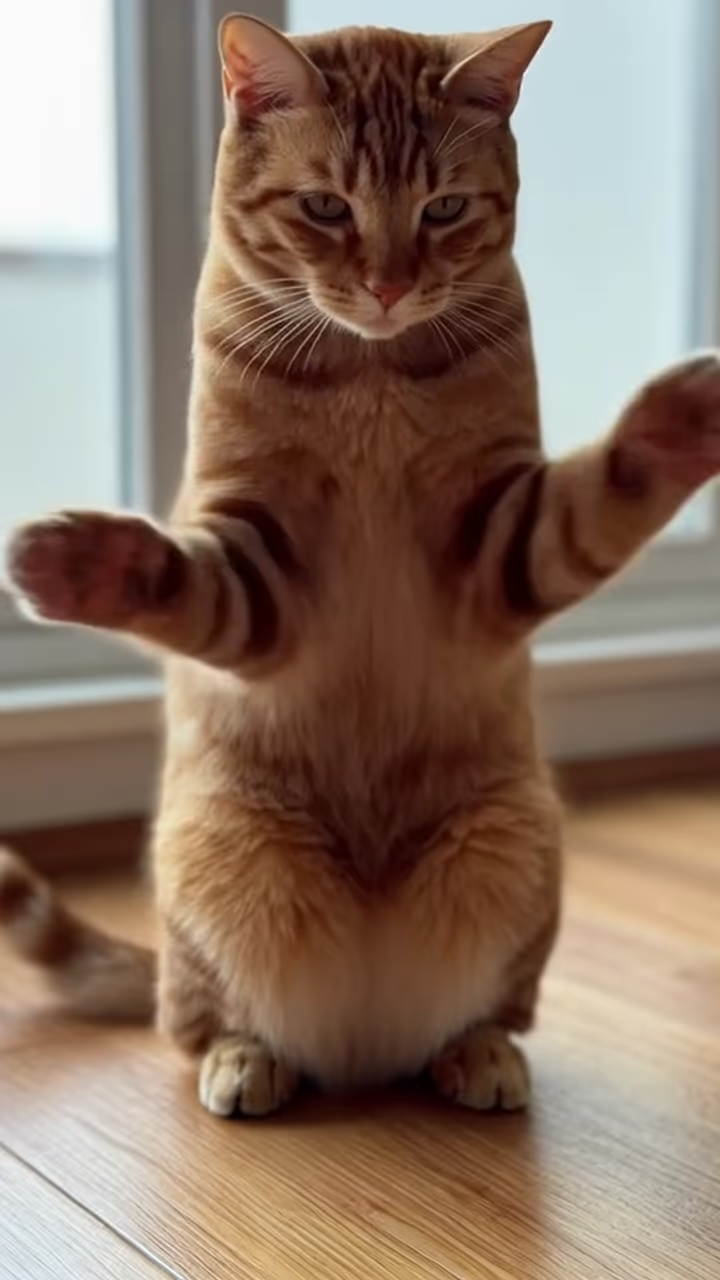
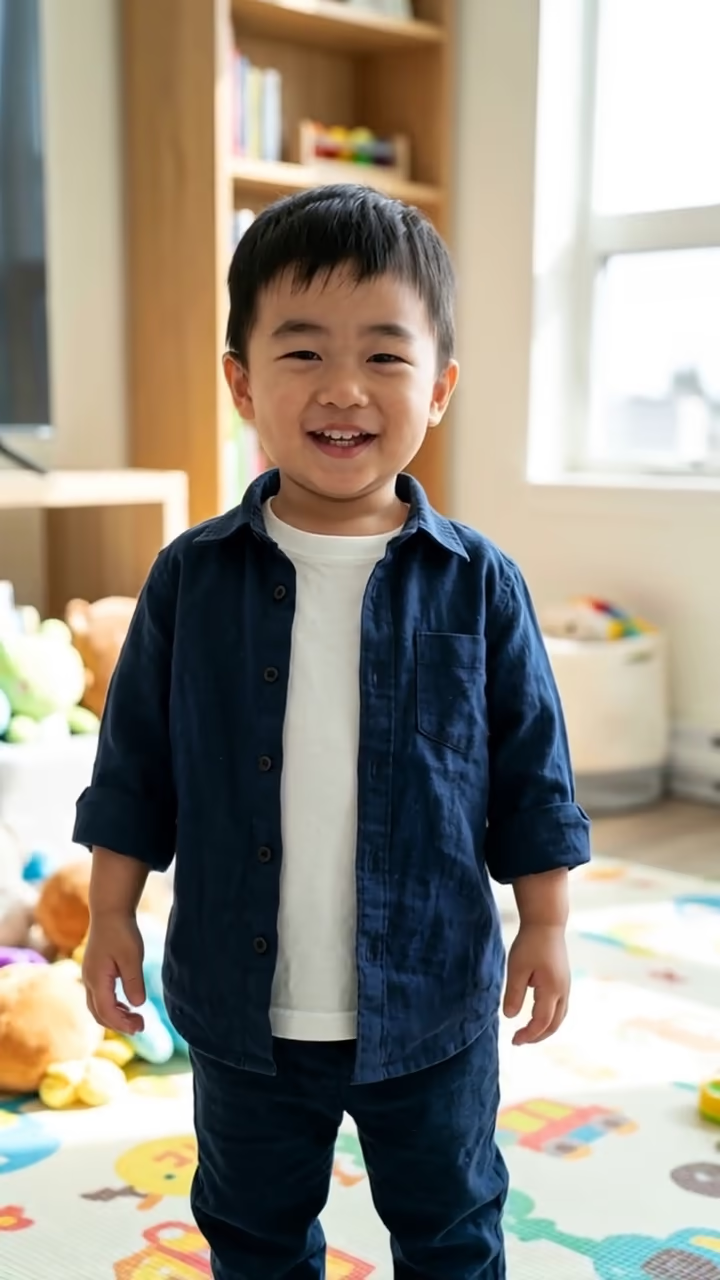
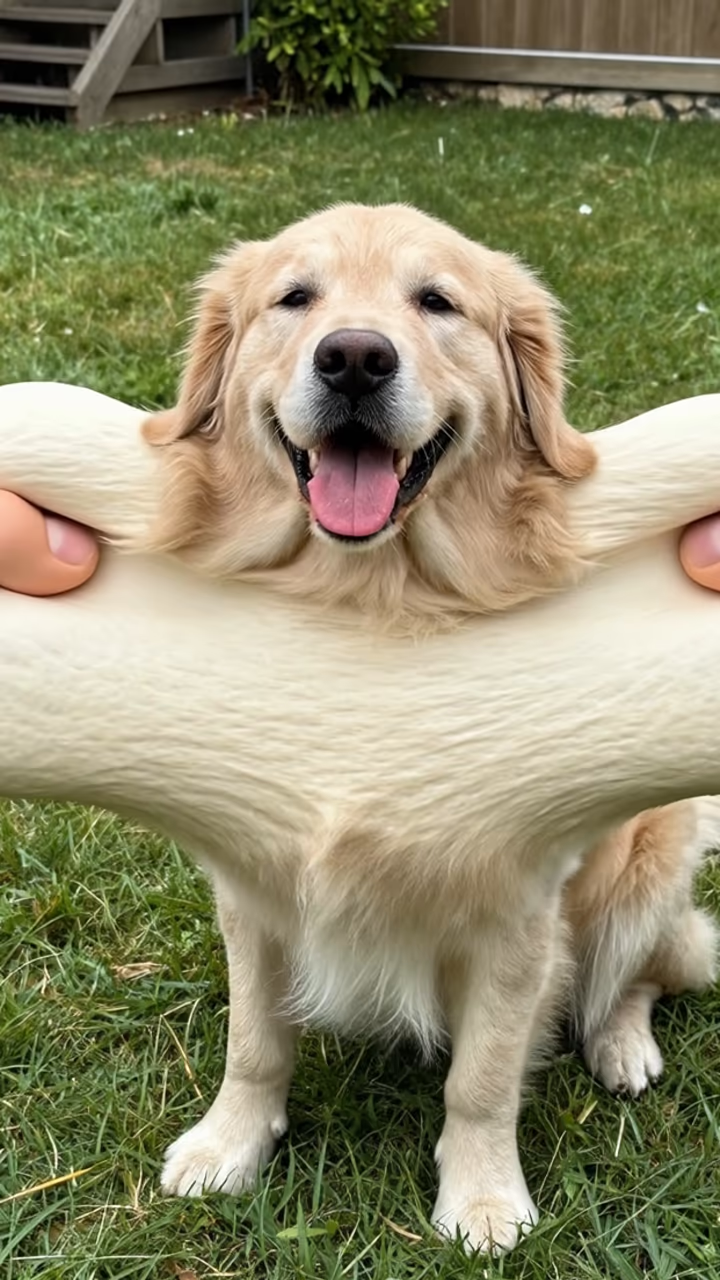
What is the AI Twerk?
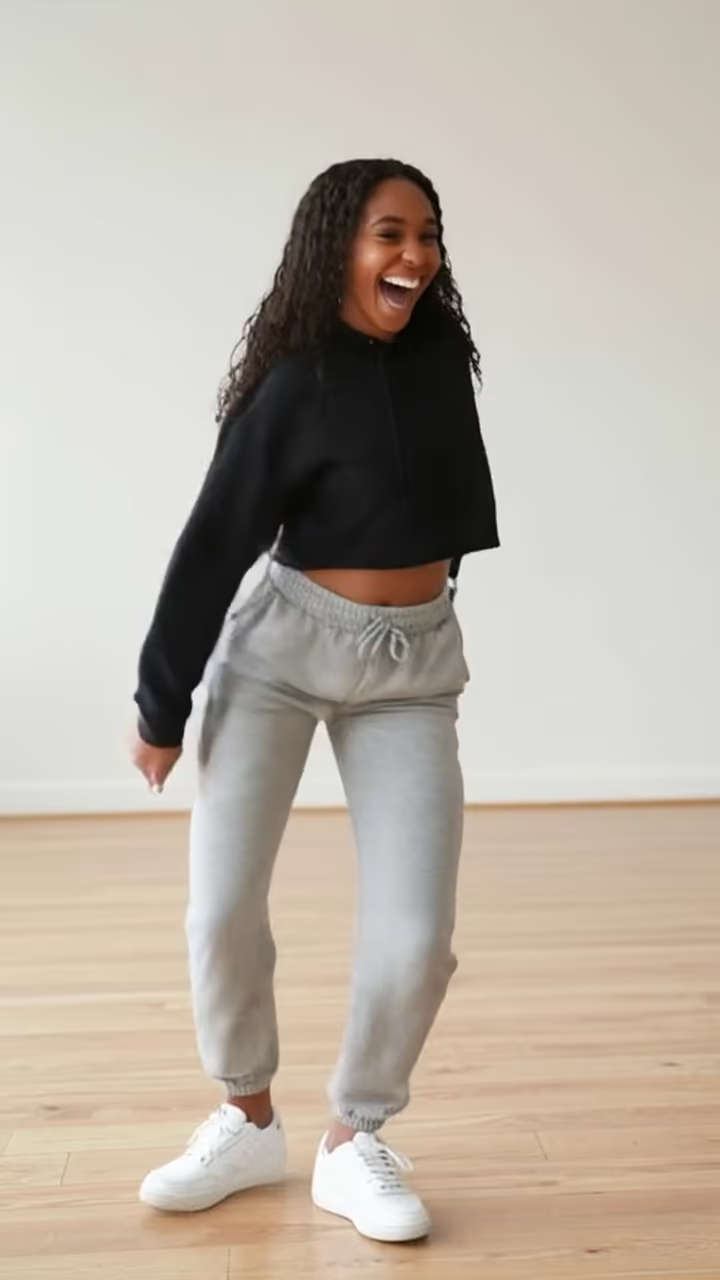
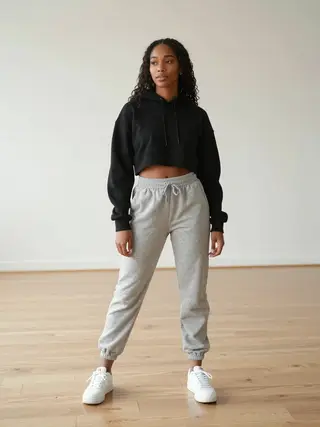
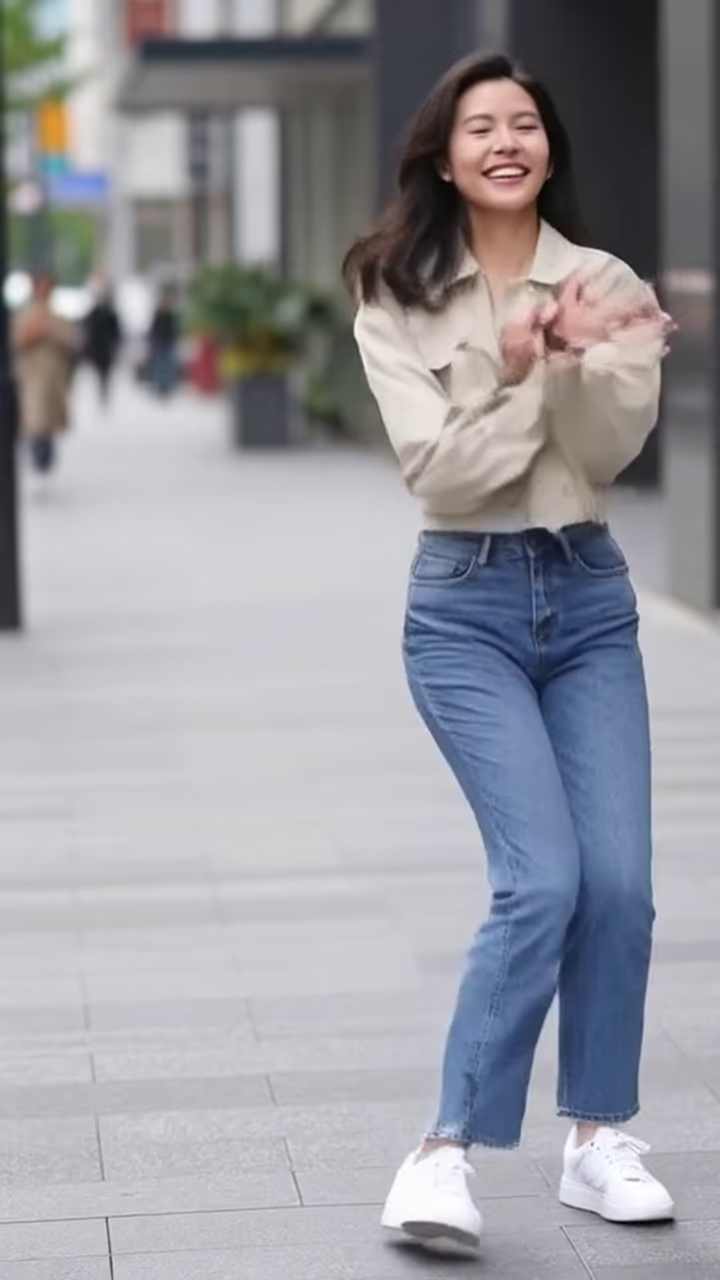
The AI twerk template takes a full-body photo and turns it into a short, silly dance clip: the person turns a little to the side, drops into a bent-knee stance with hands on knees, bounces their hips to the beat, then turns back to the camera laughing. It is meant to be funny rather than provocative, and the prompt keeps the person fully clothed and the camera still.
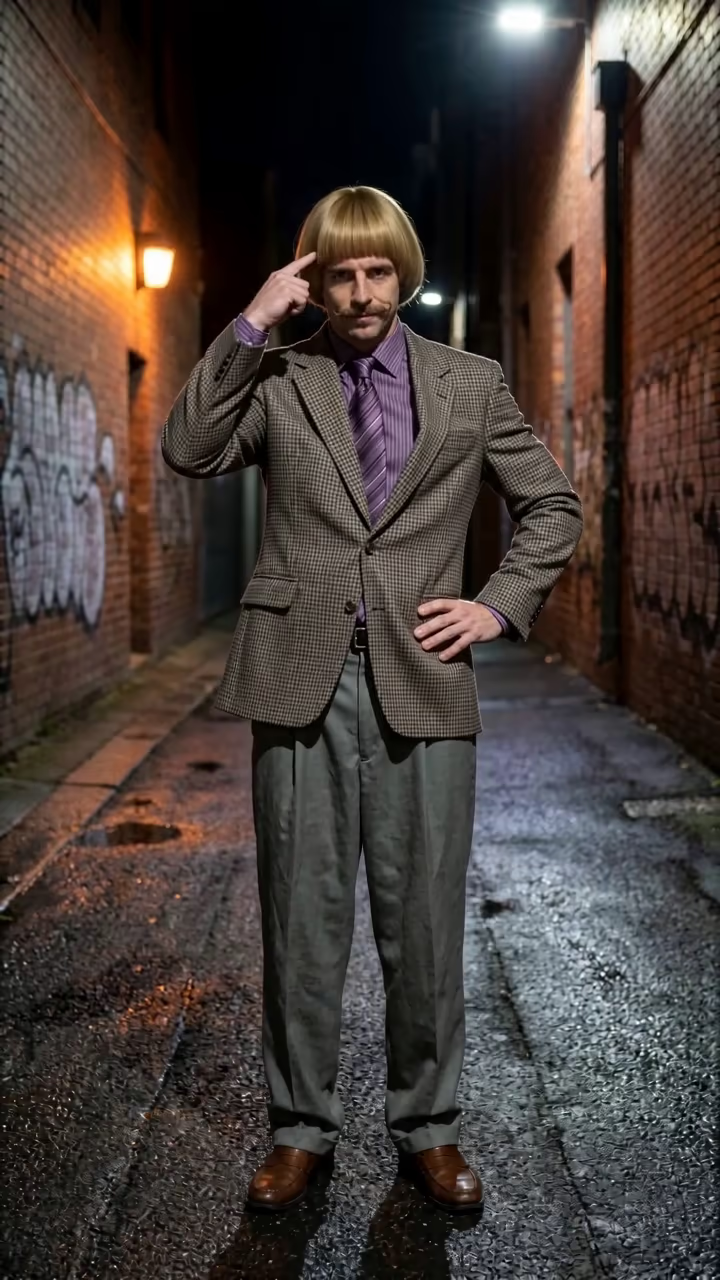
Twerk effects became one of the most searched AI video templates as photo-to-video apps spread in 2024 and 2025. The appeal is the surprise. Someone who would never do the move on camera, often a very serious-looking friend in a plain photo, suddenly breaks into it and cracks up at the end. The joke lands best on photos that look formal or ordinary: a person in a park, at the office, at a family event.
This page runs the effect as a one-tap template, so there is no prompt to write and no reference video to find. Upload one full-body photo of an adult, press Generate, and in about one to three minutes you get a 6-second vertical clip with no watermark. The video is silent, so you can add whichever trending sound you want in your editor. Use it on yourself, or on adult friends who are happy to be the joke. It is not for photos of minors, and it should not be used to embarrass someone who did not agree.
Keeping it playful
The template is written to stay light. The prompt asks for a fully clothed person, a short dance move, and a laugh at the end, with a static camera and no close-ups. That keeps the result in comedy territory, which is how the effect is usually shared.
The rules are short. Adults only: never upload a photo of a minor. Only use your own photo or one of an adult who agreed to it. Do not post it to embarrass, sexualize or harass anyone, and do not present it as real footage of a person who did not make it. If someone asks you to take a clip down, take it down, and treat a no as final before you ever post.
How it differs from the AI dance generator
The AI dance generator does an upbeat hip-hop routine that fits almost any song. This template is a single comedic move with a punchline at the end, built for meme-style posts. Both use the same image-to-video model and the same 6-second length, and both work best with a clean full-body photo.
If you want a full named choreography instead, the style pages at /ai-dance copy moves from a reference dance video, which is the better route for matching a specific TikTok trend step for step. Start here if you just want the laugh; go there if you want the exact routine.