



What is the AI Inflate Effect?
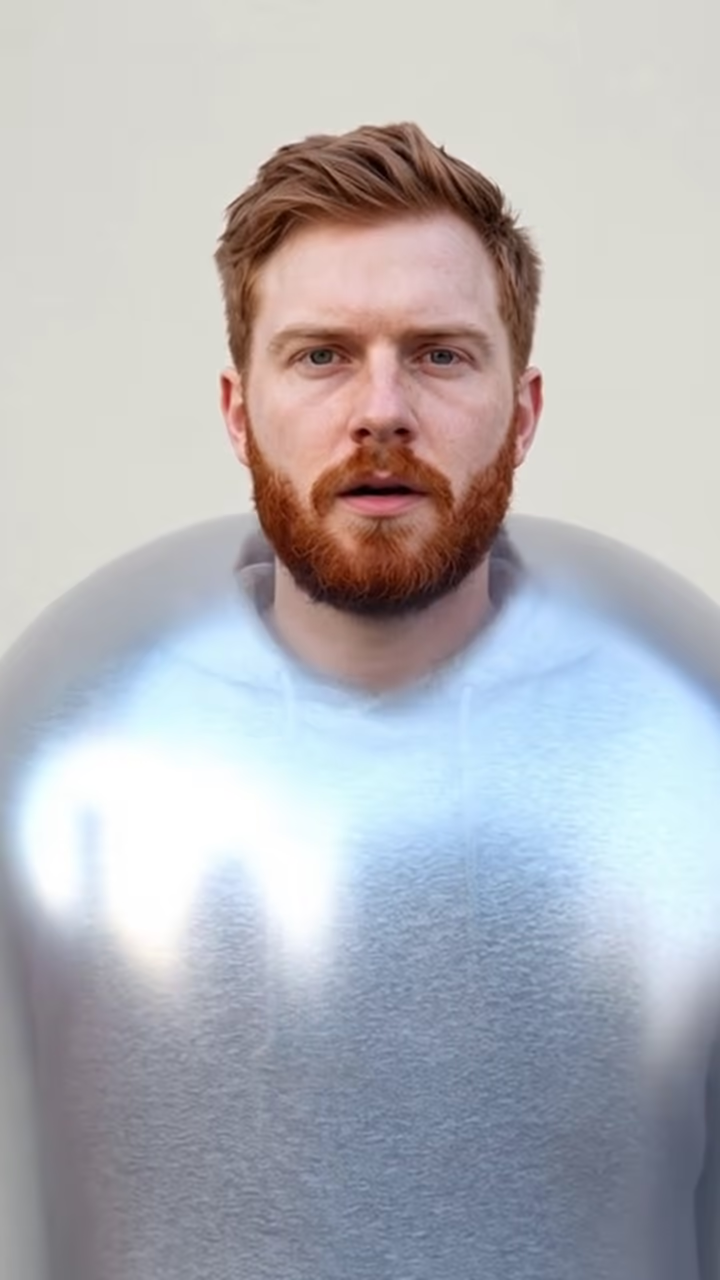
The AI inflate effect turns one photo into a short clip where the person swells up like a balloon, round and shiny, with a surprised face that stays recognizable, then lifts off the ground and drifts out the top of the frame. It is silly on purpose, and it works because the joke is obvious in the first two seconds.
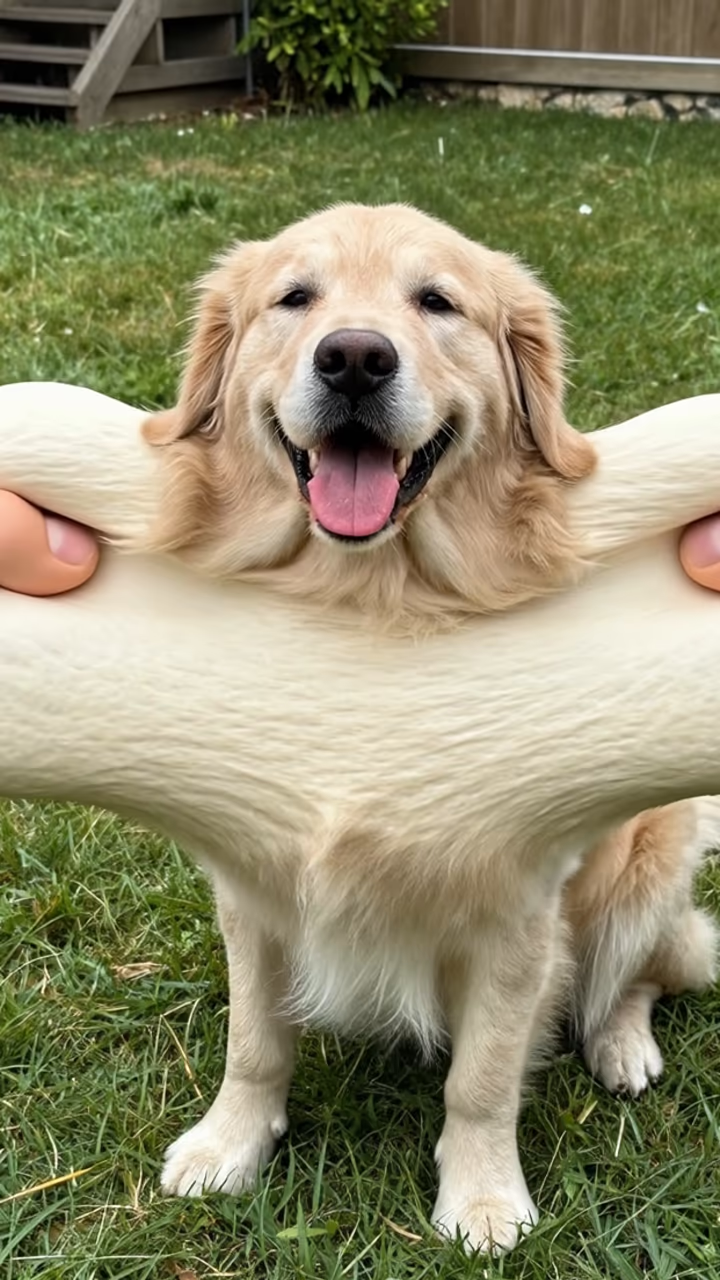
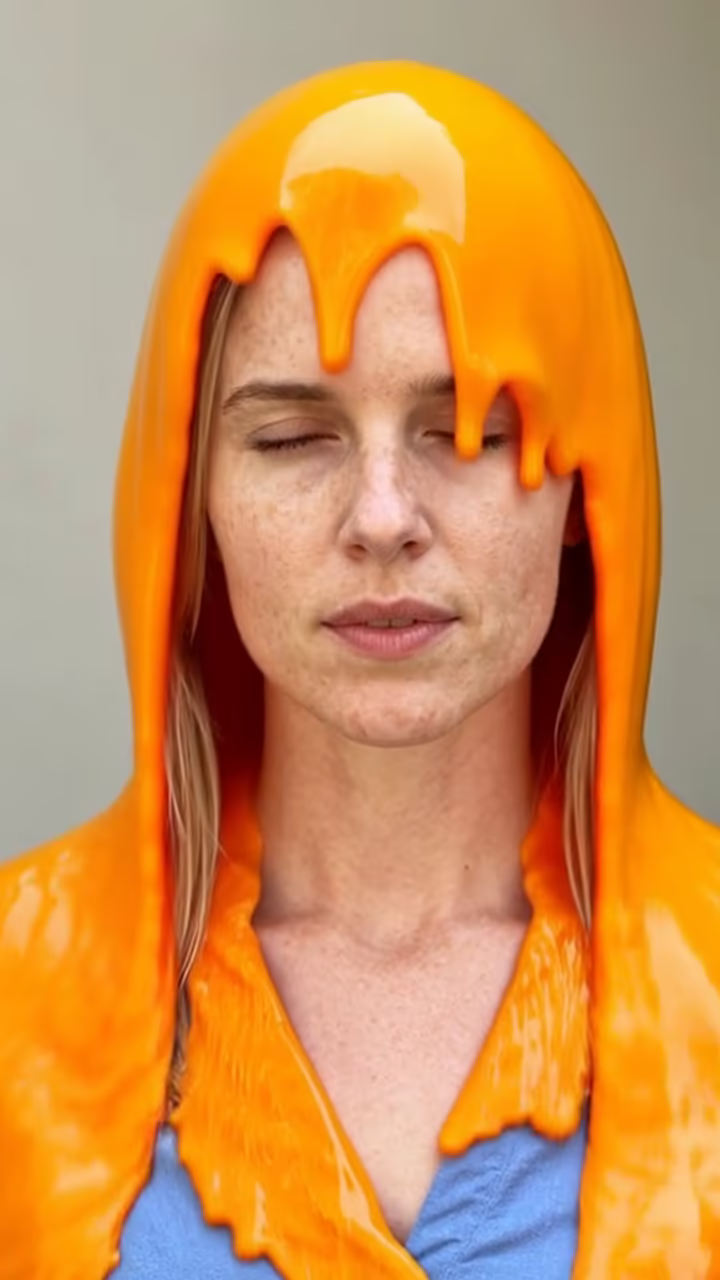
Inflate was one of the first AI video effects to go viral. Around 2024, video apps began offering one-tap presets like inflate, squish, crush and melt, and clips of people, pets and even famous paintings ballooning up flooded TikTok. Since then nearly every AI video app has added its own version, and the term "ai inflate" is still searched every month.
This template runs the effect on Hailuo 2.3, an image-to-video model, with a fixed prompt for the inflation, the float and a static camera, so you do not have to write anything. The example on this page was made from an AI-generated photo of a fictional person.
Videos take about one to three minutes, are six seconds long and download without a watermark. Upload only photos of yourself or of adults who agreed to it.
Why the camera stays still
The prompt asks for a static camera on purpose. With body-changing effects, a moving camera competes with the motion of the subject and the clip gets hard to read on a small phone screen. Keeping the frame locked makes the inflation the only thing that moves, and the float out of the top of the frame gives the clip a clear ending.
That structure also makes it easy to loop: cut back to the original photo after the person leaves the frame and the clip restarts cleanly. The six-second length is short enough that most viewers watch it through more than once, which is what makes a loop worth setting up.
Use it kindly
Inflate is cartoon physics, not a body-shaming filter, and it reads that way when the person is in on it. Do not use it on photos of people who have not agreed, and do not use it to mock anyone's body. Children's photos are not allowed.
If you post the result, a short caption that it is an AI effect keeps things clear for viewers who scroll past quickly. Being upfront about edits is also the simplest way to keep a joke from turning into a misunderstanding once it is shared beyond your friends.