
What is the AI Squish Effect?
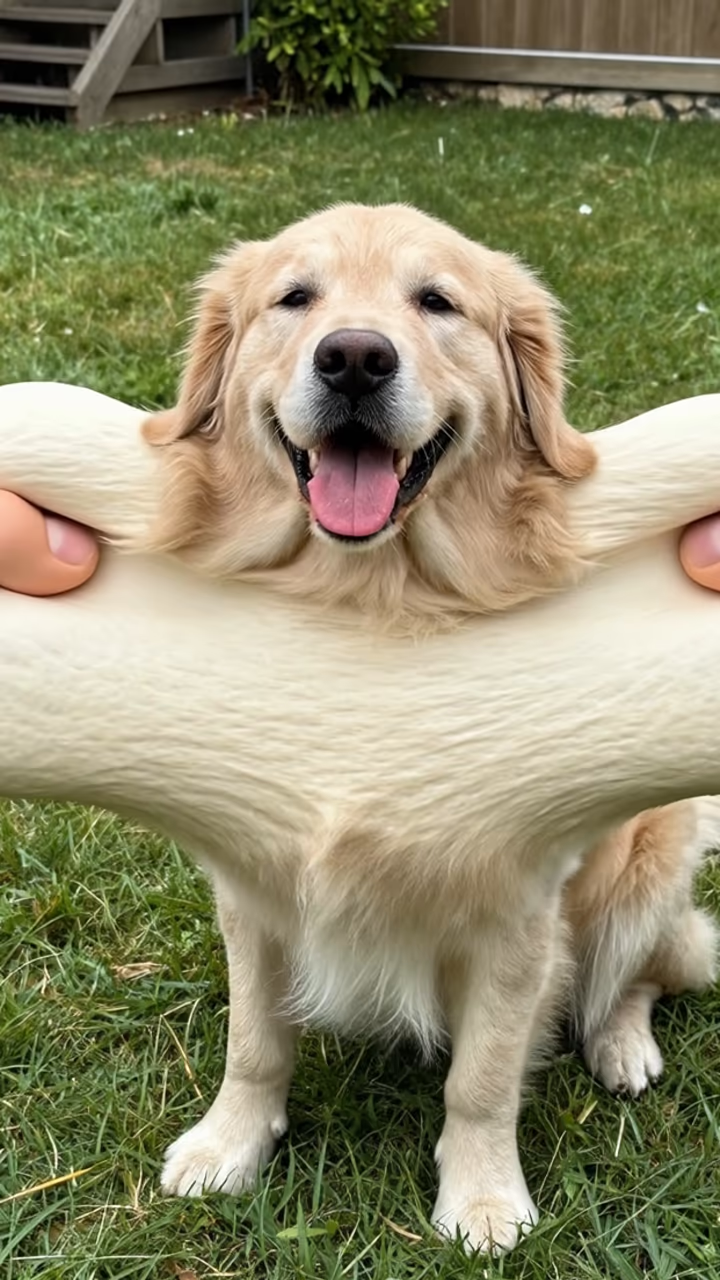
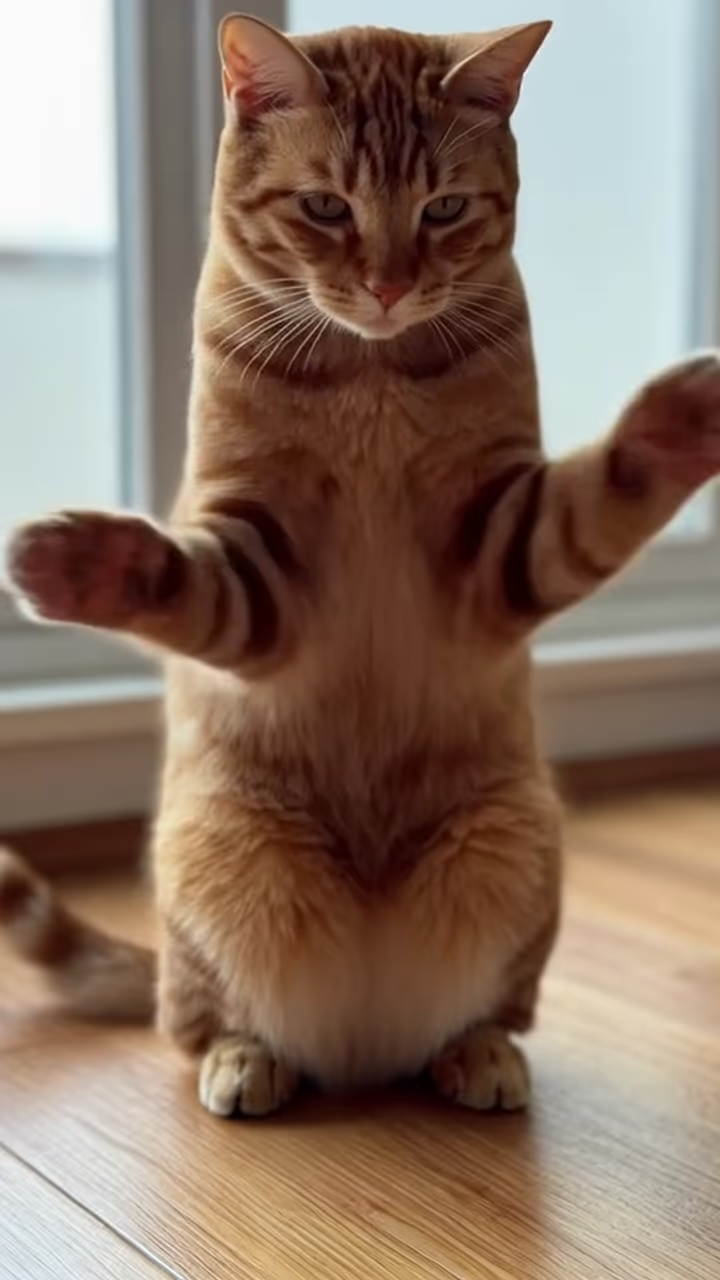
The AI squish effect turns a still photo into a six-second clip where two giant cartoon hands come in from the sides and squish your subject like a ball of soft dough. It flattens, stretches and jiggles, then springs back into shape. It works on pets, people and objects, and it is at its funniest on a dog or cat with a serious face.
Squish is one of the physics-style AI video effects that took off in 2024 and 2025, alongside inflate, melt and explode. Video apps started offering them as one-tap presets: pick the effect, upload a photo, get a short absurd clip. They spread fast on TikTok and Reels because they need no prompt writing and the joke is clear in the first second.
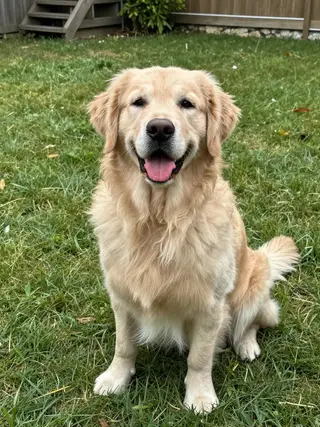
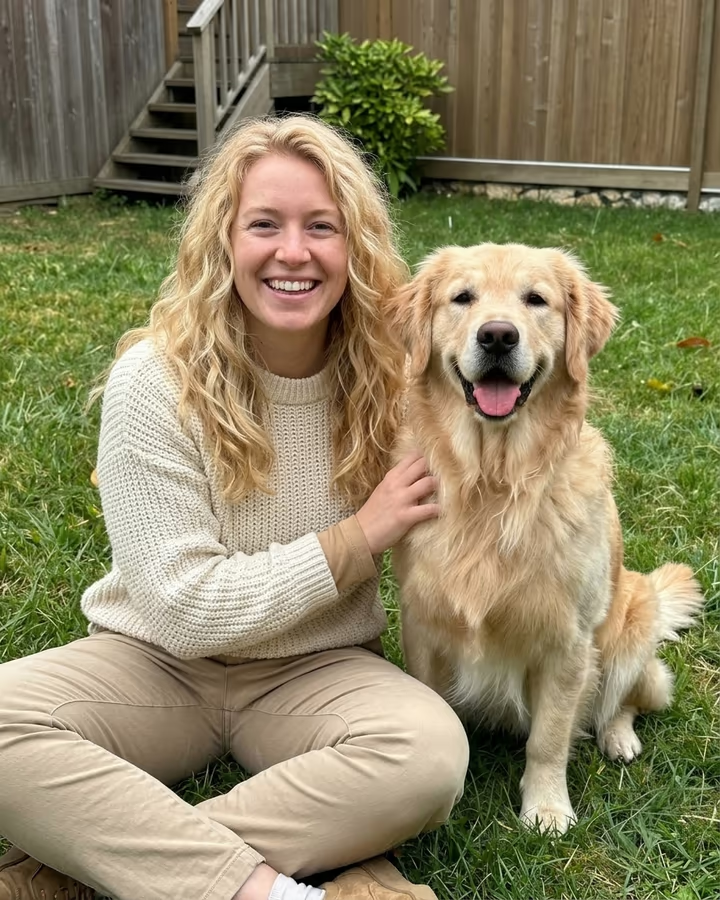
This template runs the same idea on Hailuo 2.3, an image-to-video model, with a fixed prompt describing the hands, the squash and the bounce-back. The camera stays still so the motion reads clearly in a vertical feed. The example on this page was made from an AI-generated photo of a dog.
Videos take about one to three minutes to generate and download without a watermark.
Squish, inflate, melt, explode
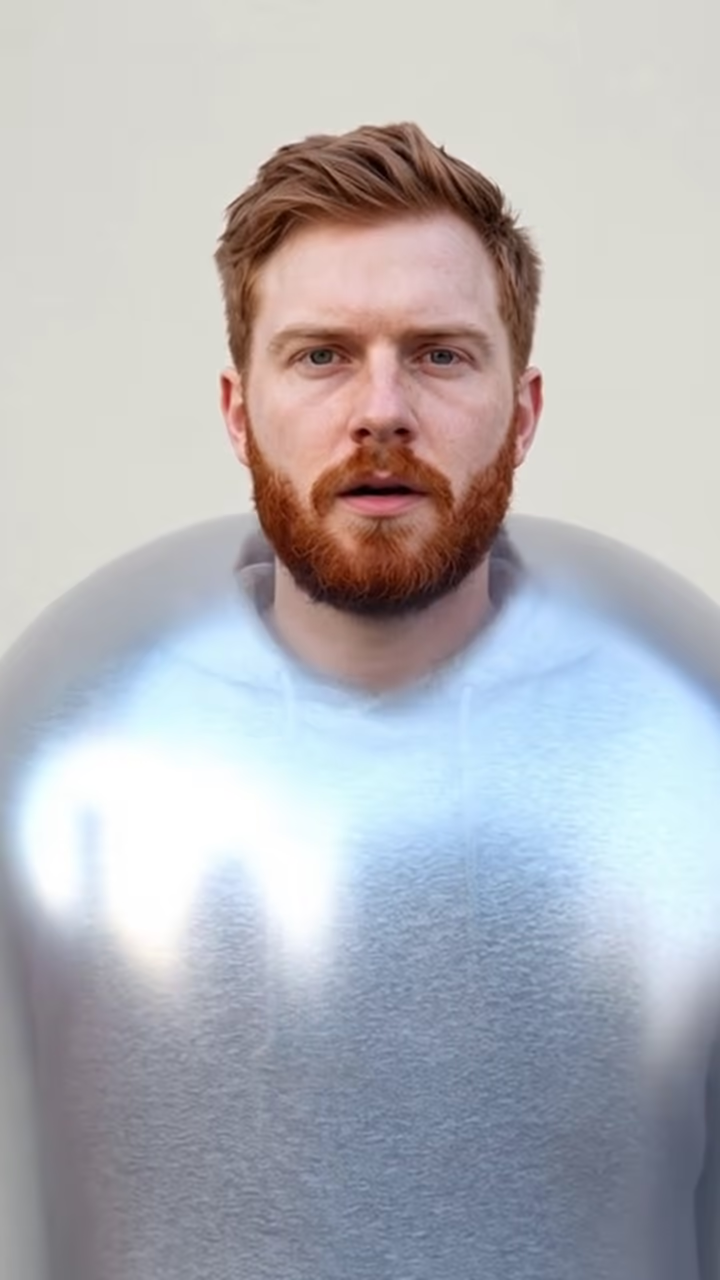
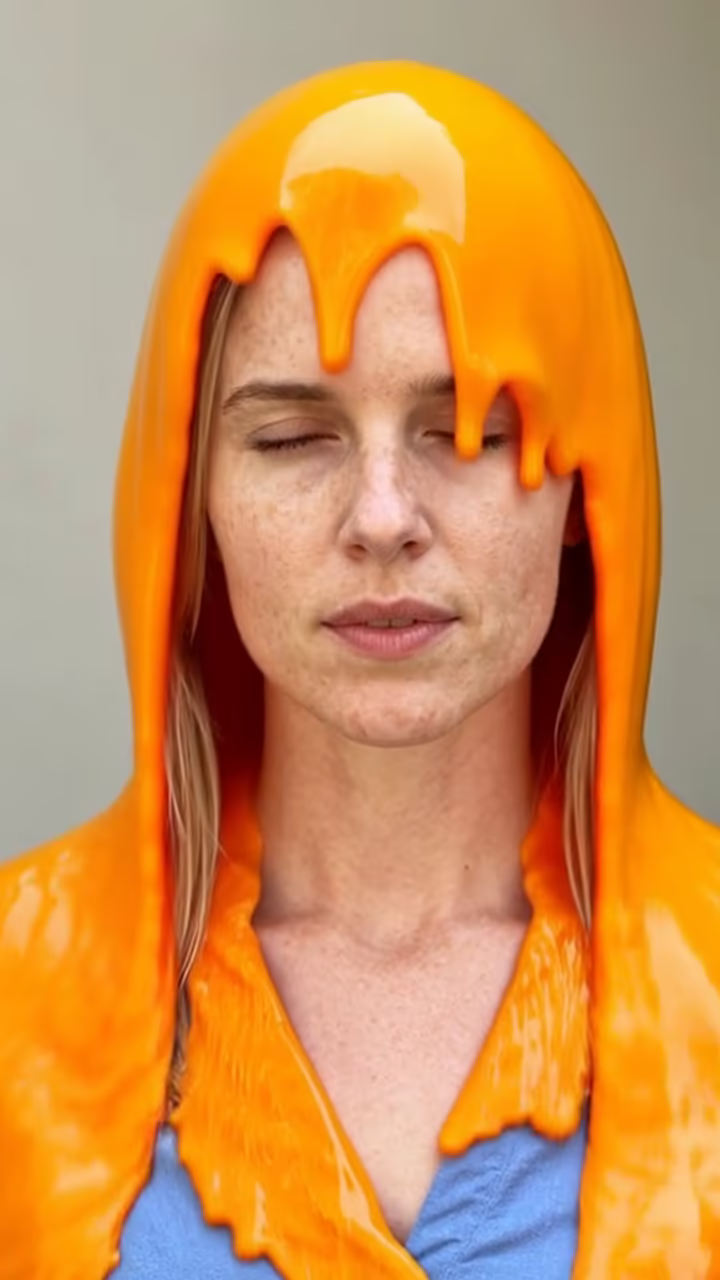
Squish is one of four physics effects on Soracai. Inflate puffs a person up like a balloon until they float away. Melt softens them like wax in the sun. Explode bursts them into confetti. All four take a single photo, run the same image-to-video model with a different fixed prompt, and return a six-second vertical clip.
Squish is the most forgiving of the four because it works on almost any subject: a pet, a mug, a stuffed toy or a person. If one effect does not look right on your photo, the others are a click away from the same page. Each effect is a separate run, so you can try two or three on the same photo and keep the one that suits it best.
Getting a clean result
Image-to-video models work best when they can tell clearly what the subject is. A single subject in the middle of the frame with a simple background gives the hands something obvious to grab. Busy scenes or several subjects can lead to the wrong thing being squished.
The prompt asks the subject's look to stay consistent, so colors and markings usually come back after the bounce. If a result looks off, running it again often gives a better take, since each generation is slightly different. Very dark or very small photos also tend to lose detail, so start from the sharpest version you have.