
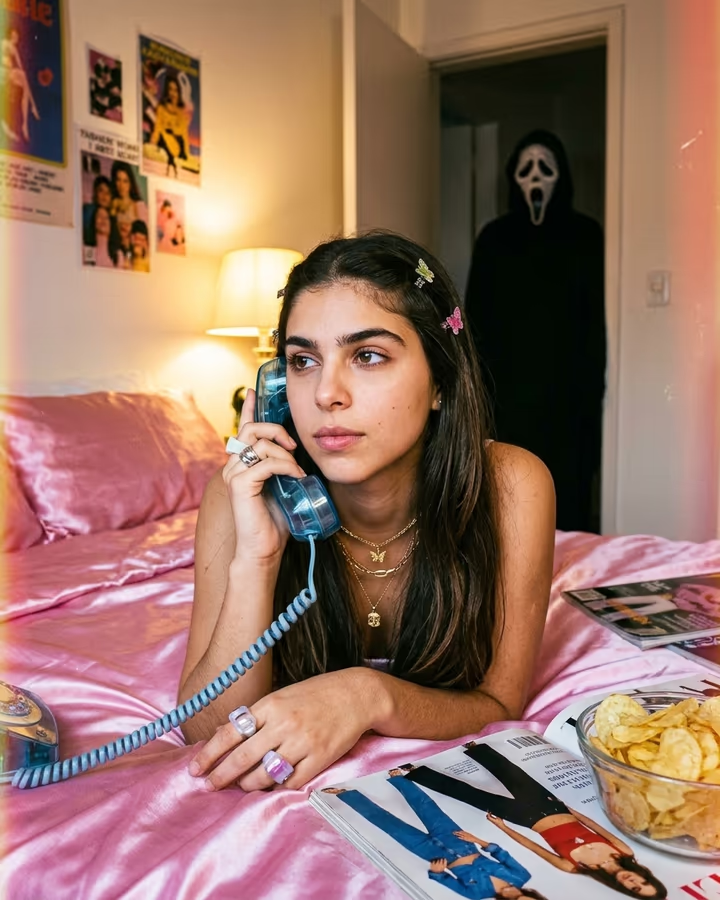

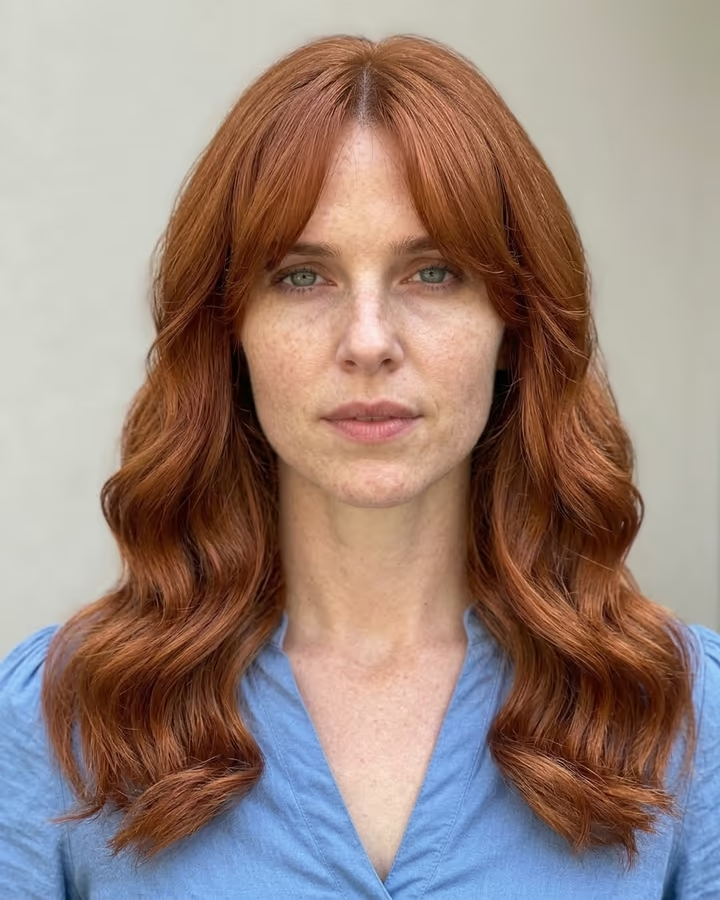
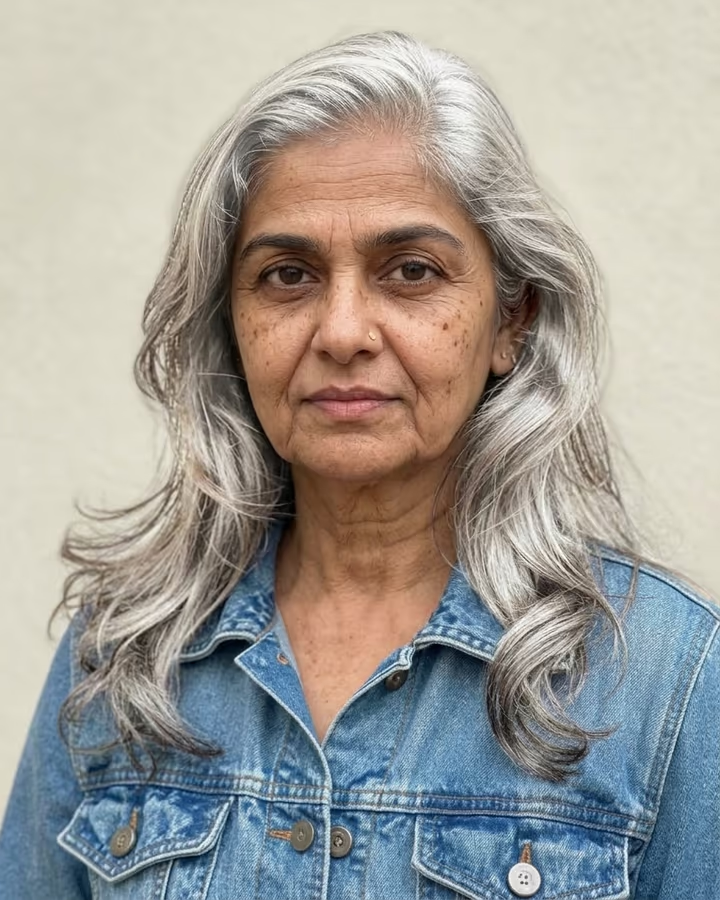
What is the AI Yearbook Photo?
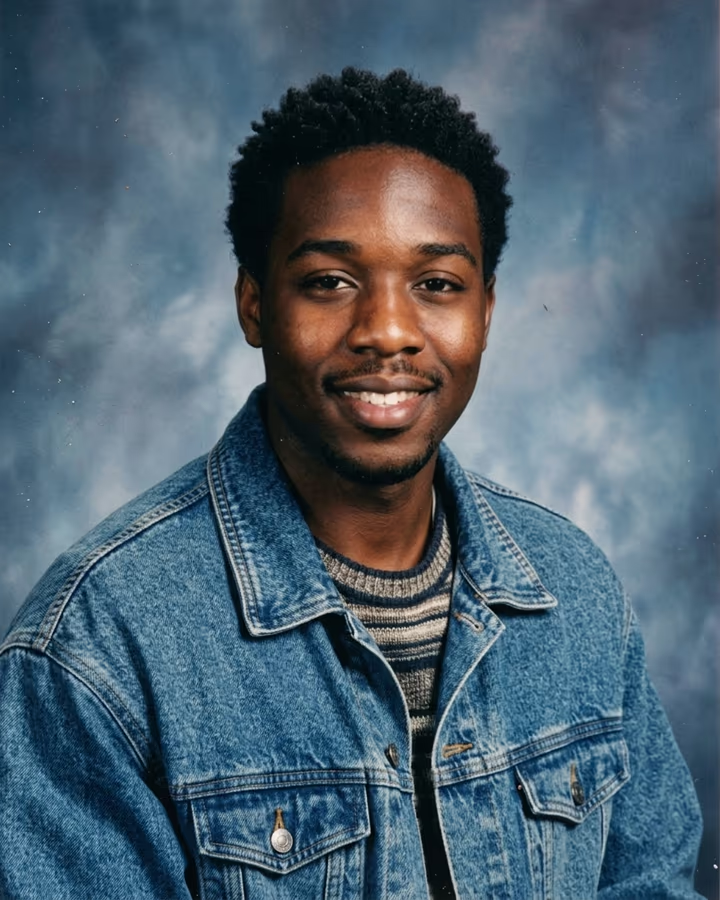
The AI yearbook photo template turns a regular selfie into the kind of portrait that sat in an American high school yearbook in the mid-1990s. You get the mottled blue-grey backdrop school photographers used, soft studio flash, slightly faded color, the angled-shoulder pose, and a hairstyle and outfit from the era chosen to suit you: think denim jackets, oversized knits, curtain bangs or frosted tips.
Yearbook filters went viral in late 2023, when an app-driven trend filled TikTok and Instagram with 90s-style school portraits of people who were not even born then. The joke worked because the format is so specific. Everyone recognizes the laser backdrop and the slightly awkward smile, and seeing a friend in it is funny and a little sweet at the same time. The trend has come back several times since, usually around back-to-school season and class reunions.
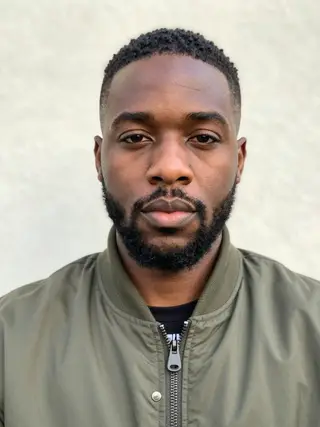
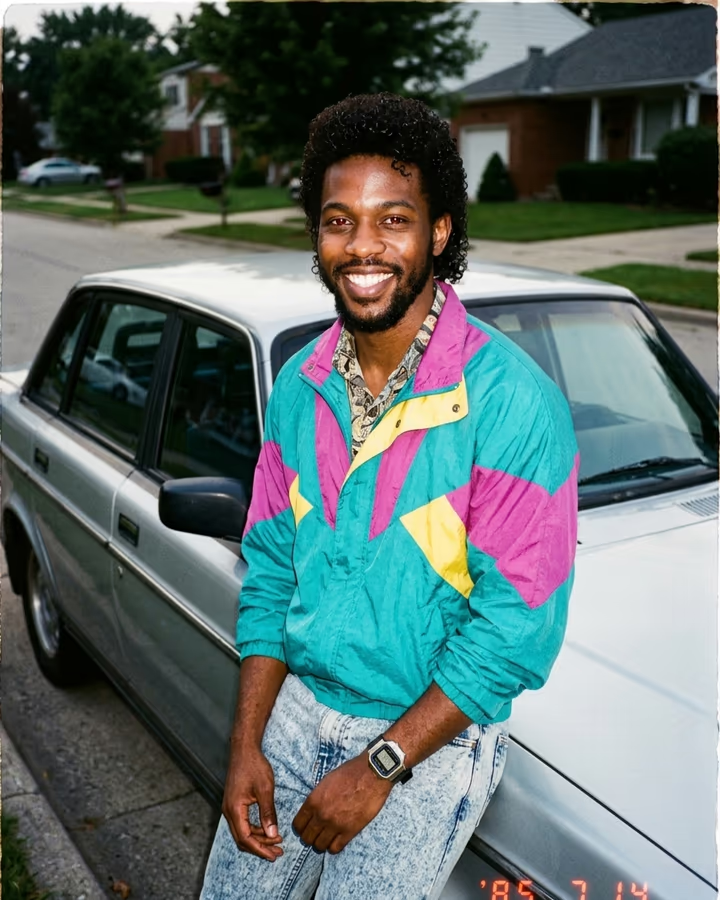
This template keeps your face as it is and changes only the styling, lighting and background, so the result looks like you, just photographed in 1995. It is a photo template, so it runs in roughly 20 to 40 seconds and new accounts can try it with their free credits. If you want a particular look, such as grunge, preppy or a specific prom-night style, add it in the text box. Otherwise the model picks period details that match your hair and face.
What makes a portrait look like 1995
Three details do most of the work. First, the backdrop: the speckled blue-grey laser pattern was everywhere in school portraits of that era, and it reads as yearbook at a glance. Second, the light: a single soft flash with a little falloff, not the even ring light of modern selfies. Third, the film: slightly lifted blacks, warm skin tones and mild grain, as if the print was scanned from a book.
On top of that come the hair and clothes. The template asks for styles that suit your face rather than one fixed costume, so results vary from person to person, which keeps a group grid from looking copy-pasted.
Keeping it recognizably you
A yearbook photo only works if friends can tell who it is. The prompt tells the model to keep your face, identity and skin tone exactly as in the upload and to change only the styling around it. Your expression is nudged toward the friendly yearbook smile, but your features stay the same.
If the result drifts, the usual cause is the source photo: strong shadows, a very wide-angle selfie or a face partly hidden by hair. Try a clearer photo taken from a little further away. You can run the template again at any time; each run is a new take.