
What is the 2016 vs 2026 AI Video?
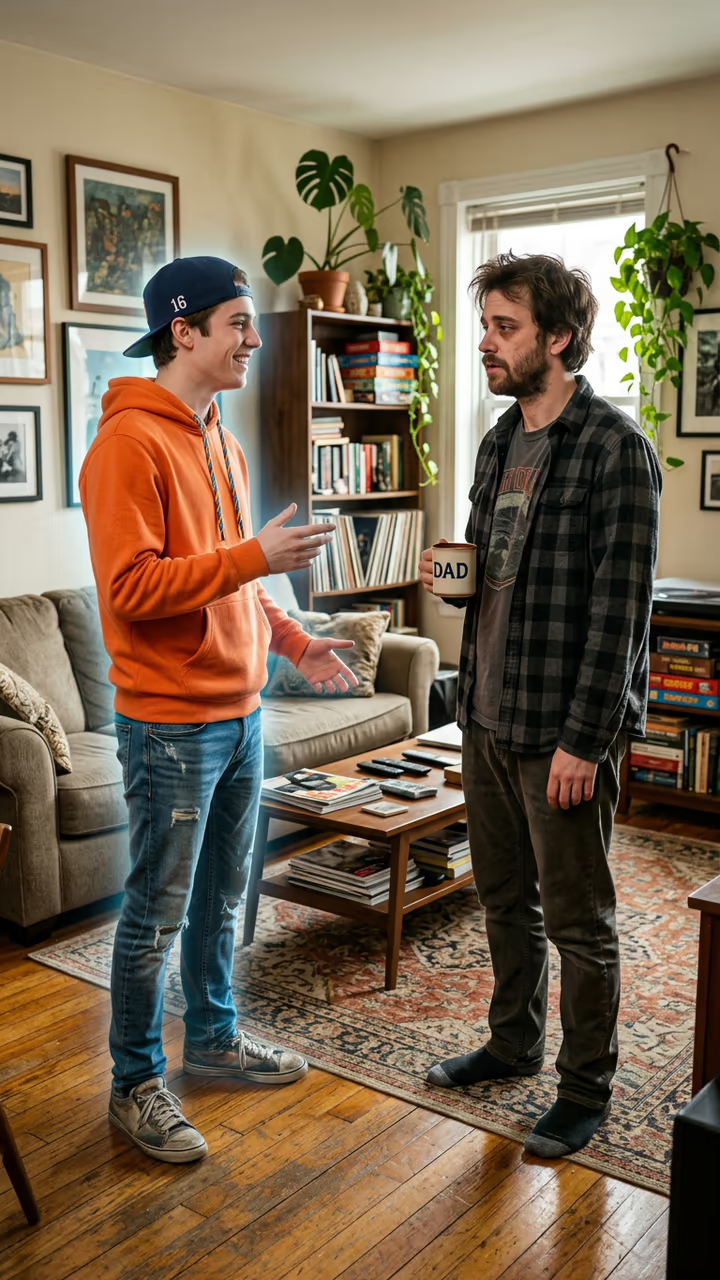
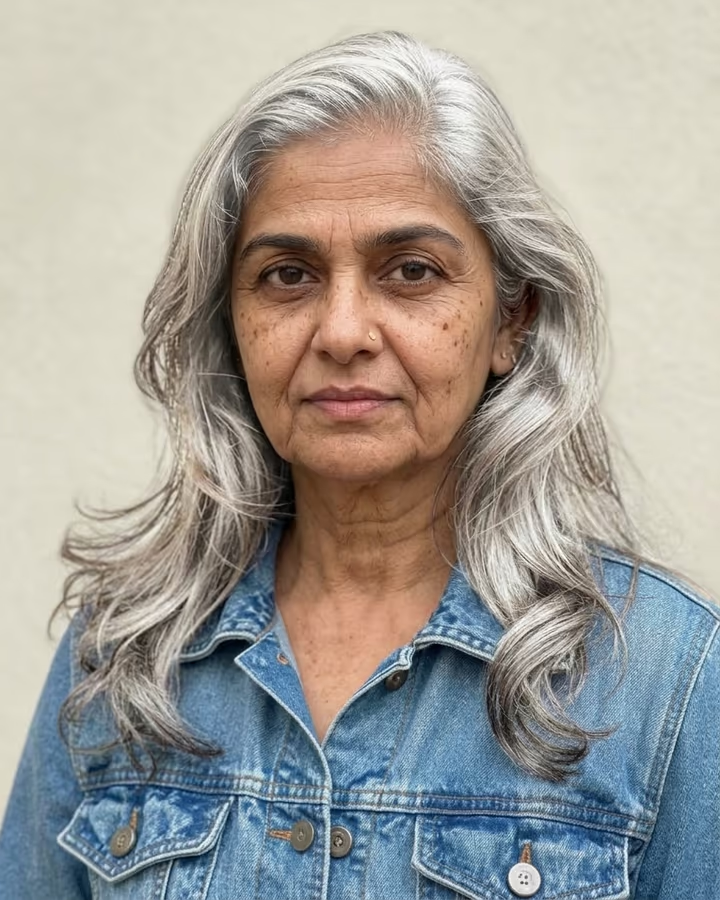
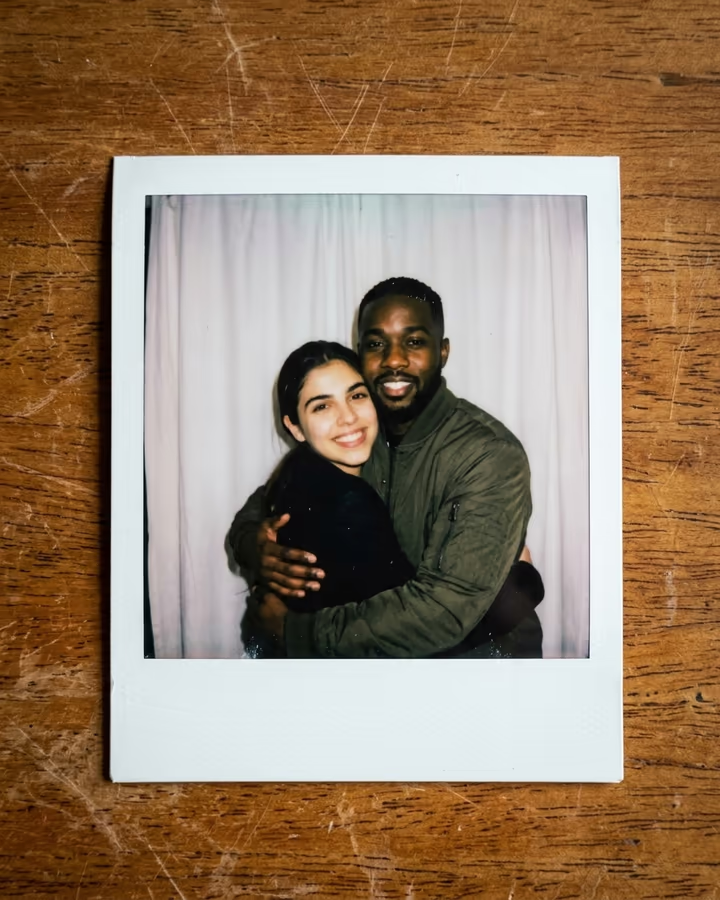
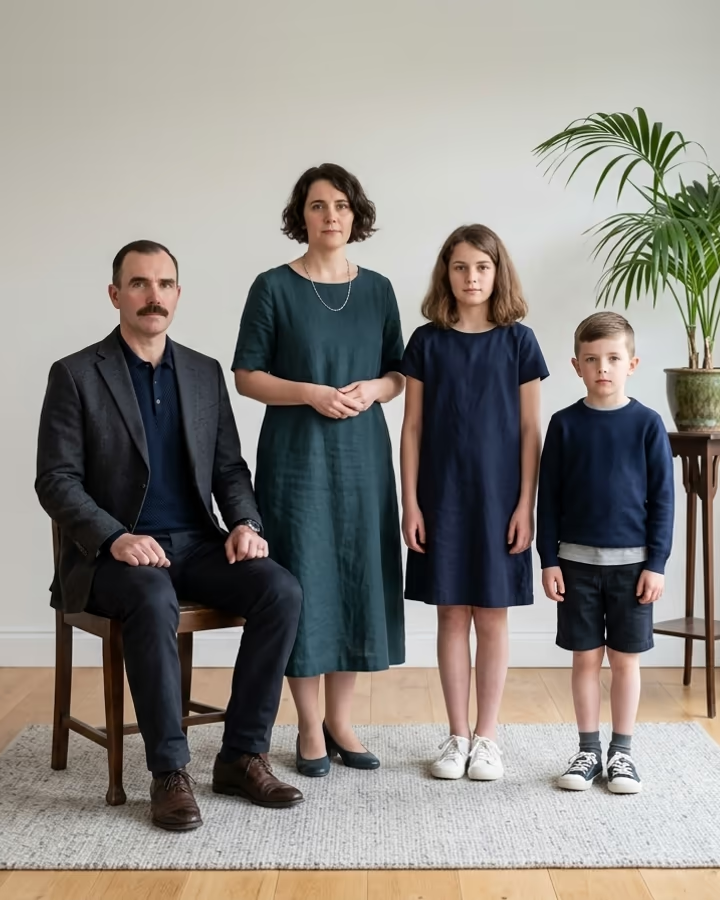
The 2016 vs 2026 AI template lets the old you meet the current you. Upload a photo from around 2016 and a recent one. The template places both versions of you in a living room, facing each other: the 2016 you on the left, with the hairstyle and clothes from that photo and a faint warm glow, as if you just stepped out of a glowing doorway; the 2026 you on the right, holding a coffee mug and looking a little tired. Then the clip plays. The younger you looks you up and down, points at your face and asks, "Bro, why do you look so tired?" You sigh, sip your coffee and answer, "You have no idea." Your 2016 self laughs and steps back through the doorway, which fades away.
The idea rides one of the biggest nostalgia waves of autumn 2026. The hashtags #2026isthenew2016 and #2016vs2026 together passed 300 million views on TikTok, with people reposting 2016 photos, filters and songs next to who they are now. Pika's earlier "selfie with your younger self" effect showed how much people like seeing the two side by side; this version adds the conversation.
The template runs in two steps: an image model builds the meeting from your two photos, then a video model animates it with the two lines of dialogue and a soft synth sting. It is 8 seconds and has no watermark.
Choosing the two photos
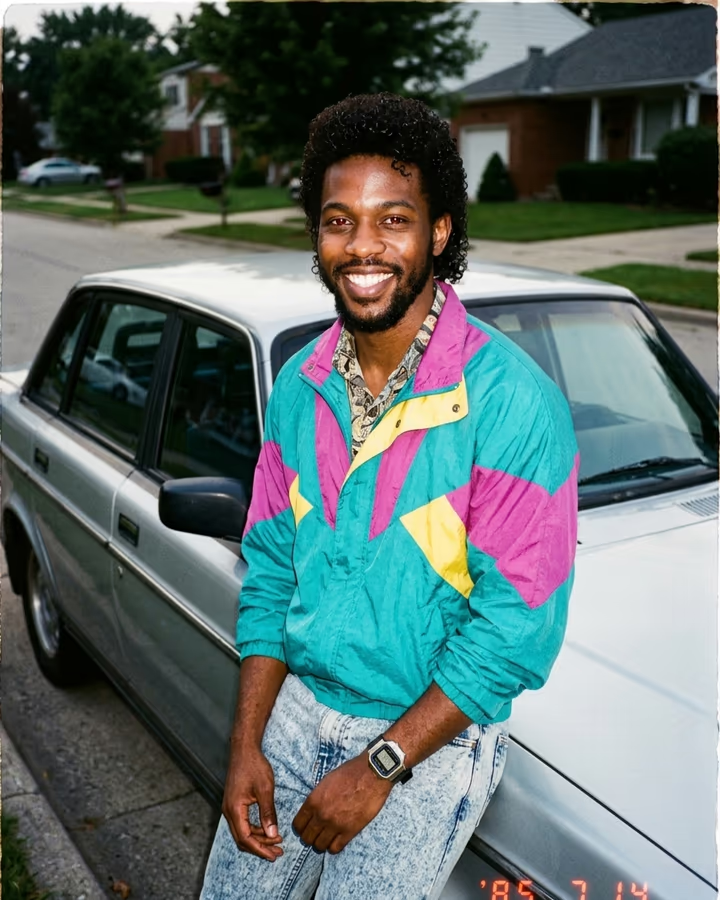
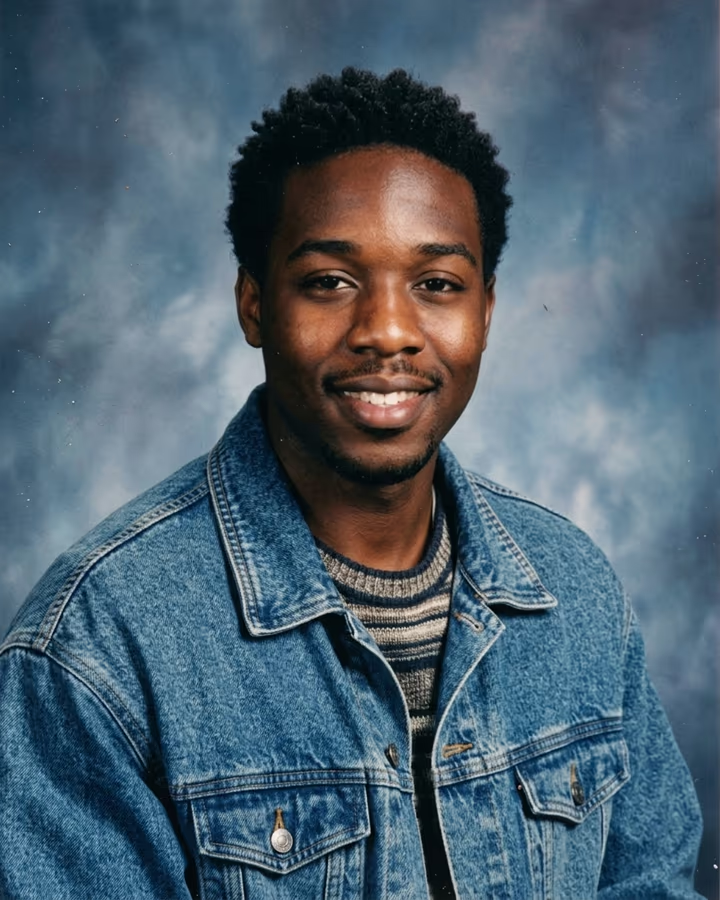
The template does not age or de-age you; it uses your real faces from the two photos. So the bigger the difference between them, the funnier the clip. An old photo with a very 2016 look (snapback, bright hoodie, side fringe, a Snapchat-filter-era selfie) reads instantly. For the 2026 photo, a normal recent picture is enough; the template adds the coffee mug and the tired look.
Only use photos of yourself. Do not use this to put another person's face into a scene they did not agree to.
Sound and dialogue
The video model generates both voices and a short nostalgic synth sting. The voices are generated, not cloned from you, so they will not sound exactly like you. Many people mute the clip and add a 2016 song instead; the scene still works without the lines.