
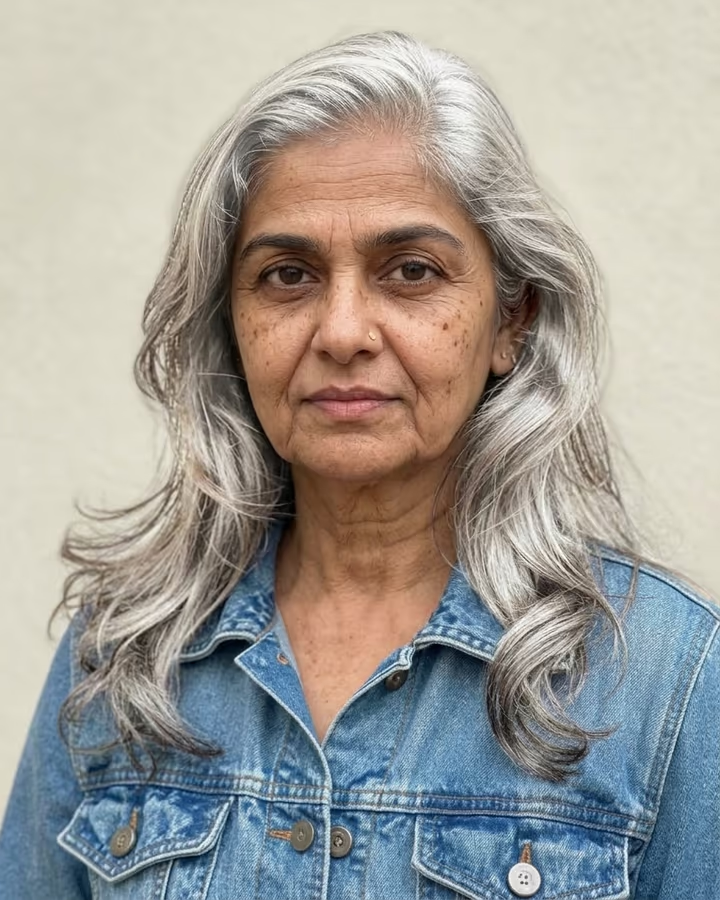

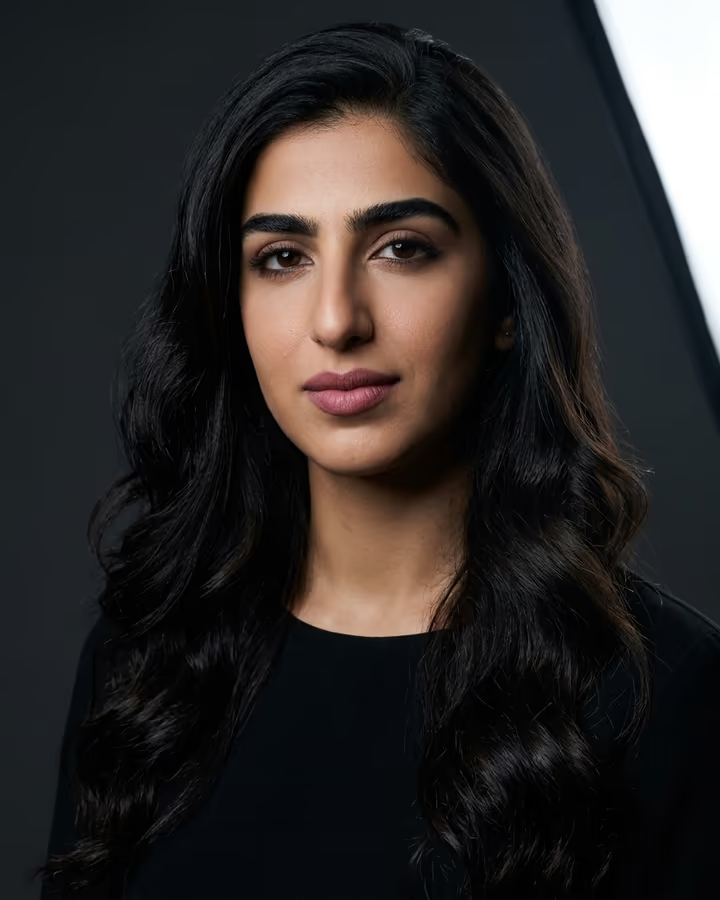
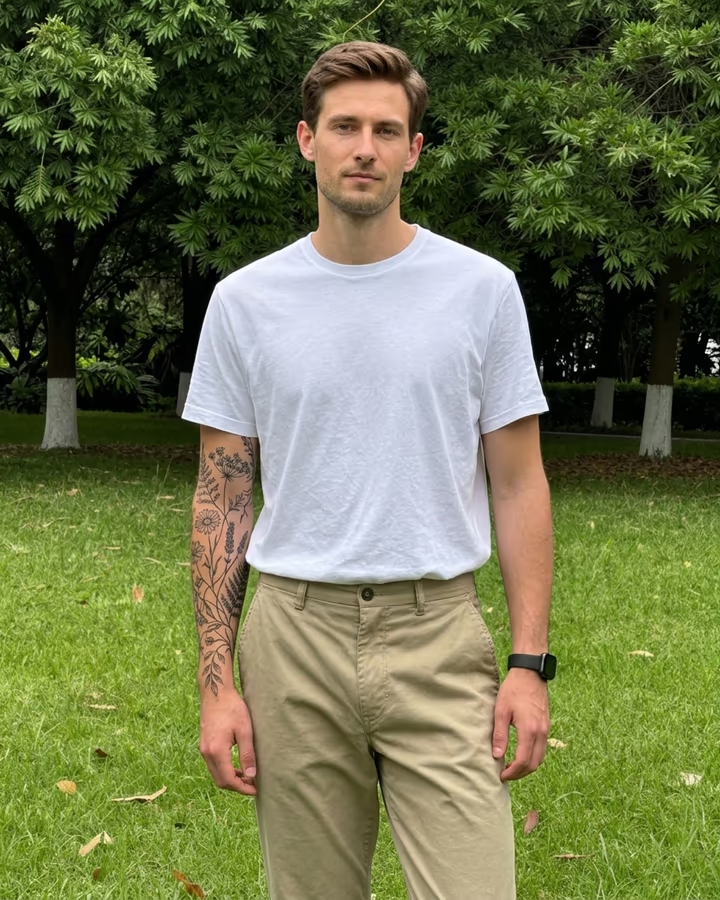
What is the AI Hairstyle?
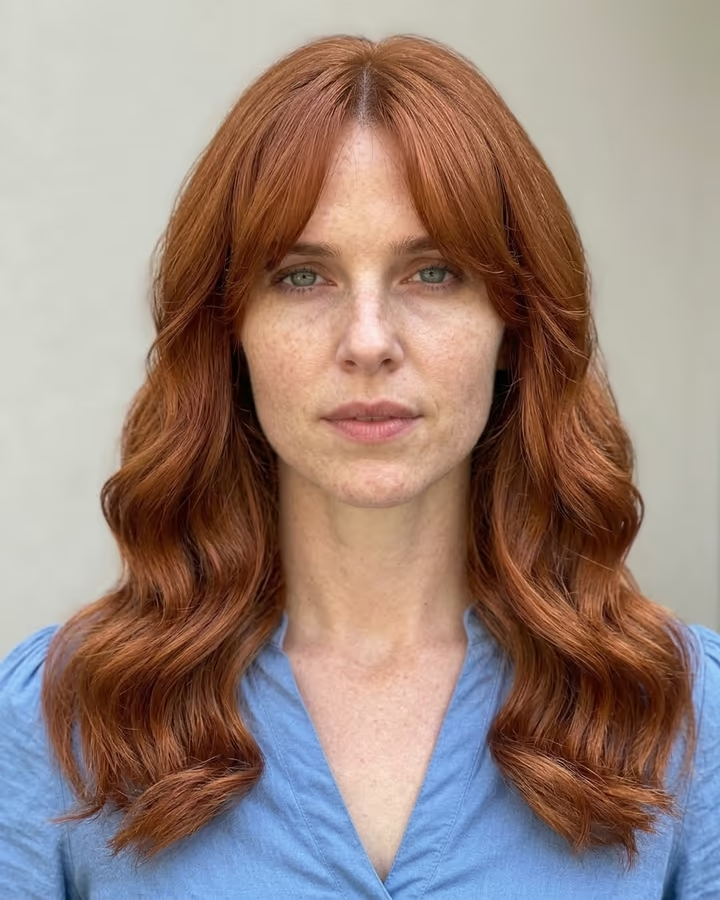
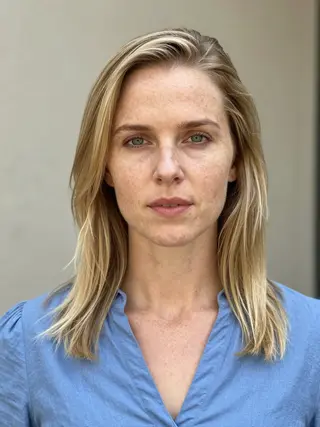
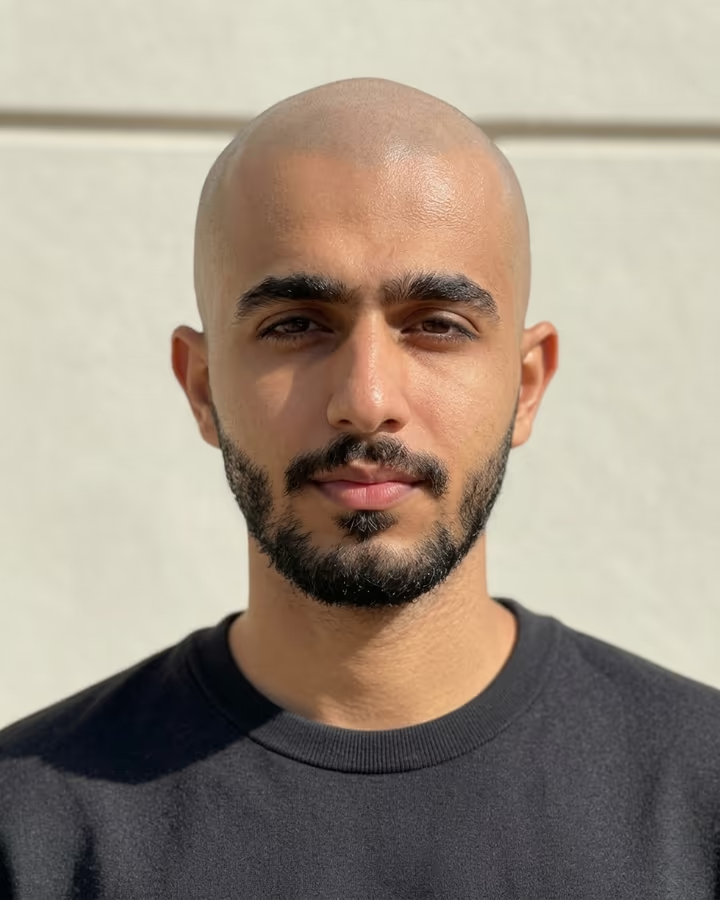
The AI hairstyle tool changes only your hair. Upload a photo, type the cut or color you are thinking about, and the result shows you with that hairstyle while your face, expression, clothes, background and lighting stay as they were. Leave the text empty and it tries a chin-length layered bob with curtain bangs.
Hairstyle try-on has been a popular use of photo apps for a long time, because a haircut is hard to undo and hard to imagine. Earlier apps pasted a hair template over your head, which often floated or ignored your hairline. Current image models redraw the hair to fit your head shape, with a natural hairline, individual strands and shadows that match the light in your photo, so the result looks much closer to a real salon photo.
On TikTok and Instagram, people post side-by-side grids of the same selfie with five or six AI haircuts and ask followers to vote. Others bring the result to their stylist as a reference. Both work better when you describe the style precisely: length, layers, bangs, texture and color.
Each result takes about 20 to 40 seconds. New accounts get free credits to try photo templates, so you can test a few styles before you decide.
Writing a hairstyle request that works
The text you type is inserted straight into the prompt, so describe the result, not the process. Good requests name four things: length (pixie, chin, shoulder, mid-back), shape (blunt, layered, shag, wolf cut), details (curtain bangs, side part, fade) and color (natural black, copper red, ash blonde balayage).
If your natural texture matters, say it: "keep my curls, cut them to a rounded shoulder-length shape". The prompt already asks the model to keep your face, skin and background identical and to fit the hair to your head, so you do not need to repeat that.
What a try-on can and cannot show
The result shows how a style frames your face in this one photo and light. It is a strong guide for shape and color, but your real hair density, cowlicks and how a cut grows out are things only a stylist can judge in person.
Color previews depend on lighting too. A warm indoor photo will make most colors look warmer, so if you are deciding on a dye, try a daylight photo as well. Bring both images to your appointment and ask your stylist what is realistic for your hair.