
How to Make Viral AI Baby Dance Videos in 5 Minutes: Complete Kling 2.6 Tutorial for Parents (April 2026)
Transform your baby photos into viral TikTok dance videos in under 5 minutes using Kling 2.6 AI. No editing skills needed—just upload, choose a dance style, and watch the magic happen.
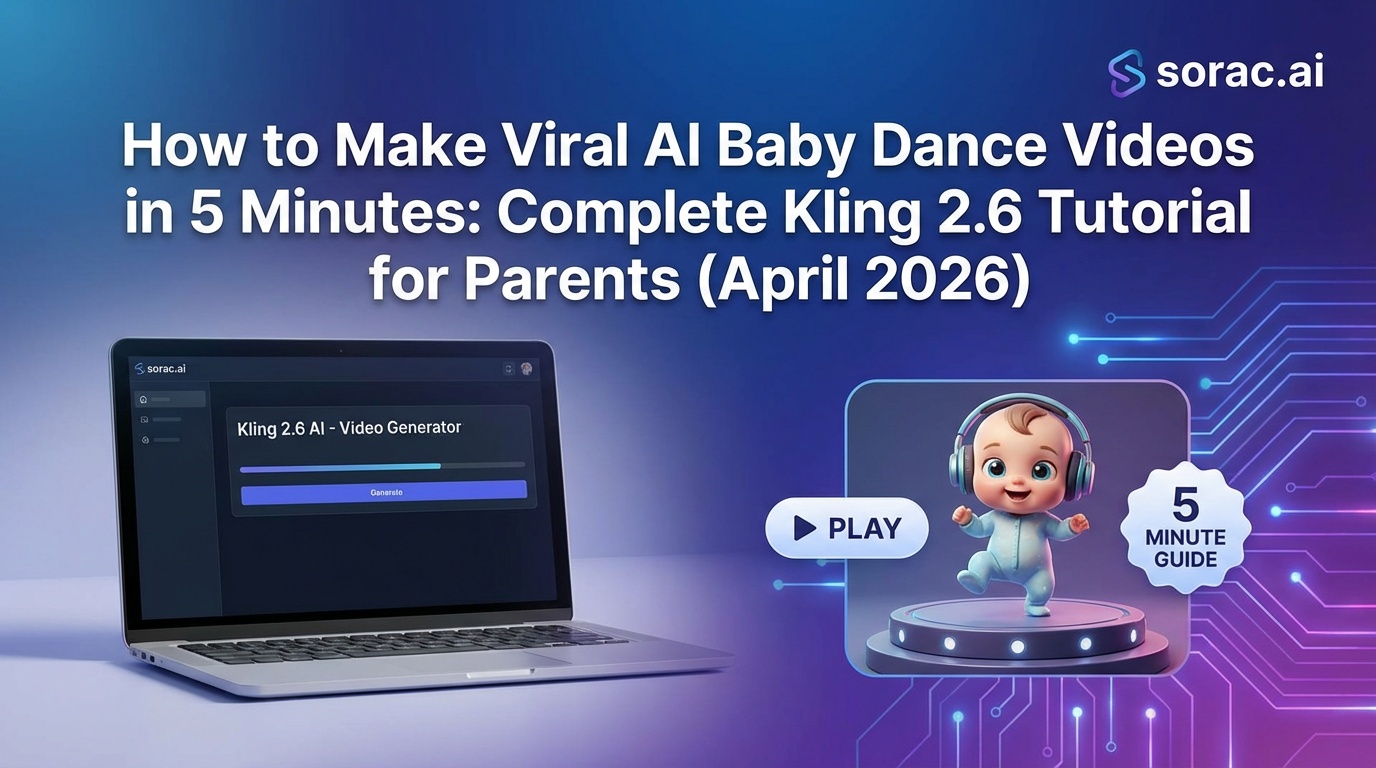
How to Make Viral AI Baby Dance Videos in 5 Minutes: Complete Kling 2.6 Tutorial for Parents (April 2026)
Let's be honest: your baby photos are adorable, but they're just sitting in your camera roll collecting digital dust. Meanwhile, TikTok is absolutely exploding with AI baby dance videos racking up millions of views. Between April 10-13 alone, compilation videos of "3D AI Dancing Babies" went massively viral, and parents everywhere are cashing in on this trend.
The secret? Kling 2.6 motion control technology that transforms your static baby photos into dancing sensations. And the best part? You don't need any video editing skills whatsoever.
I'm going to show you exactly how to create these viral baby dance videos in under 5 minutes, even if you've never touched AI tools before.
What You're Going to Create
By the end of this tutorial, you'll have a professional-quality video of your baby (or toddler, or even pet) performing choreographed dance moves that would make a TikTok influencer jealous. We're talking hip-hop, salsa, ballet, breakdancing—you name it.
These videos are perfect for:
What You'll Need Before Starting
Required:
Optional but helpful:
Pro Tip: If your baby photo is blurry or low-quality, use an AI image enhancer first. Soracai's Nano Banana 2 Pro mode can actually help you generate crystal-clear baby portraits if you need a better starting image—just head to soracai.com/create and describe your vision.
Step 1: Choose Your Best Baby Photo
Not all baby photos are created equal when it comes to AI dance videos. Here's what works best:
The Perfect Baby Photo Checklist
✅ Front-facing or slight angle (not profile shots)
✅ Clear facial features (no motion blur)
✅ Good lighting (not too dark or washed out)
✅ Full head visible (not cropped weirdly)
✅ Neutral or simple background (helps the AI focus on your baby)
The viral compilations from mid-April 2026 consistently featured babies with clear, well-lit photos. The AI needs to identify facial landmarks and body position, so clarity is king.
What if you don't have the perfect photo? Don't stress. The technology has gotten ridiculously good. Even slightly imperfect photos can produce amazing results—you'll just want to avoid extreme angles or heavy shadows.
Step 2: Pick Your Dance Style (This Is Where It Gets Fun)
Here's where your creativity kicks in. Kling 2.6 motion control technology can replicate dance moves from reference videos with scary accuracy. Most platforms offer pre-loaded templates, and trust me, the variety is wild.
Popular Dance Styles for Baby Videos:
For maximum cuteness:
For viral comedy gold:
For cultural/special occasions:
On soracai.com/ai-dance, you'll find 23+ dance style templates. Browse through them and pick what makes you laugh or smile the most. That's usually the winner.
Pro Tip: The "Milkshake" and "Jennie" templates have been trending hard in April 2026. If you want maximum viral potential, start there.
Step 3: Upload and Generate Your AI Dance Video
Alright, let's actually make this thing.
The Upload Process:
That's it. Seriously.
The Kling 2.6 motion control engine does all the heavy lifting. It analyzes your baby's facial features, maps the body position, and applies the choreographed movements from the reference dance video.
Cost breakdown: On Soracai, each dance video costs 8 coins (roughly $0.80-$1.60 depending on your coin package). No subscription needed—just pay for what you create.
What's Happening Behind the Scenes
While you wait, Kling 2.6 is:
Kling 3.0 technically has even better facial consistency and "Element Binding" technology, but Kling 2.6 is the sweet spot for baby dance videos—proven, reliable, and slightly more affordable.
Step 4: Download and Optimize for Social Media
Your video is ready! Now let's make sure it performs well on social platforms.
Format Optimization:
For TikTok/Instagram Reels:
For YouTube Shorts:
For Facebook/Instagram Feed:
Pro Tip: If you need different aspect ratios for different platforms, Soracai's AI video generator at soracai.com/ai-video-generator offers both 9:16 (portrait) and 16:9 (landscape) options. You can create companion content with matching themes.
Step 5: Post Strategically for Maximum Virality
You've got your video. Now let's make it blow up.
Viral Upload Strategy:
Caption formula that works:
"POV: Your [baby's age] discovers [dance style] 😂💀 #AIBabyDance #[DanceStyle] #ViralBaby"
Best posting times (April 2026 data):
Hashtag mix:
The secret sauce: Post your video, then immediately share it to your Instagram/Facebook Stories with a "Link in bio" tease. Cross-platform promotion in the first hour dramatically increases initial engagement, which signals to algorithms that your content is hot.
Pro Tips from Viral Baby Dance Creators
After analyzing the April 10-13 viral compilations, here's what the top-performing videos had in common:
1. Use Multiple Babies in a Series
Create 3-5 videos with different dance styles, then post them as a series over a week. The algorithm loves creators who post consistently.
2. Add Siblings or Pets
Video of your baby dancing next to your AI-animated dog? Gold. The contrast and cuteness factor multiply exponentially.
3. Seasonal Themes Work
Baby doing ballet in a Easter outfit (April)? Baby breakdancing in a Halloween costume (October)? Timing matters.
4. Duet/Stitch Friendly
Post with the caption "Duet this with your baby!" to encourage other parents to create response videos. This creates a viral chain reaction.
5. Save the Bloopers
Sometimes the AI generates slightly wonky results (rare with Kling 2.6, but it happens). These "fails" can actually be MORE viral than perfect videos. Post them as "When the AI has other plans 😂"
Troubleshooting Common Issues
Problem: "The face doesn't look like my baby"
Solution: Your original photo might be too low-resolution or at an extreme angle. Try a different photo with better lighting and a more direct face angle. If you're consistently getting poor results, the photo quality is almost always the culprit.
Problem: "The movements look jerky or unnatural"
Solution: This is rare with Kling 2.6 (Kling 3.0 has even better physical stability), but if it happens, try a different dance template. Some dance styles work better with certain body positions in the original photo.
Problem: "The video is too short"
Solution: Most AI dance videos are 5-15 seconds, which is actually perfect for social media. If you need longer content, create multiple versions with different dance styles and stitch them together in a free video editor like CapCut.
Problem: "I want to add music"
Solution: Download the video and add audio in TikTok's editor or Instagram Reels. Use trending sounds for maximum algorithm boost. Google Vids just launched Lyria 3 custom music creation in their April 9 update if you want original audio, though trending sounds typically perform better.
Problem: "It's taking longer than 5 minutes"
Solution: Peak usage times (evenings EST) can slow processing. If you're in a rush, try generating during off-peak hours (early morning). Soracai typically processes in 2-5 minutes even during busy times.
Beyond Baby Dance: What Else Can You Create?
Once you've mastered baby dance videos, the same technology opens up ridiculous creative possibilities:
Trending AI Effects to Try:
AI Ghostface Effect (soracai.com/trends/ghostface)
Add the viral Ghostface killer to your photos—perfect for horror fans or Halloween content.
Action Figure Creator (soracai.com/trends/action-figure)
Turn your baby photo into an actual action figure design. Grandparents will want this framed.
AI Homeless Man Effect (soracai.com/trends/homeless-man)
Hilarious transformation effect that's been trending on TikTok (probably not for baby photos, but great for yourself).
Add Girlfriend/Boyfriend (soracai.com/trends/add-girlfriend)
Okay, this one's definitely not for babies, but it's viral right now and uses similar AI technology.
The Bigger Picture: Why This Trend Matters
The viral AI baby dance trend isn't just about cute videos (though that's 90% of it). It represents a massive shift in content creation accessibility.
Five years ago, creating a video of your baby dancing would require:
Today? Upload a photo, wait 3 minutes, done.
Kling 2.6 motion control, Seedance 2.0 (which just launched globally on April 9 with cinematic output and real-world physics), and competing technologies have democratized creative expression in a way that's honestly kind of beautiful.
ByteDance even added C2PA watermarking to Seedance 2.0 on March 28 after Hollywood studios raised IP concerns—showing the industry is taking AI-generated content seriously as legitimate media.
Your Turn: Create Your First Viral Baby Dance
You now know everything you need to create AI baby dance videos that could legitimately go viral. The April 10-13 TikTok compilations proved this trend has serious staying power—it's not going anywhere.
Here's your action plan:
The barrier to entry is essentially zero. The viral potential is massive. And worst case? You'll have hilarious videos of your baby that'll embarrass them at their wedding someday.
That's a win-win.
Ready to start? Try Soracai's AI Dance tool with 23+ dance templates powered by Kling 2.6 motion control. No subscription needed—just 8 coins per video, and you'll have shareable content in under 5 minutes.
Now go make your baby internet famous. They'll thank you later. (Or they won't. But the views will be worth it.) 🕺👶✨
Related Articles

How to Generate On-Brand Product Photos Without a Designer: 5 Nano Banana 2 Pro Workflows Small Businesses Stole from Figma's New AI Stack
10 min read
How to Edit AI Videos Like Photoshop: Master Runway's Aleph 2.0 Frame-by-Frame Control in 5 Steps (May 2026)
9 min read
AI Photography for Beginners in 2026: Your First 30 Days from Zero to Viral-Worthy Images (Step-by-Step Roadmap)
10 min read