
The 12 Nano Banana 2 Pro Settings Professional AI Artists Actually Use: A Coin-Saving Breakdown of When to Burn 4 Coins vs When 1-Coin Standard Beats 'PRO Mode'
Stop wasting coins on PRO mode when standard works better. Here's exactly when to burn 4 coins vs when 1-coin standard beats 'PRO'—from someone who's tested both 500+ times.
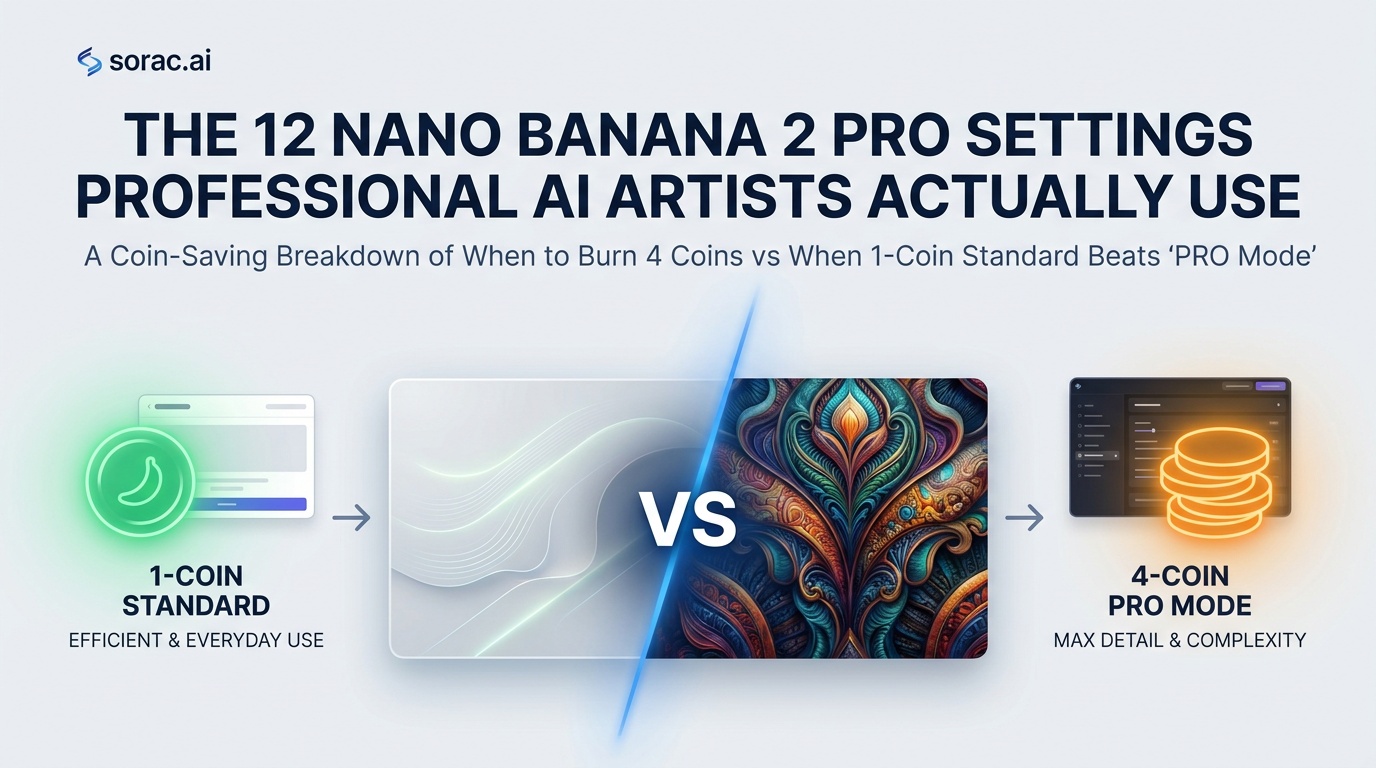
The 12 Nano Banana 2 Pro Settings Professional AI Artists Actually Use: A Coin-Saving Breakdown of When to Burn 4 Coins vs When 1-Coin Standard Beats 'PRO Mode'
Look, I've burned through probably 500+ coins testing Nano Banana 2 Pro's settings, and I'm here to save you from making the same expensive mistakes I did. The 4-coin PRO mode isn't always better than standard 1-coin generation—and that's the dirty secret nobody talks about.
Let me break down exactly when to splurge and when to save, based on what actual professional AI artists are doing on Soracai's Create page.
The Core Truth: PRO Mode Isn't a Magic Button
First, let's kill the myth: PRO mode doesn't fix bad prompts. I've seen people waste 4 coins on "cool dragon" in PRO mode when a 1-coin standard generation with "crimson-scaled dragon perched on obsidian cliff, golden hour lighting, photorealistic" would destroy it.
PRO mode gives you better detail, color accuracy, and texture resolution. Standard mode gives you speed and experimentation budget. Know the difference.
The 12 Settings Breakdown
1. Use Standard Mode for Prompt Testing
Always—and I mean always—test your concept in 1-coin standard first. Get your composition right, nail your lighting description, figure out what works. Then upgrade to PRO for the final render. This alone has saved me hundreds of coins.
2. Burn 4 Coins on Faces and Skin Textures
This is non-negotiable. PRO mode's detail enhancement shines hardest on human subjects. The difference in skin texture, eye clarity, and hair definition is worth every coin. If you're generating portraits for professional use, standard mode will look amateur by comparison.
Pro Tip: Combine PRO mode with reference images (upload up to 5) for portrait work. The detail + reference combo is how pros get those "wait, is this real?" reactions.
3. Standard Mode Wins for Experimental Concepts
Trying something weird? Testing a new style? Exploring abstract ideas? Use 1-coin standard. You'll iterate 4x faster and find your vision before committing serious coins. I've watched people waste 20+ coins in PRO mode searching for a concept they could've nailed in 5 standard generations.
4. PRO Mode for Product Photography and Commercial Work
If you're creating images for actual business use—product shots, marketing materials, professional portfolios—PRO mode isn't optional. The color accuracy alone justifies the cost. Standard mode can introduce subtle color shifts that look fine on your phone but terrible in print or professional contexts.
5. Aspect Ratio Strategy: 9:16 and 16:9 Deserve PRO
When you're creating content for TikTok (9:16) or YouTube thumbnails (16:9), you're competing with professional content. These aspect ratios are high-stakes real estate. Standard mode might work for Instagram squares (1:1) or casual posts, but vertical and widescreen formats benefit massively from PRO's enhanced quality.
Btw, if you're creating TikTok content, check out Soracai's AI Dance feature—it's 8 coins but creates viral-ready dancing videos that pair perfectly with high-quality PRO mode portraits.
6. Standard Mode for Backgrounds and Textures
Generating a background plate? Creating a texture for compositing? Save your coins. Standard mode produces perfectly usable environmental elements. PRO mode's detail enhancement matters most when the element is the focus, not when it's supporting cast.
7. PRO Mode + Image-to-Image = Professional Results
Here's where it gets interesting: Upload reference images AND use PRO mode together. This combo lets you guide composition while getting maximum detail. It's how professional AI artists maintain style consistency across projects. Upload your color palette reference, your composition guide, your style examples—then let PRO mode handle the detail work.
8. Standard Mode for Iteration Speed on Complex Prompts
Working with detailed, multi-element prompts? Generate 3-4 variations in standard mode first. Complex prompts can interpret differently, and you want to see which interpretation works before dropping 4 coins per attempt. Once you nail it, regenerate that winner in PRO.
Pro Tip: Save your successful standard-mode prompts. When you find a prompt structure that works, that's when you upgrade to PRO for final output.
9. PRO Mode for Anything You'll Print or Enlarge
Planning to print? Need high-res for presentations? Going PRO isn't optional—it's mandatory. The detail and color accuracy differences become glaringly obvious at larger sizes. Standard mode is fine for screen-only content, but physical output demands PRO quality.
10. Standard Mode for Learning and Style Exploration
New to AI generation? Exploring different artistic styles? Standard mode is your training ground. Burn through 20-30 standard generations learning what prompts work, how different aspect ratios feel, what artistic styles resonate. This education phase shouldn't cost you 4 coins per lesson.
11. PRO Mode for Client Work and Deliverables
If someone else is paying for the result, use PRO mode. Period. The 3-coin difference is negligible compared to client satisfaction. Standard mode is for personal projects; PRO mode is for professional deliverables. Don't blur this line.
12. The Hybrid Workflow: Standard Concepts, PRO Finals
Here's the pro workflow that maximizes both quality and coin efficiency:
This workflow is what separates hobbyists from professionals on Soracai's platform.
The Aspect Ratio Coin Strategy
Since Nano Banana 2 Pro offers 11 aspect ratios, here's my coin allocation strategy:
When Standard Mode Actually Looks Better
Controversial take: Sometimes standard mode's slightly softer rendering actually looks more artistic. For certain illustration styles, vintage aesthetics, or intentionally dreamy looks, PRO mode's hyper-detail can work against you. I've had abstract art pieces where standard mode's interpretation felt more cohesive than PRO's ultra-detailed version.
Test both. Seriously.
The Reference Image Multiplier
One last thing: Reference images change the equation. Upload 5 strong reference images, and even standard mode can produce surprisingly professional results because you're constraining the AI's interpretation space. Conversely, PRO mode with zero references can still produce mediocre results if your prompt is vague.
The power hierarchy: PRO + References > Standard + References > PRO + No References > Standard + No References
Beyond Static Images
Once you've mastered these Nano Banana 2 Pro settings, consider expanding into video. Soracai's Sora 2 video generator uses similar prompt principles, and the AI Dance feature with Kling 2.6 motion control can turn your best PRO-mode portraits into viral dancing videos (23+ dance styles, 8 coins per video).
There's also the Trends page with effects like AI Ghostface and Action Figure Creator—sometimes a 1-coin standard generation + a trending effect creates more viral content than a 4-coin PRO standalone image.
The Bottom Line
PRO mode costs 4x more, but it doesn't deliver 4x better results in every scenario. Use it strategically:
I've seen people create stunning portfolios spending 80% of their coins on standard mode testing and 20% on PRO finals. I've also seen people waste hundreds of coins going all-PRO without understanding their prompts.
The settings don't make the artist. The strategy does.
Now go forth and generate smarter, not harder. Your coin balance will thank you.
---
Ready to test these strategies? Head to Soracai.com/create and start experimenting with Nano Banana 2 Pro's standard and PRO modes. Your first few generations will teach you more than any guide ever could.
Related Articles
The 'Ultra-Detailed Prompt' Myth Just Collapsed: Why Nano Banana 2 Pro's July 2026 Algorithm Update Rewards 15-Word Prompts Over 150-Word Novels (And the 5 Prompt Structures That Actually Increase Quality Scores)
8 min read
Nano Banana 2 Lite vs Nano Banana 2 Pro: Why Google's 'Ultra-Cheap' 1,000-Images-in-4-Seconds Model Won't Replace Your PRO Workflow (June 2026 Product Spotlight)
8 min read

Google Just Killed Its Own Nano Banana Model: Why 'Faster & Cheaper' Nano Banana 2 Lite Means Higher Costs for Creators in July 2026 (And the 3 Prompts You Must Rewrite Now)
11 min read