
Skip to content

AI Flying Car World Tour

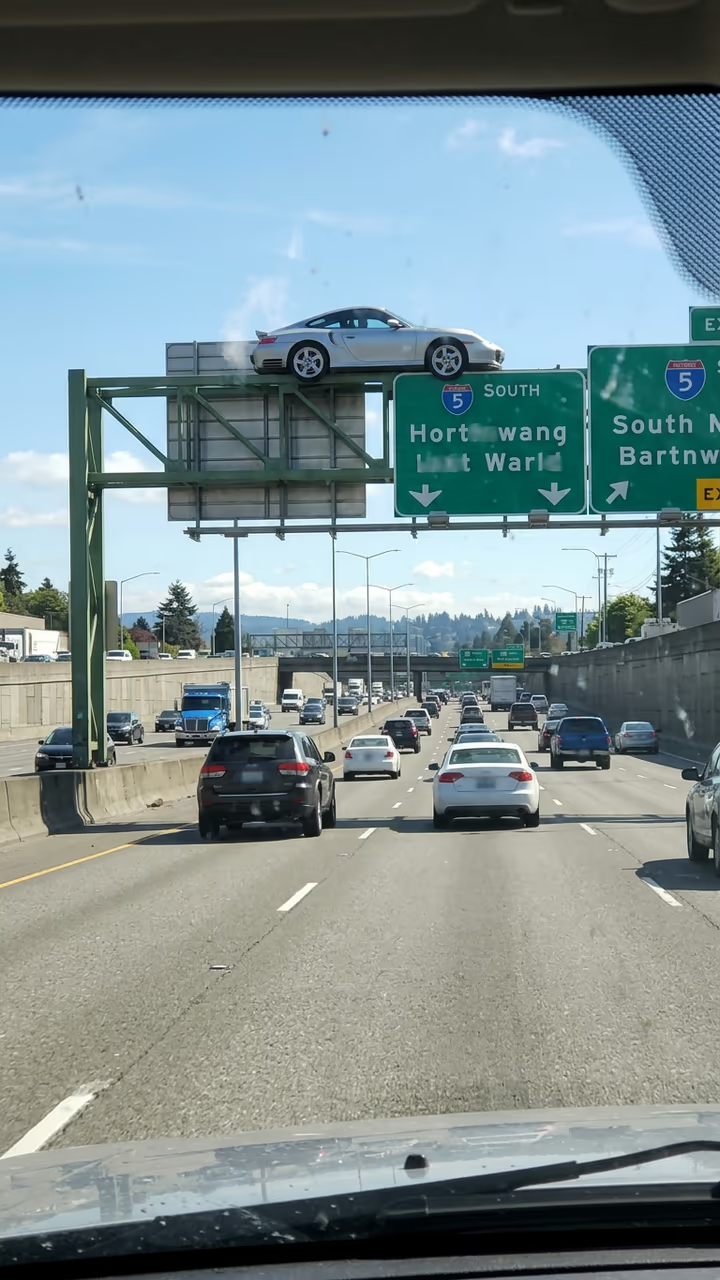
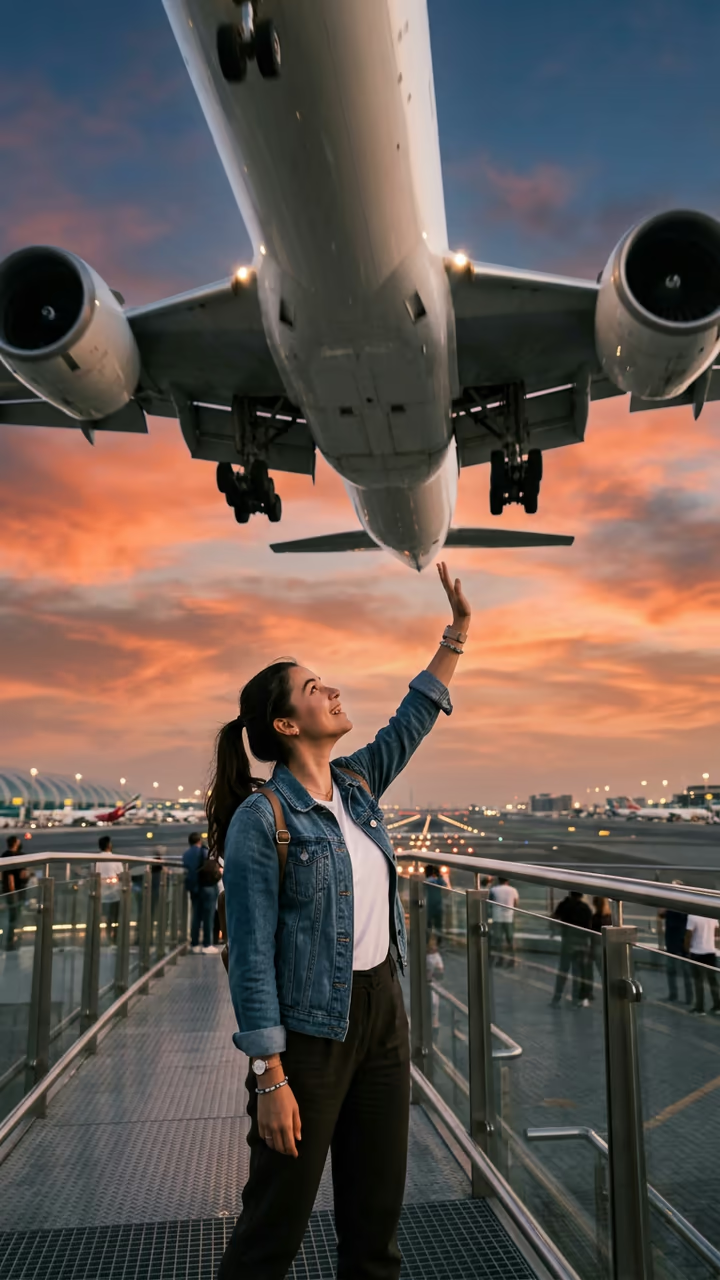
Your car flies beside a plane above the clouds, then glides past a famous landmark while tourists film it from below.

Flying Car World Tour · switch effect

Your car

Your car from the side or back, whole car in frame

You (optional) (optional)

Face clear; you wave from the driver's seat

Cost shown before you run · failed runs are refunded

  • Ready in 1–3 min
  • No watermark
  • Failed runs refunded
  • Uploads never published

This trend on Instagram & TikTok

The most-watched videos of this trend, shown with credit and a link to each original post. Videos belong to their creators; they were not made with Soracai.

  1. 1

    @yapayzekaserisi

    Trend video

    TikTok

    4.79M views · 584K likes · October 16

    Beside a plane, then around the world

    Watch on TikTok ↗
  2. 2

    @yapayzekaserisi

    Trend video

    TikTok

    1.44M views · 113K likes · October 17

    Pisa, Rio and the pyramids

    Watch on TikTok ↗
  3. 3

    @moon.the.luna

    Trend video

    TikTok

    579K views · 15K likes · October 16

    Parked on a famous statue's torch

    Watch on TikTok ↗

How to use the AI Flying Car World Tour

  1. 01

    Upload your photos

    Your car: Your car from the side or back, whole car in frame. You (optional): Face clear; you wave from the driver's seat. Landmark (optional): e.g. the Eiffel Tower, the pyramids of Giza, Big Ben.

  2. 02

    Press Generate

    The Flying Car World Tour effect runs on its own tuned settings. It costs 140 credits, shown on the button before you run it.

  3. 03

    Download

    Your video is ready in one to three minutes. Download the MP4 without a watermark.

AI Travel Effects

What is the AI Flying Car World Tour?

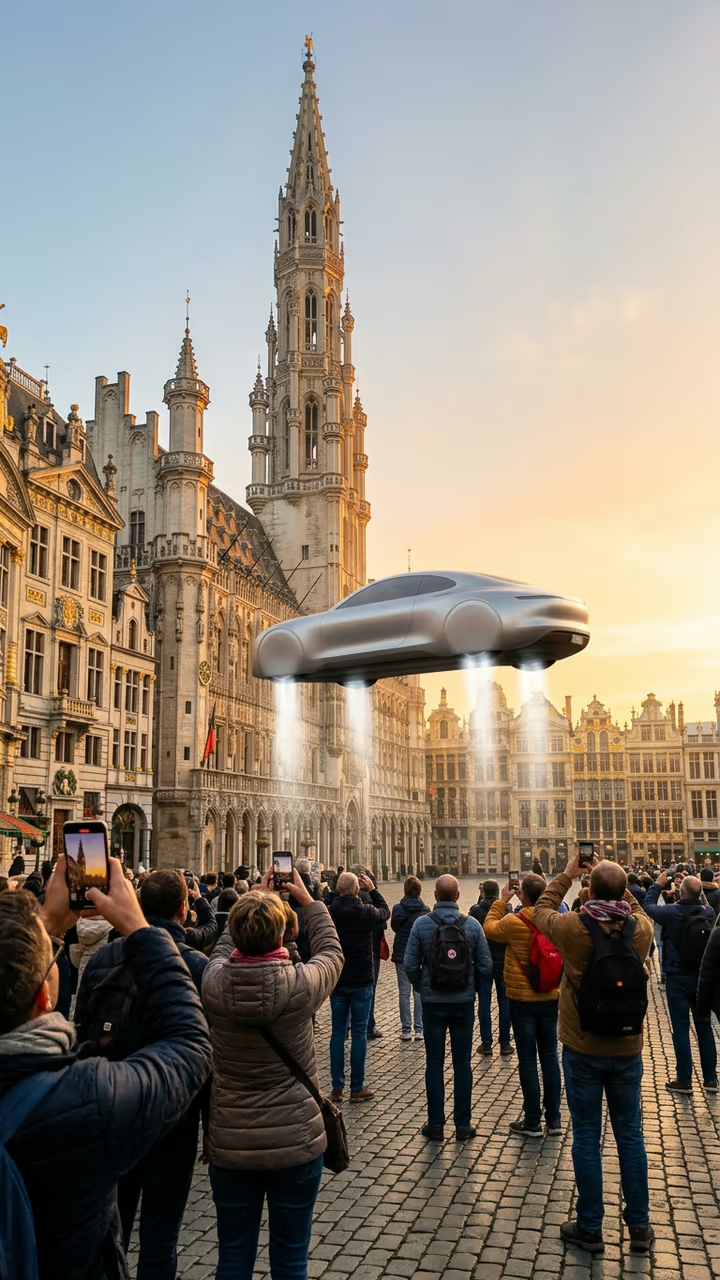
The AI flying car world tour takes the flying car trend on holiday. Upload a photo of your car and you get a short phone video that starts through an airplane window: your car is flying level beside the wing above the clouds, and the driver waves at the camera. It banks away and dives through the clouds, then the video jumps to a famous landmark, where your car glides slowly past while tourists below hold up their phones. One more jump and it hovers above the landmark at sunset before flying off. Type a landmark in the box (the Eiffel Tower, Big Ben, the pyramids) or leave it empty for the Leaning Tower of Pisa. Add a photo of yourself to be the one waving.

Also known as the Tesla Roadster AI video, the flying Roadster around the world, or the flying car next to a plane. AI clips of a flying car touring the world passed 4.7 million and 1.4 million views on 16 and 17 October 2026, and one of a flying car hovering on a famous statue passed 570,000.

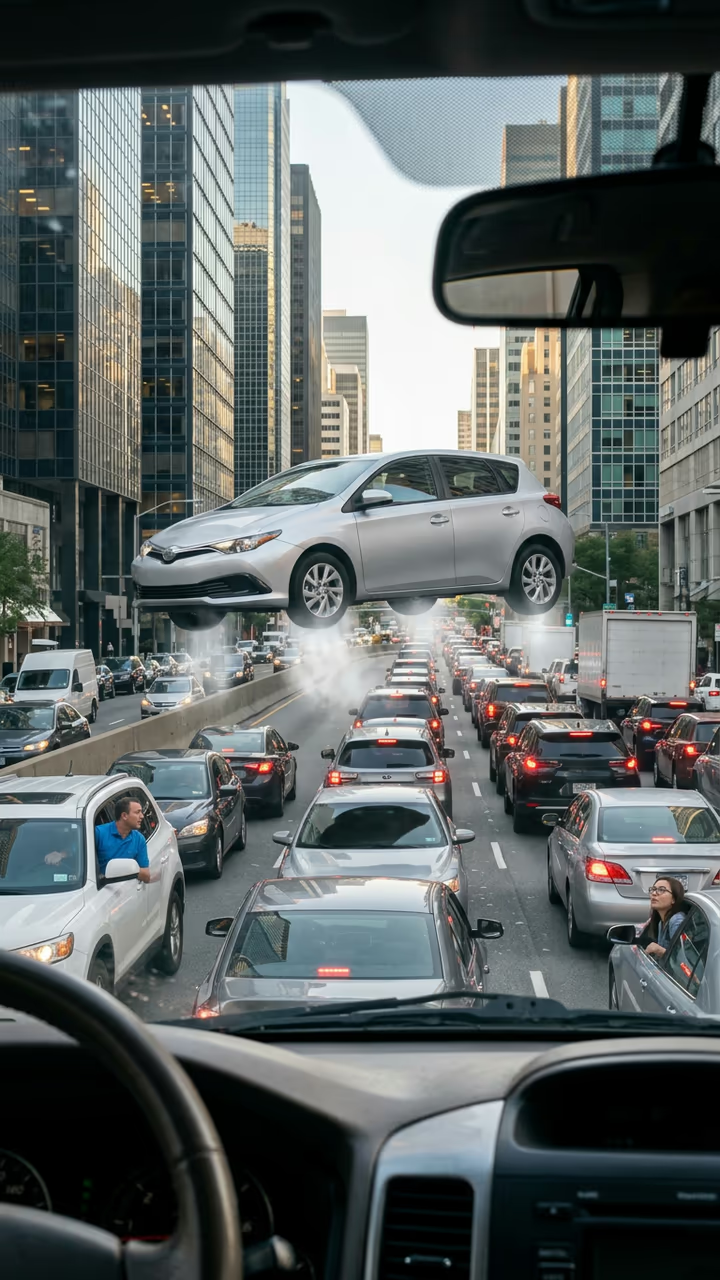
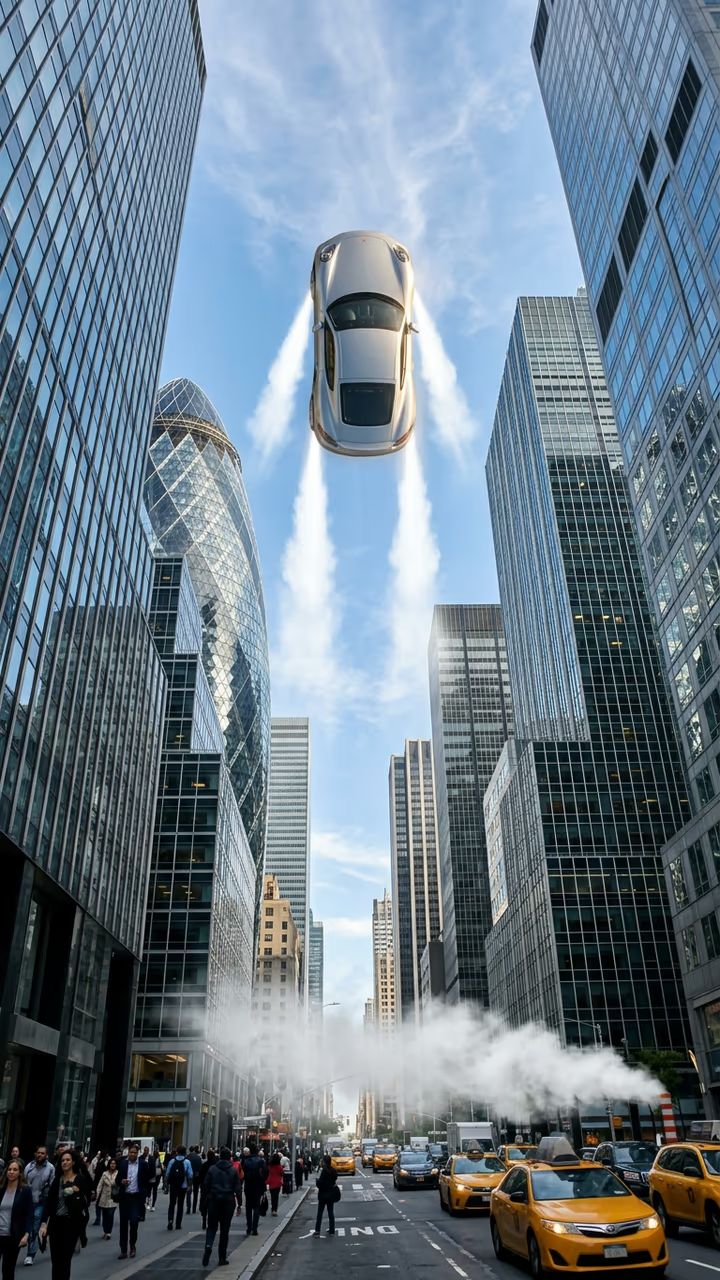
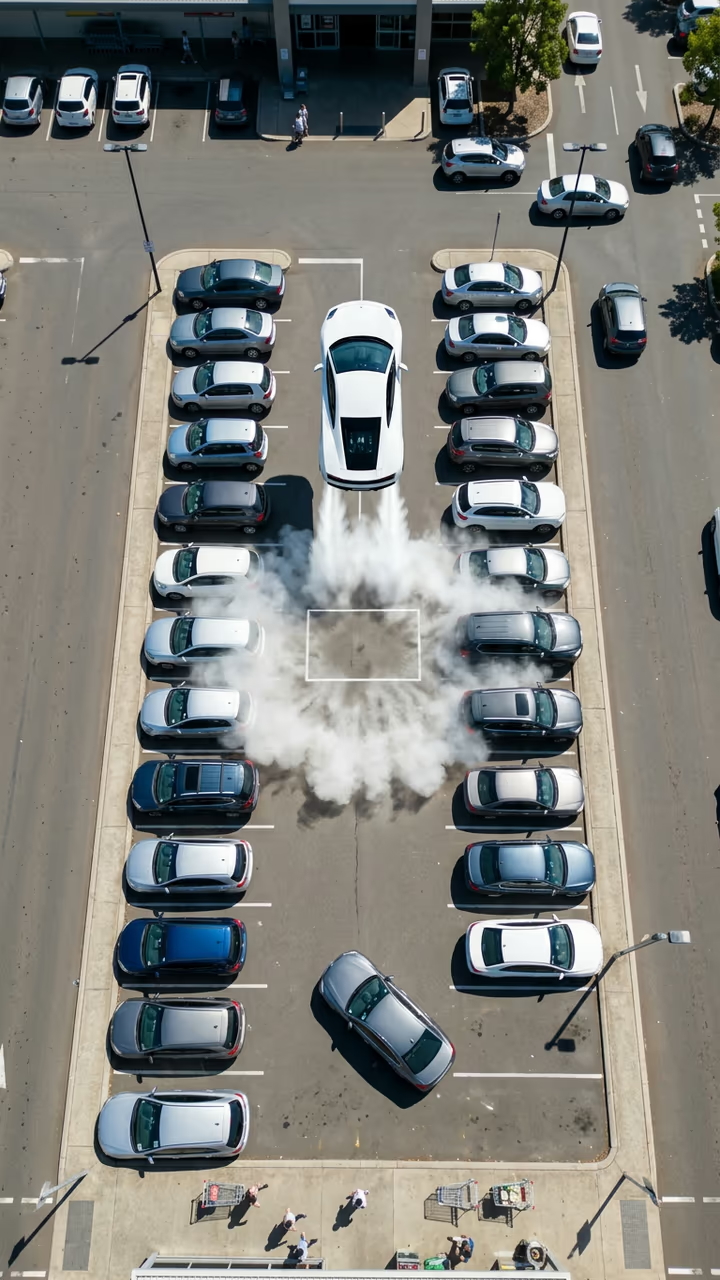
The template runs in two steps: an image model puts your own car beside the plane, then a video model flies it to the landmark with sound. The clip is 8 seconds, vertical and watermark-free. The trend videos on this page are credited to their creators; the poster image is AI-generated.

Choosing a landmark

Any famous place works: the Eiffel Tower, Big Ben, the Colosseum, the pyramids of Giza, the Golden Gate Bridge or your own city's skyline. The landmark is only the backdrop, so name it plainly and the model sets the scene around it. Leave the box empty for the Leaning Tower of Pisa from the viral clips.

AI Flying Car World Tour FAQ

How do I make the flying car world tour video?

Upload a photo of your car, optionally add your own photo and a landmark, and press Generate. You get an 8-second clip of your car flying beside a plane and past the landmark.

Is it free?

Video templates use paid credits. New accounts get free credits for photo templates only. The exact cost is shown on the Generate button before you confirm.

Is this a Tesla Roadster AI video generator?

It makes the same kind of flying car clip people search for as a "Tesla Roadster AI video", but with your own car. Any car, SUV or van works.

Is this made by or affiliated with Tesla?

No. Soracai is not affiliated with, sponsored or endorsed by Tesla. "Tesla Roadster" is named only because that is what people search for this trend. The template animates your own car and adds no logos or badges.

Can I pick any landmark?

Yes. Type one place in the box, for example the Eiffel Tower or the pyramids of Giza.

Is there a watermark?

No watermark is added to the video.

Where is my photo stored?

Uploads are stored in Firebase Storage (Google Cloud) under your account so the run can happen and the result appears in Creations. They are not public, and you can email support to request deletion. To run the effect, a copy is sent to our AI model provider (kie.ai); result files are kept for 14 days, so download what you want to keep.

More AI effects

Try the AI Flying Car World Tour

Upload two photos and get your video in a couple of minutes.

Upload photos