Skip to content

AI Flying Car Video

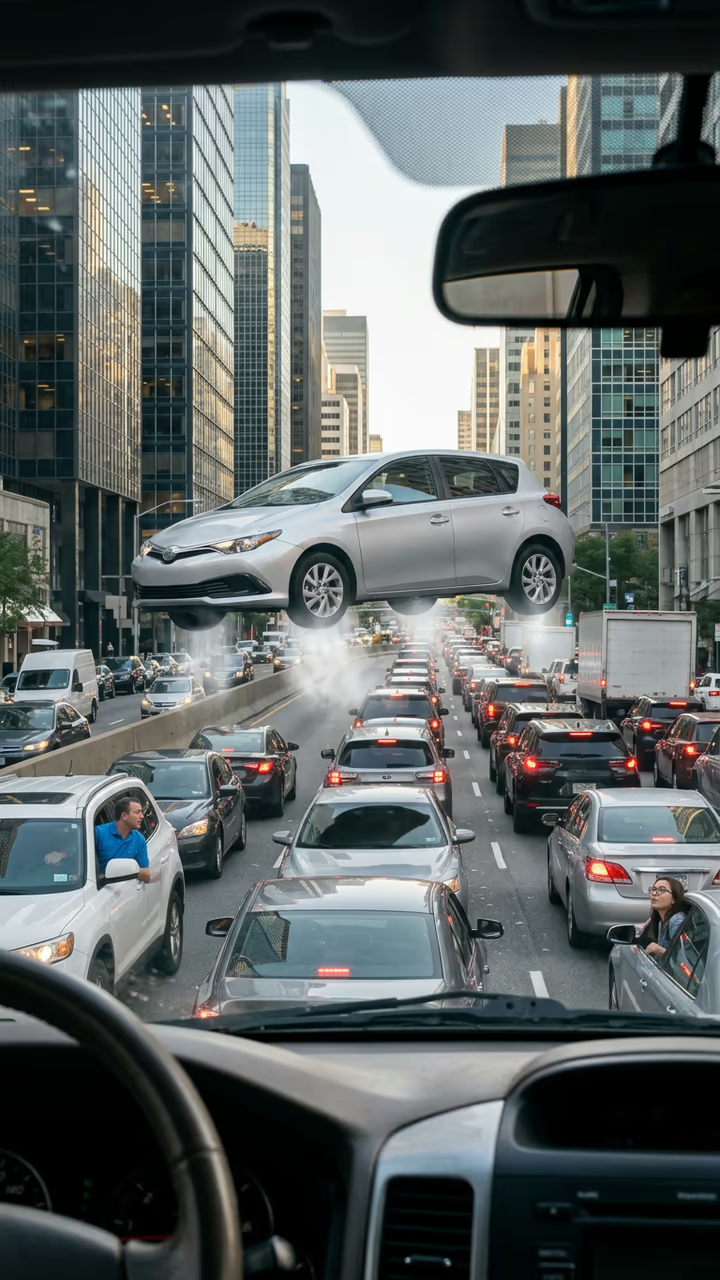
Stuck in traffic, your car lets out a puff of vapour, lifts over the queue and lands in the empty lane ahead.

Flying Car Over Traffic · switch effect

Your car

Your car from the side or back, whole car in frame

You (optional) (optional)

Face clear; you appear in the driver's seat

Cost shown before you run · failed runs are refunded

  • Ready in 1–3 min
  • No watermark
  • Failed runs refunded
  • Uploads never published

This trend on Instagram & TikTok

The most-watched videos of this trend, shown with credit and a link to each original post. Videos belong to their creators; they were not made with Soracai.

  1. 1

    @paulkim52

    Trend video

    TikTok

    5.97M views · 1.44M likes · October 16

    Pulling up in a flying car

    Watch on TikTok ↗
  2. 2

    @yapayzekaserisi

    Trend video

    TikTok

    4.79M views · 584K likes · October 16

    A flying car beside a plane, then around the world

    Watch on TikTok ↗
  3. 3

    @xander.sgc

    Trend video

    TikTok

    4.72M views · 437K likes · October 16

    If everyone had a flying car

    Watch on TikTok ↗
  4. 4

    @baghdxddy

    Trend video

    TikTok

    3.56M views · 598K likes · October 15

    “It's 2028 and you get hit by a flying car”

    Watch on TikTok ↗

How to use the AI Flying Car Video

  1. 01

    Upload your photos

    Your car: Your car from the side or back, whole car in frame. You (optional): Face clear; you appear in the driver's seat.

  2. 02

    Press Generate

    The Flying Car Over Traffic effect runs on its own tuned settings. It costs 140 credits, shown on the button before you run it.

  3. 03

    Download

    Your video is ready in one to three minutes. Download the MP4 without a watermark.

AI Fantasy Effects

What is the AI Flying Car Video?

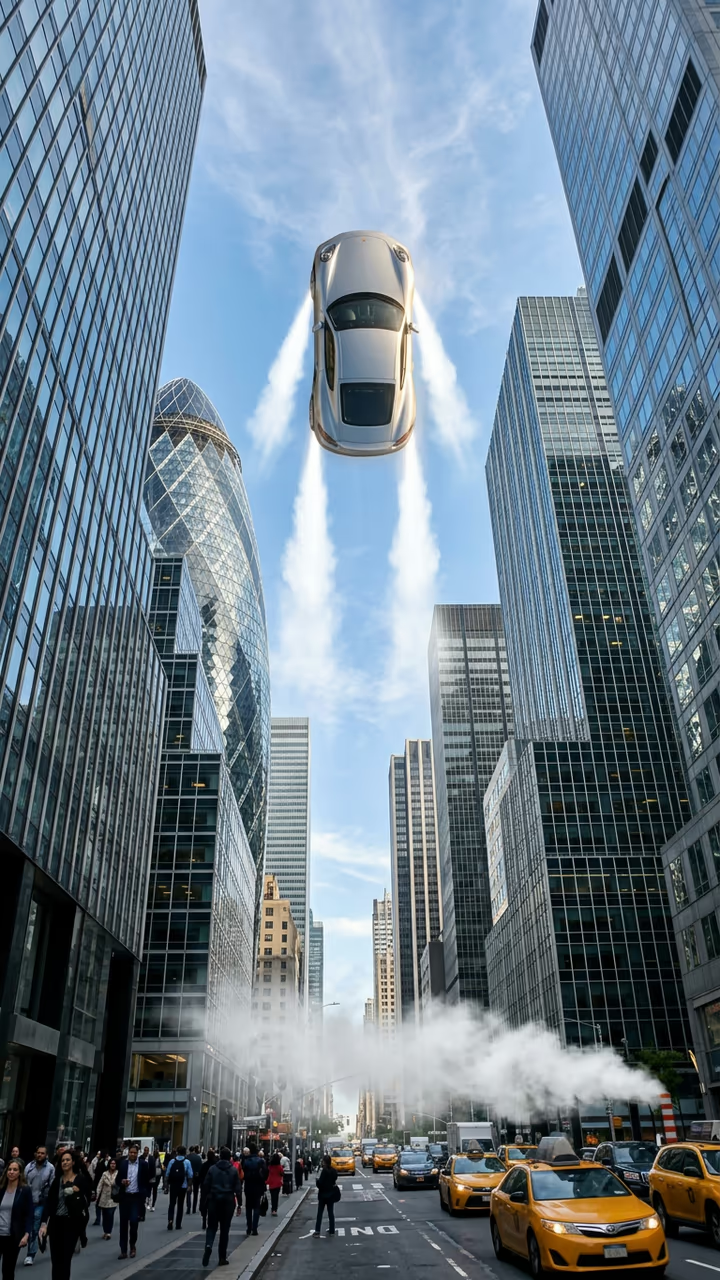
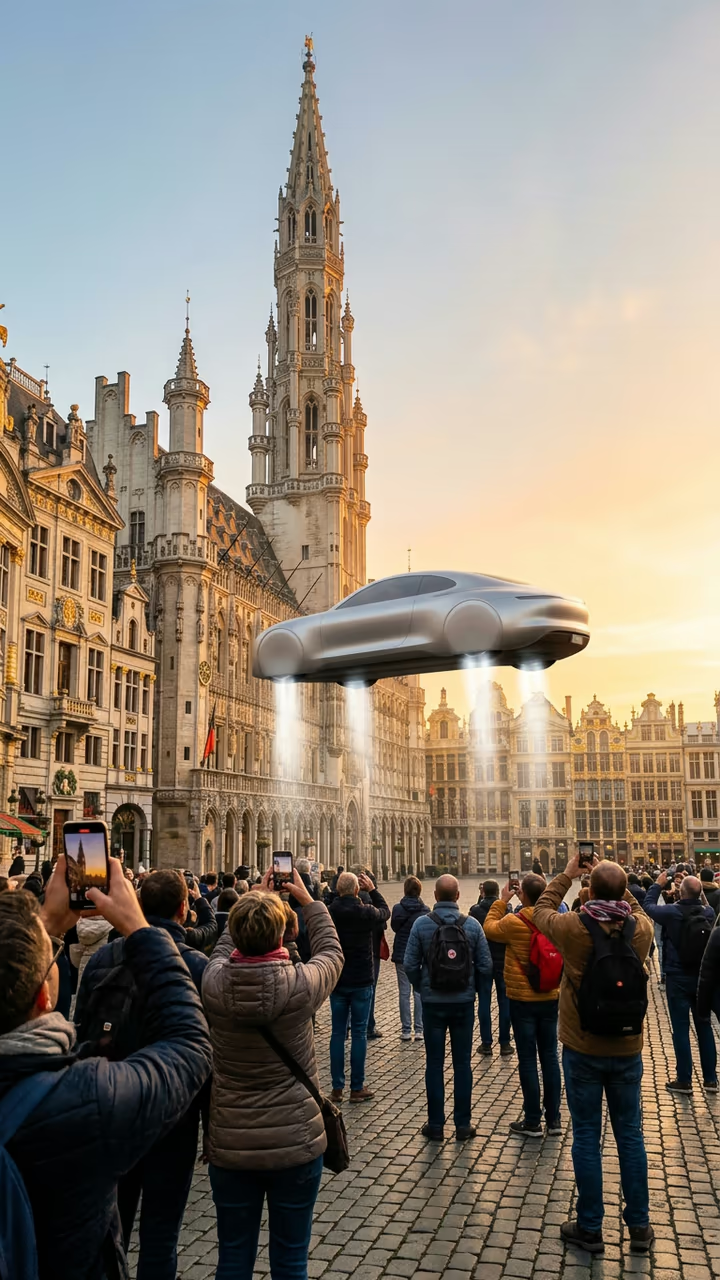
The AI flying car template is the "me next Monday" fantasy: you are stuck in a traffic jam that is not moving at all, and your own car simply leaves. Upload a photo of your car and you get a handheld phone clip filmed through the windshield of the car behind. Traffic is frozen, brake lights everywhere, office towers in the morning haze. Then a soft puff of white vapour bursts out under your car, it rises straight up with all four wheels still on, glides slowly over the roofs of the stopped cars with its shadow sliding below, and sets down on an empty stretch of road before driving off. Other drivers lean out of their windows to stare. Add a photo of yourself and you are the one in the driver's seat.

Also known as the Tesla Roadster flying car trend, the flying Roadster meme, the Jetsons car or the flying car traffic jam video.

The trend exploded on TikTok on 16 October 2026, the day the new Tesla Roadster was shown flying on stage (#teslaroadster now has more than a billion views). Within hours AI meme clips of flying cars passed 5 million, 3.5 million and 2.8 million views, and the hashtag #flyingcar has more than a billion views.

The template runs in two steps: an image model builds the traffic jam around your car, then a video model lifts it off with sound. The clip is 8 seconds, vertical and watermark-free, and your car keeps its own shape and colour.

Your car, not a concept car

Most flying-car clips this week show the same futuristic sports car. This template uses yours: the first step copies its body shape, colour and wheels into the traffic jam, and the video step keeps them the same while the car lifts. That is what makes it a meme about you rather than a repost.

More flying car variants

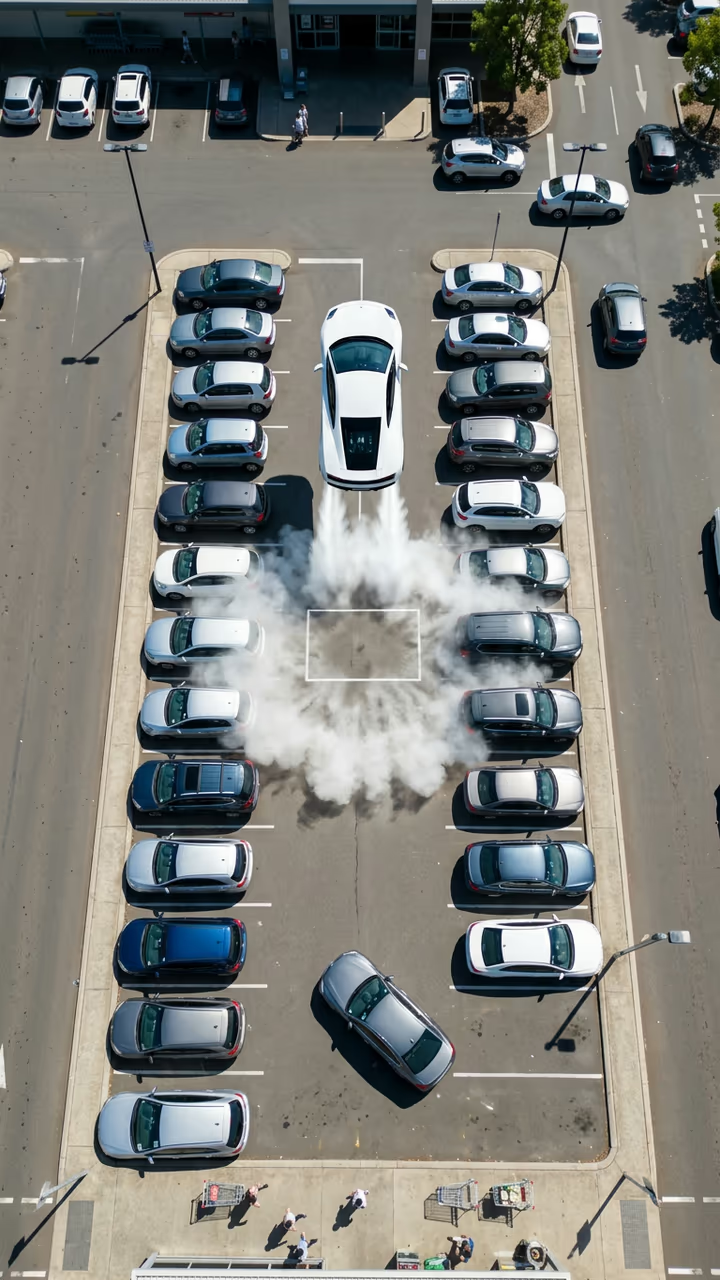
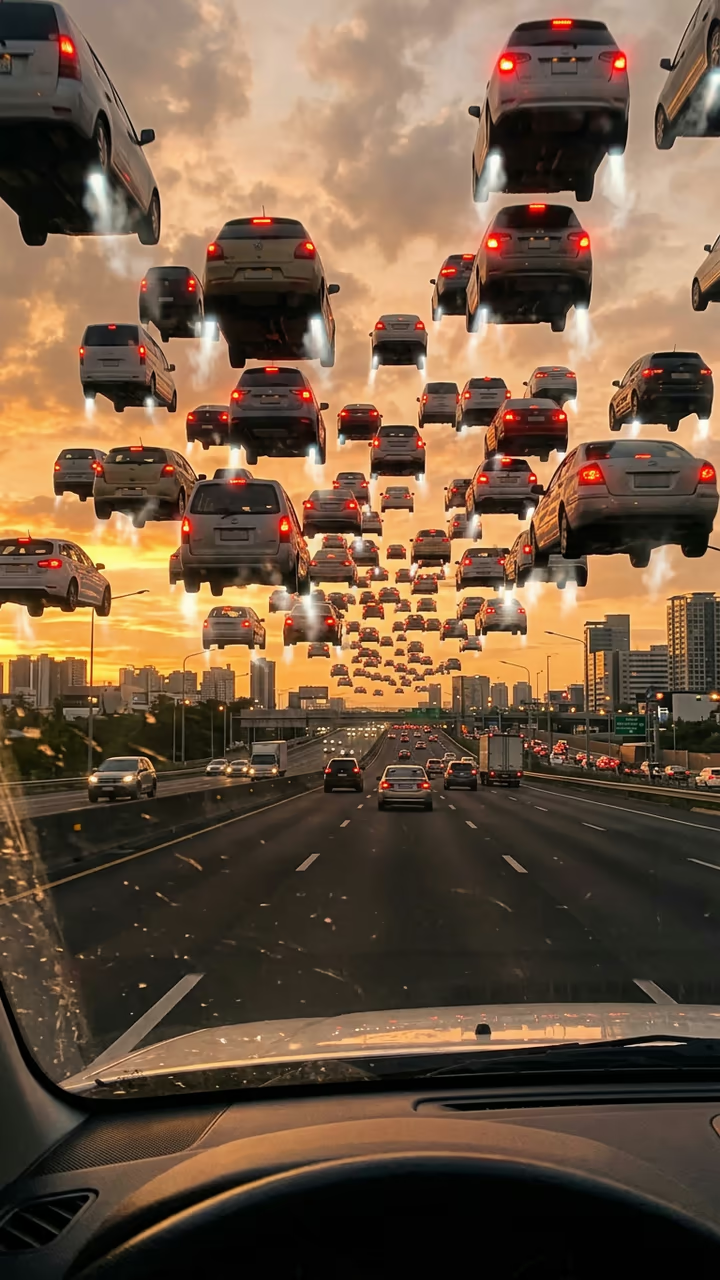
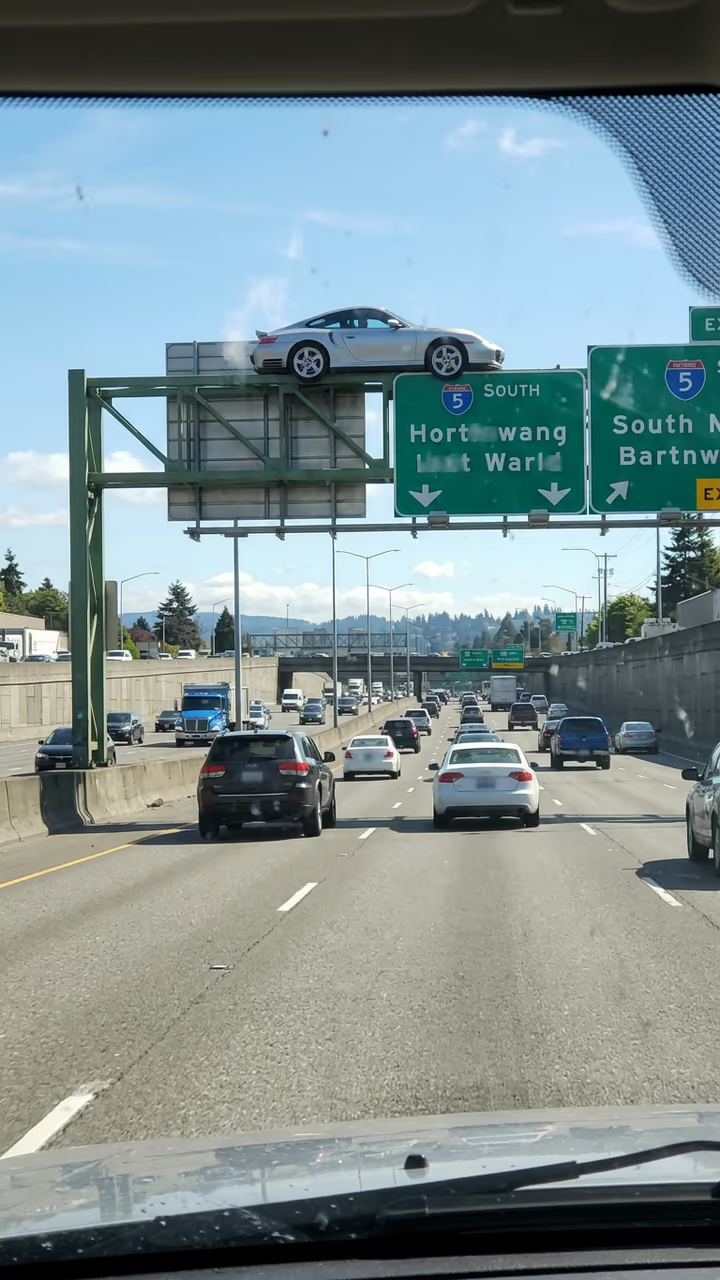
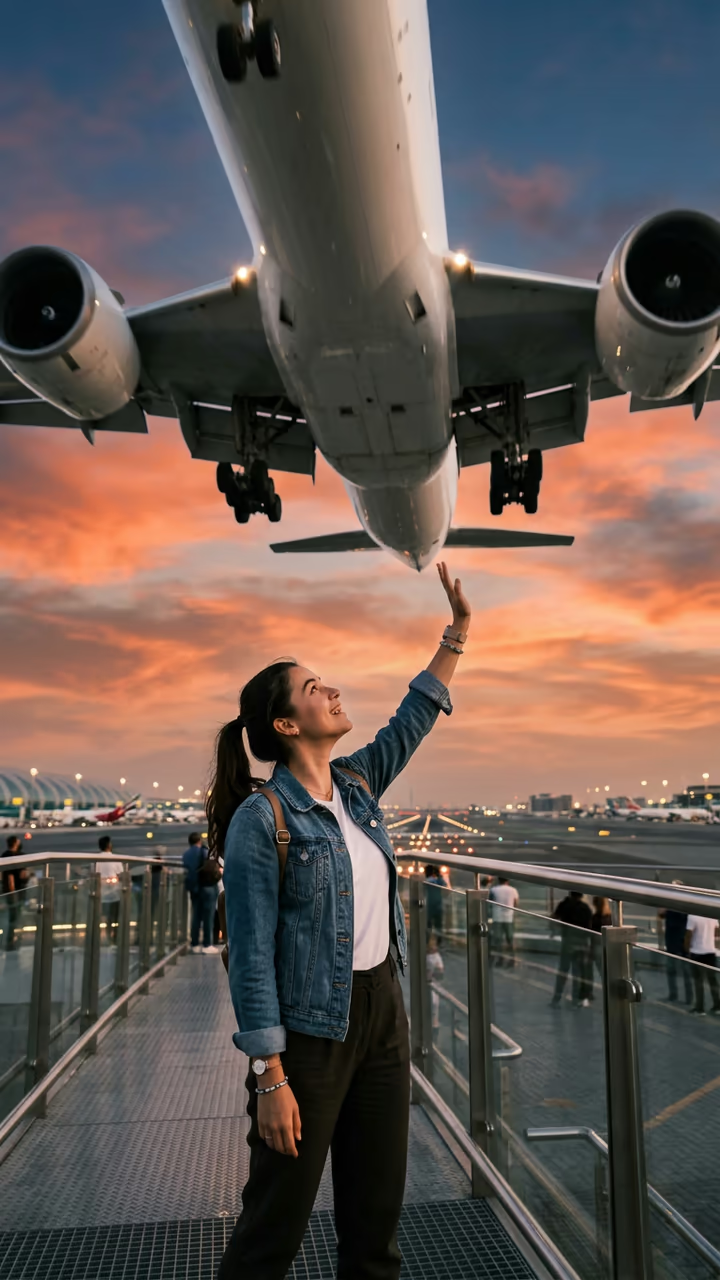
The flying car trend split into several jokes within a day, and each has its own template: Flying Car Takeoff (one tap on the screen and the car blasts straight up), Flying Car Parking (it drops into the last free space), Sky Traffic Jam (everyone flies, so the jam moves upstairs), Flying Car Fail (it overshoots and lands on the motorway sign) and Flying Car World Tour (beside a plane wing, then past a landmark). They all use a photo of your own car.

How it is filmed

The shot is a shaky phone video from the car behind, through the windshield. It looks like something a passenger filmed in disbelief, and the voice saying "no way…" sells it. The vapour and the electric hum keep it believable; there are no rockets or flames.

AI Flying Car Video FAQ

How do I make the flying car video?

Upload a photo of your car (and, if you like, one of yourself) and press Generate. The template builds the traffic jam and animates your car flying over it.

Is it free?

Video templates use paid credits. New accounts get free credits for photo templates only. The exact cost is shown on the Generate button before you confirm.

Does it work with any car?

Yes. Cars, SUVs and vans all work. A clear photo of the whole car gives the closest match.

Will it show my number plate?

No. The plate is blurred and badges are left out.

Is this the Tesla Roadster flying car trend?

Yes. It is the flying car meme people post under #teslaroadster and #flyingcar, made with your own car instead of the concept car. Soracai is not affiliated with Tesla, and no Tesla logos or badges are added.

Does the video have sound?

Yes: city traffic, a vapour hiss, an electric hum and a stunned voice. You can mute it and add your own track.

Is there a watermark?

No watermark is added to the video.

Where is my photo stored?

Uploads are stored in Firebase Storage (Google Cloud) under your account so the run can happen and the result appears in Creations. They are not public, and you can email support to request deletion. To run the effect, a copy is sent to our AI model provider (kie.ai); result files are kept for 14 days, so download what you want to keep.

More AI effects

Try the AI Flying Car Video

Upload two photos and get your video in a couple of minutes.

Upload photos