
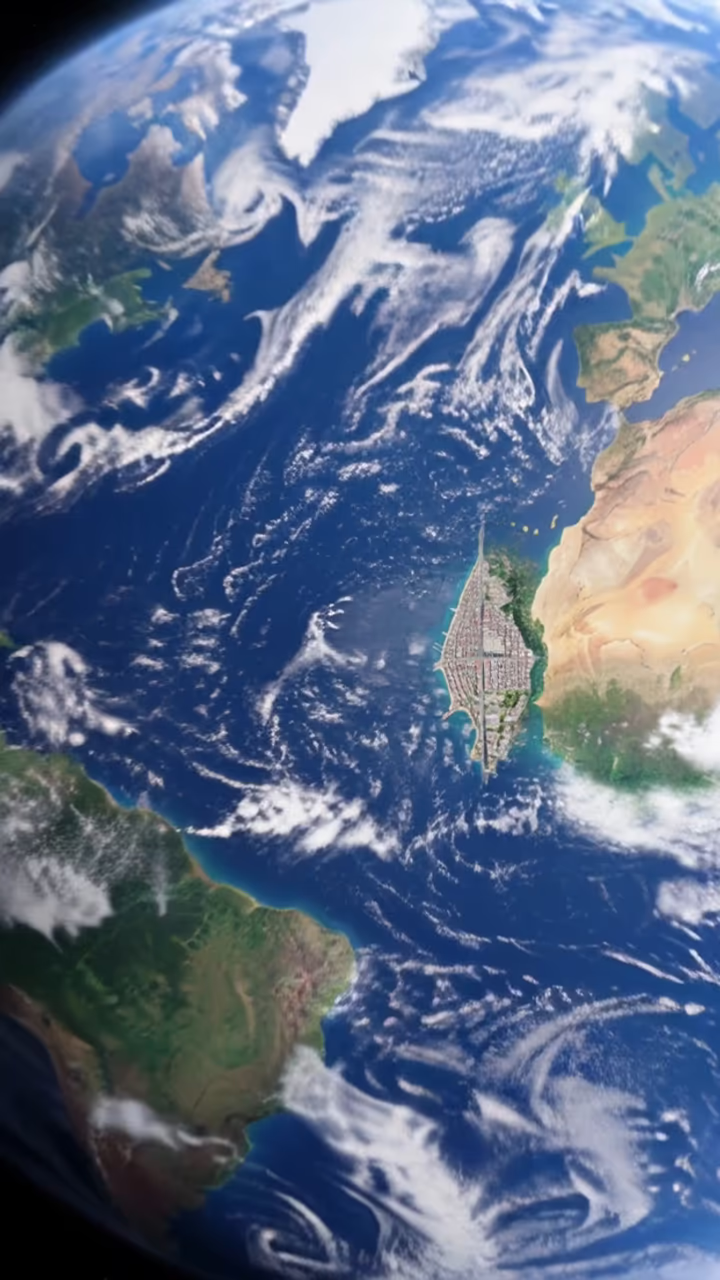


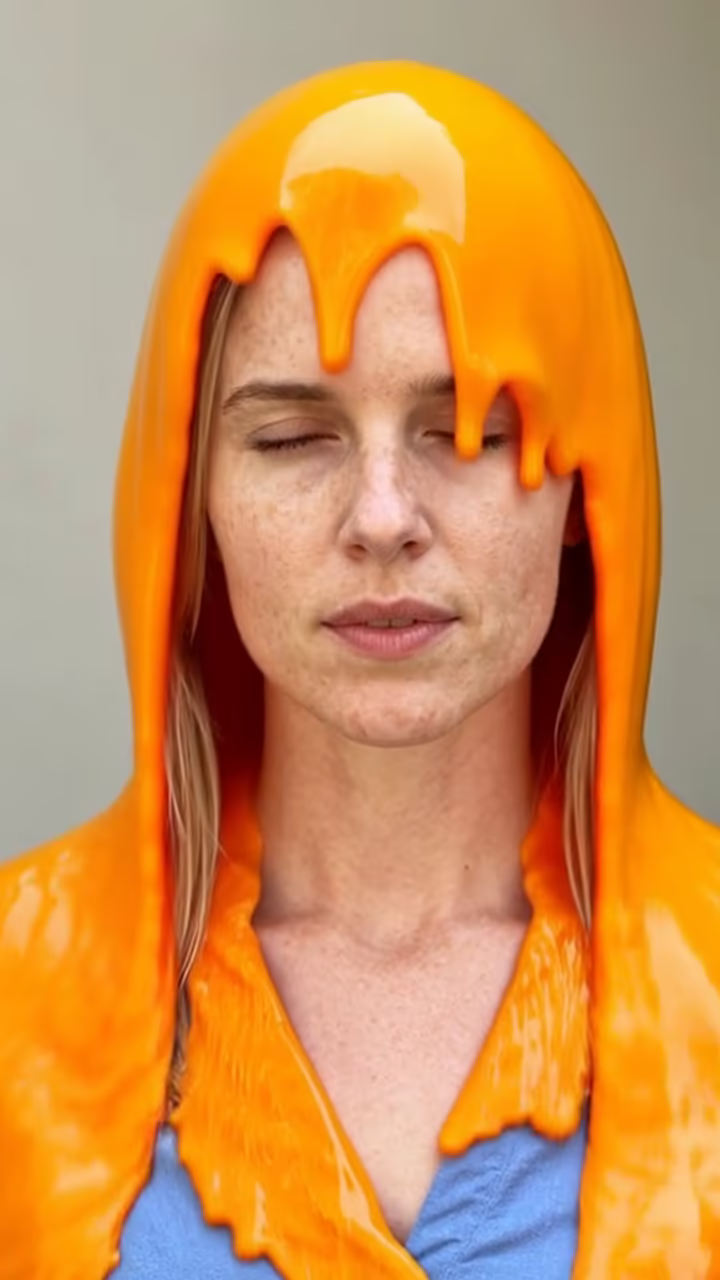
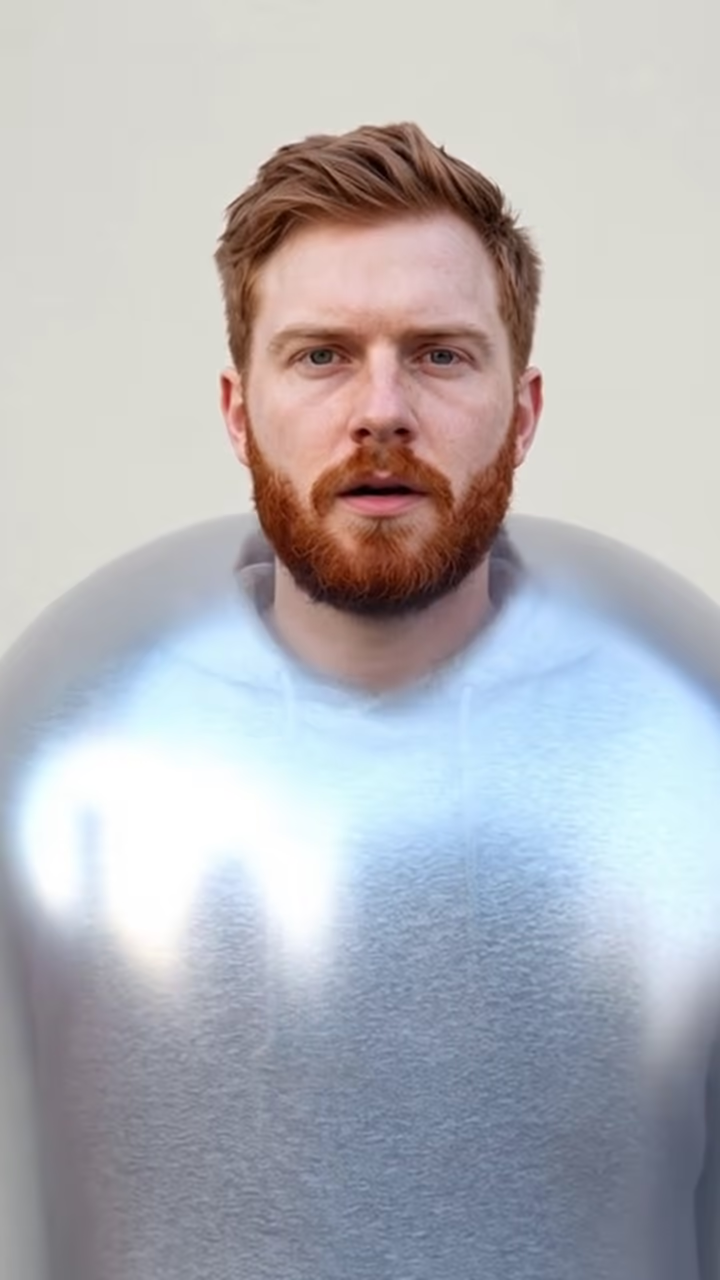
What is the AI Earth Zoom Out?
The earth zoom out effect starts on a single moment, you standing on a street, and then rushes upward. The street shrinks into a city grid, the city into a coastline, the coastline into a continent, until the whole planet hangs in space. It is one continuous move, like a drone that keeps climbing until it becomes a satellite.
The idea is older than AI. Charles and Ray Eames's 1977 short film Powers of Ten famously zoomed out from a picnic to the edge of the universe, and map apps have made the satellite fly-in familiar to everyone. In 2025, AI video apps turned it into a one-tap effect, and earth zoom became a widely shared preset on TikTok and Reels. People used it for travel reveals, "where I am right now" posts and dramatic endings to vlogs.
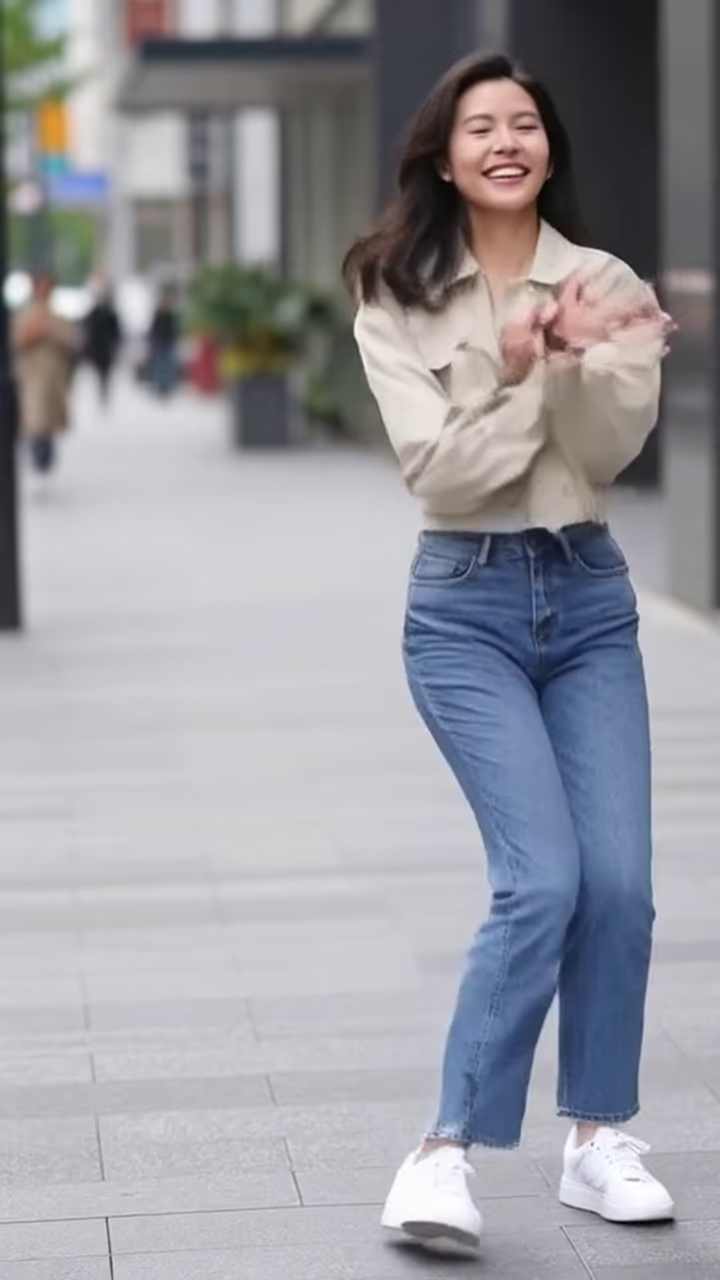
This template needs just one outdoor photo. It animates a six-second zoom from your photo out to Earth in Hailuo 2.3, rendered as a vertical clip with no watermark. The landscape it flies over is generated, not a map of your real location, so it reads as cinematic rather than literal.
Why the zoom is generated, not mapped
Satellite map apps fly in over real imagery of a real address. This template doesn't use maps or your location. It extends your photo with an imagined city, coastline and continent that fit the look of your picture. That has two advantages: it works with any photo, including ones where location data is missing, and it doesn't reveal where you actually live or stand.
The trade-off is that the geography isn't accurate. If your photo is in Lisbon, the coastline may not be Portugal's. For most posts that doesn't matter, because viewers read it as a dramatic transition. If you need a precise real-world flyover, use a mapping tool for that part and cut the two clips together.
Editing ideas that make the effect land
The effect works best as a transition, not a whole video. Try opening on a few seconds of real footage from the place, cutting to the earth zoom at a beat drop, and ending on the planet with a caption such as the city name or "see you soon". For the opposite reveal, reverse the clip so the camera dives from space toward the subject.
Sound matters too. A whoosh or a rising swell under the zoom sells the speed. Since the clip is silent, you can add audio in TikTok, CapCut or any editor without fighting a built-in track.