





What is the AI Flying Broom Video?
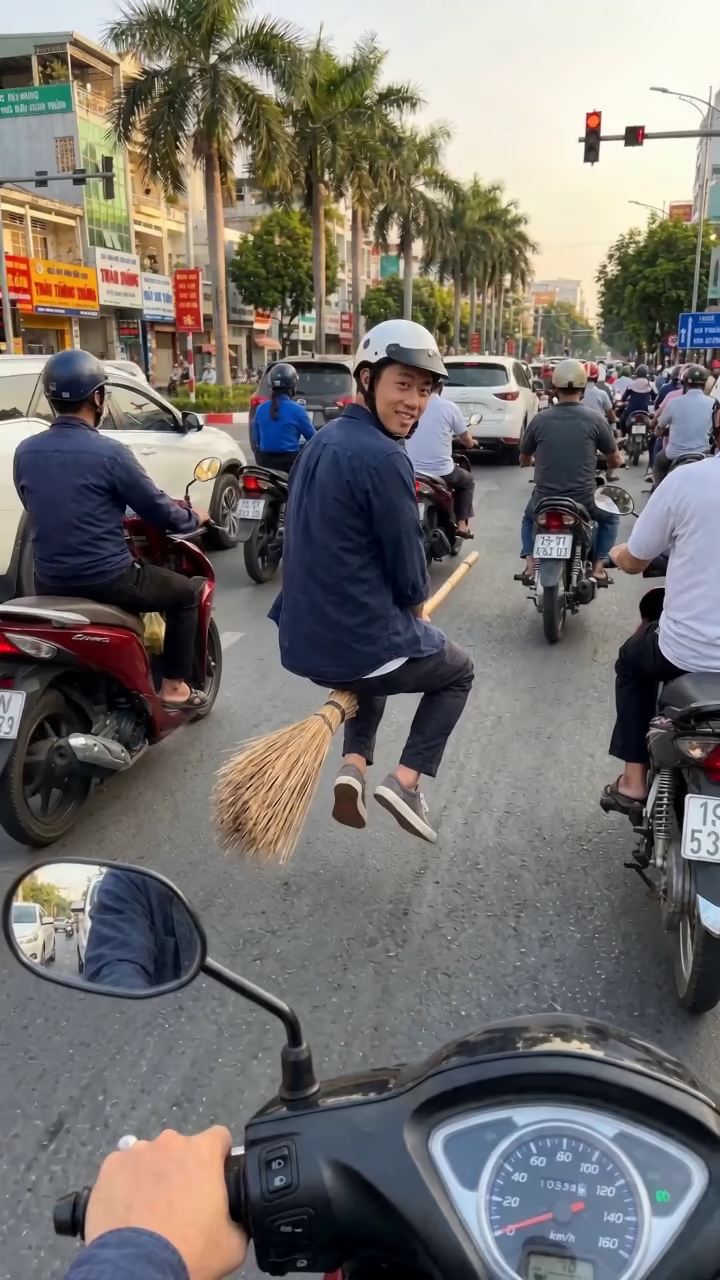
The AI flying broom template puts you on a broomstick in the middle of rush-hour traffic. The clip is filmed from the point of view of someone riding a scooter: you see their handlebar, mirror and dashboard at the bottom of the frame. In the next lane, you sit astride an old wooden broom with a straw end, floating half a metre above the road, wearing a motorbike helmet like everyone else. You look back over your shoulder with a cheeky grin, nod, lean forward, and the broom suddenly accelerates, weaving between the motorbikes and disappearing down the road.
The trend went viral on TikTok in autumn 2026 as a "my ride is here" joke, mostly set in Vietnamese city traffic, which is why the template uses a busy scooter street with palm trees and traffic lights. It lands well in October as a low-key Halloween post, but it works any time as a commuting meme.
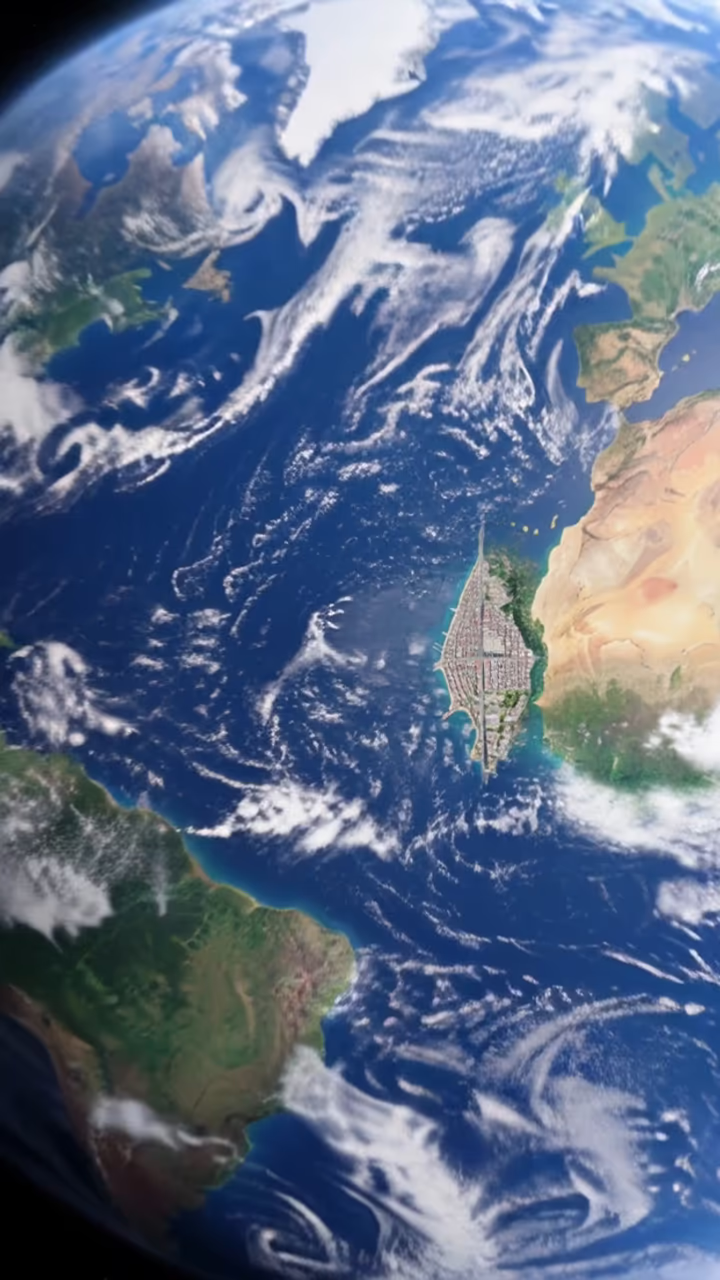
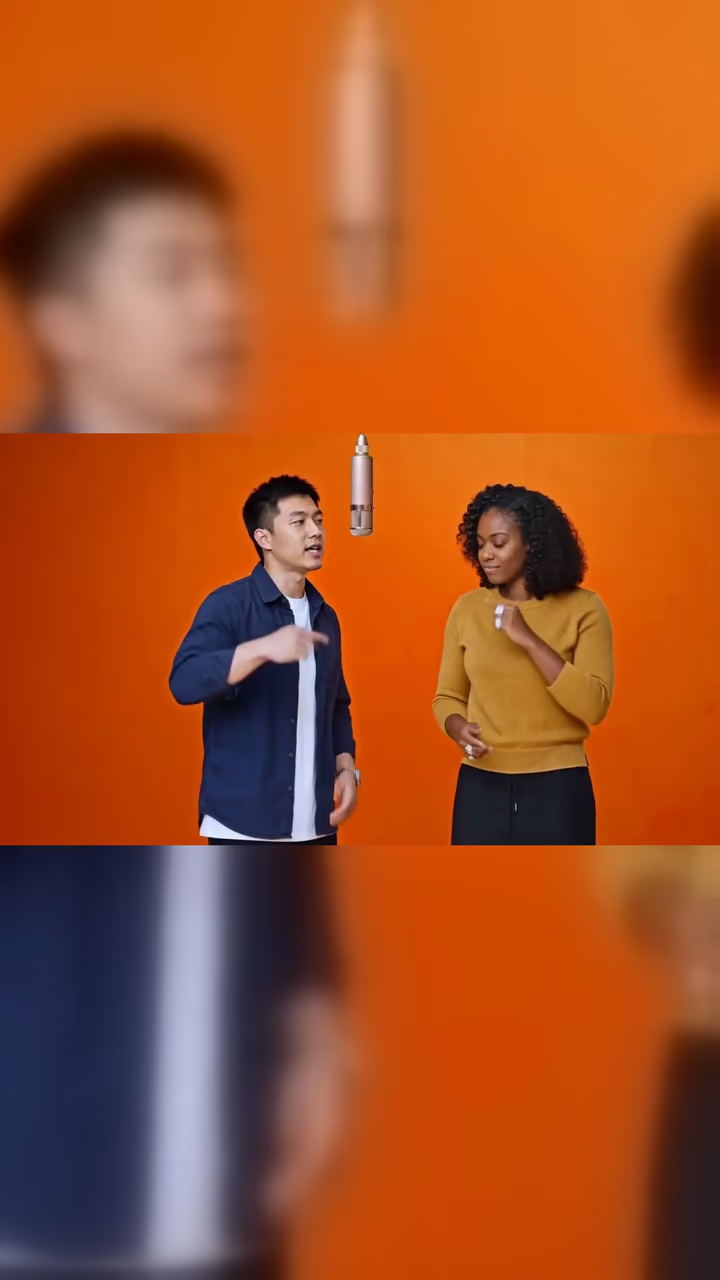
You upload one photo; an image model builds the traffic scene with you on the broom, and a video model animates the take-off. The 5-second clip comes with generated audio: whimsical orchestral music with chimes, scooter engines and a whoosh. A run takes about two to three minutes and there is no watermark. Examples on this page were made from AI-generated fictional people.
Why it is set in scooter traffic
The version that spread on TikTok was not a broom flying over rooftops. It was a broom used like a scooter, in a lane of real motorbike traffic, filmed by another rider. That everyday setting is the joke: a magic broom treated as an ordinary vehicle, with a helmet and all.
The template copies that setup: POV from a moving scooter, the handlebar and mirror visible, soft late-afternoon light, many motorbikes around. The broom hovers, you look back, then you take off.
What to expect from the result
The first second is the strongest for likeness, because you are close and looking at the camera. Once the broom shoots forward, you become small in the frame, so fine facial detail softens. That matches the real clips, where the rider vanishes into traffic.
The clip is 5 seconds with sound. If something looks off, such as a warped motorbike in the background, run it again; each run is a new take.