


What is the AI Explode Effect?
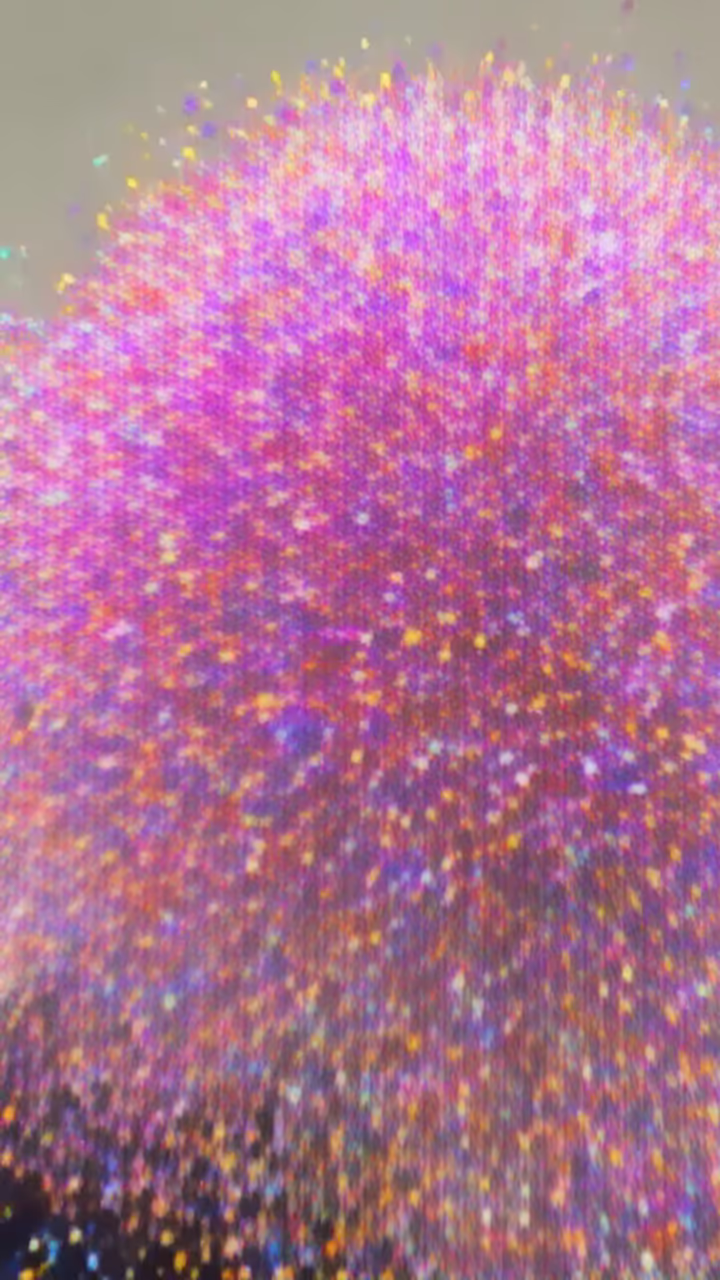
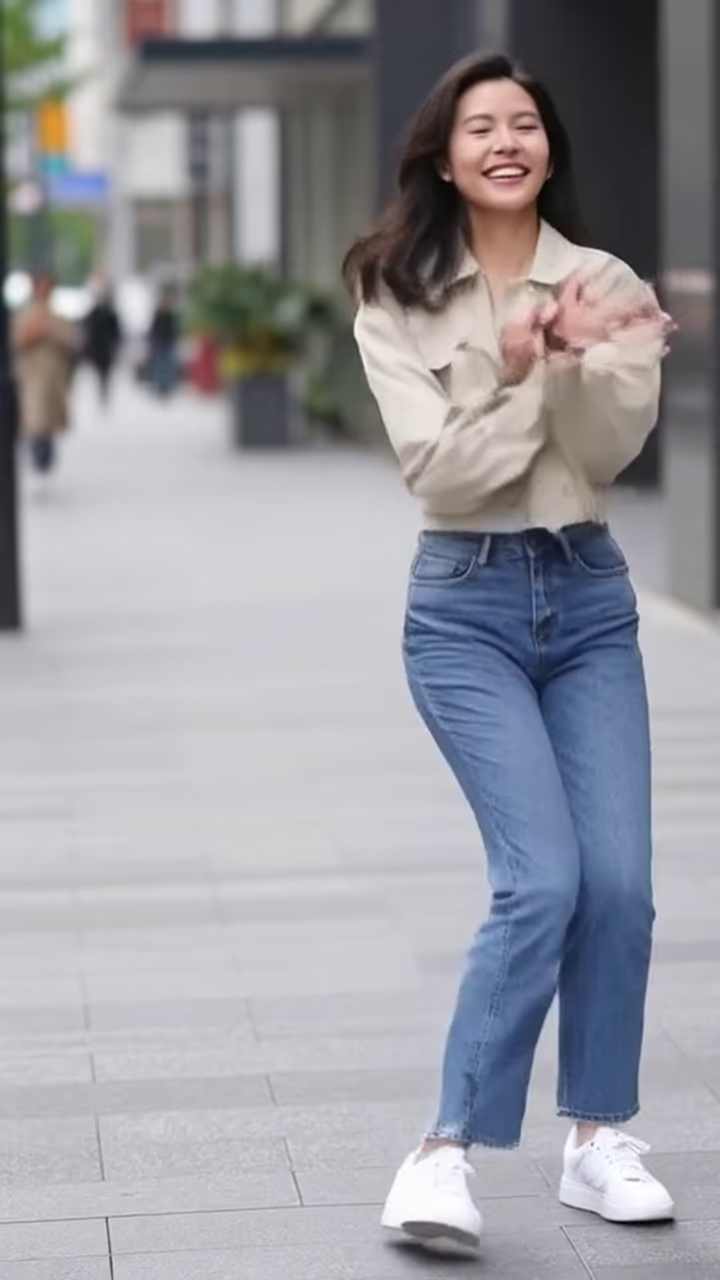
The AI explode effect turns one photo into a six-second clip where the person looks into the camera and then bursts into a huge cloud of colorful confetti and glitter. The pieces fly outward, flutter down, and the background is left empty. It is a cartoon-style party burst, not anything violent.
Explode and disintegrate effects are part of the same family of AI video presets as inflate, squish and melt that spread through TikTok and Reels in 2024 and 2025. The best-known versions turned people into dust or particles, a nod to blockbuster movie moments. This template keeps the timing and the surprise but swaps the drama for confetti, which makes it a better fit for birthdays, announcements and celebrations.
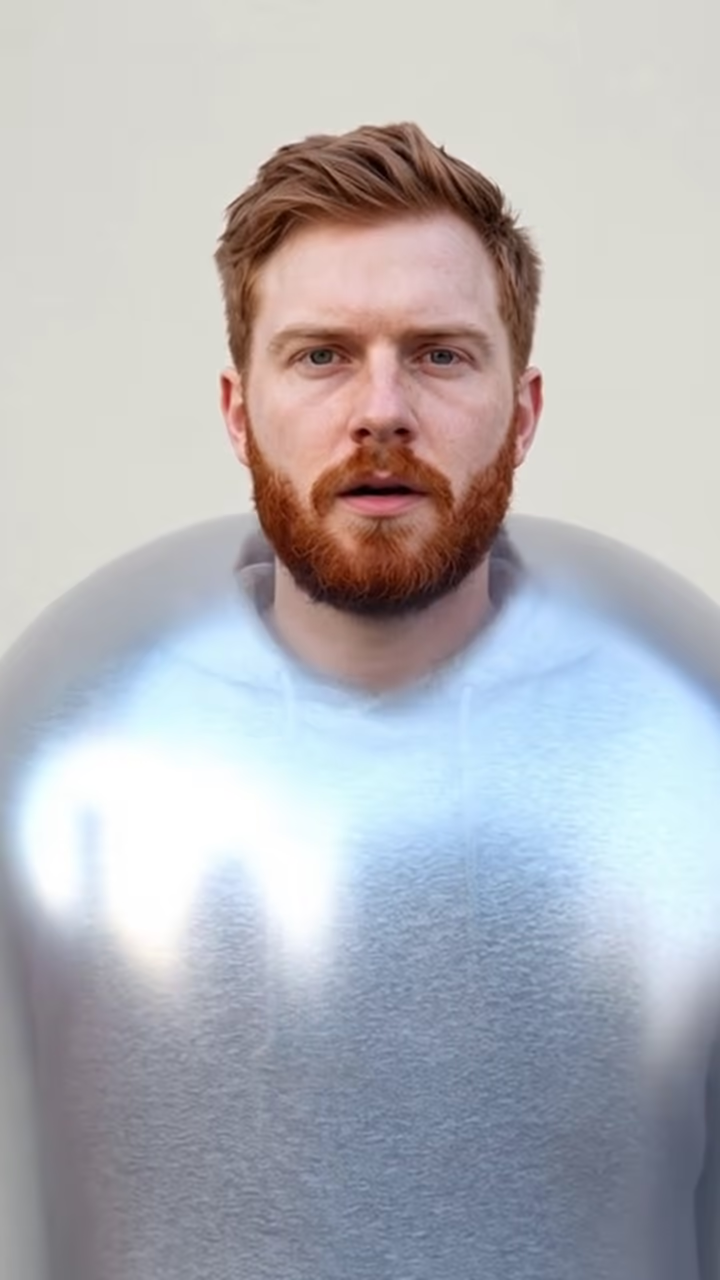
It runs on Hailuo 2.3, an image-to-video model, with a fixed prompt and a static camera so the burst fills the frame. You upload one photo and do not need to write anything. The example here was made from an AI-generated photo of a fictional person.
Generation takes about one to three minutes, and the clip downloads without a watermark.
Using it as a transition
Because the clip ends on an empty background, it works well as a transition. Burst out of one shot and cut to the next, or burst and then reveal text in your editor: a date, an announcement or a punchline. The camera is locked, so you can line up the empty frame with a still of the same background if you want a seamless cut.
The video is silent, which keeps it flexible. A pop sound right at the burst and a bit of music after usually does the job. Keep the cut tight around the burst itself; the effect is strongest when the confetti is the first thing that moves after the look into the camera.
Why confetti and not dust
We kept this effect deliberately non-violent. Dust and debris versions can read as disturbing out of context, especially to people who do not know the movie reference, and they are easy to misuse. Confetti keeps the surprise and the motion while staying clearly playful.
As with every template, only upload photos of yourself or of adults who agreed to be in the clip, and do not use it to mislead or upset anyone. If you post the clip, mention that it is an AI effect so nobody mistakes it for something it is not.