Skip to content

AI Photos for Instagram Content

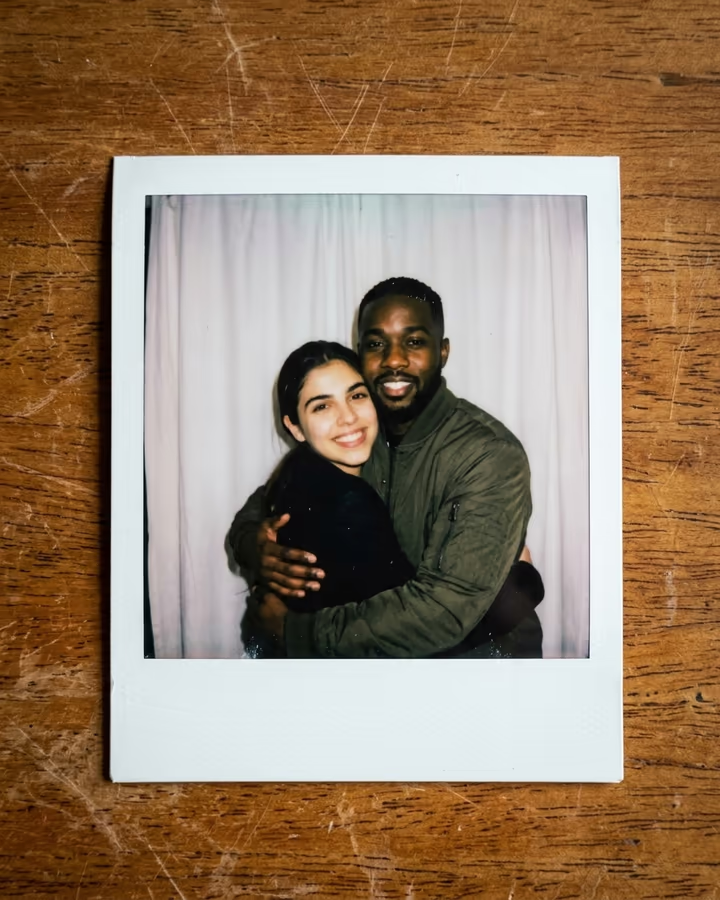
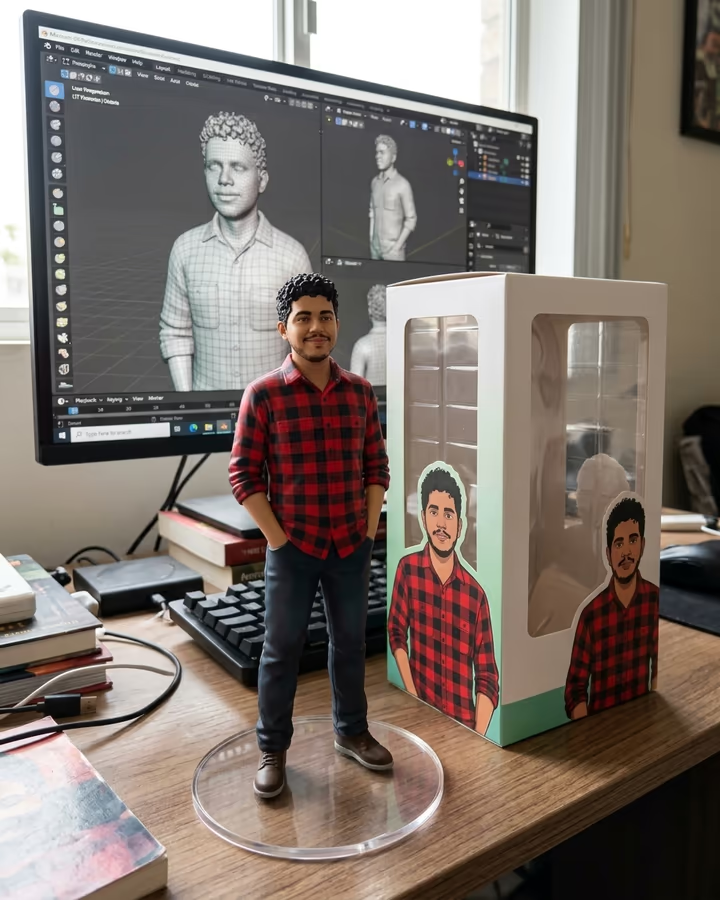
Generate scroll-stopping Instagram posts, stories, and reels covers with AI. Instagram is a visual-first platform, and standing out takes a steady stream of interesting images. AI effects let you make on-brand posts, Story backgrounds and Reel covers from your own photos, without booking a shoot or finding a location. They suit personal brands, small business accounts and anyone curating a themed feed.

Instagram image sizes

ImageSize (px)RatioNote
Square Post1080 × 10801:1Classic Instagram square. Still the most versatile feed format.
Portrait Post1080 × 13504:5Takes up more vertical space in the feed than a square post.
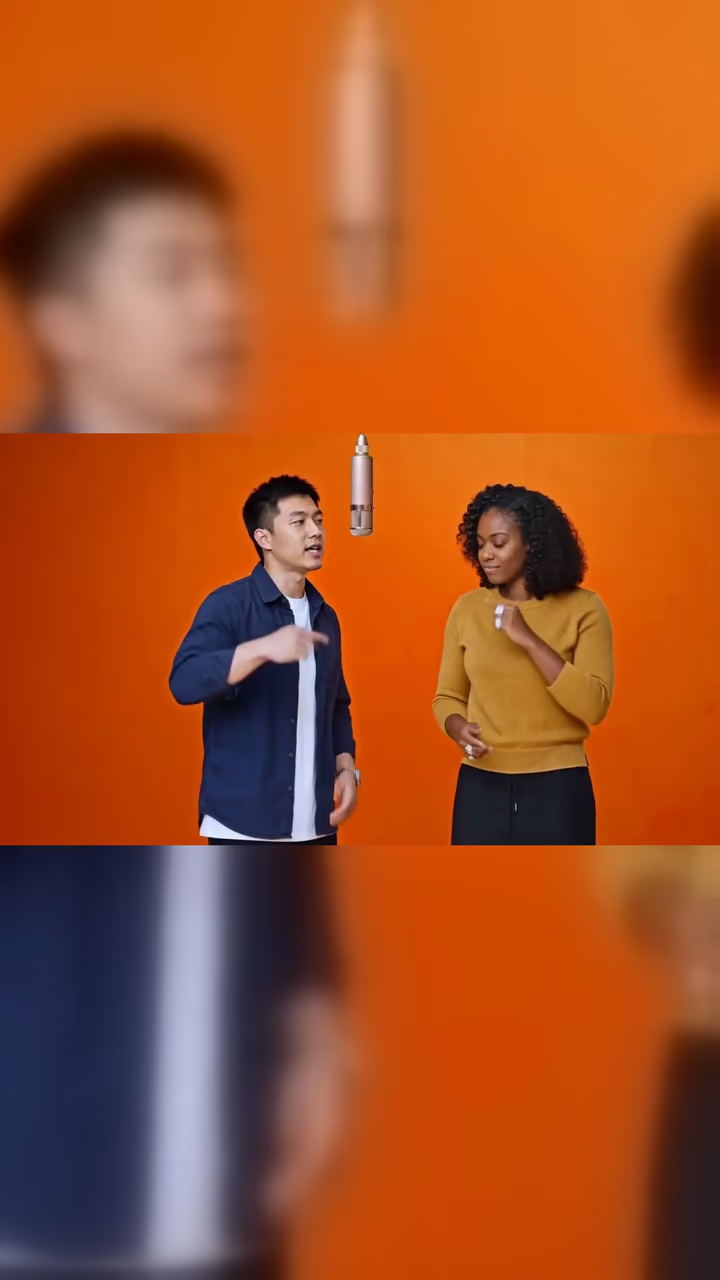
Story / Reel Cover1080 × 19209:16Full-screen vertical for Stories and Reels.
Profile Photo320 × 3201:1Displays at 110x110 on mobile, 150x150 on desktop. Upload 320x320 minimum.

Need to hit a size exactly? The image resizer and compressor run in your browser at no cost.

Effects that work well on Instagram

All effects

Where to start

Why use AI images on Instagram

Posting fresh images regularly is hard work. Stock photos look generic and a phone camera only goes so far. AI effects give you more options from the photos you already have: seasonal themes, art styles, or carousel variations that would take hours to design by hand. You can keep a consistent look across your grid without repeating the same shot.

Instagram photo guide

Use the 4:5 portrait ratio for feed posts, since it takes up more of the screen than a square. For Stories and Reel covers, fill the full 9:16 frame. Make a batch of images in a few related styles, then post on a regular schedule. Watch your own insights for saves and shares to see which styles your audience responds to.

Do

  • Experiment with trending AI art styles early before they saturate
  • Maintain a color palette that ties your AI content to your brand
  • Use AI images as backgrounds for text-based educational content
  • Credit your creative process in captions to build authenticity
  • Optimize every post for 4:5 ratio to maximize screen presence

Don’t

  • Post AI-generated photos claiming they are real photography without disclosure
  • Use the same AI style repeatedly until it becomes monotonous
  • Ignore image quality. Compression artifacts ruin the feed aesthetic
  • Forget to add alt text to your AI-generated images for accessibility
  • Upload images below 1080px wide. Instagram will downscale them further

AI photos for Instagram: FAQ

Does Instagram penalize AI-generated content?

Meta labels some AI-generated or AI-edited images with an "AI info" tag, and it asks creators to label realistic AI content. How a post performs depends mostly on how interesting it is to your audience. Follow Meta's current labelling rules for your account.

What is the best image size for Instagram posts?

1080x1350 pixels (4:5) for feed posts, which use the most vertical space in the feed. For Stories and Reel covers, use 1080x1920 (9:16).

Can I create a consistent Instagram aesthetic with AI?

Yes. Reuse the same style or prompt theme across different photos, and keep a similar colour palette. A grid built that way looks planned rather than random.

Which AI styles suit Instagram?

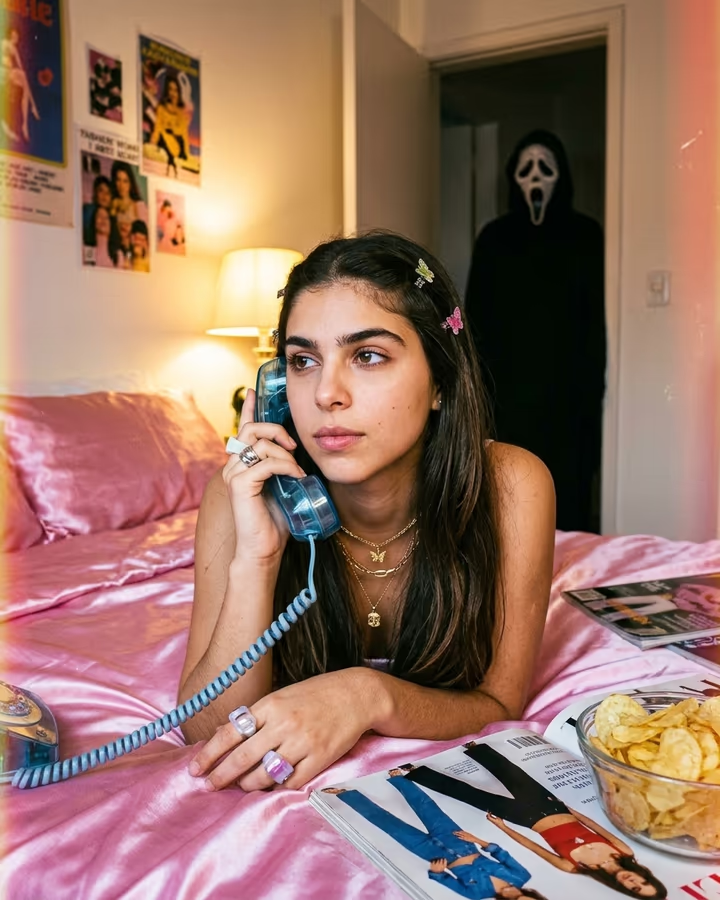
It depends on your audience. Anime transformations, pop art, neon cyberpunk looks and trend formats like Ghostface are all popular choices. Try a few and compare saves and shares in your insights before committing to one.

Make your next Instagram image

Pick an effect, or describe the image you want in Photo studio.

Explore Soracai