Content Creators

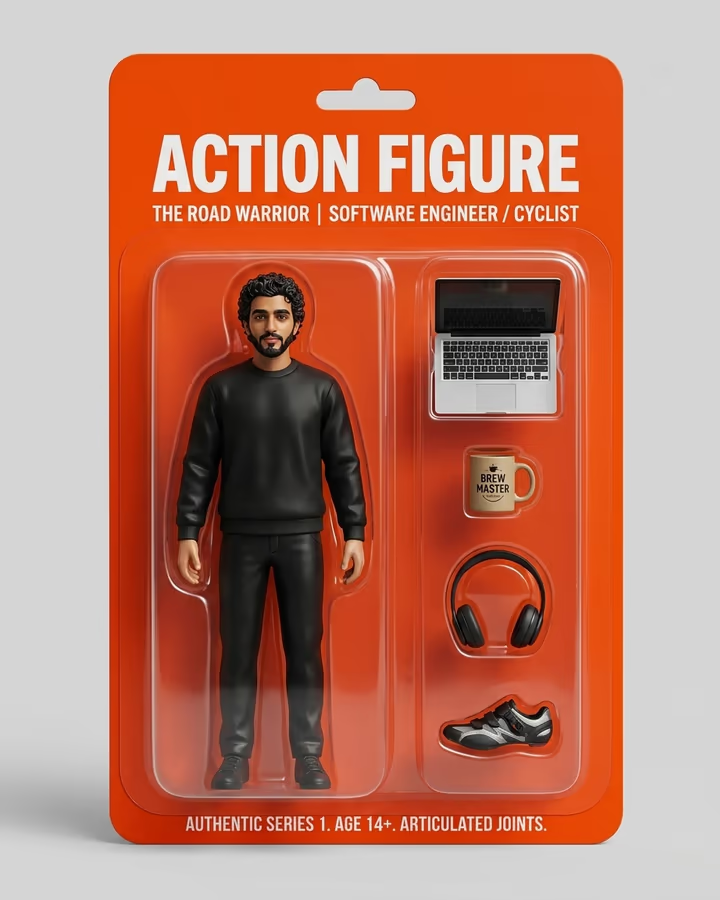
AI Photos for Content Creators and Influencers

Generate unlimited creative content, thumbnails, and brand imagery for your creator business

10+ Hours saved per week with AI content generation
Size Guide

Content Creators Image Dimensions

The exact pixel dimensions recommended for Content Creators. Use these to ensure your AI photos look sharp and never get cropped.

Multi-Platform Square

1:1
1080×1080px

Works on Instagram, Facebook, Twitter, LinkedIn. The universal safe format.

Vertical Story/Reel

9:16
1080×1920px

Instagram Stories, TikTok, YouTube Shorts, Snapchat. Full-screen vertical.

YouTube Thumbnail

16:9
1280×720px

YouTube, blog headers, and widescreen presentations.

Pinterest Pin

2:3
1000×1500px

Pinterest's ideal pin ratio. Tall images dominate the Pinterest feed.

Why AI Photos for Content Creators?

Creator burnout is real, and a major cause is the endless demand for fresh visual content. A single YouTube video needs a thumbnail, social promotion images for 3-4 platforms, story graphics, and community posts. Multiply that by 2-3 videos per week and the visual workload becomes unsustainable. AI generation eliminates the bottleneck by producing platform-optimized visuals at the speed you need them. It also opens creative possibilities that would require a full design team to achieve manually.

Content Creators Optimization Guide

Build a consistent visual brand across platforms while adapting to each platform's native format. Generate your core content in 1:1 square, then create variants in 9:16 vertical and 16:9 horizontal. Use AI to maintain visual consistency even when posting different content types. Batch-create visuals for the week in one session. Trending AI effects should be integrated quickly, within 24-48 hours of a trend emerging, for maximum algorithmic benefit.

Content Creators Photo Do's and Don'ts

Do

  • Develop a consistent visual style that followers recognize across platforms
  • Batch-create content to prevent burnout and maintain posting consistency
  • Ride AI trends early and put your unique spin on them
  • Generate content in multiple aspect ratios for cross-platform distribution
  • Use AI to enhance your creative vision, not replace your unique perspective

Don't

  • Post identical AI content across platforms without adapting to each format
  • Rely solely on AI without adding your personal creative touch
  • Ignore platform-specific aspect ratios. Cropped content looks unprofessional
  • Wait too long to jump on trends. The window is 24-48 hours for maximum impact
  • Use the same AI effects as everyone else without putting a unique spin on them

Use Cases

  • YouTube thumbnails and channel branding
  • Instagram feed posts, stories, and reel covers
  • TikTok content using trending AI effects
  • Twitter/X post images and thread graphics
  • Pinterest pins optimized for the platform's tall format
  • Newsletter and blog post header images
  • Merch design concepts and mockups
  • Brand kit elements: backgrounds, patterns, and overlays

Pro Tips for Content Creators

  • Batch-create a week's worth of visual content in one AI generation session.
  • Develop 2-3 signature visual styles that become part of your brand identity.
  • Jump on trending AI effects within 24-48 hours for maximum viral potential.
  • Generate in the highest resolution available, then resize for each platform.
  • Build a library of AI backgrounds and overlays you can reuse across content.

Frequently Asked Questions

Ready to Create AI Photos for Content Creators?

Generate stunning, platform-optimized photos in seconds. No subscription, pay only for what you use.

Get Started