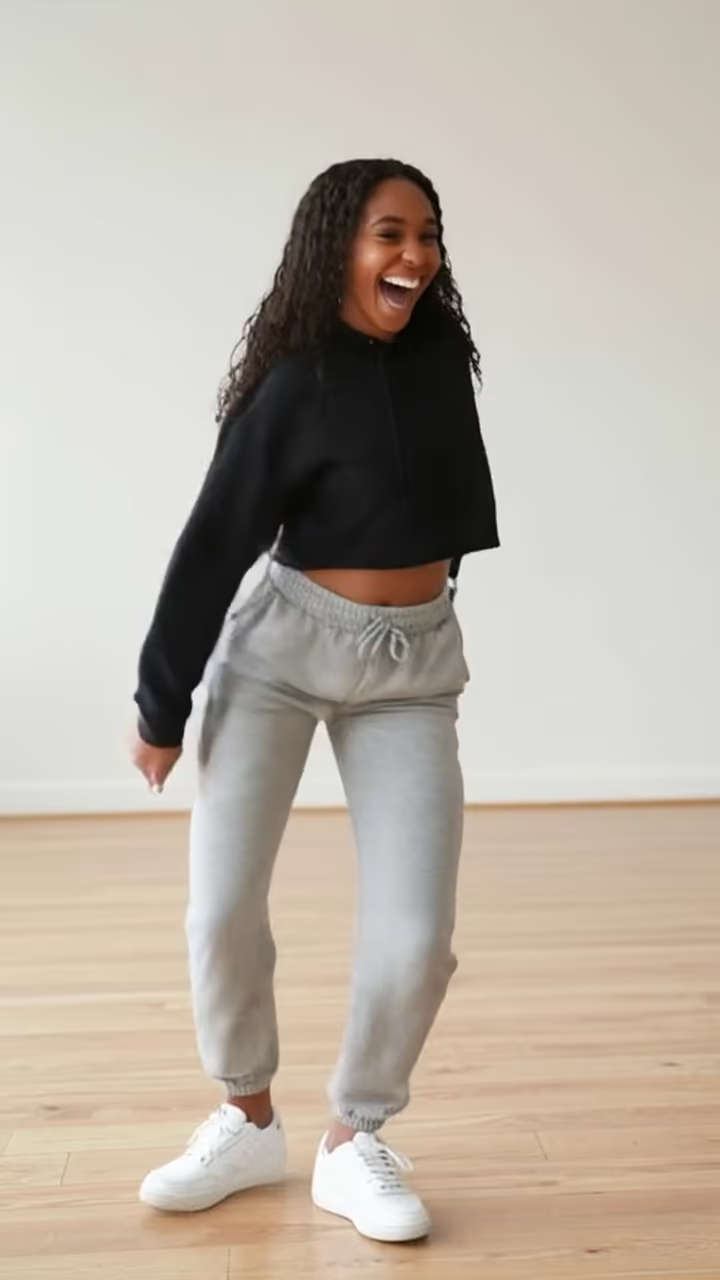
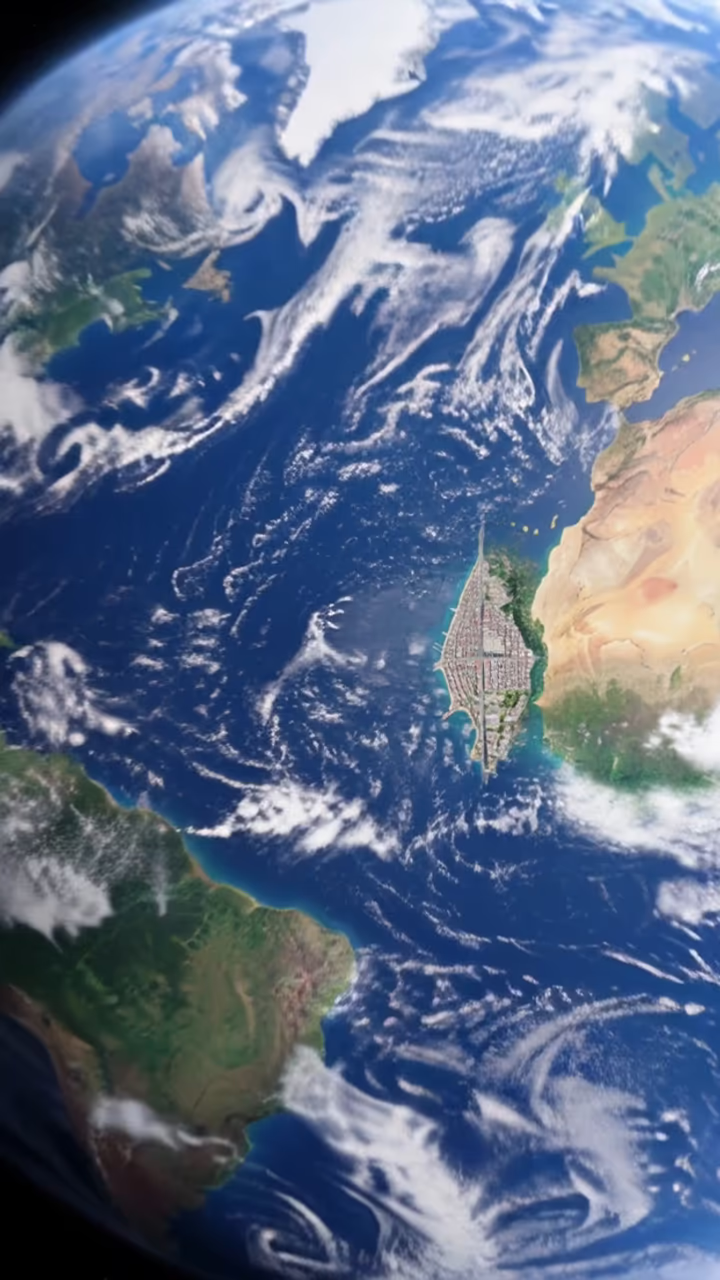
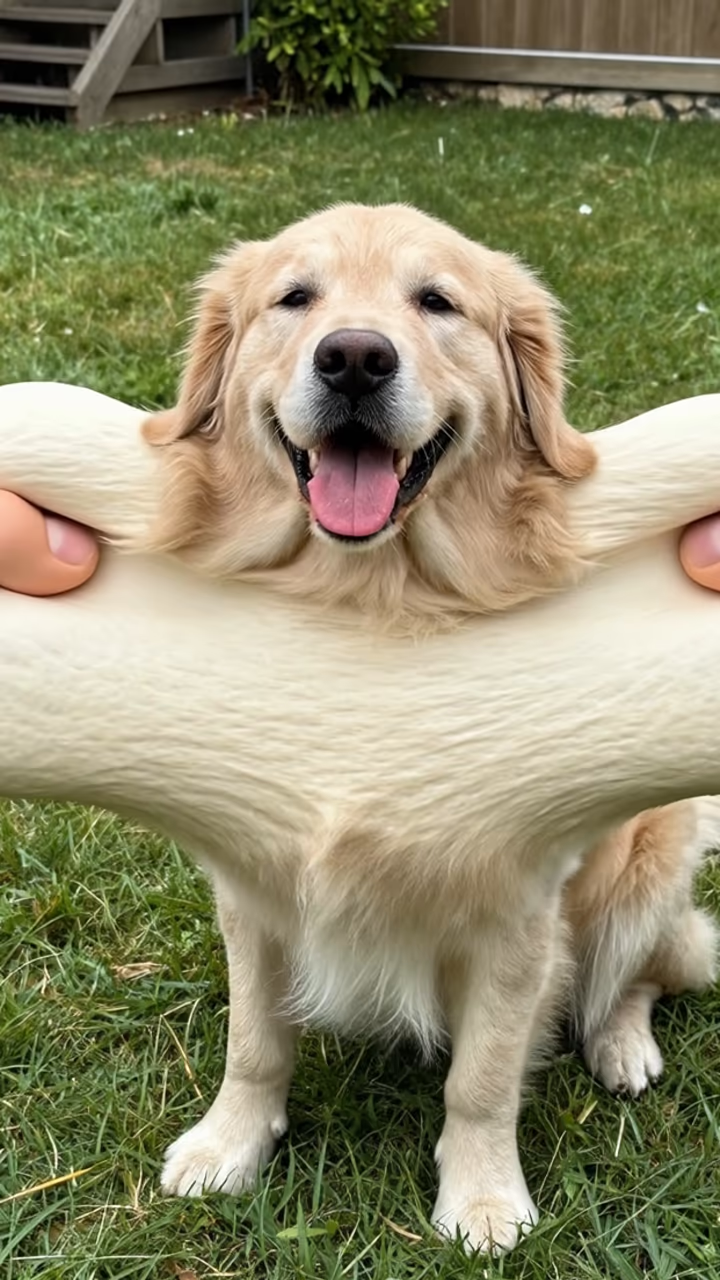
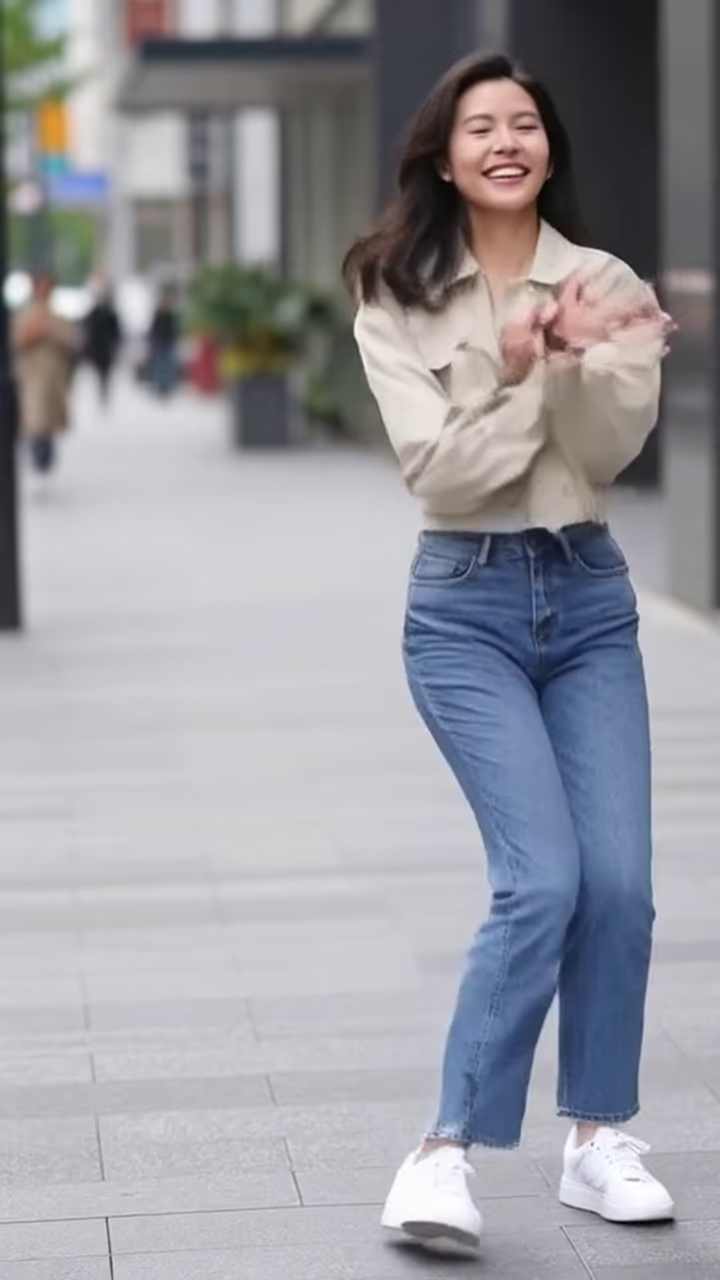
Why use AI images on TikTok
TikTok rewards novelty, and trends move quickly. AI effects let you make transformation clips, before-and-after reveals and visual effects that the built-in filters do not offer. Sharper output also looks better in side-by-side comparisons.
TikTok photo guide
Make everything in 9:16 vertical. A common format is the reveal: show the original photo, then cut to the AI version on a beat. Pair it with a trending sound, add a caption naming the effect, and use relevant hashtags. Short clips are easier to watch to the end. Label realistic AI content using TikTok's AI-generated content setting.
Do
- Act fast when a new AI trend emerges on TikTok
- Use high-resolution source photos for the cleanest transformations
- Add captions or text overlays describing the AI effect used
- Engage with comments and duets to boost algorithmic reach
- Show the process or comparison for authenticity and engagement
Don’t
- Upload horizontal or square images without reformatting to 9:16
- Use AI photos of real people without their consent
- Claim AI-generated content is real photography to deceive viewers
- Ignore TikTok's community guidelines around synthetic media
- Wait too long to post trend content. TikTok trends peak and fade in days