Skip to content

AI Kissing Generator

Upload two photos and get a 6-second video of the two of you sharing a kiss. No prompt to write.

AI Kiss · switch effect

Your photo

One person, face clearly visible, front or three-quarter view, good light

Partner's photo

One adult who agreed to this, face clearly visible, similar framing to yours

Cost shown before you run · failed runs are refunded

  • Ready in 1–3 min
  • No watermark
  • Failed runs refunded
  • Uploads never published

How to use the AI Kissing Generator

  1. 01

    Upload your photos

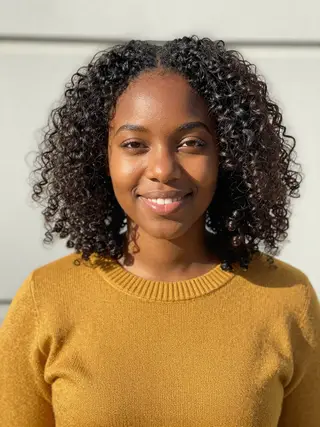
    Your photo: One person, face clearly visible, front or three-quarter view, good light. Partner's photo: One adult who agreed to this, face clearly visible, similar framing to yours.

  2. 02

    Press Generate

    The AI Kiss effect runs on its own tuned settings. It costs 50 credits, shown on the button before you run it.

  3. 03

    Download

    Your video is ready in one to three minutes. Download the MP4 without a watermark.

AI Couple Effects

What is the AI Kissing Generator?

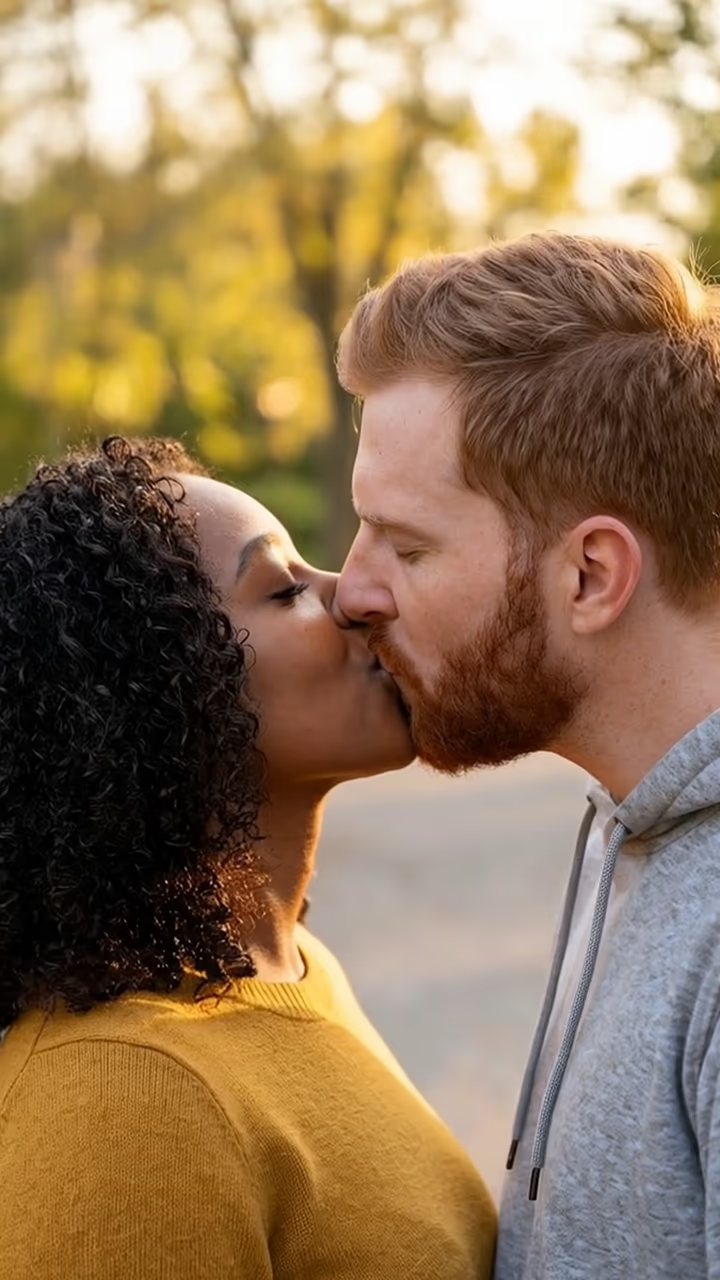
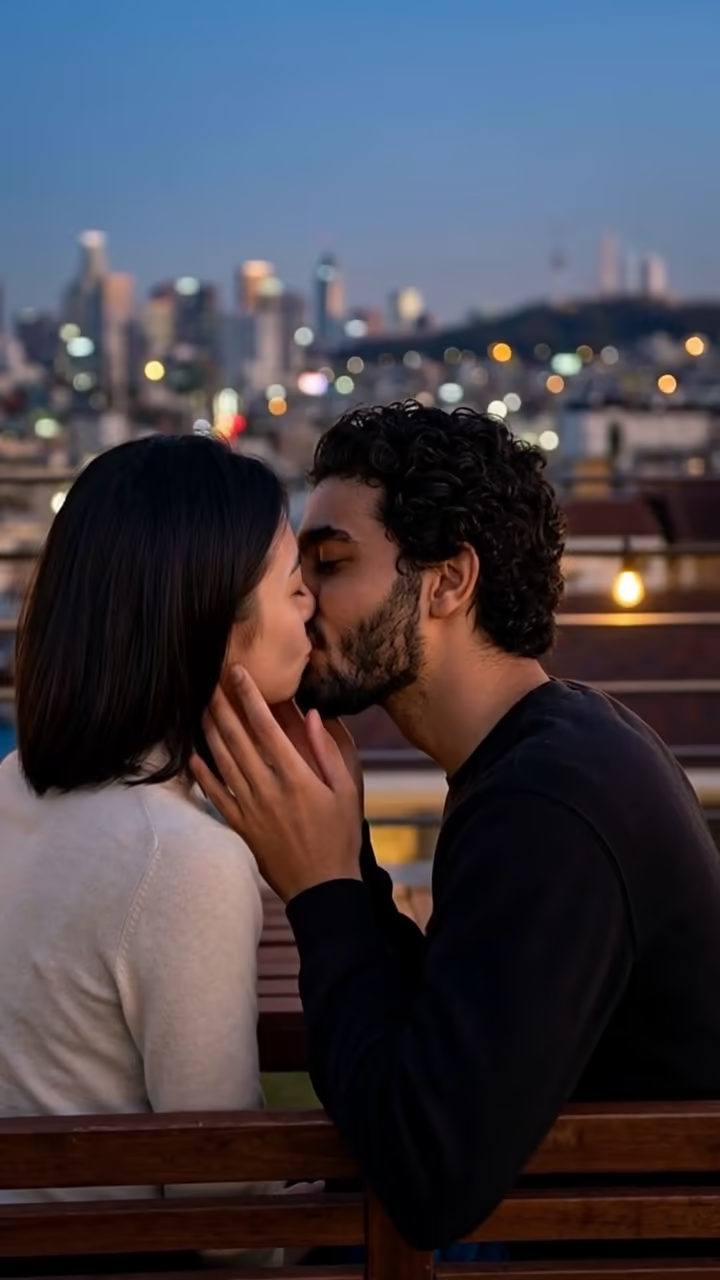
The AI kissing generator takes two ordinary photos, one of you and one of your partner, and turns them into a short video where the two of you lean in and kiss. You do not need a photo of you together, and you do not need to write a prompt. The tool first places both people into one shared scene, a quiet park at golden hour, so the light and scale match. A video model then animates that frame: you turn toward each other, close your eyes, kiss, and pull back with a smile, all in one continuous shot.

Kiss effects became one of the most shared AI video formats on TikTok and Instagram during 2024 and 2025, when image-to-video apps started offering one-tap "kiss" templates. Couples used them for anniversaries and long-distance relationships, and the format spread through reaction videos where people showed the result to their partner. Searches for terms like "ai kiss" and "kiss ai" have stayed high since, which is why this page exists as its own tool rather than a hidden option inside a generic video editor.

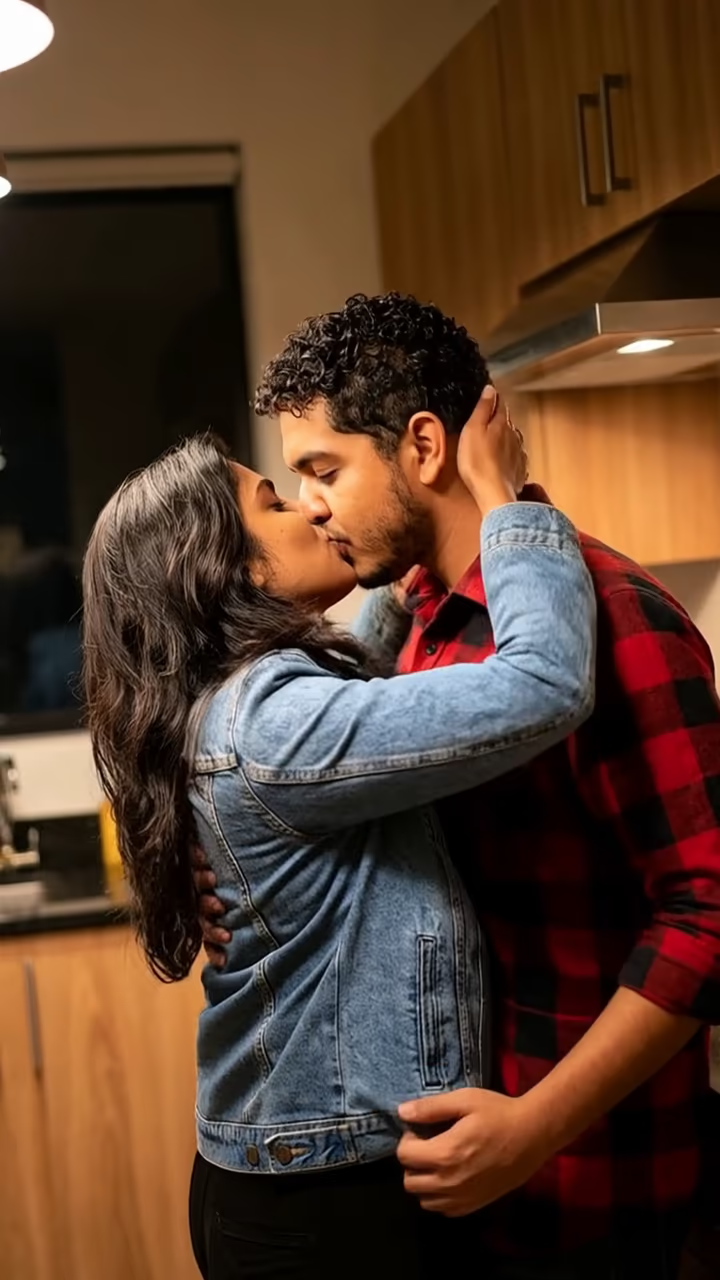
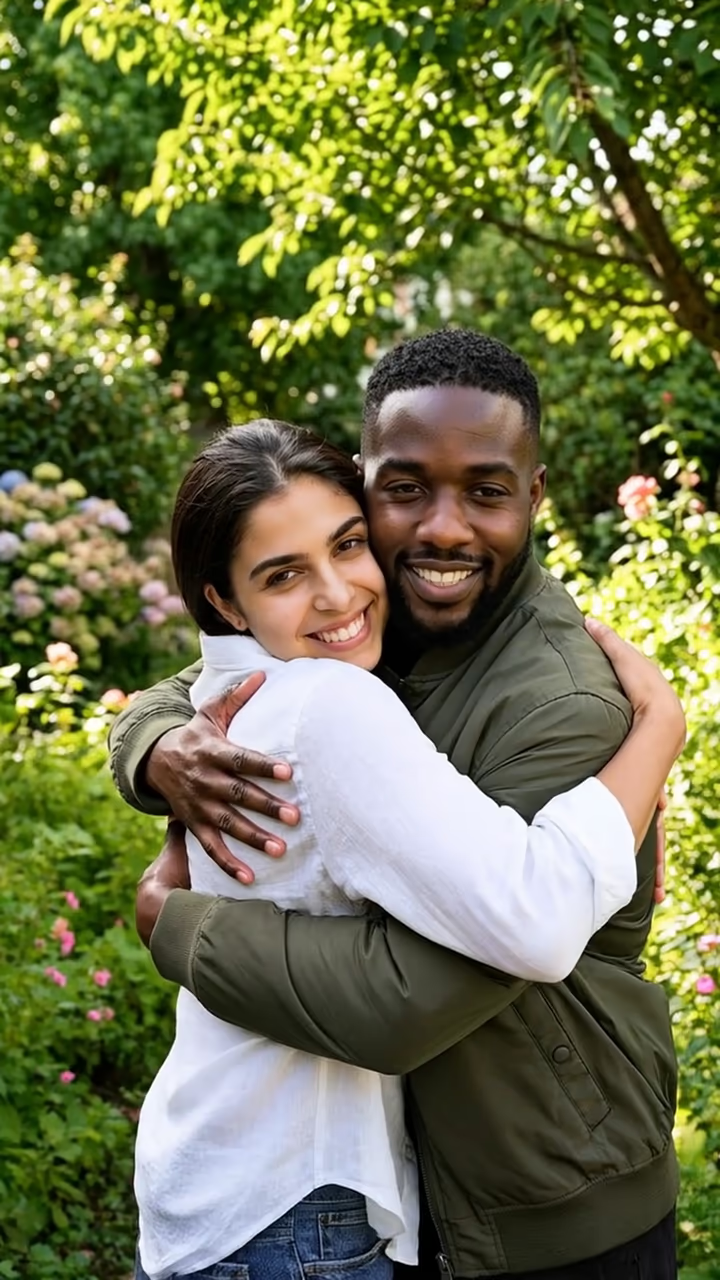
The result is a vertical clip sized for Stories, Reels and TikTok. Faces are kept as close to your photos as the model allows, and the example on this page was made from two AI-generated fictional people.

How the AI Kissing Generator works

The run has two steps. First, an image model combines your two uploads into one vertical photo: both of you standing close together in a park at sunset, faces turned slightly toward each other with a small gap between you. Keeping both people in the same light and at the same scale is what makes the later motion look natural.

Second, a video model animates that frame for about six seconds. The instructions are fixed: lean in, close eyes, a gentle kiss on the lips, then a small pull back and a smile, with a slow camera push-in. Because the scene and motion are set by the template, you get a consistent result without writing anything. The finished MP4 lands in your Creations, ready to download.

Choosing the right two photos

The model can only keep what it can see. A clear, well-lit photo of each face gives it the most to work with, and similar head sizes across both photos help the composite look like a real moment rather than two cutouts.

Recent selfies usually work better than heavily filtered ones, because beauty filters change face shape and the video model then has to guess. Photos taken in daylight or near a window are ideal. If one photo is much darker or blurrier than the other, the composite tends to look uneven. And because this is a romantic effect, both people must be adults who are fine with the video being made.

AI Kissing Generator FAQ

Is the AI kissing generator free?

Video effects use paid credits. New accounts get free credits that work on photo templates, so you can try the site first, but a kiss video needs a credit pack or a plan. The cost is shown on the Generate button before you confirm.

Can I use two separate photos?

Yes, that is how it is designed. Upload one photo of each person. The tool places both of you in one scene before animating, so you never need a photo of the two of you together.

How long does it take to make a kiss video?

Usually one to three minutes. The first step builds the shared frame in well under a minute, and the video step takes the rest. You can leave the page; the result is saved to Creations.

Can I make an AI kiss video with a celebrity or someone I don't know?

No. Only upload photos of yourself and of an adult who has agreed to it. Do not use photos of celebrities, public figures or anyone who has not given consent, and never photos of minors.

Are my photos stored?

Your uploads are stored in Firebase Storage (Google Cloud) under your account so the generation can run and your results appear in Creations. They are not public. You can email support to ask for them to be deleted.

Does the video have a watermark?

No watermark is added to the downloaded video.

Why does the face look slightly different from my photo?

Video models re-draw every frame, so small changes in face shape can appear, especially with low-light or angled photos. A sharper, front-facing photo usually fixes it.

More AI effects

Try the AI Kissing Generator

Upload two photos and get your video in a couple of minutes.

Upload photos