
Skip to content

AI Werewolf Transformation

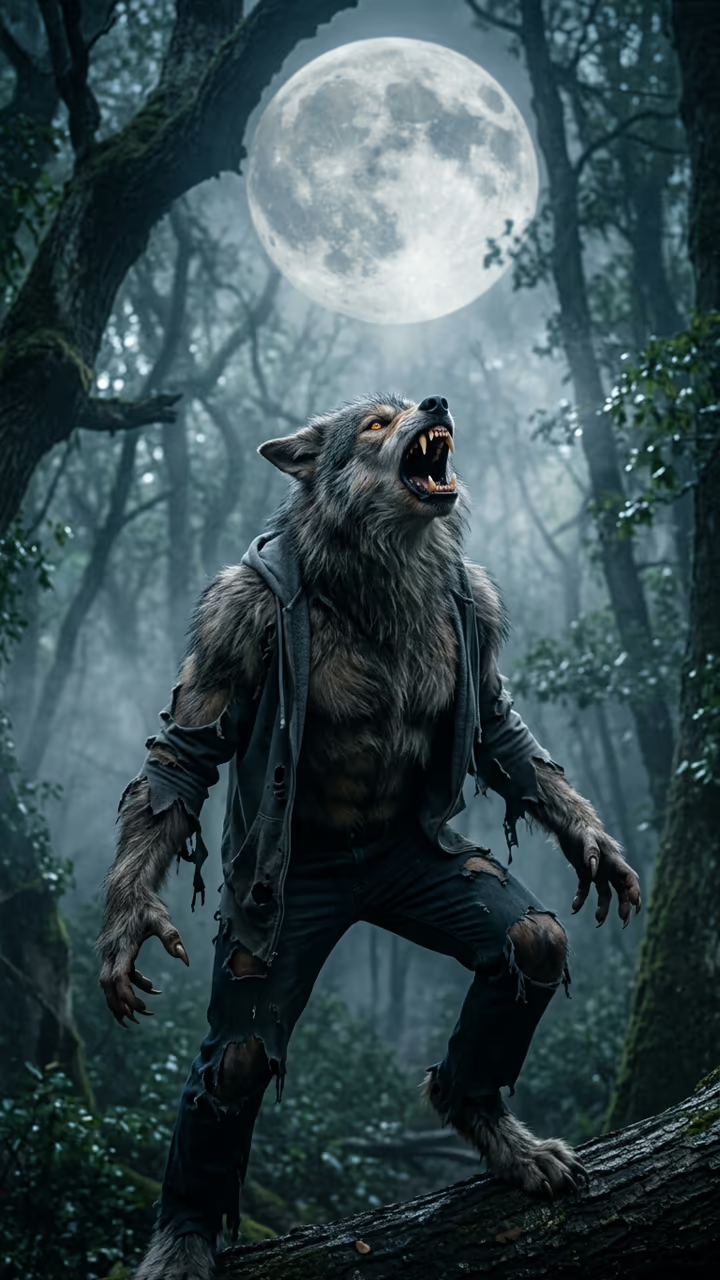
The camera circles you as your jaw stretches into a muzzle and fur covers you, until a wolf stands where you were.

Werewolf Transformation · switch effect

Your photo

One adult, face clear, upper body

Cost shown before you run · failed runs are refunded

  • Ready in 1–3 min
  • No watermark
  • Failed runs refunded
  • Uploads never published

This trend on Instagram & TikTok

The most-watched videos of this trend, shown with credit and a link to each original post. Videos belong to their creators; they were not made with Soracai.

  1. 1

    @coredrop2

    Trend video

    TikTok

    430K views · 20K likes · October 8

    Losing control in public

    Watch on TikTok ↗
  2. 2

    @coredrop2

    Trend video

    TikTok

    298K views · 22K likes · October 9

    The head-morph wolf clip

    Watch on TikTok ↗
  3. 3

    @coredrop2

    Trend video

    TikTok

    292K views · 26K likes · October 4

    Full-moon transformation

    Watch on TikTok ↗
  4. 4

    @coredrop2

    Trend video

    TikTok

    285K views · 24K likes · October 4

    Transforming in a crowd

    Watch on TikTok ↗
  5. 5

    @werecurse

    Trend video

    TikTok

    179K views · 2,855 likes · September 27

    Werewolf transformations

    Watch on TikTok ↗

How to use the AI Werewolf Transformation

  1. 01

    Upload a photo

    Your photo: One adult, face clear, upper body.

  2. 02

    Press Generate

    The Werewolf Transformation effect runs on its own tuned settings. It costs 140 credits, shown on the button before you run it.

  3. 03

    Download

    Your video is ready in one to three minutes. Download the MP4 without a watermark.

AI Holiday Effects

What is the AI Werewolf Transformation?

The AI werewolf transformation is a classic horror-film moment made from one photo. The template first places you in a foggy forest clearing at night, waist up under a huge full moon, in cold blue moonlight with your own face, hair and clothes. Then the camera slowly circles you and the change begins. You clutch your head, your shoulders broaden, your hands stretch into clawed paws, grey fur ripples across your skin, your jaw and nose push forward into a muzzle, your ears grow pointed and your eyes glow amber. By the end a huge grey werewolf stands where you were, still in torn scraps of your clothes, and howls at the moon.

The style is the practical-effects look of 80s werewolf films, not a cartoon filter, and it is written with no gore. Head-morph wolf clips started circulating in October 2026, with one passing 296,000 views, and several AI video sites added werewolf effects for Halloween within days.

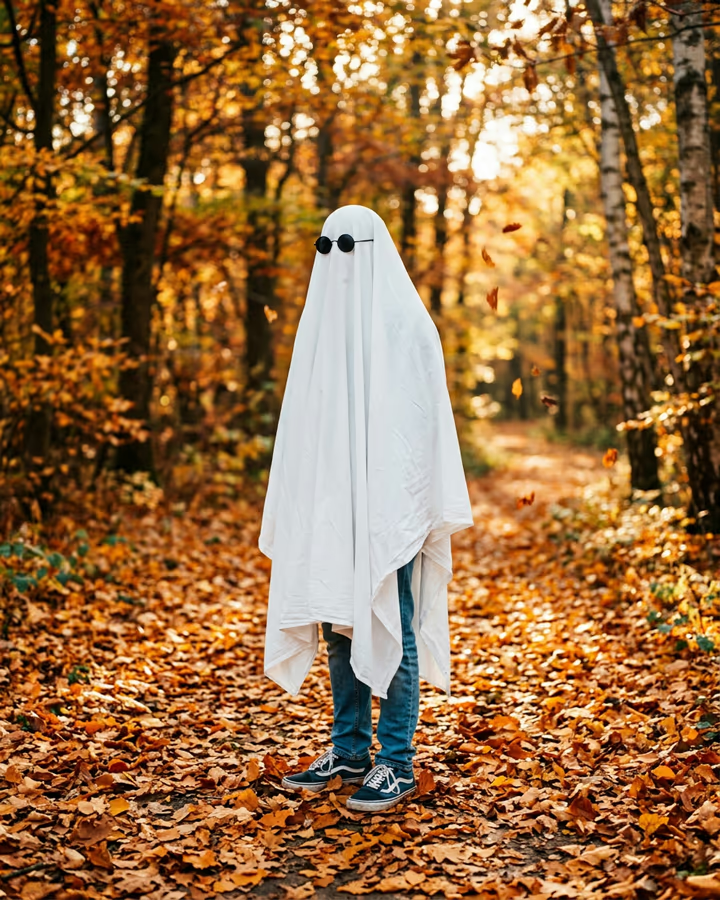
The clip is 8 seconds with cracking bones, growls rising into a long howl and wind in the trees. It is vertical and watermark-free. On Soracai it sits next to the melt, explode and inflate effects if you like body-morph videos, and next to the Halloween costume and ghost photoshoot templates for the season.

Horror without gore

The prompt asks for a practical-effects look (the way werewolf films did it with makeup and puppets) and explicitly no blood or gore. The fun is in the stretching muzzle, the fur and the howl, not in anything graphic, so the clip stays shareable on every platform.

How it is made

Two steps run behind the button. An image model puts you in the moonlit clearing, keeping your face and clothes. A video model then circles the camera around you and performs the transformation in one continuous shot, which is why the torn clothes at the end are still yours.

AI Werewolf Transformation FAQ

How do I turn myself into a werewolf with AI?

Upload one clear photo and press Generate. The template places you under a full moon and animates the full transformation into a werewolf.

Is it free?

Video templates use paid credits. New accounts get free credits for photo templates only. The exact cost is shown on the Generate button before you confirm.

Is it scary or gory?

It is a spooky horror-film moment, but there is no blood or gore.

Does it work on pets?

This template is written for people. Results with pet photos are unpredictable.

Does the video have sound?

Yes: cracking bones, growls, a long howl and wind. You can mute it and add your own track.

Is there a watermark?

No watermark is added to the video.

Where is my photo stored?

Uploads are stored in Firebase Storage (Google Cloud) under your account so the run can happen and the result appears in Creations. They are not public, and you can email support to request deletion. To run the effect, a copy is sent to our AI model provider (kie.ai); result files are kept for 14 days, so download what you want to keep.

More AI effects

Try the AI Werewolf Transformation

Upload a photo and get your video in a couple of minutes.

Upload photo