

Skip to content

AI Bob Haircut Filter

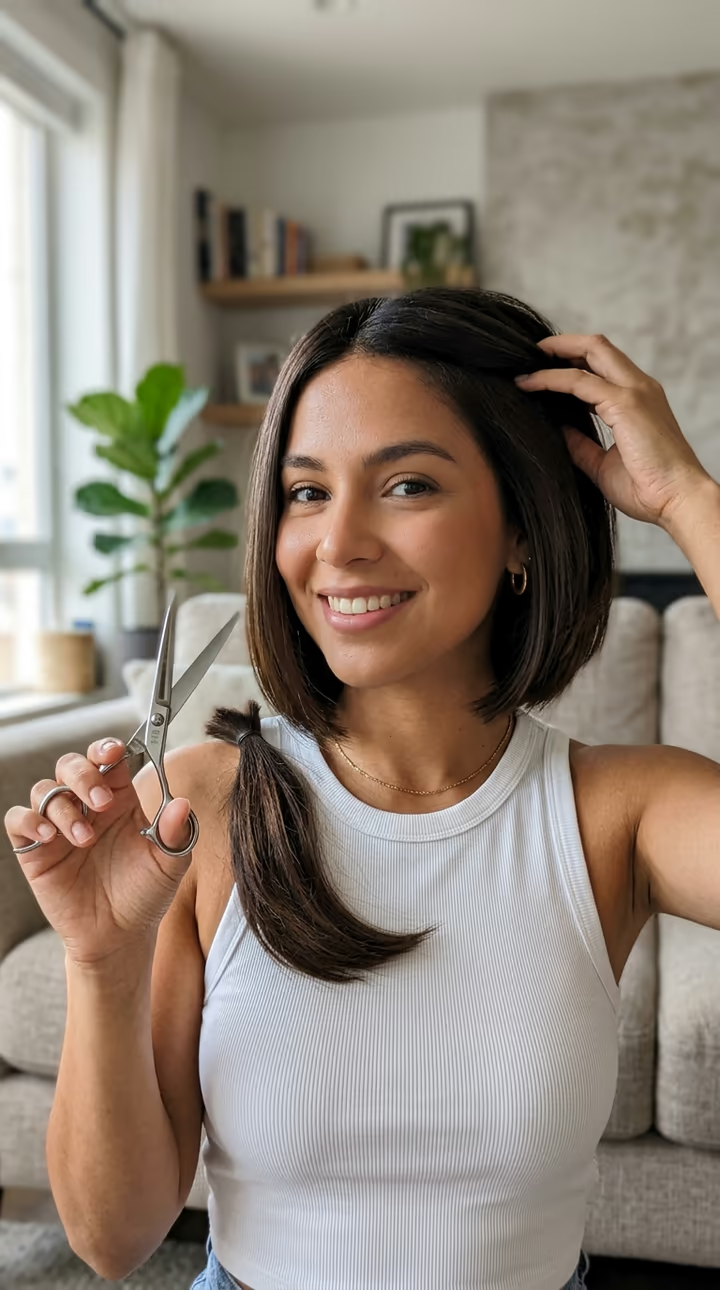
You lift the scissors, cut your long hair at the jaw, and a sleek, swinging bob is left. The haircut prank, without the haircut.

Bob Haircut Filter · switch effect

Your selfie

One adult with long hair, face and hair clearly visible

Cost shown before you run · failed runs are refunded

  • Ready in 1–3 min
  • No watermark
  • Failed runs refunded
  • Uploads never published

This trend on Instagram & TikTok

The most-watched videos of this trend, shown with credit and a link to each original post. Videos belong to their creators; they were not made with Soracai.

  1. 1

    @gracielazaihair

    Trend video

    TikTok

    5.18M views · 231K likes · August 18

    Long hair to a sleek bob

    Watch on TikTok ↗
  2. 2

    @rich82809

    Trend video

    TikTok

    3.02M views · 83K likes · September 13

    How-to: the bob filter prank

    Watch on TikTok ↗
  3. 3

    @_kat_120

    Trend video

    TikTok

    48K views · 750 likes · August 9

    “Pranking my husband with the AI haircut filter”

    Watch on TikTok ↗

How to use the AI Bob Haircut Filter

  1. 01

    Upload a photo

    Your selfie: One adult with long hair, face and hair clearly visible.

  2. 02

    Press Generate

    The Bob Haircut Filter effect runs on its own tuned settings. It costs 140 credits, shown on the button before you run it.

  3. 03

    Download

    Your video is ready in one to three minutes. Download the MP4 without a watermark.

What is the AI Bob Haircut Filter?

The AI bob haircut filter does the big chop for you, on video, without touching your hair. Upload a selfie with your long hair and you get a short front-camera clip: you hold a pair of scissors at your jaw, cut one side, wince, and cut the other. Then the video jumps, and your hair is a sleek, glossy chin-length bob in your own colour. You spray it, shake your head so it swings, run your hands through it and smile. It looks like a real haircut, which is the whole point of the bob filter prank.

The trend started in August 2026 with CapCut AI templates that turn one photo into a haircut video. On 9 August a creator posted "Pranking my husband with the ai haircut filter", and the wave took off from there: one Spanish-language clip of a perfect bob passed 5.1 million views and 231,000 likes, and a how-to titled "Pranking my friends with the bob filter" passed 3 million. It is still one of the most copied hair prank formats on TikTok.

The template runs in two steps: an image model sets up the opening frame with the scissors, using your face, hair colour and clothes, then a video model plays the cut and the reveal with sound. The clip is 8 seconds, vertical and watermark-free.

Why it fools people

The viral clips work because they look like ordinary front-camera footage: a nervous face, real scissors, a lock of hair falling, then a clean bob. The template copies that format exactly, and it keeps your face, hair colour and clothes from your photo, so the result looks like you really did it.

Pranks, fairly

Use your own photo, or a friend's only with their permission, and keep it to adults. Reveal the joke once you get the reaction, and label it as AI when you post it publicly.

AI Bob Haircut Filter FAQ

How do I make the bob filter video?

Upload a selfie that shows your long hair and press Generate. You get an 8-second video of you cutting your hair into a sleek bob.

Is it free?

Video templates use paid credits. New accounts get free credits for photo templates only. The exact cost is shown on the Generate button before you confirm.

Is it a real filter?

No. Like the viral version, it is an AI template: it makes a new video from your photo, so nothing happens to your hair or your camera.

Does it work if my hair is already short?

It works best with hair past the shoulders. With short hair there is little to cut, so the reveal is smaller.

Will the bob keep my hair colour?

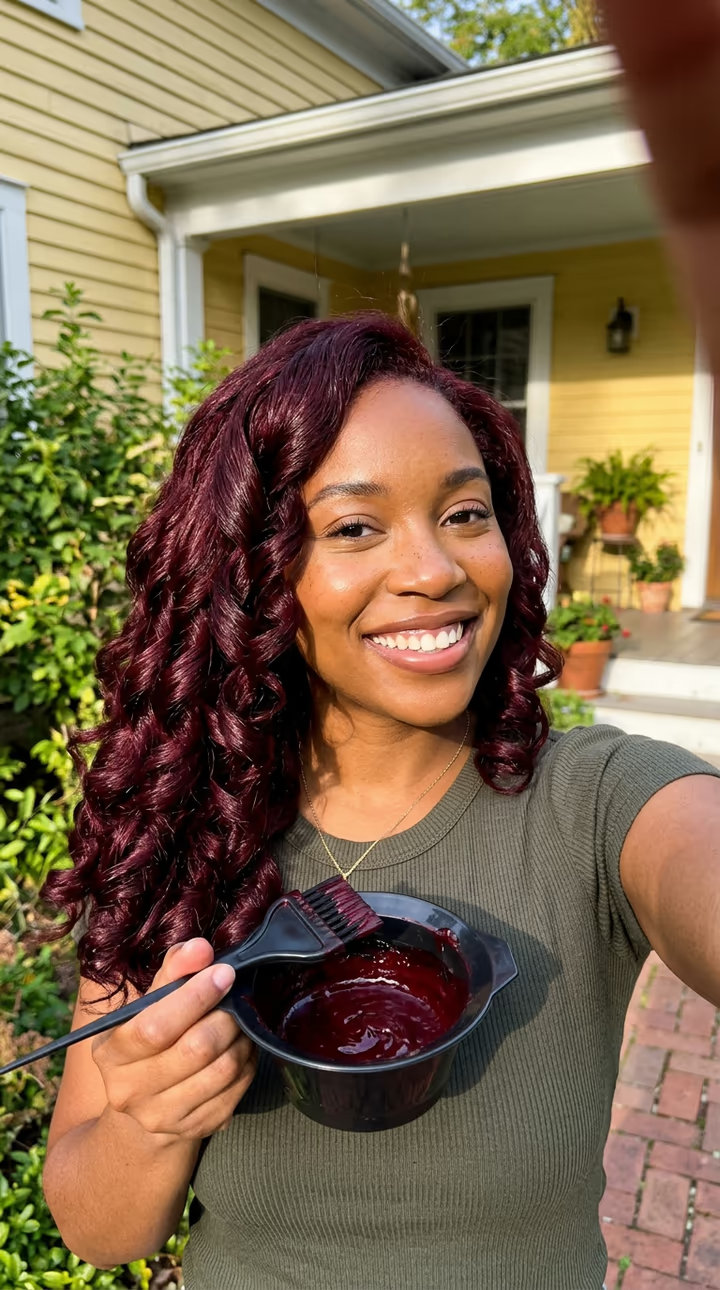
Yes. The template keeps your colour and texture from the photo. For a new colour as well, try the AI hair dye filter.

Is there a watermark?

No watermark is added to the video.

Where is my photo stored?

Uploads are stored in Firebase Storage (Google Cloud) under your account so the run can happen and the result appears in Creations. They are not public, and you can email support to request deletion. To run the effect, a copy is sent to our AI model provider (kie.ai); result files are kept for 14 days, so download what you want to keep.

More AI effects

Try the AI Bob Haircut Filter

Upload a photo and get your video in a couple of minutes.

Upload photo