
What is the AI Tattoo Generator?
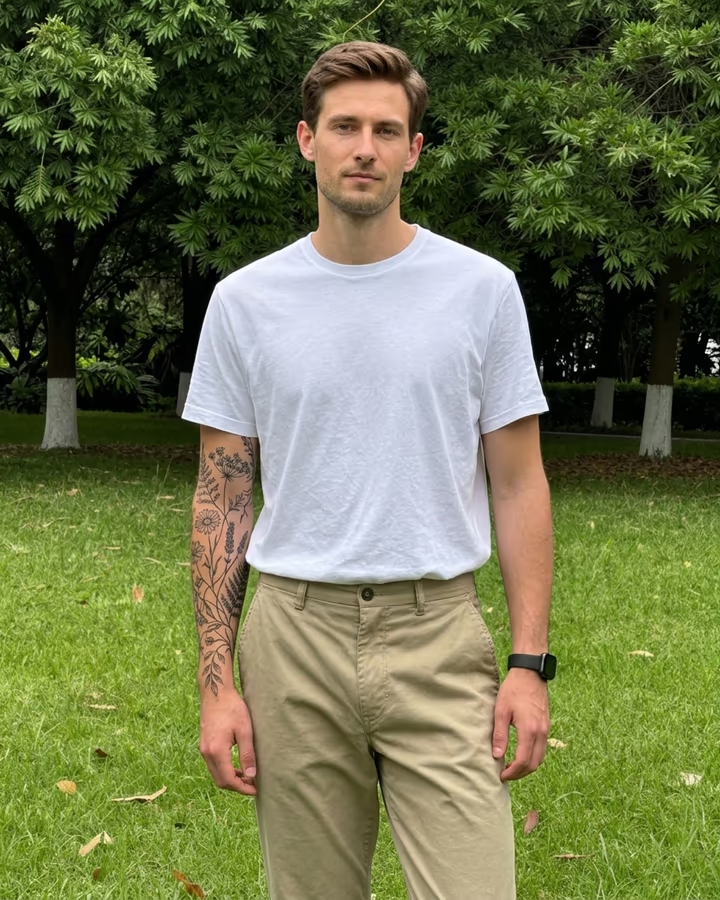
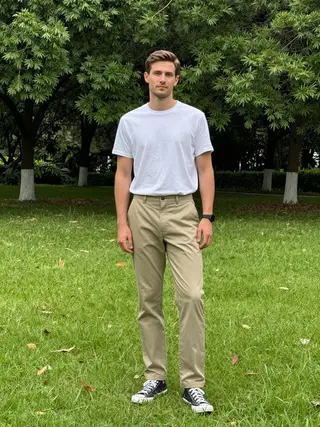
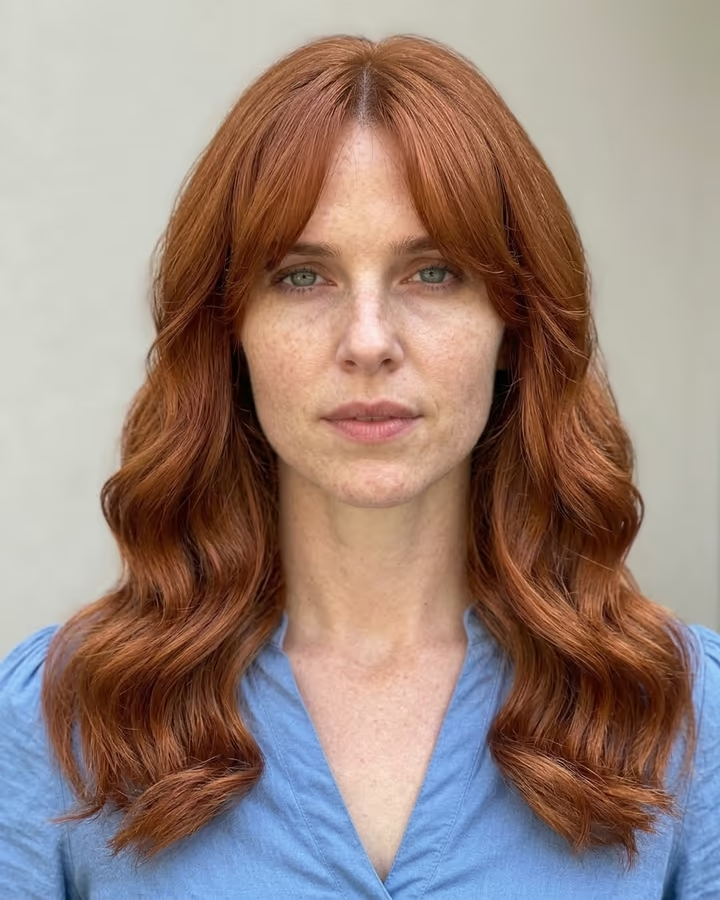
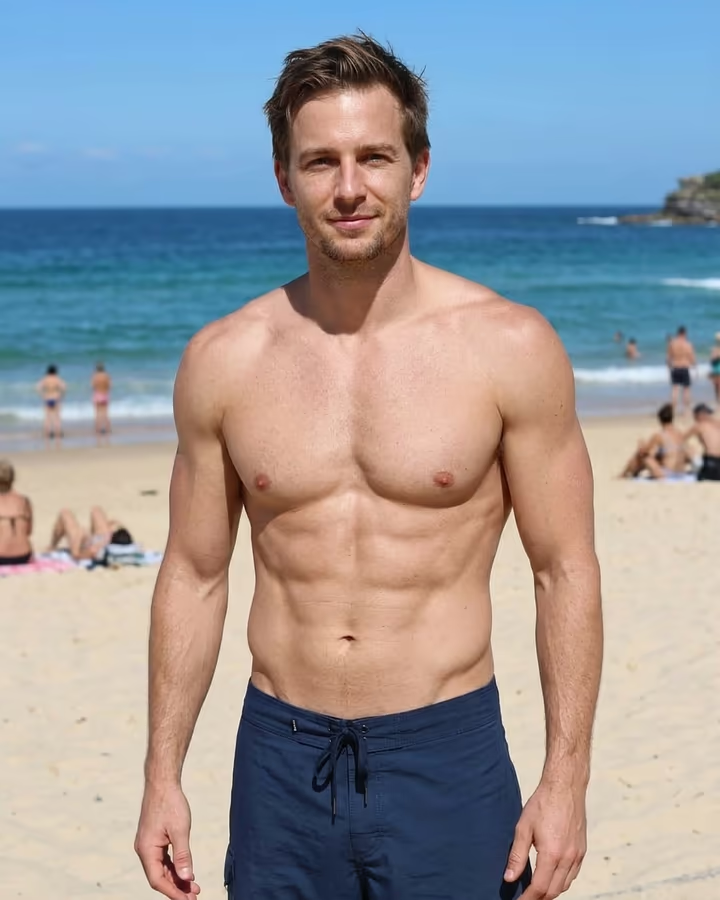
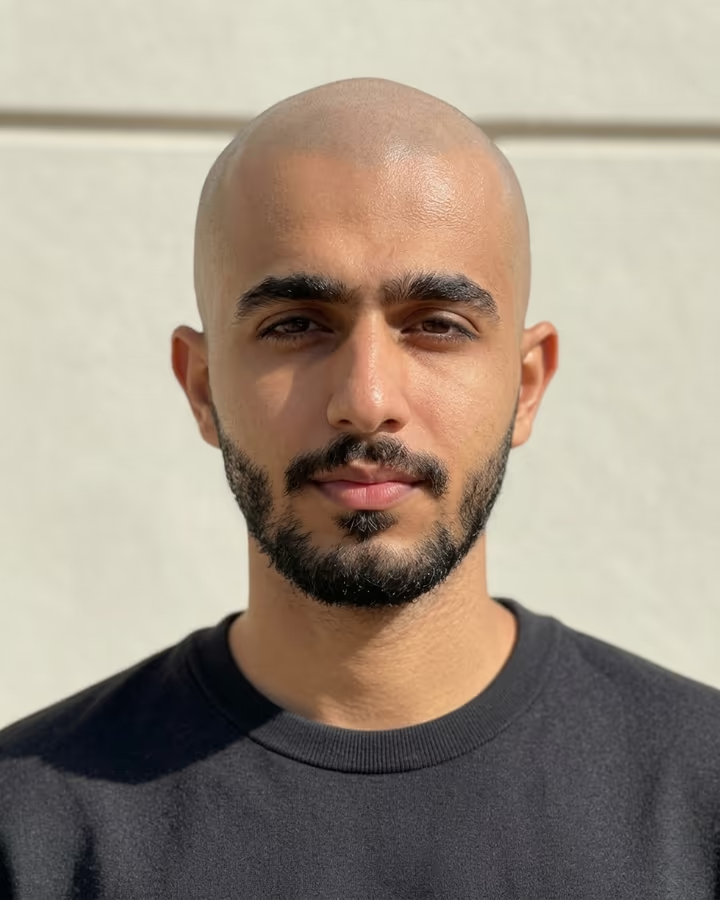
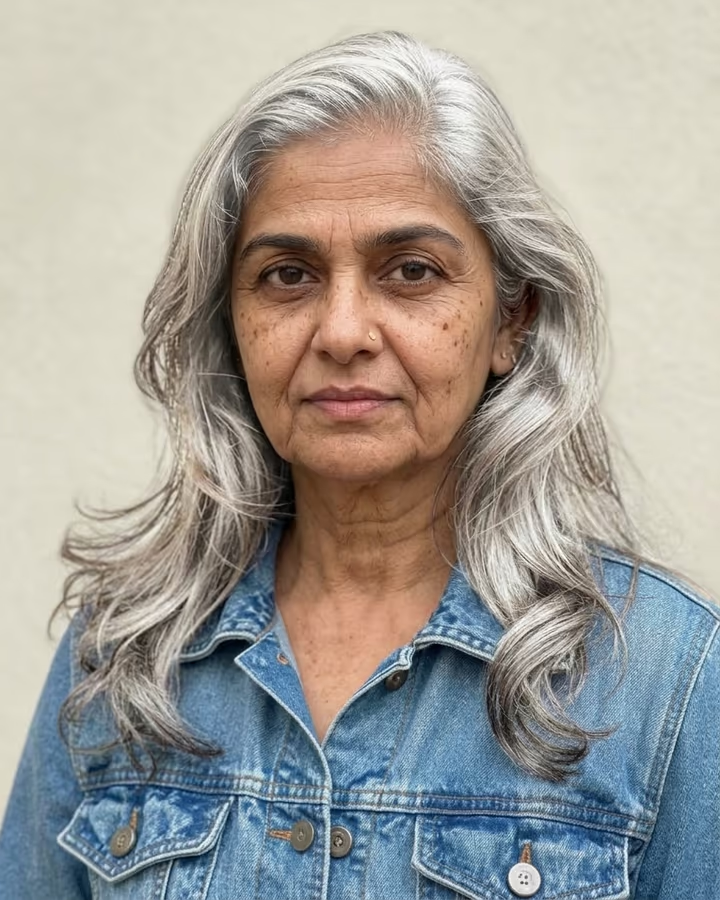
Most AI tattoo generators draw a design on a blank page. This one puts the tattoo on you. Upload a photo that shows the spot you have in mind, describe the design and placement, and the result shows the tattoo healed into your skin, following the curve of your arm or shoulder, with your lighting and skin texture. Leave the text empty and it adds a fine-line botanical forearm sleeve as an example.
Tattoo previews used to mean printing a stencil or using an app that pasted a flat image over a photo, which never bent with the body. Image models can now draw ink that wraps around muscle and follows skin tone, including the slight softness that healed linework has. That makes it practical to compare placements and sizes before you sit in the chair.
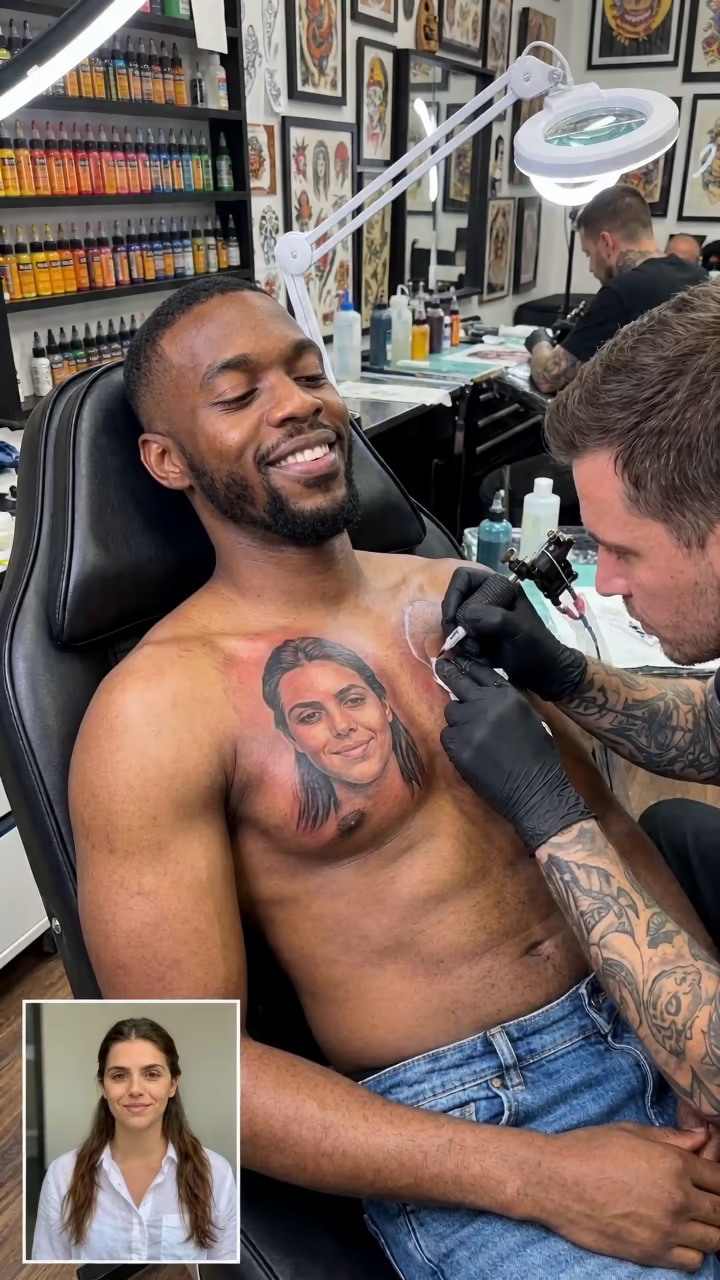
Tattoo try-ons are a common post on TikTok and Instagram, often as a poll: the same arm with three designs, followers pick one. They are also useful as a reference to bring to an artist, as long as you treat the AI design as a starting idea. A real artist will redraw it so it works as a tattoo and ages well.
A result takes about 20 to 40 seconds, and new accounts get free credits to try photo templates.
Describing a design the model can place
Your text goes straight into the prompt, so write it like you would brief an artist. Start with the style (fine-line, traditional, blackwork, watercolor), then the subject (a moon, a snake, a name in script), then size and placement (palm-sized on the inner forearm). If you want lettering, keep it to a word or two, because AI images still struggle with longer text.
The prompt already asks for a healed tattoo that follows your skin and keeps the rest of the photo unchanged, so you can focus on the design itself.
Before you take it to an artist
An AI design is a sketch of an idea, not a stencil. Fine details that look crisp in a picture can blur together on skin over the years, and an experienced artist will adjust line weight and spacing for that. Bring the image as a reference and expect it to be redrawn.
If the design is based on someone else's artwork, a logo or a character, check that you are comfortable with that before getting it permanently. And as always, only upload photos of yourself or of adults who agreed to it.