

What is the AI Homeless Man Prank?
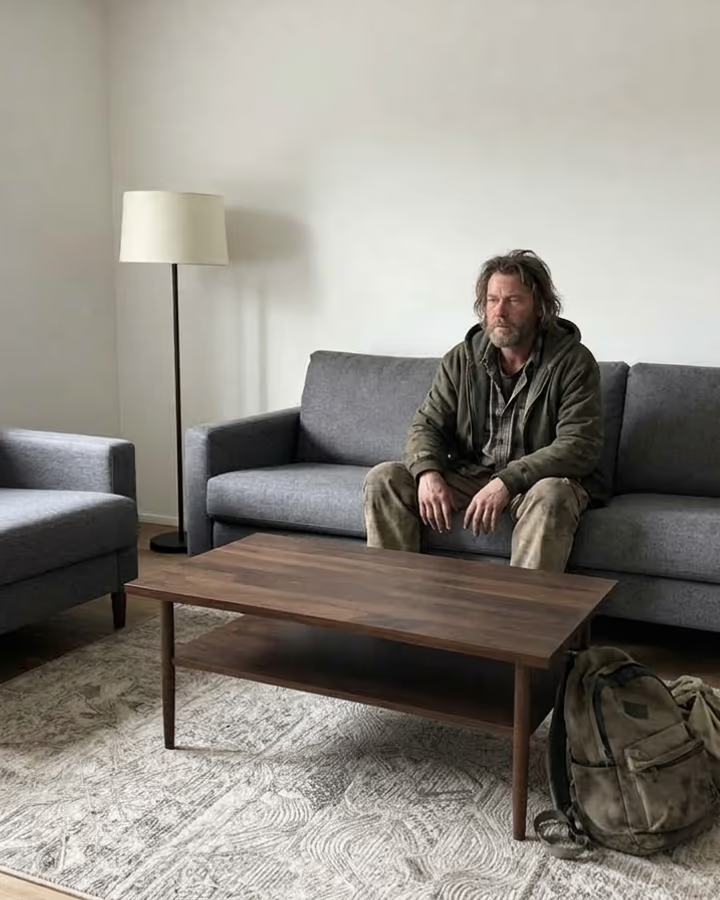
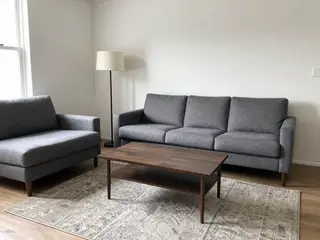
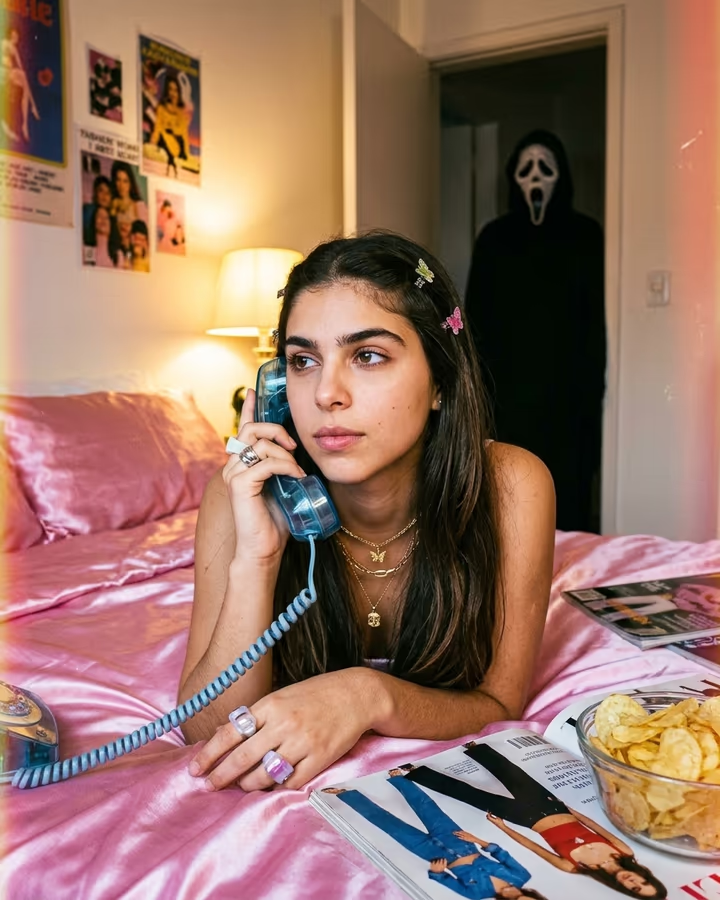
This template adds a realistic man to a photo of a room and has him do whatever fits the space: asleep on the bed, cooking in the kitchen, sitting on the sofa. It matches the light, grain and camera angle of your photo, so he looks like he was really there. The aspect ratio follows your original photo.
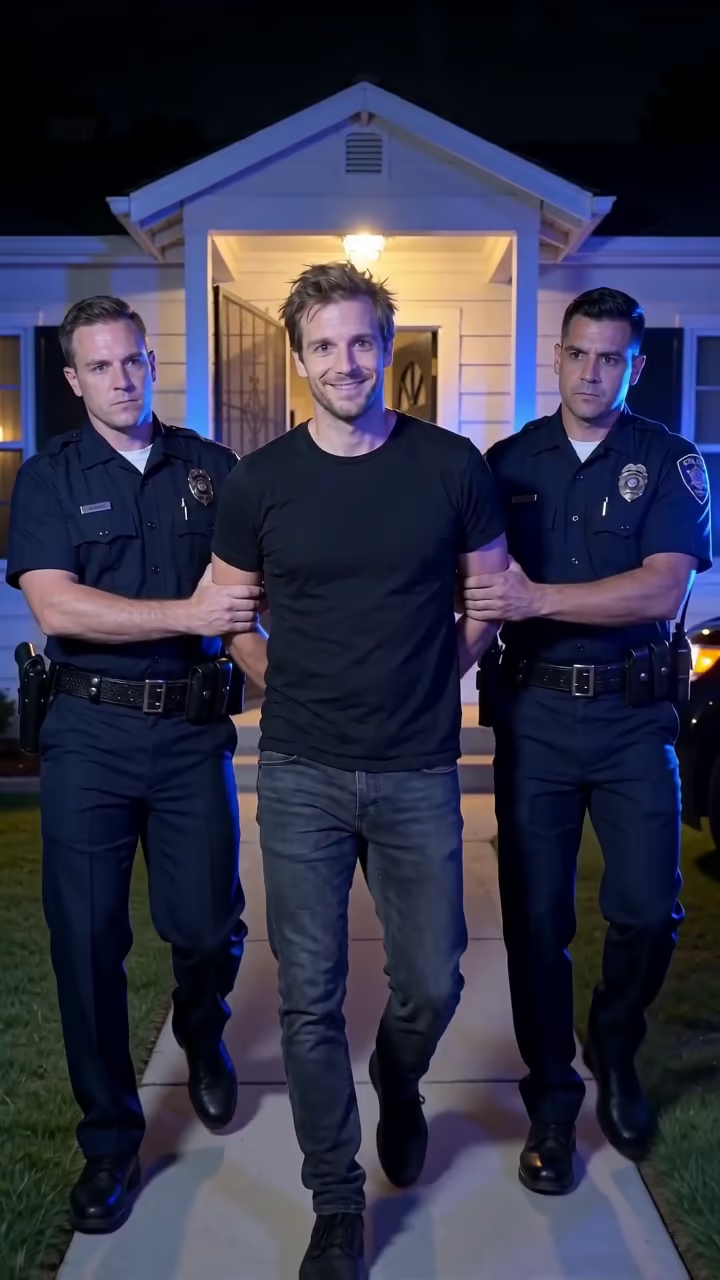
The edit became known through the "AI homeless man prank" that spread on TikTok and Snapchat in October 2025. People sent the image to a parent or partner with a message claiming they had let a stranger in, then filmed or screenshotted the reaction. It got very popular very quickly, and it also caused real problems. Police departments in several US states and in other countries publicly asked people to stop after receiving emergency calls about intruders who did not exist, and warned that false reports pull officers away from real emergencies and can lead to dangerous responses.
So be clear about what this is. The image itself is a simple, realistic compositing trick, and it can be a good laugh with someone who knows it is a joke, or a demonstration of how convincing AI edits have become. It is not something to send to someone who might panic, call 911 or rush home. Label it as AI when you share it.
A result takes about 20 to 40 seconds. New accounts get free credits to try photo templates.
Safety first: what not to do
Do not send this image to someone who could believe it and panic: a parent, a roommate, a partner at work or anyone who might call emergency services or rush home. That is exactly what made the 2025 version of the trend a problem, and police have warned that false intruder reports waste emergency resources and can put people at risk.
Do not use it to frighten older relatives or children, to harass anyone, or to make fun of people experiencing homelessness. If you post it, say it is an AI edit in the caption. The point of a prank is that everyone laughs at the end.
How the scene is built
The template uses the original prompt from the earlier Soracai trend page. It asks Nano Banana 2 to add a man who is clearly visible and doing the action that fits the room, then to match the lighting, grain and camera angle of your photo.
Because the model reads the room before placing him, a bedroom photo usually gets him asleep on the bed and a kitchen photo gets him at the stove. The output keeps the aspect ratio of your upload so it looks like the same photo, not a new one.