

Skip to content

AI Hair Color Changer

See your own hair in copper, platinum, burgundy, pastel pink or any shade, with your haircut kept exactly as it is.

AI Hair Color Changer · switch effect

Your photo

Hair clearly visible, daylight if possible, no hat

Hair colour · Copper

Cost shown before you run · failed runs are refunded

  • Ready in ~15 s
  • No watermark
  • Failed runs refunded
  • Uploads never published

How to use the AI Hair Color Changer

  1. 01

    Upload a photo

    Your photo: Hair clearly visible, daylight if possible, no hat. Hair colour: Or type any colour, e.g. rose gold balayage.

  2. 02

    Press Generate

    The AI Hair Color Changer effect runs on its own tuned settings. It costs 10 credits, shown on the button before you run it.

  3. 03

    Download

    Your photo is ready in about 15 seconds. Download it without a watermark.

What is the AI Hair Color Changer?

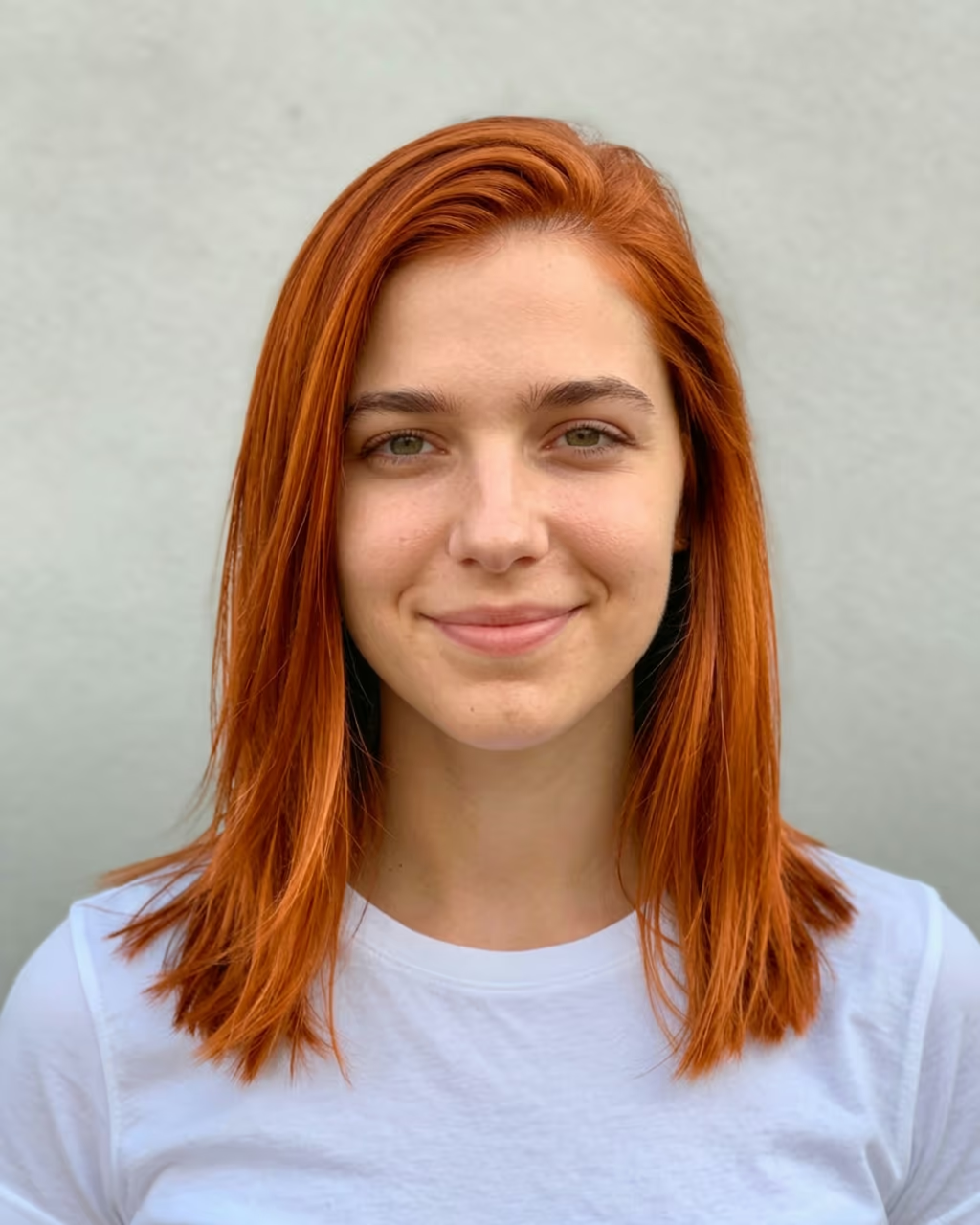
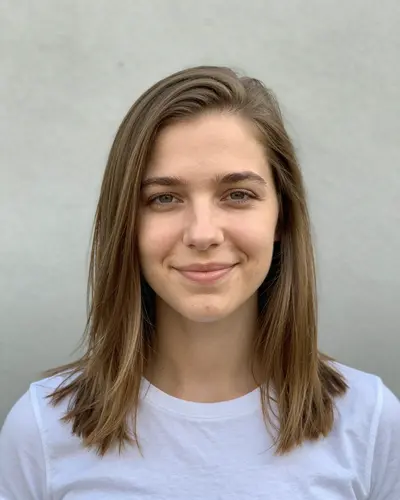
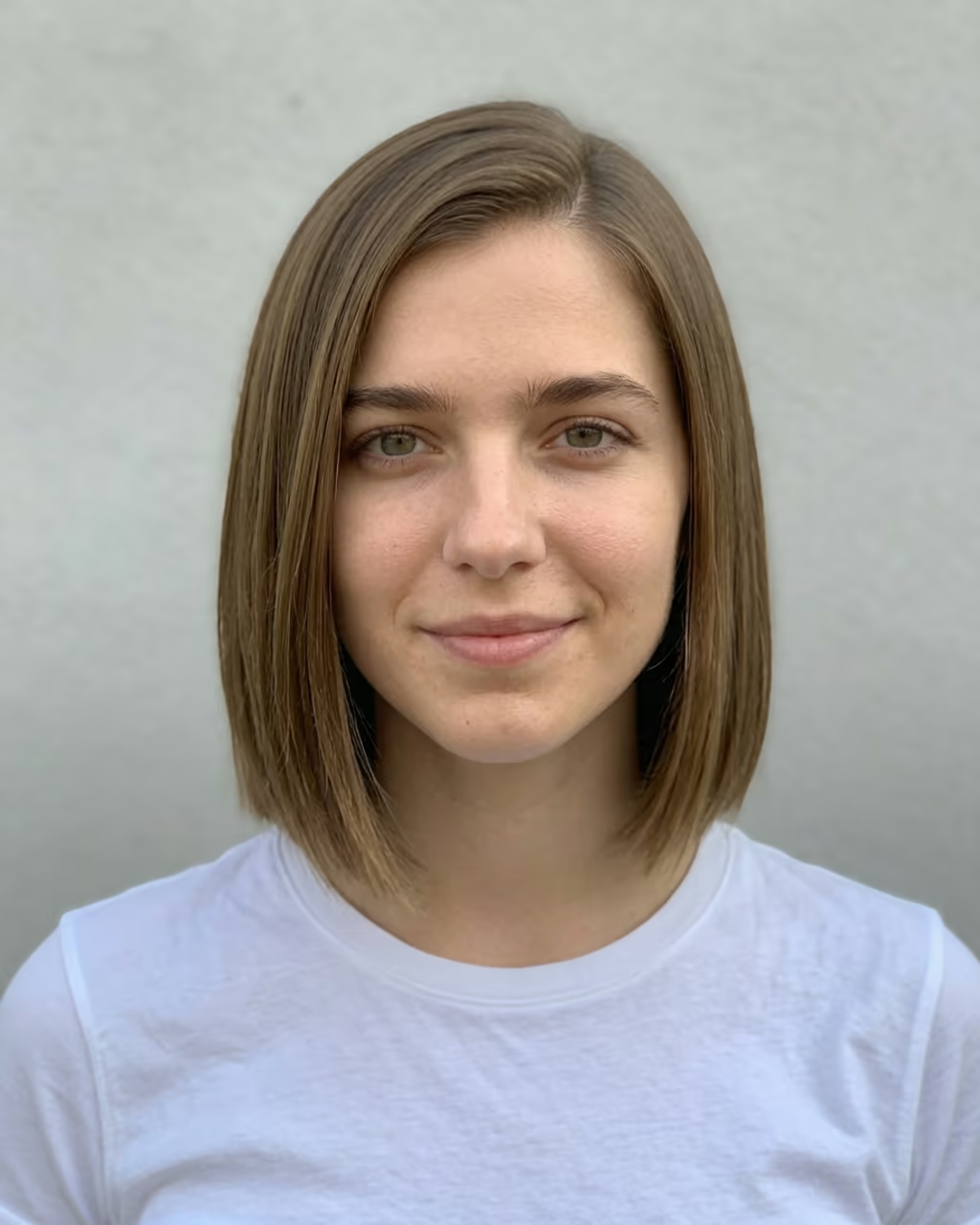
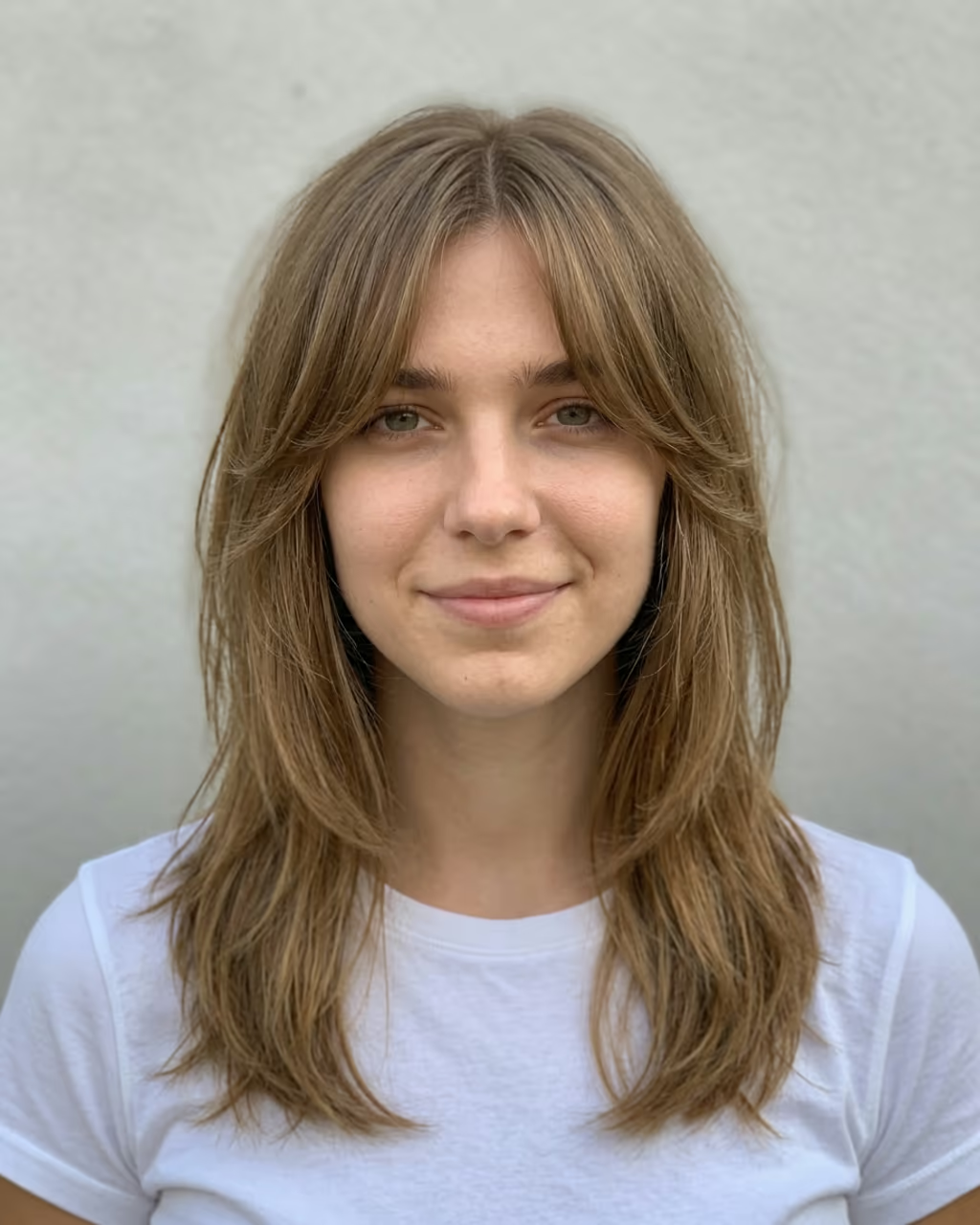
The AI hair color changer recolours your own hair in a photo and leaves everything else alone. Upload a selfie, tap a shade (jet black, dark brown, chestnut, honey blonde, ash blonde, platinum, copper, auburn, burgundy, silver grey, pastel pink, lavender or blue) or type any colour you have in mind, and in about 15 seconds you see yourself with it. Your haircut, length, texture and parting stay exactly the same, and so do your face, clothes and background.

That is the difference from a hairstyle changer: here only the colour moves, so you can judge the shade against your skin tone and eyes without a new cut getting in the way. The result is drawn as a real salon job, with even colour from roots to ends, natural dimension and shine that follows the light in your photo, not a flat tint laid over the top.

Hair dye filters have been popular on TikTok and Instagram for years, from live camera effects to the 2026 AI hair dye trend videos. Live filters tend to bleed onto the background and lose your edges when you move. An image model works on a still photo and redraws the hair strand by strand, so the edges, flyaways and highlights look like yours.

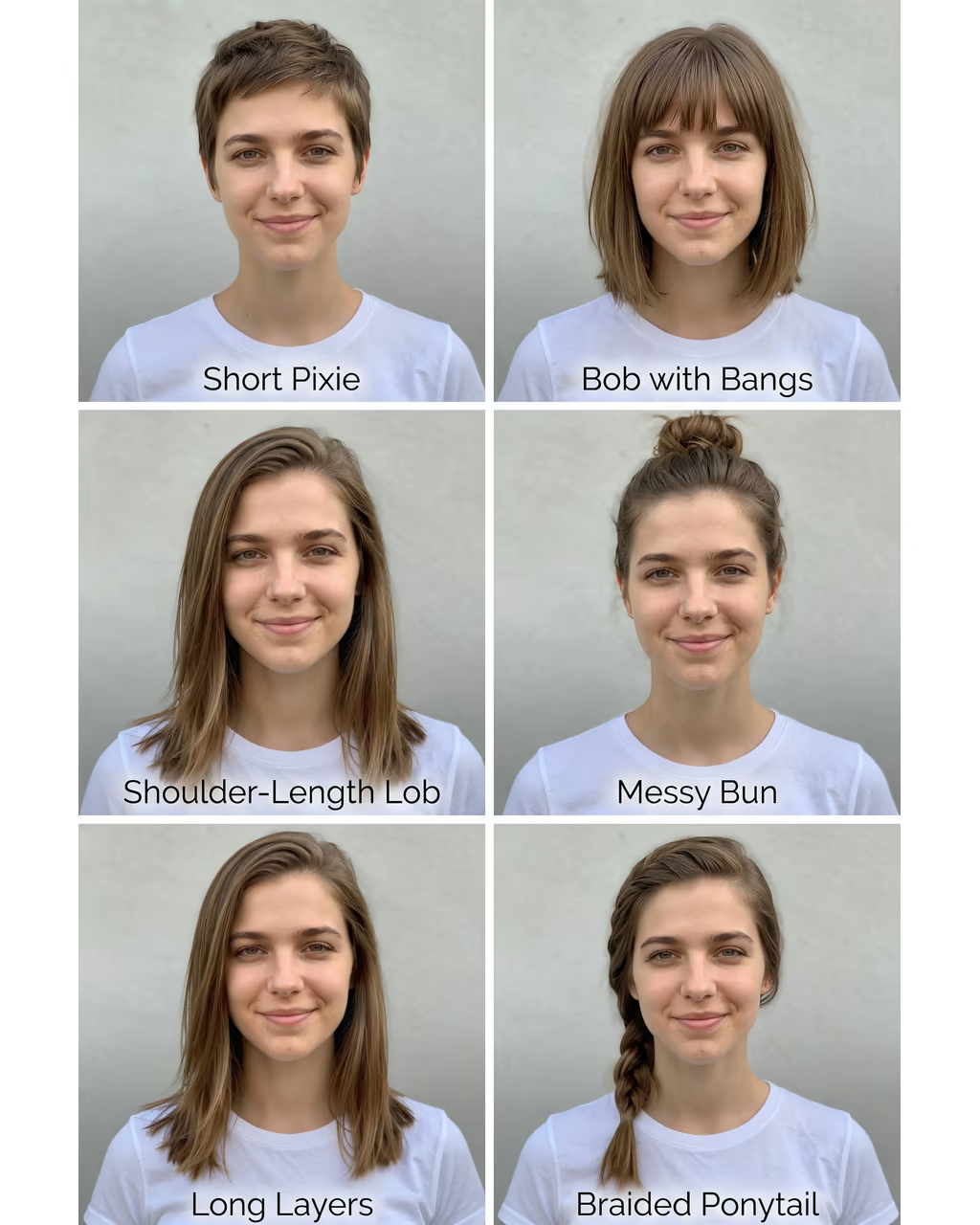
Try the same photo in three or four shades and compare. If you also want a new cut, the AI Hairstyle Changer does both at once.

Choosing a shade that suits you

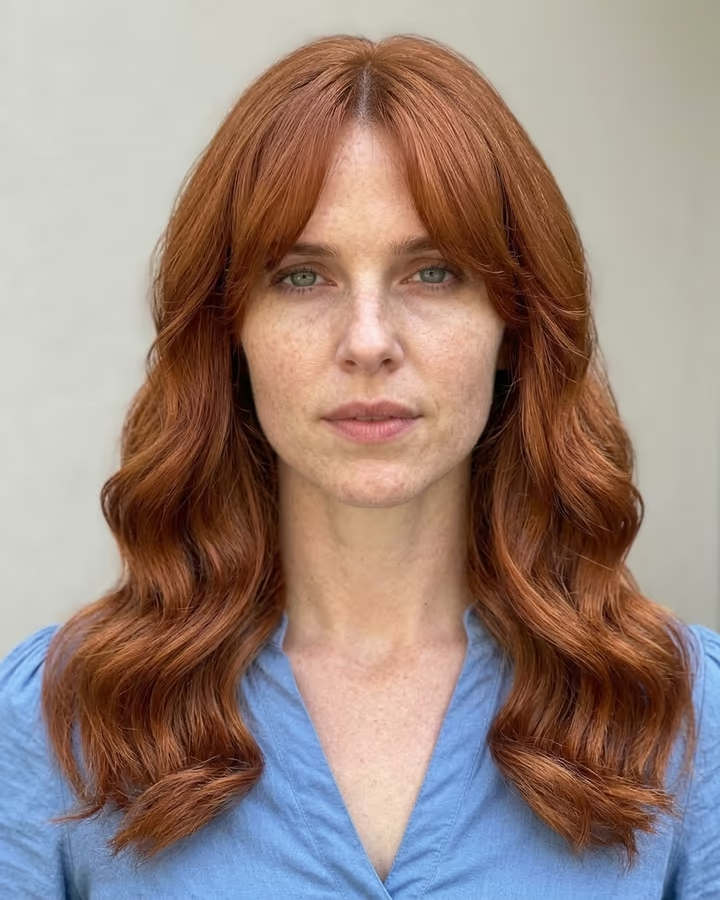
Warm shades (copper, auburn, honey blonde, chestnut) usually flatter warm or olive skin, and cool shades (ash blonde, platinum, silver, blue-black) usually flatter cool or pink undertones, but the only real test is seeing it on your face. Run one warm and one cool version first, then narrow down.

The preset shades are written as salon colours, so "honey blonde" comes with slightly darker roots and "chestnut" with soft caramel highlights. Type your own if you want something exact, for example "dark brown with face-framing money-piece highlights".

What it cannot tell you

The preview shows the colour, not the process. Going from dark hair to platinum can take several salon sessions, and some shades fade fast. Use the image to decide on a direction and bring it to a colourist, who can tell you what is realistic for your hair.

AI Hair Color Changer FAQ

How do I see what a hair colour would look like on me?

Upload a clear selfie, tap a shade or type a colour, and press Generate. The result shows your own haircut in the new colour in about 15 seconds.

Is it free?

New accounts get free credits for photo templates, so you can try it at no cost. More runs use credits from a pack or plan, and the cost is shown on the Generate button before you run it.

Will it change my haircut?

No. The template keeps your cut, length, texture and parting exactly and changes only the colour. For a new cut as well, use the AI Hairstyle Changer.

Can I try highlights or balayage?

Yes. Type it, for example "caramel balayage on dark brown" or "platinum money-piece highlights".

Does it work on men's hair and beards?

It recolours the hair on the head. To include the beard, type it, for example "jet black hair and beard".

Is there a watermark?

No. Images download without a watermark.

Where is my photo stored?

Uploads are stored in Firebase Storage (Google Cloud) under your account so the run can happen and the result appears in Creations. They are not public, and you can email support to request deletion. To run the effect, a copy is sent to our AI model provider (kie.ai); result files are kept for 14 days, so download what you want to keep.

More AI effects

Try the AI Hair Color Changer

Upload a photo and get your photo in seconds.

Upload photo