Skip to content

Hairstyle Try On: 6 Haircuts on Your Photo at Once

One selfie in, one image out with you in six different hairstyles side by side, so you can see which cut suits you.

Hairstyle Try-On · switch effect

Your photo

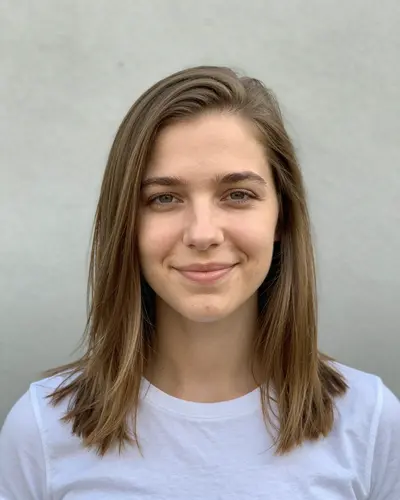
Front-facing, hair visible, one person, good light

Hairstyle set · Suits my face
Hair colour · My own colour

Cost shown before you run · failed runs are refunded

  • Ready in ~15 s
  • No watermark
  • Failed runs refunded
  • Uploads never published

How to use the Hairstyle Try On: 6 Haircuts on Your Photo at Once

  1. 01

    Upload a photo

    Your photo: Front-facing, hair visible, one person, good light. Hairstyle set: Or list your own six, separated by commas. Hair colour: a clear photo.

  2. 02

    Press Generate

    The Hairstyle Try-On effect runs on its own tuned settings. It costs 15 credits, shown on the button before you run it.

  3. 03

    Download

    Your photo is ready in about 15 seconds. Download it without a watermark.

What is the Hairstyle Try On: 6 Haircuts on Your Photo at Once?

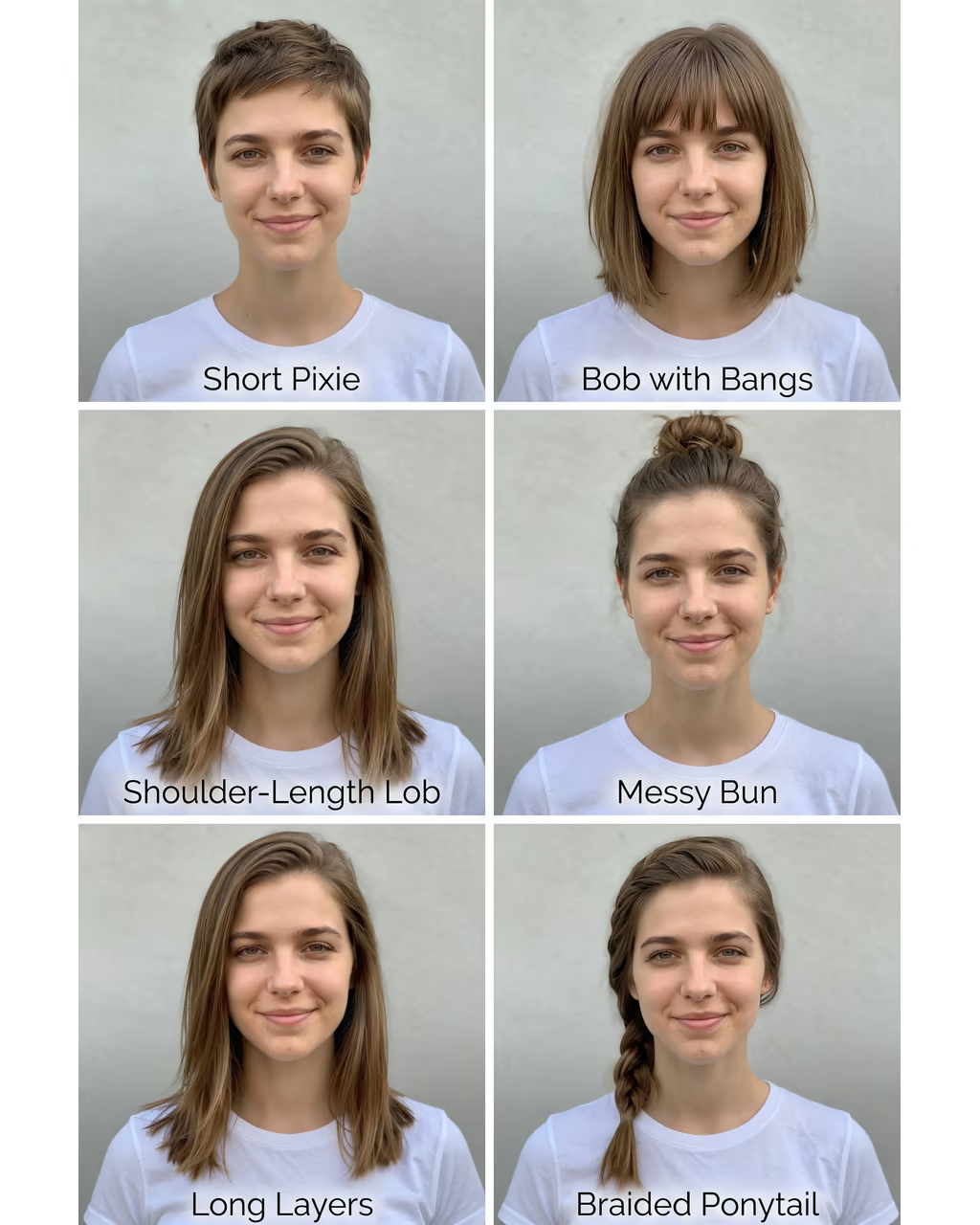
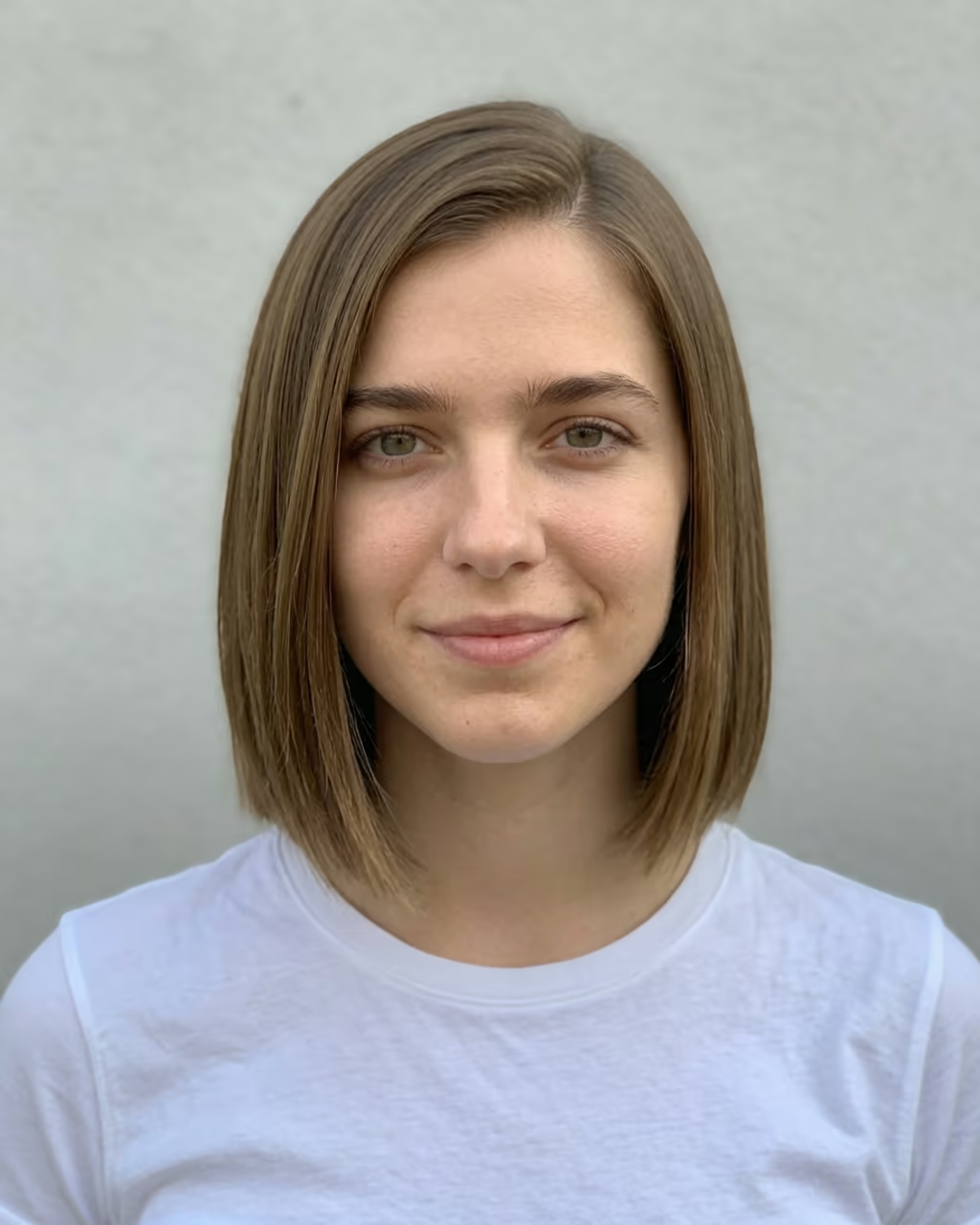
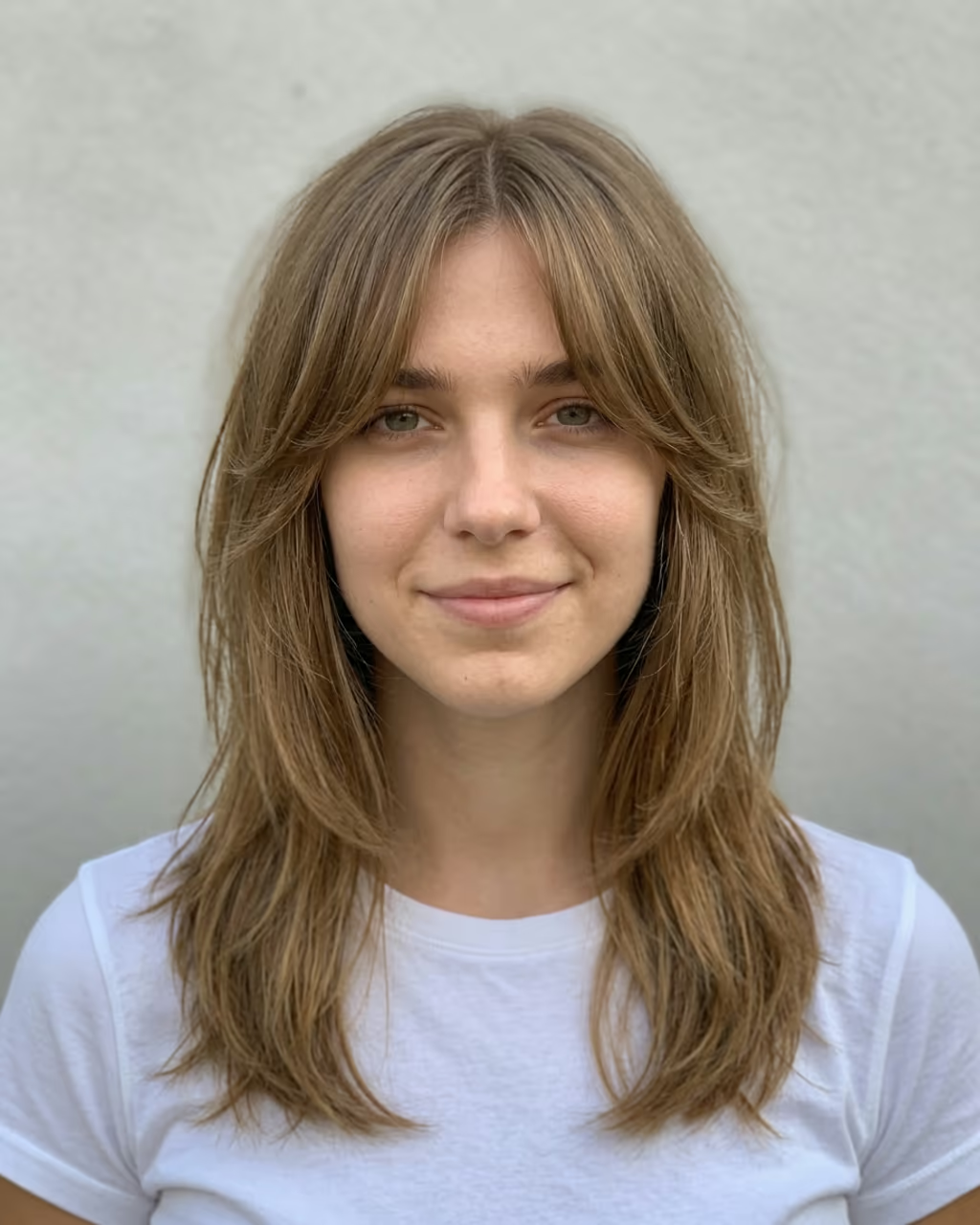
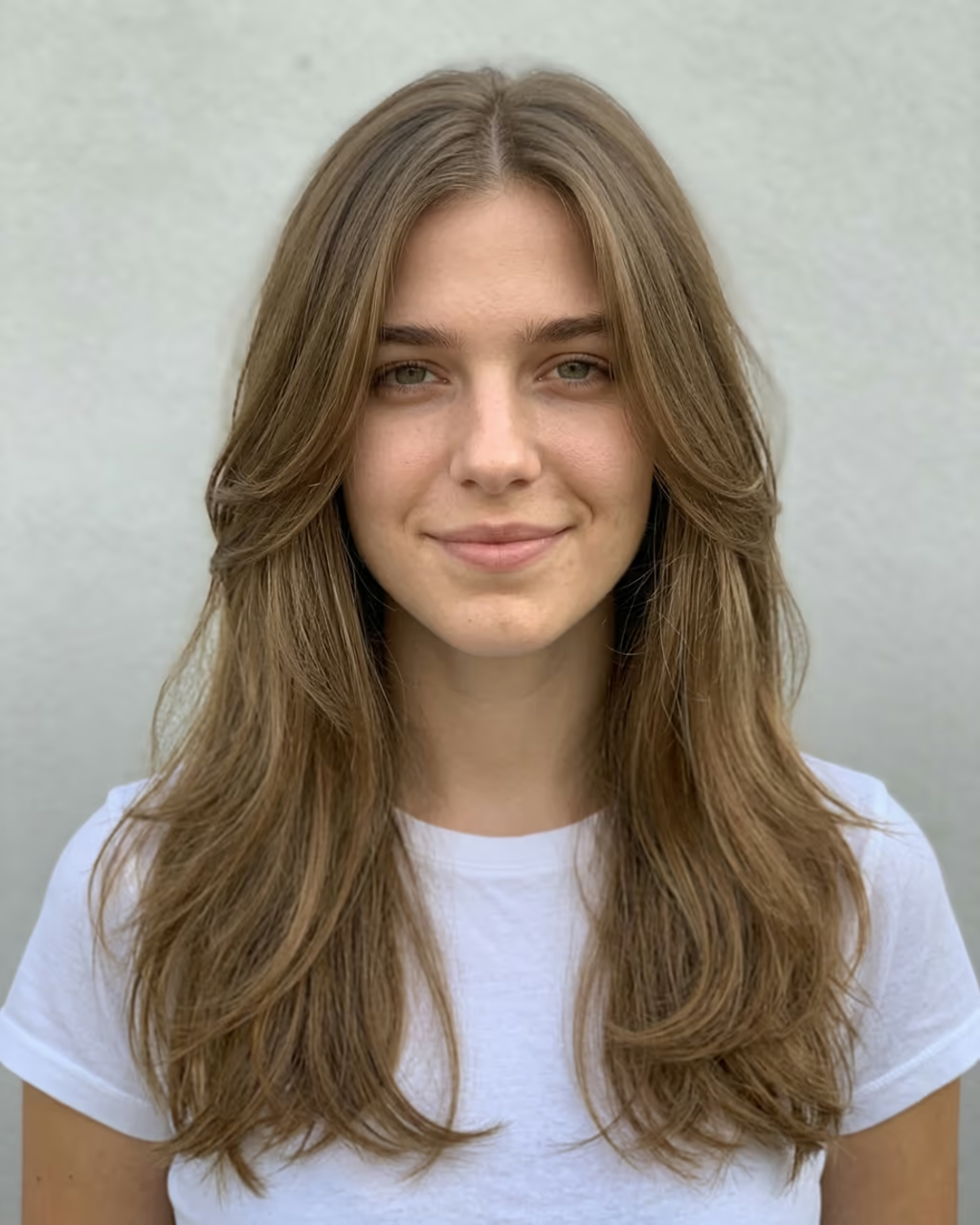
Hairstyle try on usually means running one style at a time and flipping between results. This template does six at once. Upload one selfie, pick a set and press Generate: you get a single image with you in six different haircuts side by side, all from the same angle, with the same face, clothes, background and light, and a small label under each one. It is the fastest way to answer "what hairstyle suits me?".

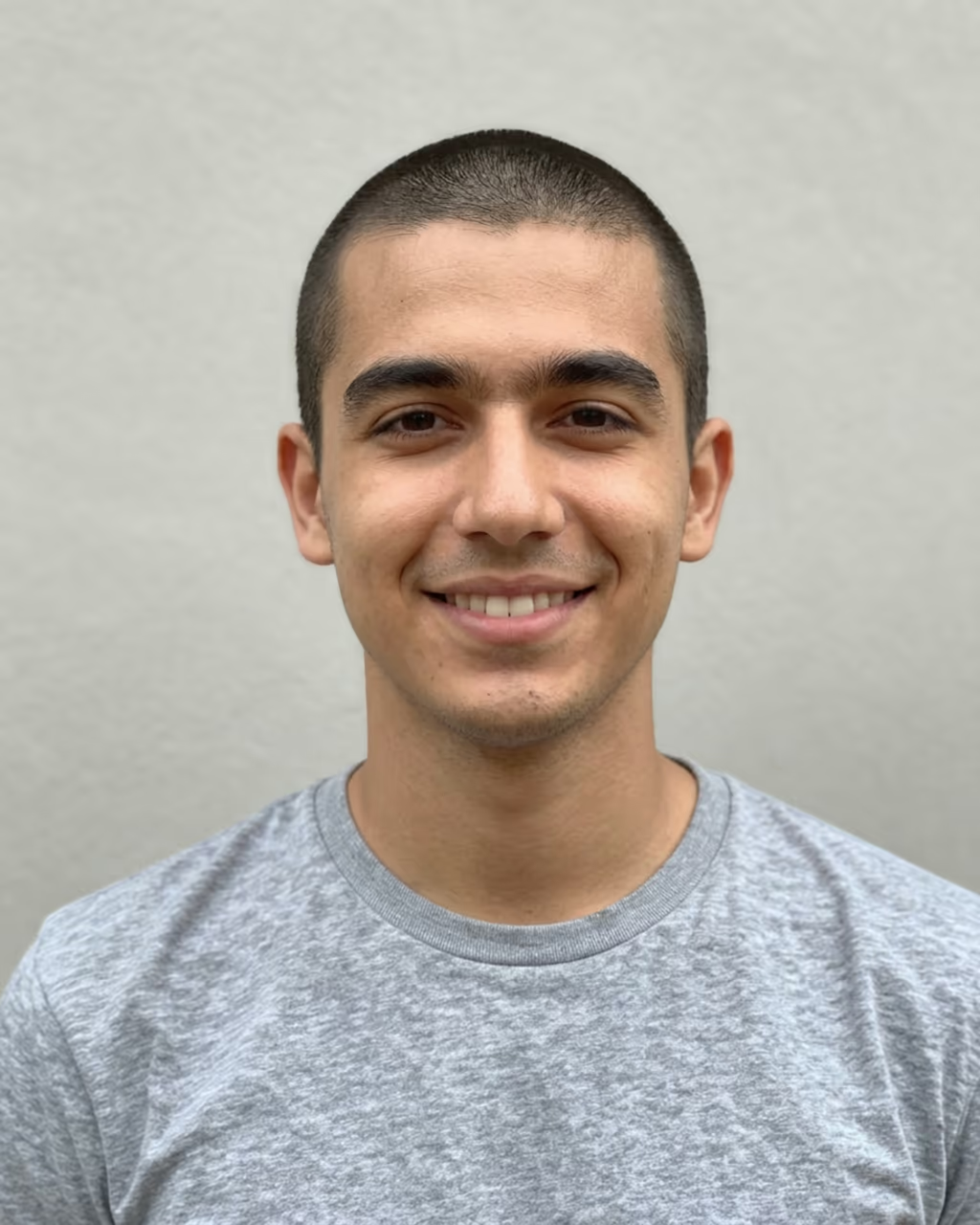
The sets are built for the questions people actually ask. "Suits my face" lets the model choose six styles that fit your face shape, from short to long. Women's favourites puts a bob, curtain bangs, a pixie, a shag, a butterfly cut and big curls next to each other. Men's cuts compares a buzz cut, a textured crop, a taper fade, a slick back, a quiff and long hair. There are sets for short cuts, long styles, curly hair and bangs too, or you can type your own list of six.

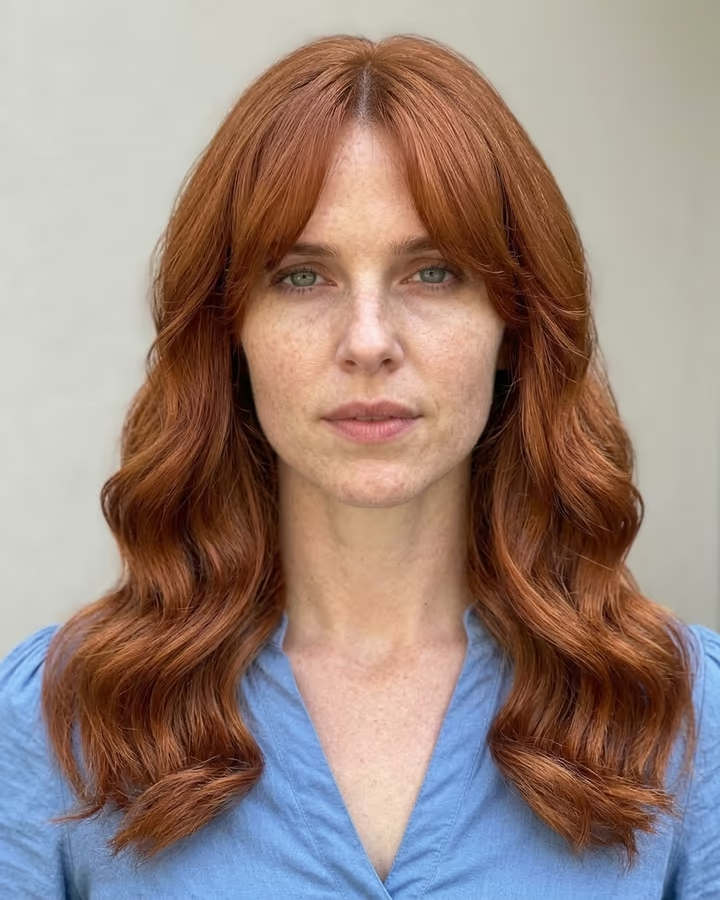
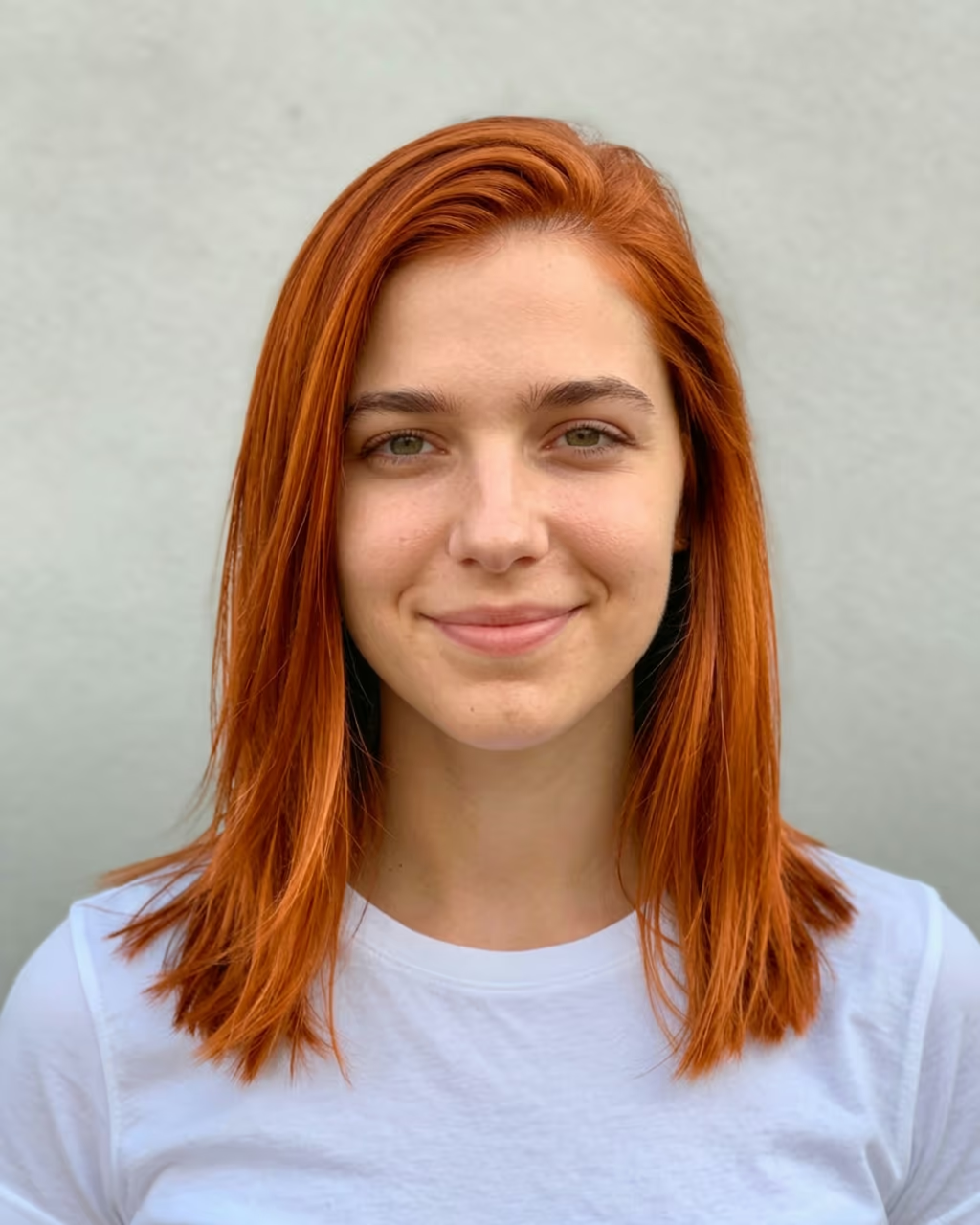
The grid format comes from the "which haircut should I get?" posts on TikTok and Instagram, where people show several looks and let followers vote. Here the grid is one ready-to-post image, rendered in high resolution so each face stays clear. Add a hair colour if you want every style in the same new shade.

When one style stands out, open it in the AI Hairstyle Changer for a full-size version of that cut alone.

How the grid is built

The template asks the image model for one collage of six square tiles, two across and three down, each showing you from the same front angle with a different hairstyle and a short caption. Because all six come from the same pass over your photo, the face, clothing and light match from tile to tile, so the only thing that changes is the hair. That is what makes the comparison fair.

It runs at a higher resolution than the single-style templates so that six faces still have enough detail, which is why it costs a little more per run.

From grid to full-size photo

A grid is for choosing. When you have a favourite, open the AI Hairstyle Changer, pick the same style (or type it) and you get one full-size photo of you with that cut to keep or bring to your stylist. For colour only, use the AI Hair Color Changer.

Hairstyle Try On: 6 Haircuts on Your Photo at Once FAQ

How do I try on hairstyles virtually?

Upload a front-facing selfie, choose a set such as Women's favourites or Men's cuts and press Generate. You get one image with you in six hairstyles side by side.

Can the AI pick hairstyles that suit my face?

Yes. The default set, Suits my face, asks the model to choose six styles that fit your face shape and gender, from short to long.

Can I choose my own six hairstyles?

Yes. Type them in the box, separated by commas, for example "wolf cut, lob, pixie, braids, curtain bangs, buzz cut".

Is it free?

New accounts get free credits for photo templates, so you can try it at no cost. More runs use credits from a pack or plan, and the cost is shown on the Generate button before you run it.

Why does it cost more than one hairstyle?

Six faces in one image need a higher resolution to stay sharp, so the grid runs on the HD setting. The exact cost is on the Generate button.

Is there a watermark?

No. Images download without a watermark.

Where is my photo stored?

Uploads are stored in Firebase Storage (Google Cloud) under your account so the run can happen and the result appears in Creations. They are not public, and you can email support to request deletion. To run the effect, a copy is sent to our AI model provider (kie.ai); result files are kept for 14 days, so download what you want to keep.

More AI effects

Try the Hairstyle Try On: 6 Haircuts on Your Photo at Once

Upload a photo and get your photo in seconds.

Upload photo