Skip to content

AI Caricature Trend: Turn Your Photo Into a 3D Caricature

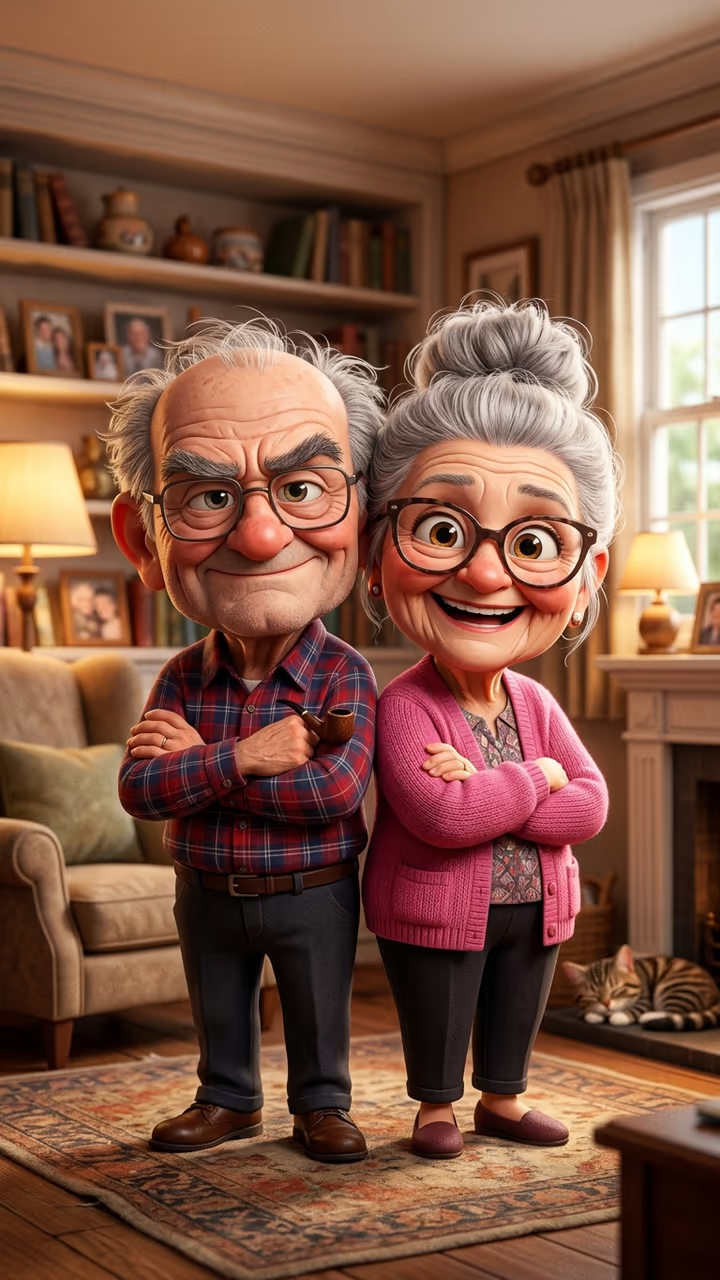
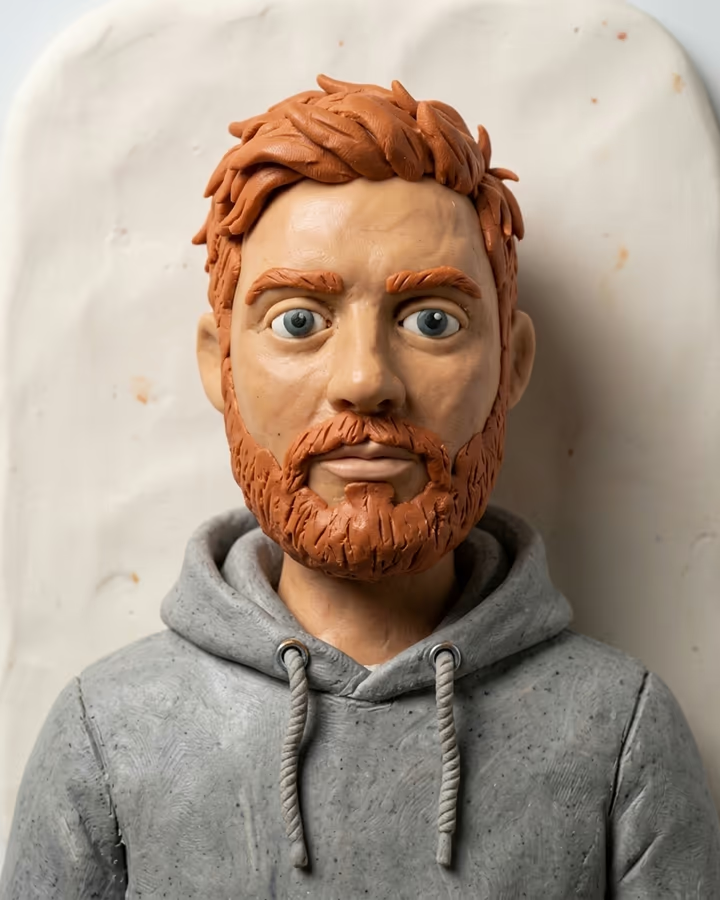
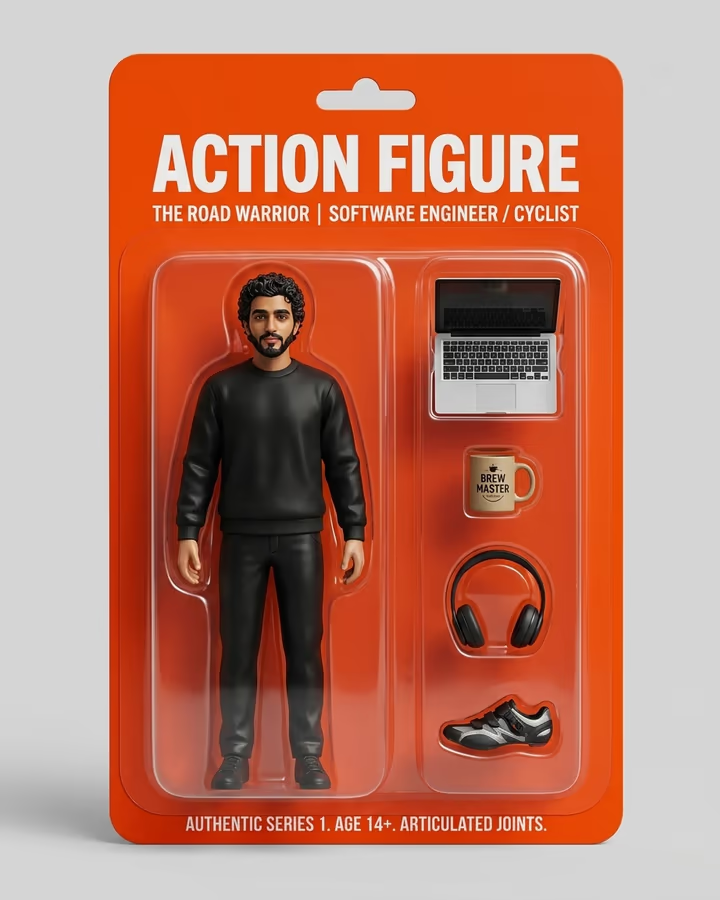
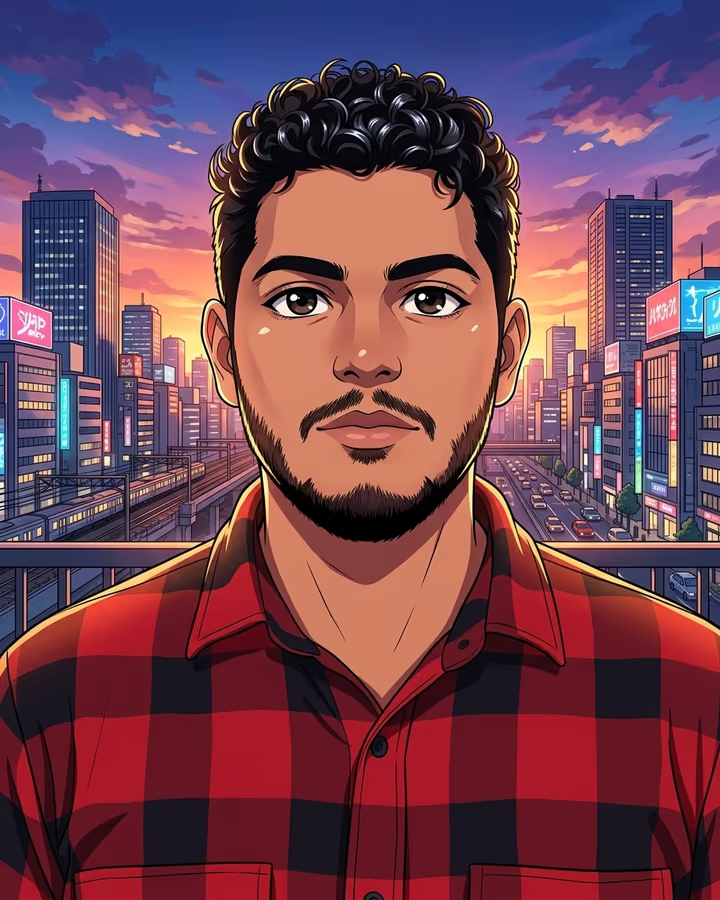
One photo of you, or of the two of you, becomes a warm, funny 3D caricature where you are decades older: big heads, grey hair, glasses and smile wrinkles, same clothes and same pose.

AI Caricature · switch effect

Your photo

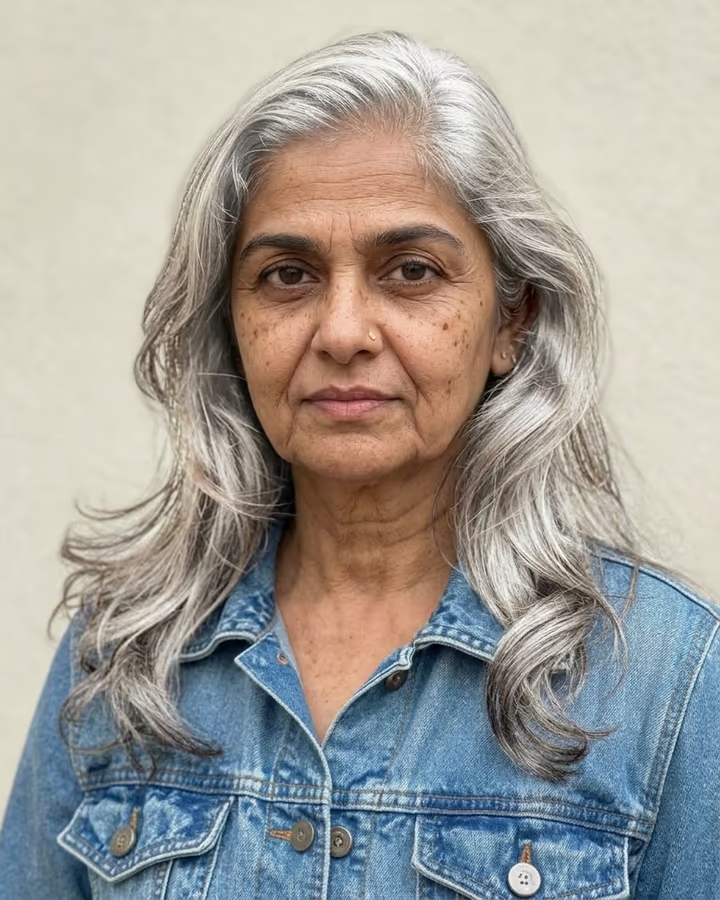
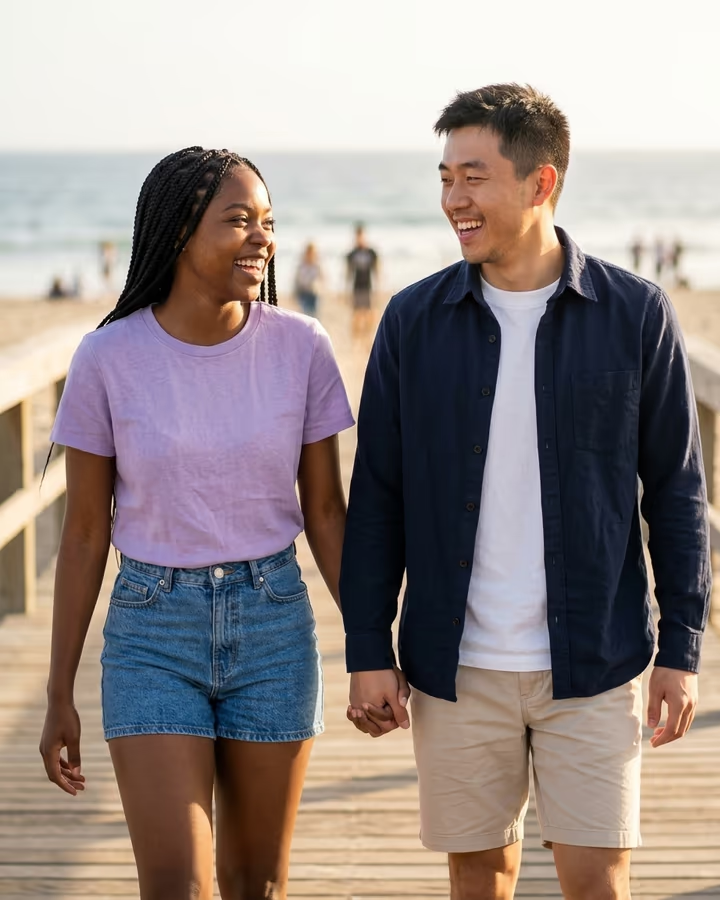
You alone, or you and your partner. Adults only, faces clear, waist up or full body.

Cost shown before you run · failed runs are refunded

  • Ready in ~15 s
  • No watermark
  • Failed runs refunded
  • Uploads never published

This trend on Instagram & TikTok

The most-watched videos of this trend, shown with credit and a link to each original post. Videos belong to their creators; they were not made with Soracai.

  1. 1

    @ggchong88

    Trend video

    TikTok

    243K views · 1,466 likes · October 22

    Couples as 3D caricatures, decades older

    Watch on TikTok ↗
  2. 2

    @mrs.derr

    Trend video

    TikTok

    161K views · 1,906 likes · October 18

    The wedding-day couple at 80

    Watch on TikTok ↗

How to use the AI Caricature Trend: Turn Your Photo Into a 3D Caricature

  1. 01

    Upload a photo

    Your photo: You alone, or you and your partner. Adults only, faces clear, waist up or full body.. Extra details (optional): e.g. not older, keep our real age; grumpy faces; at the beach.

  2. 02

    Press Generate

    The AI Caricature effect runs on its own tuned settings. It costs 10 credits, shown on the button before you run it.

  3. 03

    Download

    Your photo is ready in about 15 seconds. Download it without a watermark.

What is the AI Caricature Trend: Turn Your Photo Into a 3D Caricature?

The AI caricature trend turns your photo into a warm, funny 3D caricature: big head, big eyes, exaggerated features, and in the version rising now, you decades older, grey and wrinkled, either grumpy or very pleased with yourself. Upload one photo of yourself, or of the two of you, and this template makes the caricature.

Caricatures have always done well on TikTok, from street artists drawing tourists with huge heads to AI. A cartoon caricature effect how-to passed 1.2 million views in January 2026 and another passed 2.8 million in June. The new wave is the "old" caricature: couples post a wipe from their real photo to their 3D caricature selves at 80, under captions like "growing old together". A wedding-day couple from 18 October reached 160,000 views, and on 22 October a wave of how-to videos started; the biggest passed 240,000 views in two days.

The template keeps your face features, clothes, tattoos and pose, makes everyone about 40 years older and redraws the photo, background included, as a 3D caricature. The result is a vertical 9:16 image made with Nano Banana 2, with no watermark. Type a wish if you want your real age or a different look. The trend videos on this page are credited to their creators; the poster image is AI-generated.

Why the old version took off

Seeing yourself at 80 is funny and a little sweet at the same time, and it works best as a couple. The big caricature head keeps it a joke, so people share it instead of hiding it.

Make it a video

The trend posts wipe from the real photo to the caricature. Put your photo and the result in TikTok or CapCut with a wipe transition, or post them as a two-photo carousel.

AI Caricature Trend: Turn Your Photo Into a 3D Caricature FAQ

How do I make the AI caricature trend?

Upload one clear photo of yourself or of you and your partner and press Generate. You get a 3D caricature of the same photo where everyone is about 40 years older.

Is it free?

New accounts get free credits for photo templates, so you can try it at no cost. More runs use credits from a pack or plan, and the cost is shown before you generate.

Can I keep my real age?

Yes. Type "keep our real age" in the details box and the template draws a classic caricature without the ageing.

Does it work with a group photo?

It works best with one or two adults. With more people the faces get smaller and the likeness drops.

Is this affiliated with CapCut or TikTok?

No. Soracai is not affiliated with CapCut, TikTok or the creators of the caricature clips.

Is there a watermark?

No. Images download without a watermark.

Where is my photo stored?

Uploads are stored in Firebase Storage (Google Cloud) under your account so the run can happen and the result appears in Creations. They are not public, and you can email support to request deletion. To run the effect, a copy is sent to our AI model provider (kie.ai); result files are kept for 14 days, so download what you want to keep.

More AI effects

Try the AI Caricature Trend: Turn Your Photo Into a 3D Caricature

Upload a photo and get your photo in seconds.

Upload photo