
Skip to content

AI Outfit Flat Lay Video Generator: Your Fit Check From Above

Upload a photo (and up to three outfits) and you lie on the rug while the camera looks straight down, each swipe of the lens revealing a new fit.

Outfit Flat Lay Video · switch effect

Your photo

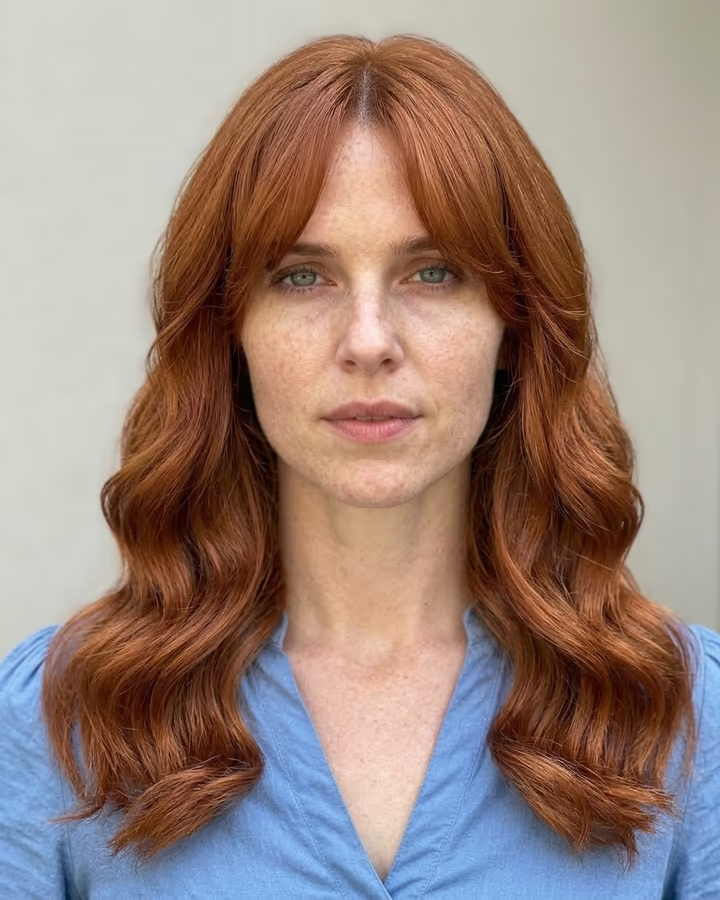
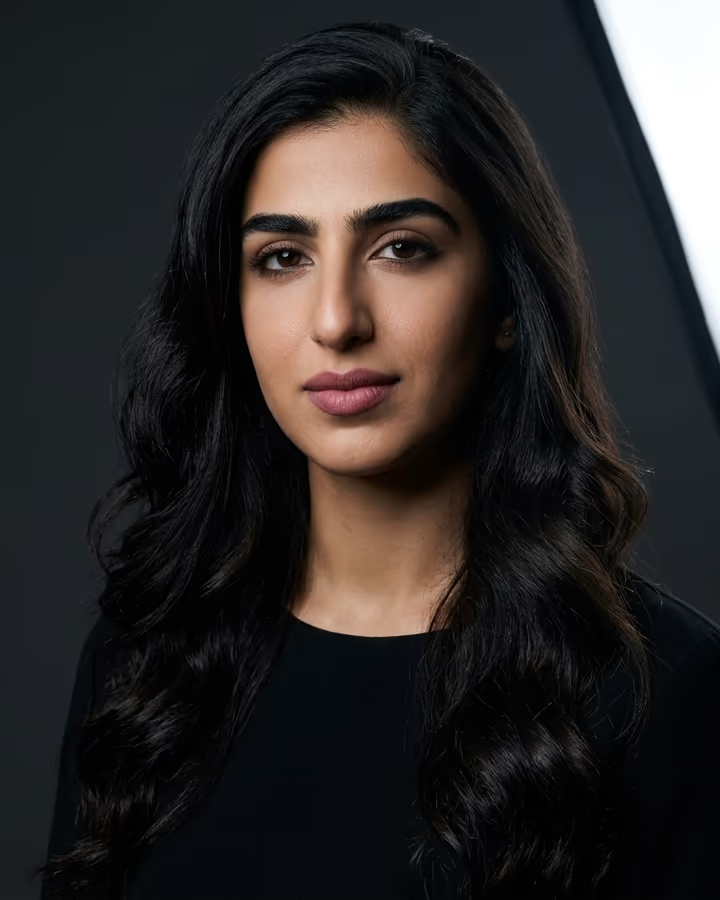
One adult, full body, face clear

Outfit 1 (optional) (optional)

A photo of an outfit or a garment laid flat

Outfit 2 (optional) (optional)

A photo of an outfit or a garment laid flat

Outfit 3 (optional) (optional)

A photo of an outfit or a garment laid flat

Cost shown before you run · failed runs are refunded

  • Ready in 1–3 min
  • No watermark
  • Failed runs refunded
  • Uploads never published

This trend on Instagram & TikTok

The most-watched videos of this trend, shown with credit and a link to each original post. Videos belong to their creators; they were not made with Soracai.

  1. 1

    @speedingdragonfly1654

    Higgsfield remake

    Higgsfield

    888 views · 847 likes · October 15

    Overhead fit check, recast

    Watch on Higgsfield ↗
  2. 2

    @inioluwa20

    Higgsfield remake

    Higgsfield

    5 views · 1 likes · October 28

    Overhead fit check, recast

    Watch on Higgsfield ↗
  3. 3

    @hofamily

    Higgsfield remake

    Higgsfield

    3 views · 0 likes · October 28

    Overhead fit check, recast

    Watch on Higgsfield ↗

How to use the AI Outfit Flat Lay Video Generator: Your Fit Check From Above

  1. 01

    Upload your photos

    Your photo: One adult, full body, face clear. Outfit 1 (optional): A photo of an outfit or a garment laid flat. Outfit 2 (optional): A photo of an outfit or a garment laid flat. Outfit 3 (optional): A photo of an outfit or a garment laid flat.

  2. 02

    Press Generate

    The Outfit Flat Lay Video effect runs on its own tuned settings. It costs 300 credits, shown on the button before you run it.

  3. 03

    Download

    Your video is ready in one to three minutes. Download the MP4 without a watermark.

What is the AI Outfit Flat Lay Video Generator: Your Fit Check From Above?

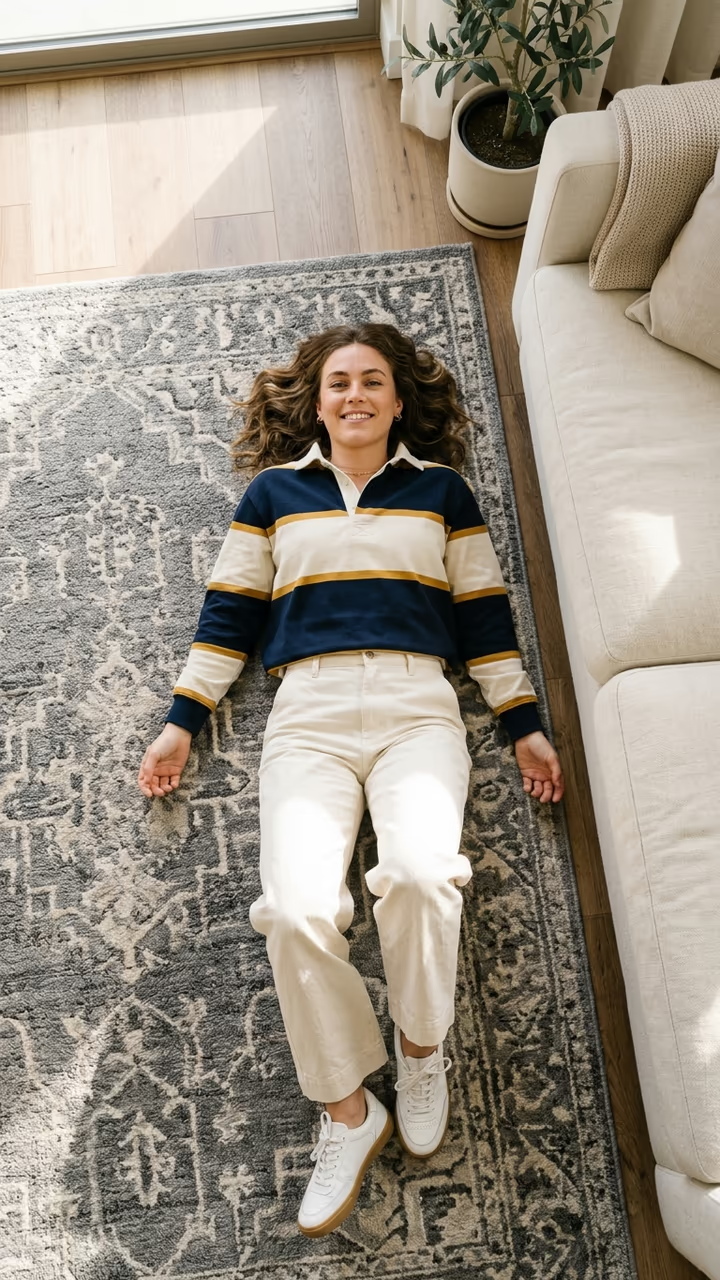
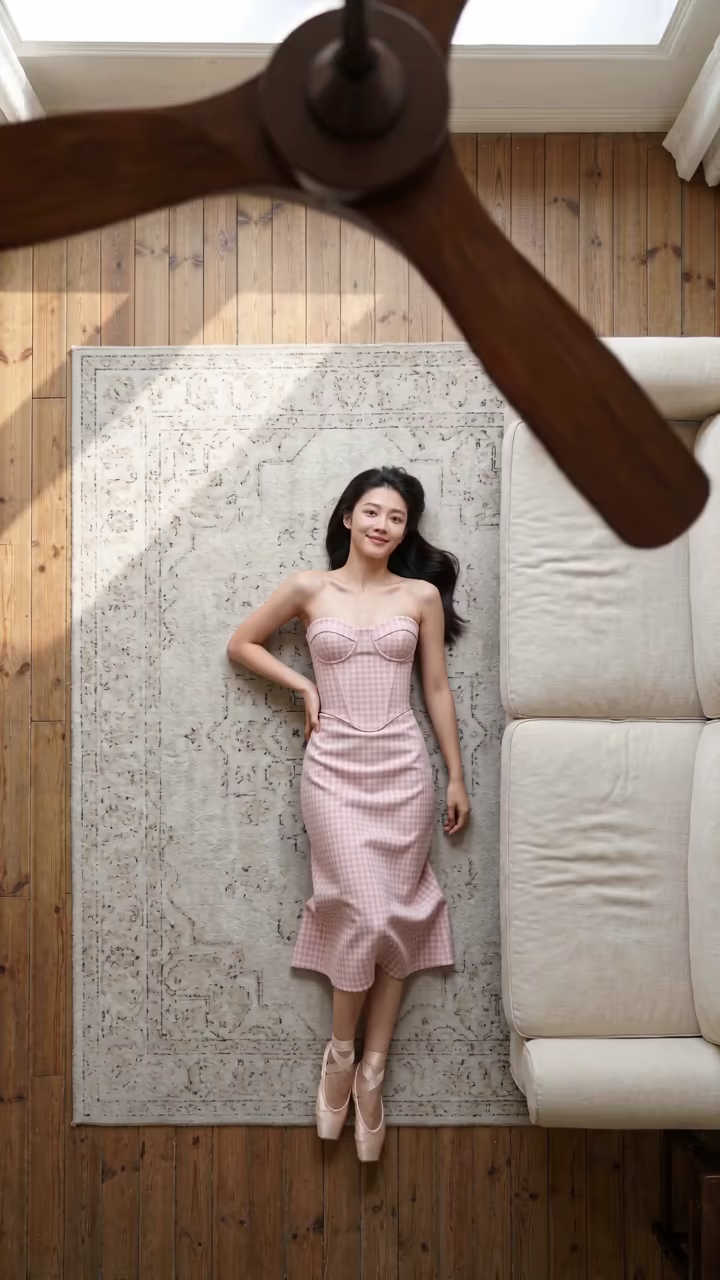
The outfit flat lay trend is a fit check filmed from the ceiling. You lie on your back on a rug next to the sofa, the camera looks straight down, and every time a hand or a piece of fabric swipes across the lens, you are wearing a new outfit in exactly the same pose: baggy denim and a hoodie, a full camo set, a striped rugby shirt with wide cream trousers. Fashion accounts made it the cleanest way to show a week of outfits, and in October 2026 it became a community template on Higgsfield.

This template does the same from your photo. The model gets the 15-second overhead clip and redoes it shot for shot with you on the rug, keeping your face, hair and build. Add up to three outfit photos (a garment laid flat or a product shot works) and they become the looks, one per swipe, in order. Without outfit photos, you start in what you wear in your photo and the rest are streetwear looks like the original.

You get a 15-second vertical video with the trend's sound on it, ready for TikTok, Reels and Shorts, with no watermark. The example videos on this page are credited to their creators on Higgsfield; the poster image is AI-generated.

How the recast works

Most photo-to-video templates start from one picture and invent the motion. This one starts from the trend clip itself: the model gets the original video and your photo, and redoes the clip shot for shot with you in it. That is why the camera, the cuts and the timing match the trend so closely. The model's own audio tends to drift, so once the video is ready we put the clip's original sound back on; the picture is untouched.

Using your own outfits

Each extra upload becomes one look. The model fits the garment to your body in the same lying pose, so shapes and colours carry over best; tiny prints and logos are simplified. For the most faithful result, photograph the clothes flat on the floor or use the shop's product photo.

AI Outfit Flat Lay Video Generator: Your Fit Check From Above FAQ

How do I make the outfit flat lay video?

Upload a full-body photo of yourself, optionally add up to three outfit photos, and press Generate. You get a 15-second overhead video where every lens swipe reveals a new outfit.

Do I need outfit photos?

No. Without them, the first look is what you wear in your photo and the others are streetwear looks like the original trend.

Does the video have sound?

Yes. The trend clip's original sound plays under it.

Is this the Higgsfield template?

It is the same idea. The overhead outfit flat lay clip became a community "make your version" template on Higgsfield in October 2026, where people swap themselves into the clip. This page makes the same recast on Soracai. Soracai is not affiliated with Higgsfield; the example videos on this page are credited to their Higgsfield creators.

How long does it take?

About 10 to 15 minutes, because the model redoes the whole trend clip frame by frame. You can leave the page; the video is saved to your Creations when it is ready.

Is it free?

Video templates use paid credits. New accounts get free credits for photo templates only. The exact cost is shown on the Generate button before you confirm.

Is there a watermark?

No watermark is added to the video.

Where is my photo stored?

Uploads are stored in Firebase Storage (Google Cloud) under your account so the run can happen and the result appears in Creations. They are not public, and you can email support to request deletion. To run the effect, a copy is sent to our AI model provider (kie.ai); result files are kept for 14 days, so download what you want to keep.

More AI effects

Try the AI Outfit Flat Lay Video Generator: Your Fit Check From Above

Upload two photos and get your video in a couple of minutes.

Upload photos