Skip to content

AI Symmetry Filter: Symmetrical Face Photo

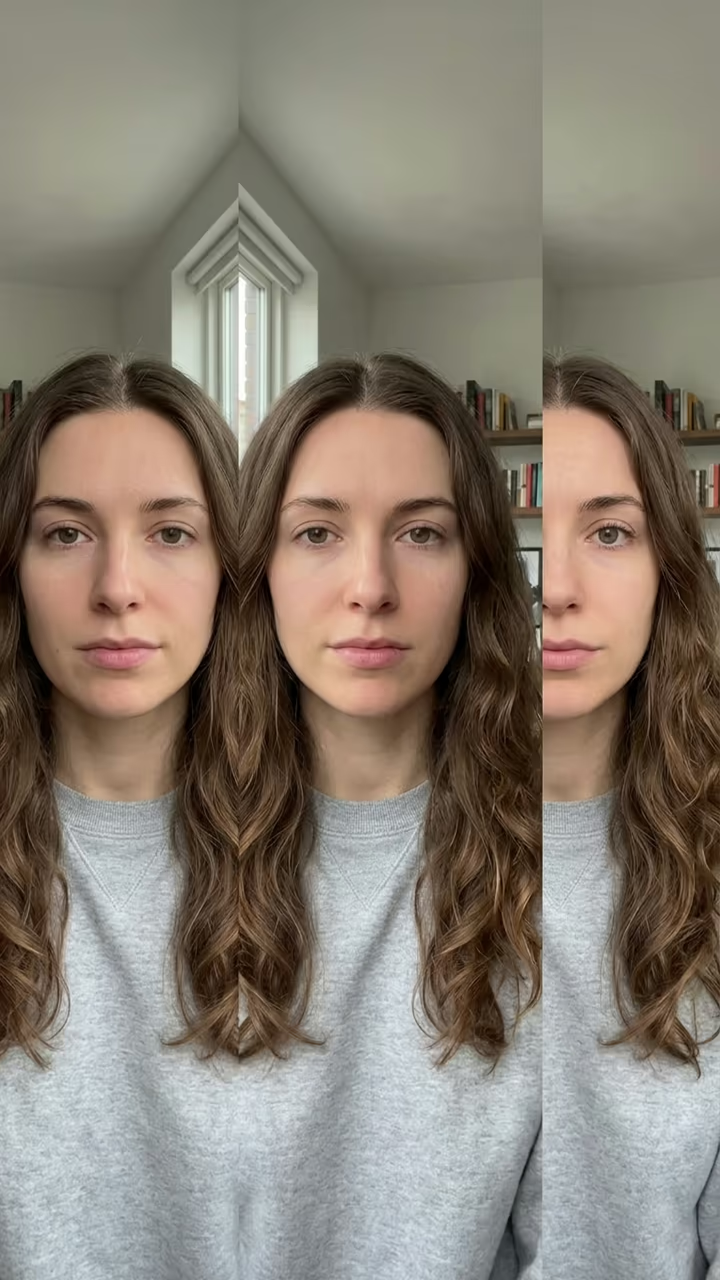
One selfie becomes the asymmetry vs symmetry comparison: your real face in the middle, a perfectly mirrored left-side face and a perfectly mirrored right-side face next to it, background mirrored too.

Symmetry Filter · switch effect

Your selfie

One adult, straight-on to the camera, face centred, even light, no tilt. Hair away from the face works best.

Cost shown before you run · failed runs are refunded

  • Ready in ~15 s
  • No watermark
  • Failed runs refunded
  • Uploads never published

This trend on Instagram & TikTok

The most-watched videos of this trend, shown with credit and a link to each original post. Videos belong to their creators; they were not made with Soracai.

  1. 1

    @lyra6773

    Trend video

    TikTok

    925K views · 35K likes · October 17

    “Asymmetry vs Symmetry”: the symmetrical face filter

    Watch on TikTok ↗
  2. 2

    @ark6269

    Trend video

    TikTok

    891K views · 23K likes · October 22

    “Your asymmetrical face does NOT make you ugly”

    Watch on TikTok ↗
  3. 3

    @zxlkjy6

    Trend video

    TikTok

    464K views · 8,652 likes · October 16

    The first symmetrical face tutorial of the wave

    Watch on TikTok ↗

How to use the AI Symmetry Filter: Symmetrical Face Photo

  1. 01

    Upload a photo

    Your selfie: One adult, straight-on to the camera, face centred, even light, no tilt. Hair away from the face works best..

  2. 02

    Press Generate

    The Symmetry Filter effect runs on its own tuned settings. It costs 10 credits, shown on the button before you run it.

  3. 03

    Download

    Your photo is ready in about 15 seconds. Download it without a watermark.

What is the AI Symmetry Filter: Symmetrical Face Photo?

The symmetry filter is the face test of October 2026: your face mirrored down its middle line, so you see what you would look like if both sides of your face were the same. People post "asymmetry vs symmetry" edits that flip between the left-side and the right-side version, and the results are strange, funny and sometimes unrecognisable. Upload one selfie and this template makes the comparison for you, as one photo.

Face symmetry videos are an old TikTok genre: in 2021 the Inverted filter had people asking "is my face symmetrical?". The new wave runs on a CapCut template called "symmetrical face". Tutorials started on 16 October 2026, and within a week three of them had passed 460,000, 890,000 and 920,000 views. Many creators add a kind message to it: every face is a little asymmetrical, and that is normal.

The template gives you three panels side by side: your real selfie in the middle, the face built from your left half on one side and the face built from your right half on the other, with the background mirrored too. The result is a vertical 9:16 photo made with Nano Banana 2, with no watermark. Your real photo stays as it is. The trend videos on this page are credited to their creators; the poster image is AI-generated.

Why the two halves look so different

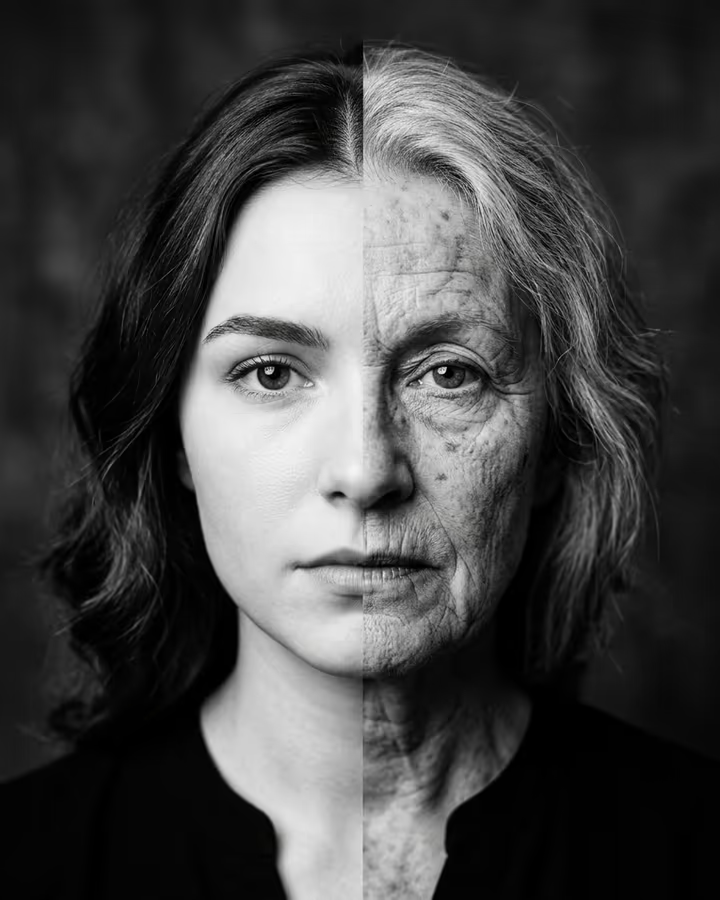
Almost no face is perfectly symmetrical: one eye sits a little higher, the smile pulls to one side, the jaw is wider on one half. Mirroring each half makes those small differences big, which is why the left-side and right-side faces can look like two different people.

Make it a video

The trend posts flip between the versions to a sound. Post the photo with a trending sound, or put your real selfie and each mirrored panel in a slideshow so they flip like the trend clips.

AI Symmetry Filter: Symmetrical Face Photo FAQ

What is the symmetry filter?

A face filter trend that mirrors your face down its middle line, showing what you would look like with two left halves or two right halves. In October 2026 it spread as "asymmetry vs symmetry" edits.

How do I use the symmetry filter with AI?

Upload one straight-on selfie and press Generate. You get one photo with your real face in the middle and the mirrored left-side and right-side versions next to it.

Is it free?

New accounts get free credits for photo templates, so you can try it at no cost. More runs use credits from a pack or plan, and the cost is shown before you generate.

Is it accurate?

It is made by an image model, not by measuring your face, so treat it as a fun edit, not a test. A straight-on, evenly lit selfie gives the closest result.

Is this affiliated with CapCut or TikTok?

No. Soracai is not affiliated with CapCut, TikTok or the creators of the symmetry clips.

Is there a watermark?

No. Images download without a watermark.

Where is my photo stored?

Uploads are stored in Firebase Storage (Google Cloud) under your account so the run can happen and the result appears in Creations. They are not public, and you can email support to request deletion. To run the effect, a copy is sent to our AI model provider (kie.ai); result files are kept for 14 days, so download what you want to keep.

More AI effects

Try the AI Symmetry Filter: Symmetrical Face Photo

Upload a photo and get your photo in seconds.

Upload photo